
PINDOWS PDS-650
PINDOWS Watch User Manual
Model: PDS-650
1. Product Overview
This manual provides essential information for the operation and maintenance of your PINDOWS Diamond Business Dress Analog Quartz Wrist Watch, Model PDS-650. This timepiece combines elegant design with reliable quartz movement, offering a sophisticated accessory for various occasions.

Front view of the PINDOWS watch, showcasing its blue dial, diamond accents, Roman numerals, and two-tone stainless steel band.

The PINDOWS watch worn on a wrist, complementing business attire, highlighting its elegant and professional appearance.
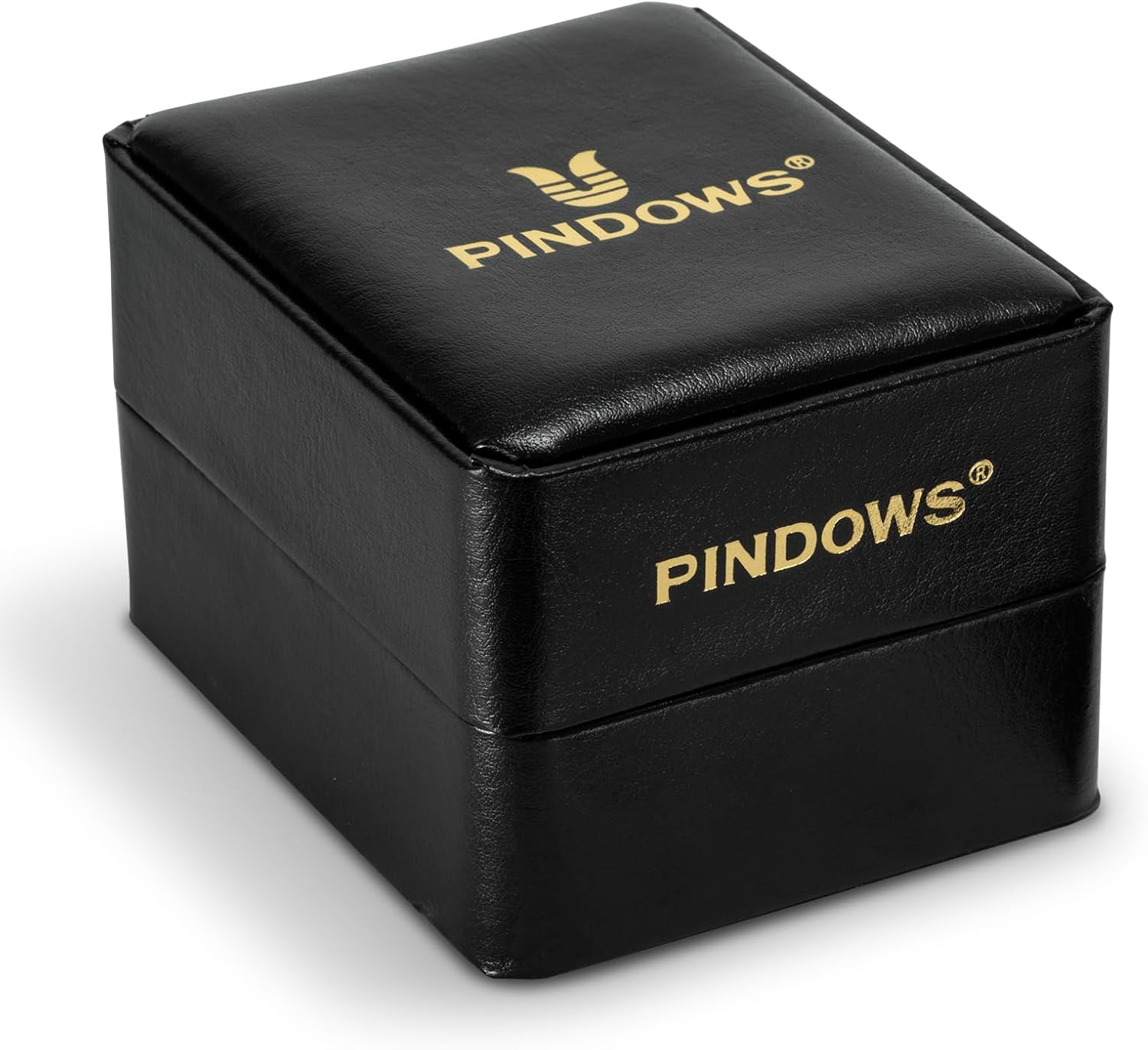
The PINDOWS watch presentation box, a black case with the brand logo in gold, indicating premium packaging.
Key features include a high-quality imported quartz movement for accurate timekeeping, a durable 316L stainless steel two-tone band, and a rhombic coated glass mirror. The watch also features a date display, luminous hands and markers, and 30M water resistance.
2. Setup and Initial Use
2.1 Unboxing
Carefully remove the watch from its packaging. Inspect the watch for any visible damage. The package should include the PINDOWS watch and this user manual.
2.2 Setting the Time and Date
- Pull out the Crown: Locate the crown on the right side of the watch case. Gently pull the crown out to the first click position to set the date, or to the second click position to set the time.
- Setting the Date: In the first click position, turn the crown clockwise or counter-clockwise to adjust the date. Avoid setting the date between 9 PM and 3 AM, as this may interfere with the automatic date change mechanism.
- Setting the Time: In the second click position, turn the crown to move the hour and minute hands. Set the time to the desired hour, ensuring the AM/PM is correctly accounted for if setting the date.
- Push in the Crown: Once the time and date are set, push the crown back into its original position against the watch case to start the watch movement.
3. Operating Instructions
3.1 Timekeeping
Your PINDOWS watch is equipped with a precise quartz movement, ensuring accurate timekeeping. The watch operates continuously once the crown is pushed in.
3.2 Date Display
The date window is located on the dial. The date will automatically advance once every 24 hours. If the watch has been stopped or the date is incorrect, refer to section 2.2 for manual adjustment.
3.3 Luminous Function
The hands and hour markers of your PINDOWS watch are treated with a luminous material. To activate the luminescence, expose the watch dial to a bright light source (natural or artificial) for a few minutes. The watch will then glow in low-light conditions, allowing for easy readability.

Illustration of the watch's luminous function, showing the hands and hour markers glowing in low light for enhanced visibility.
4. Maintenance and Care
4.1 Water Resistance
Your PINDOWS watch is rated for 30 meters (3 ATM) water resistance. This means it is suitable for daily use, such as hand washing, splashes, and rain. It is not suitable for showering, bathing, swimming, diving, or any water sports. Avoid operating the crown or pushers when the watch is wet.

Visual representation of the watch's 30-meter water resistance, suitable for splashes, hand washing, and rain.
4.2 Cleaning
To clean your watch, wipe the case and band with a soft, dry cloth. For the stainless steel band, a slightly damp cloth can be used, followed by a dry cloth. Avoid using chemical cleaners, solvents, or abrasive materials, as these can damage the watch's finish.
4.3 Battery Replacement
The quartz movement is powered by a battery designed to last 2-3 years. When the watch stops or the second hand begins to skip, it indicates a low battery. Battery replacement should be performed by a qualified watch technician to ensure proper sealing and water resistance.
4.4 Storage
When not wearing your watch, store it in a cool, dry place, away from direct sunlight, extreme temperatures, and strong magnetic fields. The original watch box is ideal for storage.
5. Troubleshooting
| Problem | Possible Cause | Solution |
|---|---|---|
| Watch not running or running intermittently. |
|
|
| Date not changing at midnight. |
|
|
| Condensation under the crystal. |
|
|
6. Specifications

Detailed product parameters for the PINDOWS watch, including dimensions and materials.
- Brand: PINDOWS
- Model Number: PDS-650
- Movement: Imported Quartz Movement
- Case Material: Stainless Steel
- Band Material: 316L Stainless Steel (Two-Tone)
- Mirror Material: Rhombic Coated Glass Mirror (High Hardness)
- Water Resistance: 30M (3 ATM) - Daily waterproof needs (splashes, rain, hand washing)
- Case Diameter: 42 mm
- Case Thickness: 12 mm
- Band Width: 20 mm
- Band Length: 22 cm
- Watch Weight: 120 g
- Luminous Function: Yes
- Date Display: Yes
7. Warranty and Support
PINDOWS is committed to providing a satisfactory shopping experience. If you encounter any problems or dissatisfaction with your watch, please do not hesitate to contact our customer service team.
We offer professional service to address any concerns you may have regarding your PINDOWS timepiece. Please refer to your purchase documentation for specific warranty terms and contact information.
For support, please visit the official PINDOWS website or contact the seller directly through the platform where the purchase was made.
Related Documents - PDS-650
 |
PINDOWS Instruction Manual (A) - Watch Operation Guide Comprehensive guide to operating your PINDOWS watch, covering button functions, time setting, alarm, stopwatch, backlight, and after-sales service. |
 |
Silver Veneen Omistajan Käsikirja: Turvallinen ja Nautinnollinen Vesilläolo Tämä Silver-veneen omistajan käsikirja tarjoaa kattavat ohjeet veneen turvalliseen käyttöön, huoltoon ja ylläpitoon. Opi maksimoimaan veneilykokemuksesi ja varmistamaan turvallisuus vesillä. |
 |
Rado Međunarodno Jamstvo i Upute za Uporabu Satova Saznajte sve o međunarodnom jamstvu za satove Rado, uključujući detaljne upute za uporabu, održavanje, materijale i specifikacije za razne modele i kalibre. Pronađite informacije o vodonepropusnosti, temperaturi i njezi vašeg Rado sata. |
 |
Siedle In-Home Bus Planning Manual: Comprehensive Guide to Door Communication Systems Explore the Siedle In-Home bus planning manual for detailed insights into designing and implementing advanced audio and video door communication systems. Covers components, installation, ranges, and functionalities for residential and commercial applications. |
 |
Rado Watch Instruction Manual and Product Information Comprehensive instruction manual for Rado watches, covering operating instructions, product information on materials, finishes, and technical specifications, warranty details, and maintenance guidelines. |