
Oraimo OEB-311
Contents
Oraimo NeckLite Wireless Neckband Earbuds
Model: OEB-311
Brand: Oraimo
Introduction
The Oraimo NeckLite Wireless Neckband Earbuds (Model OEB-311) are designed for an immersive and comfortable audio experience. Featuring Sound360 Spatial Sound, a 30-hour long playtime, and clear voice calls with 2-mic ENC technology, these earbuds are built for daily use, gaming, and communication. The IPX4 waterproof rating ensures durability against sweat and splashes, making them suitable for various activities.

Figure 1: Oraimo NeckLite Wireless Neckband Earbuds, black color.
What's in the Box
Upon opening your Oraimo NeckLite package, you should find the following items:
- Oraimo NeckLite Wireless Neckband Earbuds (Model OEB-311)
- USB Charging Cable
- Welcome Guide / User Manual
- Additional Eartips (Small and Large sizes)

Figure 2: The Oraimo NeckLite earbuds, highlighting the HavyBass sound tuning.
Product Overview
Familiarize yourself with the components and controls of your Oraimo NeckLite earbuds.

Figure 3: Close-up of the control panel on the NeckLite earbuds, showing volume and multi-function buttons, and indicating the call vibration alert feature.
Key Components:
- Neckband: Flexible and lightweight, designed to rest comfortably around your neck.
- Earbuds: Magnetic design for tangle-free storage when not in use.
- Control Panel: Integrated on the neckband, featuring power, volume, and multi-function buttons.
- Microphone: Built-in for clear voice calls.
- Charging Port: Located on the control panel.
Setup
1. Initial Charge:
Before first use, fully charge your Oraimo NeckLite earbuds. Connect the provided USB charging cable to the charging port on the neckband and plug the other end into a compatible USB power source. The indicator light will show charging status and turn off when fully charged.
2. Power On:
Press and hold the multi-function button on the control panel until the indicator light flashes, indicating the earbuds are powered on and in pairing mode.
3. Bluetooth Pairing:
- Ensure the earbuds are powered on and in pairing mode (indicator light flashing).
- On your device (smartphone, tablet, etc.), enable Bluetooth.
- Search for "Oraimo NeckLite" in the list of available Bluetooth devices.
- Select "Oraimo NeckLite" to connect. Once connected, the indicator light will stop flashing and remain solid.
4. App Installation & Connection:
For enhanced control and features, download the "Oraimo Sound" app from your device's app store (e.g., Google Play Store or Apple App Store). The app allows for equalizer adjustments, game mode activation, and dual device connection management.

Figure 4: The Oraimo NeckLite earbuds shown with a smartphone displaying the Oraimo Sound app interface, illustrating effortless control via the application.
Open the app and follow the on-screen instructions to add and connect your Oraimo NeckLite device. The app provides a quick start guide and detailed controls for various functions.
Operating Instructions
Power On/Off:
- Power On: Press and hold the multi-function button until the indicator light flashes.
- Power Off: Press and hold the multi-function button until the indicator light turns off.
Volume Control:
- Volume Up: Press the "+" button.
- Volume Down: Press the "-" button.
Call Management:
- Answer/End Call: Press the multi-function button once.
- Reject Call: Press and hold the multi-function button.
- Call Vibration Alert: The neckband will vibrate to notify you of incoming calls.
Video 1: An official product video demonstrating the Oraimo Neckband Bluetooth Earbuds, highlighting their ease of use and features like call vibration alerts and clear audio for communication.
Music Playback:
- Play/Pause: Press the multi-function button once.
- Next Track: Press and hold the "+" button.
- Previous Track: Press and hold the "-" button.
Immersive Game Mode:
Activate Game Mode via the Oraimo Sound app for enhanced in-game audio and reduced latency, providing a competitive advantage for gamers.

Figure 5: The Oraimo NeckLite earbuds shown with a smartphone running a racing game, illustrating the low-latency game mode for synchronized audio and video.
Dual Device Connection:
The Oraimo NeckLite can connect to two devices simultaneously. This feature can be managed and activated through the Oraimo Sound app, allowing seamless switching between audio sources without re-pairing.
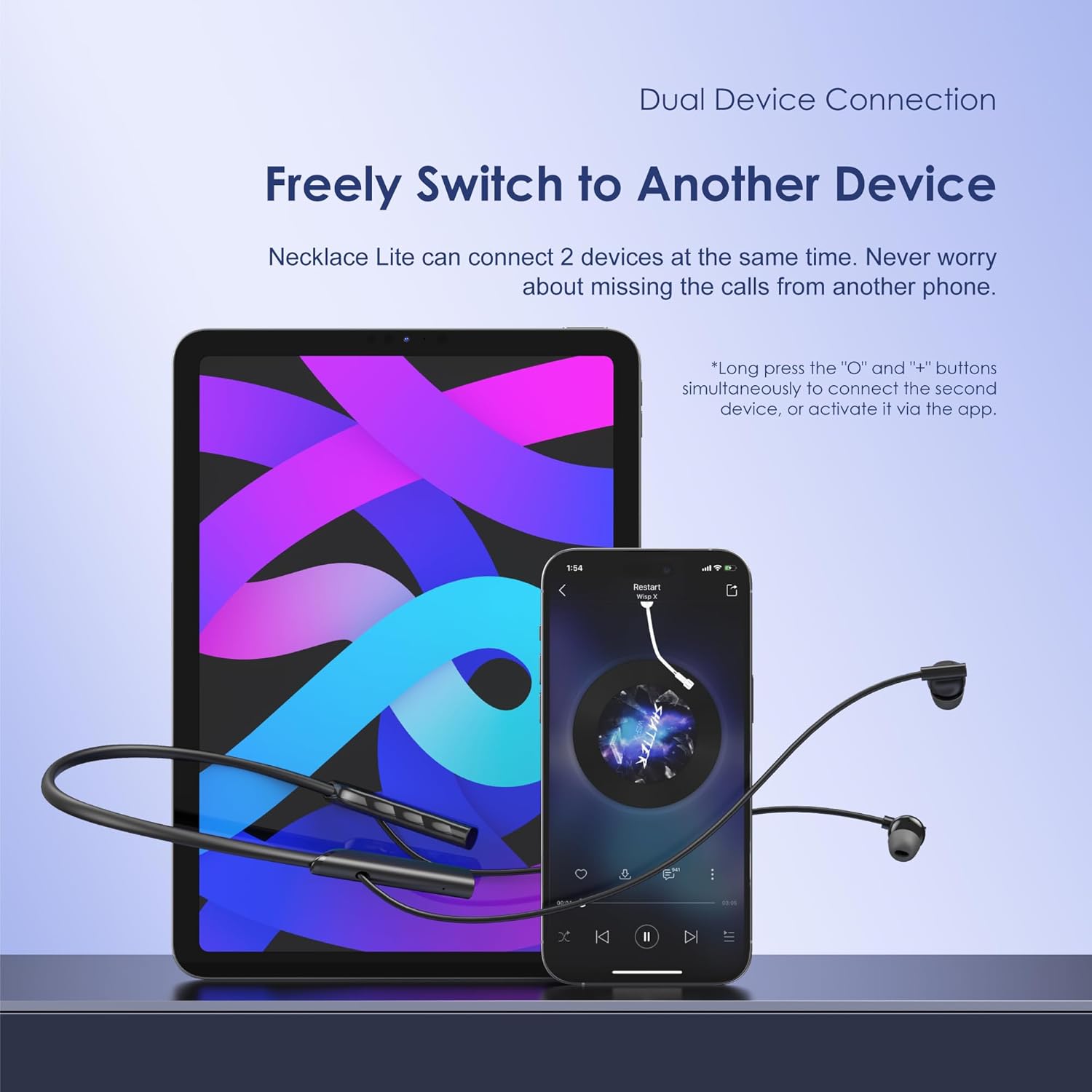
Figure 6: The Oraimo NeckLite earbuds connected to both a tablet and a smartphone, demonstrating the dual device connection capability.
Charging
To charge your Oraimo NeckLite earbuds, connect the USB charging cable to the charging port on the neckband. The indicator light will illuminate during charging and turn off when the battery is full. A full charge provides up to 30 hours of playtime.
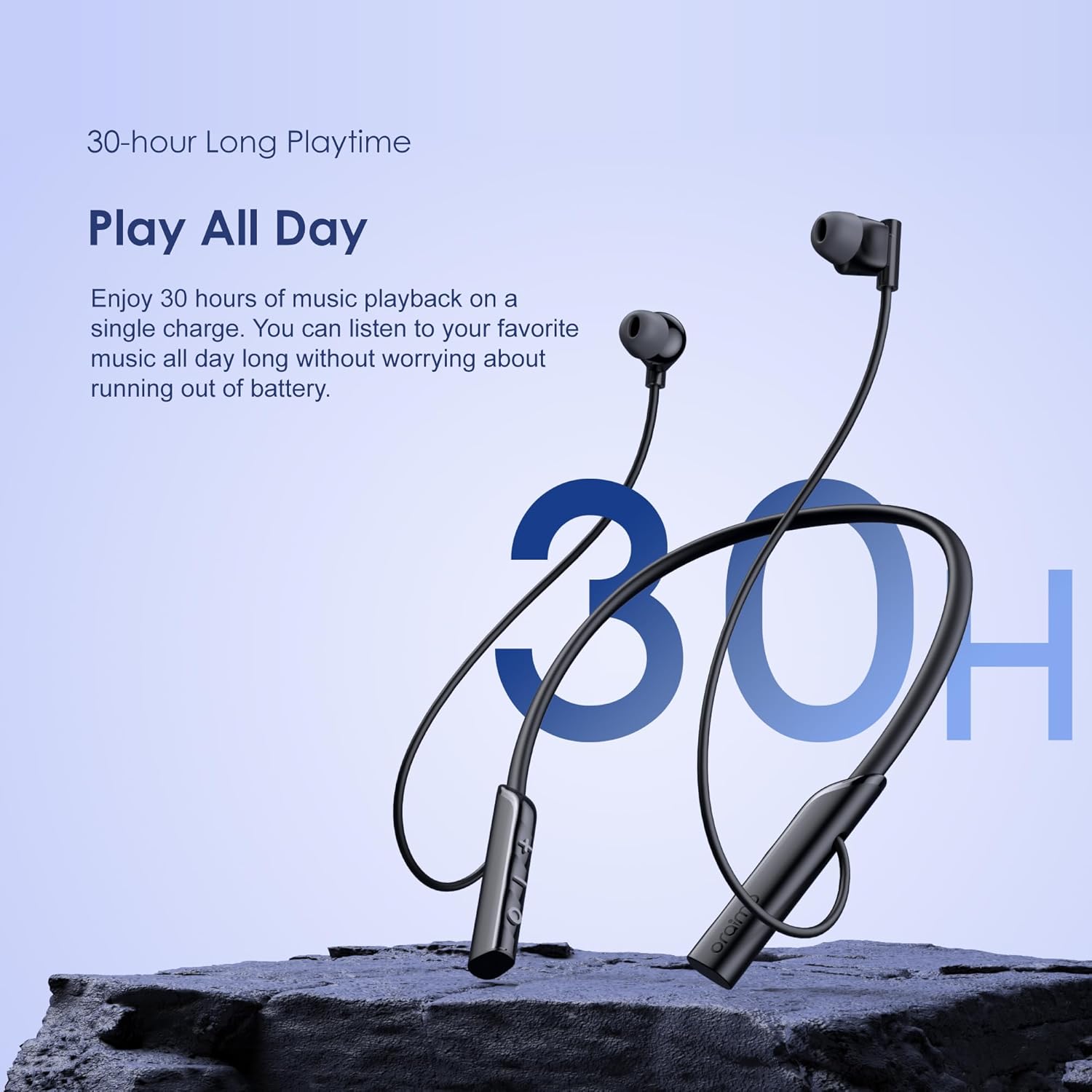
Figure 7: The Oraimo NeckLite earbuds positioned next to a large "30H" graphic, emphasizing the extended 30-hour playtime on a single charge.
Maintenance & Care
- Cleaning: Wipe the earbuds and neckband with a soft, dry cloth. Avoid using harsh chemicals or abrasive materials.
- Storage: When not in use, store the earbuds in a cool, dry place. The magnetic earbuds help prevent tangling.
- Water Resistance (IPX4): The earbuds are resistant to splashing water from any direction. Do not submerge them in water or expose them to strong jets of water. Dry thoroughly if they get wet.

Figure 8: The Oraimo NeckLite earbuds shown on a surface with water droplets, highlighting their IPX4 waterproof rating, making them suitable for workouts and light rain.
Troubleshooting
| Problem | Possible Cause | Solution |
|---|---|---|
| Cannot power on | Low battery | Charge the earbuds fully. |
| Cannot pair with device | Earbuds not in pairing mode; Bluetooth off on device; too far from device | Ensure earbuds are flashing (pairing mode). Turn device Bluetooth off/on. Move closer to device. |
| No sound | Volume too low; not connected; incorrect audio output selected | Increase volume on earbuds and device. Reconnect earbuds. Check device's audio output settings. |
| Poor call quality | Environmental noise; microphone obstructed | Move to a quieter environment. Ensure microphone is clear. |
Specifications
| Feature | Detail |
|---|---|
| Model Name | OEB-311 |
| Connectivity Technology | Wireless (Bluetooth) |
| Ear Placement | In Ear |
| Form Factor | In Ear |
| Color | Black |
| Playtime | Up to 30 hours |
| Microphone | 2-mic ENC for clear calls |
| Water Resistance | IPX4 (splash-proof) |
| Special Features | Sound360 Spatial Sound, HavyBass, Immersive Game Mode, Dual Device Connection, Call Vibration Alert, App Control |
| Item Weight | 3.2 ounces |
| Material | Plastic |
Warranty and Support
Oraimo products are designed with quality and reliability in mind. For specific warranty information, product registration, or technical support, please refer to the official Oraimo website or contact their customer service directly. Keep your purchase receipt for warranty claims.
For further assistance, visit the Oraimo Store on Amazon.
Documents and downloads
Ask a question about this manual
Ask about setup, troubleshooting, compatibility, parts, safety, or missing instructions. Manuals+ will review the question and use this page’s manual context to help answer it.