
Oraimo OTW-630
Oraimo SpaceBuds ANC Wireless Earbuds User Manual
Model: OTW-630 | Brand: Oraimo
Introduction
Welcome to your Oraimo SpaceBuds ANC Wireless Earbuds. This manual provides detailed instructions on how to set up, operate, maintain, and troubleshoot your new earbuds. Please read this manual carefully before use to ensure optimal performance and longevity of your device.
Key Features
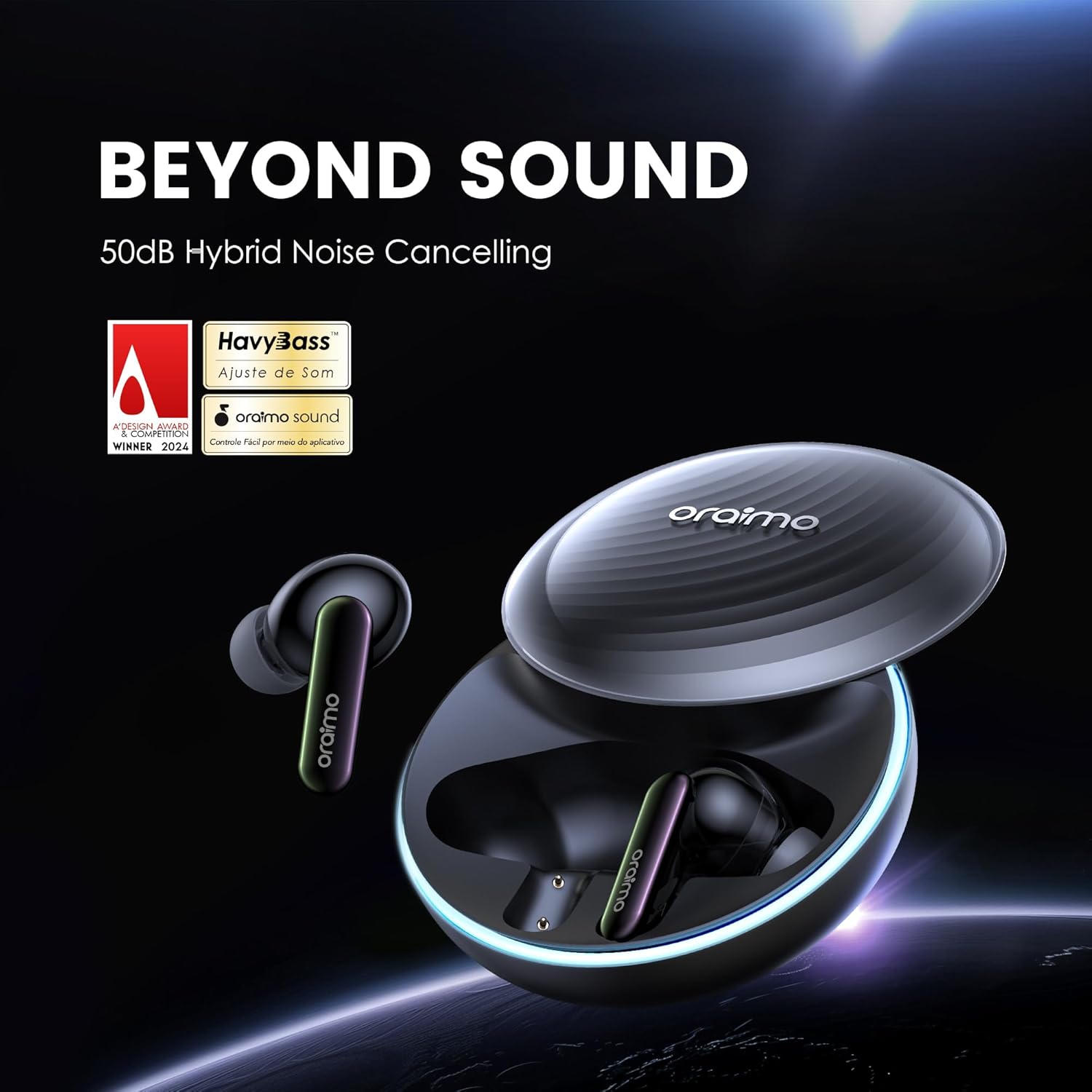
- Hybrid ANC with Up to 50dB Noise Cancellation: Immerse yourself in pure sound with Oraimo advanced Hybrid Active Noise Cancellation (ANC) technology, effectively reducing ambient noise by up to 50dB.
- Personalized Light Effect & Premium Slide Design: Express your style with customizable LED light effects on these wireless earbuds. The premium slide-open case design adds a touch of elegance.
- Customized Your Tone & Heavy Bass Enhanced: Take control of your sound with customizable EQ settings and Heavy Bass technology for deep, punchy bass and balanced highs.
- 4-Mic ENC for HD Voice Calls: Stay connected with exceptional call clarity, thanks to 4-microphone Environmental Noise Cancellation (ENC) that filters out background noise.
- 40-Hour Long Playtime & Fast Charging: Enjoy an impressive 40-hour total playtime. Just 10 minutes of charging provides 2 hours of playback.
- Smart Chat Mode & Google Pop-up Notification: Switch seamlessly to Smart Chat Mode for quick conversations and stay updated with Google pop-up notifications.
- Game Mode & Wide Area Tap Control: Elevate your gaming experience with ultra-low latency Game Mode and easy-to-use wide-area touch controls.
Setup
Unboxing and Initial Charge
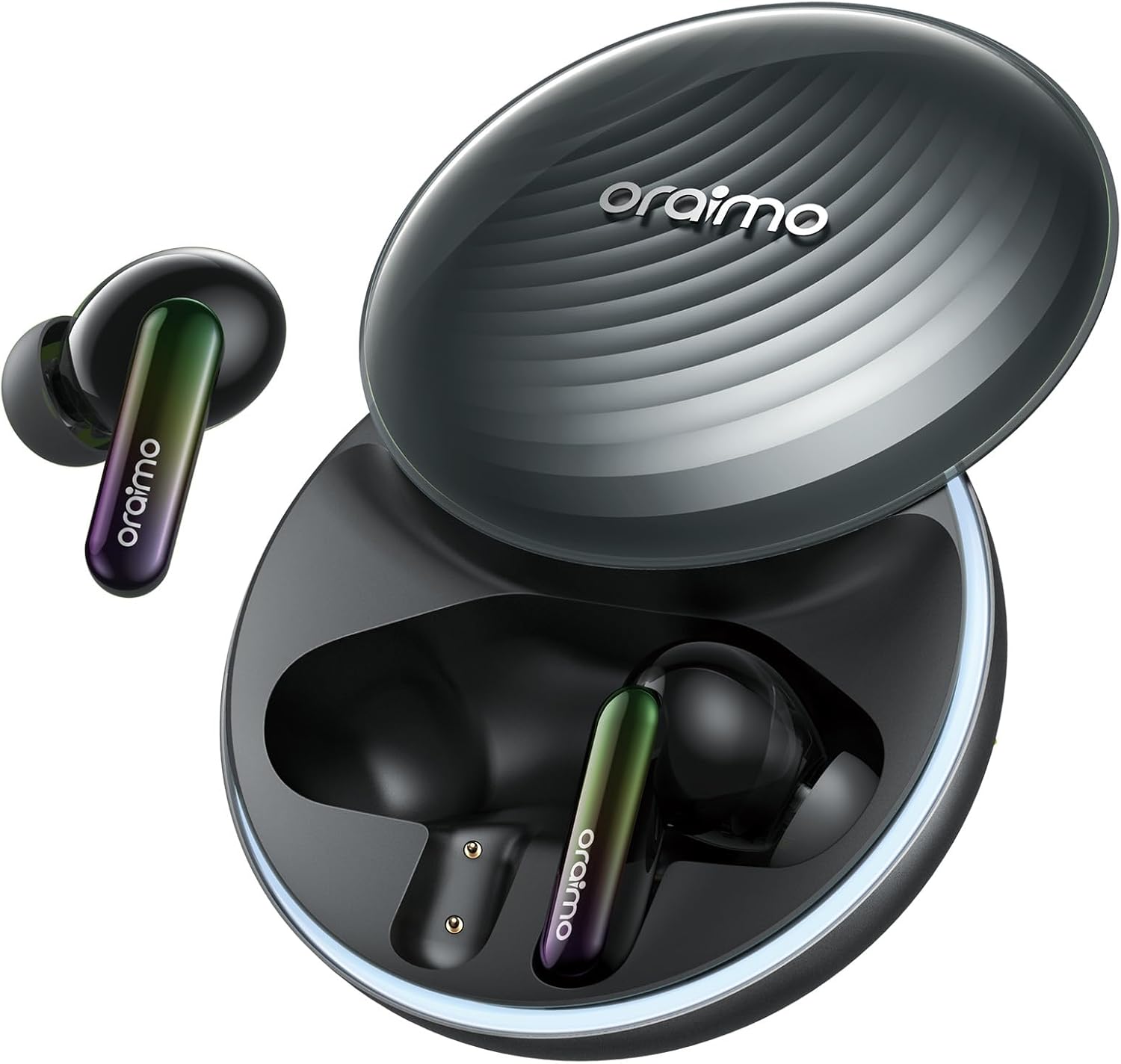
Before first use, ensure your Oraimo SpaceBuds are fully charged. Place the earbuds into the charging case and connect the case to a power source using the provided USB cable. The indicator lights on the case will show charging status.
Pairing with Your Device
Follow these steps to pair your earbuds with your Bluetooth-enabled device:
- 1. Open the charging case: The earbuds will automatically enter pairing mode.
- 2. Enable Bluetooth: On your device (smartphone, tablet, etc.), go to the Bluetooth settings.
- 3. Search and Connect: Look for "Oraimo SpaceBuds" in the list of available Bluetooth devices and select it to connect.
- 4. Confirmation: Once connected, a voice prompt will confirm "Connected".
Operating Instructions
Touch Controls
The Oraimo SpaceBuds feature wide-area touch controls for easy management of playback, calls, and modes directly from the earbuds.
- Tap twice: Play/Pause music.
- Tap three times: Switch ANC mode (Active Noise Cancellation, Transparency, Normal).
- Long press (left earbud): Previous track.
- Long press (right earbud): Next track.
- Single tap during call: Answer/End call.
- Long press during call: Reject call.
Active Noise Cancellation (ANC)
The Hybrid ANC technology effectively reduces ambient noise by up to 50dB, providing an immersive audio experience. Tap three times on either earbud to cycle through ANC, Transparency, and Normal modes.

Personalized Light Effects
Customize the LED light effects on your earbuds via the Oraimo Sound App to match your mood or style, adding a unique visual element to your listening experience.

Oraimo Sound App Control
For full customization, including EQ settings, personalized voice prompts, and light effects, download the Oraimo Sound App from your device's app store.
Game Mode
Activate Game Mode for ultra-low latency audio, ensuring synchronized audio and video for an immersive gaming experience. This mode can be enabled via the Oraimo Sound App.

Heavy Bass Enhanced
Experience powerful, thumping bass with the Heavy Bass sound tuning. The earbuds are designed to deliver deep, rich bass and crystal-clear audio for an immersive listening experience.

Maintenance
Cleaning Your Earbuds
Regularly clean your earbuds and charging case to maintain optimal performance and hygiene. Use a soft, dry, lint-free cloth. Do not use abrasive cleaners or immerse in water.
Storage
When not in use, store the earbuds in their charging case to protect them from dust and damage, and to keep them charged.
Troubleshooting
No Sound / Disconnection
- Ensure earbuds are charged.
- Re-pair the earbuds with your device.
- Check your device's Bluetooth settings and ensure it's connected to "Oraimo SpaceBuds".
- Try resetting the earbuds (refer to the Oraimo Sound App or manufacturer's website for specific reset instructions).
Poor Sound Quality
- Ensure earbuds are properly seated in your ears to create a good seal.
- Clean any debris from the earbud nozzles.
- Adjust EQ settings in the Oraimo Sound App.
ANC Not Working Effectively
- Ensure ANC mode is activated (tap three times on either earbud).
- Check for proper earbud fit to create a good seal, as this is crucial for effective noise cancellation.
Specifications
| Feature | Detail |
|---|---|
| Brand | Oraimo |
| Model Name | OTW-630 |
| Connectivity Technology | Wireless |
| Wireless Communication Technology | Bluetooth |
| Bluetooth Version | 5.0 |
| Noise Control | Active Noise Cancellation |
| Playtime | 40-Hour (total) |
| Control Method | App |
| Audio Driver Type | Dynamic Driver |
| Frequency Range | 20 Hz - 20,000 Hz |
| Item Weight | 11.7 ounces |
| Color | Gray |
| Ear Placement | In Ear |
| Form Factor | In Ear |
| Compatible Devices | Smartphones, Laptops, Tablets, Smart Speakers |
| Headphones Jack | No Jack |
| Manufacturer | Oraimo |
| Package Dimensions | 6.97 x 5.59 x 2.13 inches |
Warranty and Support
For warranty information, technical support, or further assistance, please visit the official Oraimo website or contact their customer service. You can also find more information on their official Amazon store:
Related Documents - OTW-630
 |
Oraimo OTW-930 SpaceBuds Pro True Wireless Earbuds User Manual Comprehensive user guide for the Oraimo OTW-930 SpaceBuds Pro true wireless earbuds, covering setup, controls, features, troubleshooting, and warranty. |
 |
Oraimo OTW-625 SpaceBuds Z User Manual | Wireless Earbuds Guide Comprehensive user manual for Oraimo OTW-625 SpaceBuds Z wireless earbuds. Learn about package contents, product overview, specifications, usage, controls, FAQ, and warranty. |
 |
Oraimo OTW-330 Wireless Earbuds User Guide Comprehensive guide for Oraimo OTW-330 wireless earbuds, covering package contents, app download, usage, controls, product specifications, attention points, considerate notes, electronic service, and warranty certificate. |
 |
Oraimo OTW-323 SpaceBuds Neo True Wireless Earbuds - Welcome Guide Comprehensive welcome guide for the Oraimo OTW-323 SpaceBuds Neo true wireless earbuds. Covers package contents, detailed specifications, app integration, usage instructions, controls, troubleshooting FAQ, safety warnings, warranty information, and regulatory compliance. |
 |
Oraimo OTW-323SP Earbuds User Manual Comprehensive user manual for the Oraimo OTW-323SP wireless earbuds, covering setup, touch controls, specifications, and safety guidelines. |
 |
Oraimo SpaceBuds Lite OTW-324 User Manual User manual for Oraimo SpaceBuds Lite (OTW-324) wireless earbuds, covering setup, controls, specifications, and safety. |
Ask a question about this manual
Ask about setup, troubleshooting, compatibility, parts, safety, or missing instructions. Manuals+ will review the question and use this page’s manual context to help answer it.