
1. Product Overview
The AromaPlan Authentic 2025 Upgraded Plug-in Waterless Diffuser utilizes advanced NT10x nanotechnology to convert liquid fragrance into dry, vaporous microparticles. This process allows for even scent distribution in spaces up to 500 sq ft without the need for water or leaving oily residue. The device is designed for simple operation and integrates with a mobile application for customizable settings.
This package includes one diffuser device and two 25ml fragrance bottles: Dubai and 24 Knights.
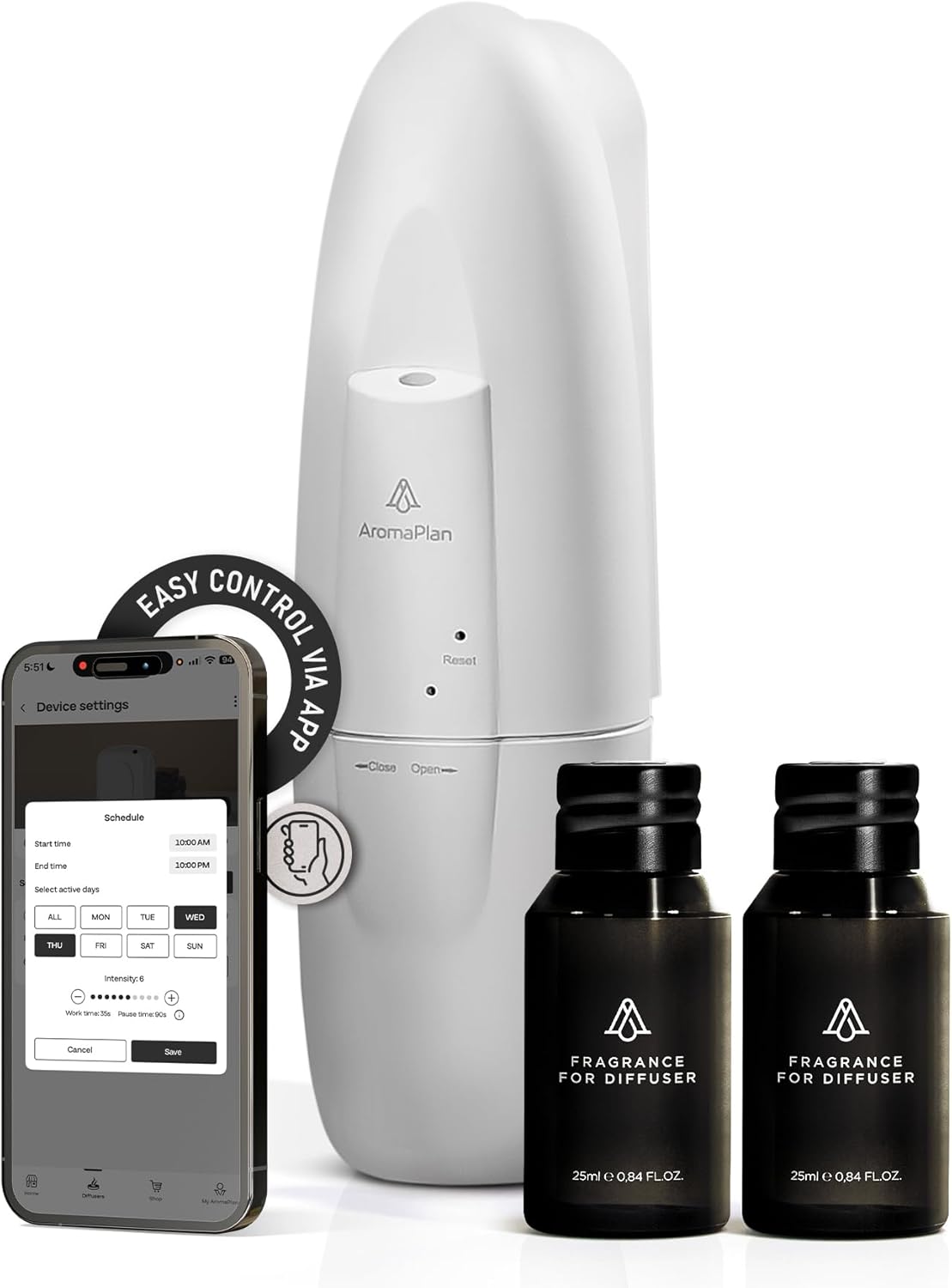
Image: AromaPlan Plug-in Waterless Diffuser, two fragrance bottles, and a smartphone showing the control app interface.
2. Package Contents
- 1 x AromaPlan Plug-in Waterless Diffuser (White)
- 1 x 25ml Dubai Fragrance Bottle
- 1 x 25ml 24 Knights Fragrance Bottle
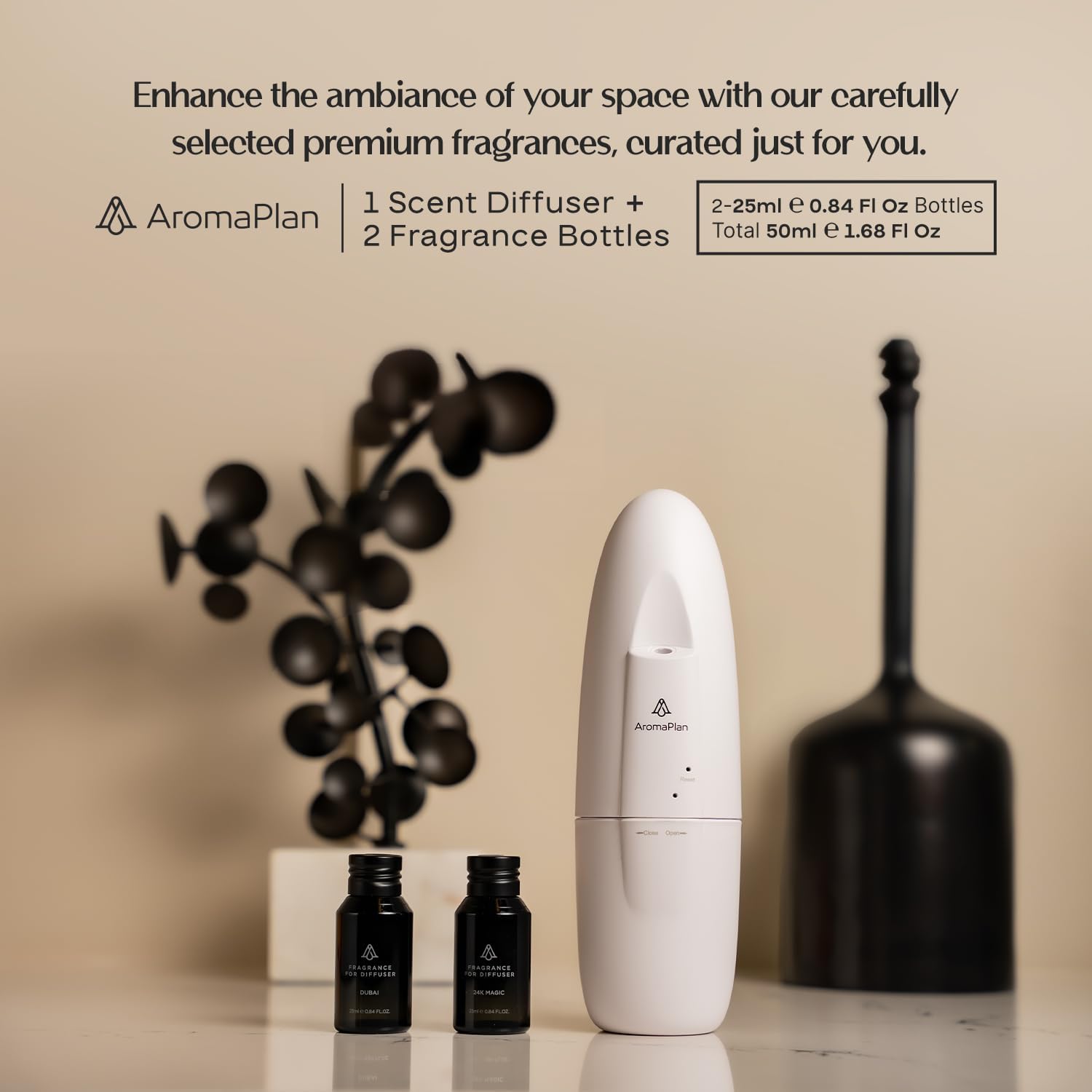
Image: The AromaPlan diffuser and the two included fragrance bottles.
3. Setup Instructions
- Unpack the Device: Carefully remove the diffuser and fragrance bottles from their packaging.
- Insert Fragrance Bottle: Locate the fragrance compartment at the bottom of the diffuser. Twist the bottom section counter-clockwise to open. Screw one of the provided 25ml fragrance bottles into the designated slot. Ensure it is securely fastened to prevent leaks. Twist the bottom section clockwise to close.
- Plug into Outlet: Insert the diffuser directly into a standard wall outlet. The device is designed to be compact and integrate seamlessly into your space.
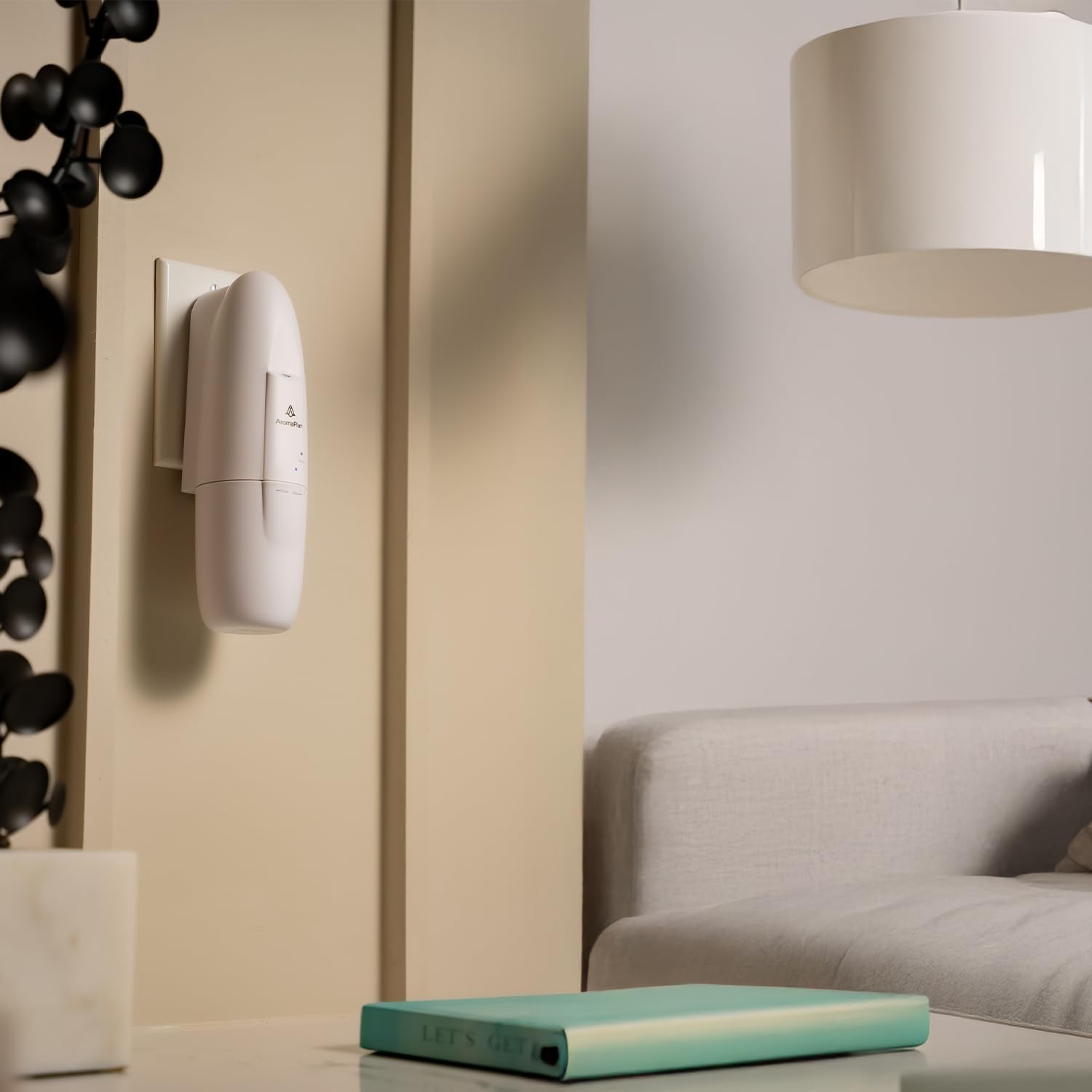
Image: The diffuser plugged into a wall outlet, ready for operation.

Image: A close-up of a hand plugging the diffuser into an electrical socket.
4. Operating Instructions
4.1. App Control and Connectivity
The AromaPlan diffuser is controlled via the AromaPlan App, available for iOS and Android devices. Bluetooth technology facilitates the connection between your smartphone and the diffuser.
- Download the App: Search for 'AromaPlan' in your device's app store (Google Play Store for Android or Apple App Store for iOS) and download the official application.
- Enable Bluetooth: Ensure Bluetooth is enabled on your smartphone.
- Pair Device: Open the AromaPlan App and follow the on-screen instructions to discover and pair with your diffuser.
- Customize Settings: Within the app, you can create multiple advanced schedules, including:
- Days of operation
- Specific start and end times
- Fragrance intensity (fog intensity)
- Work time and break time intervals

Image: Smartphone displaying the AromaPlan app for controlling diffuser settings.
5. Maintenance
5.1. Replacing Fragrance Bottles
- Unplug the diffuser from the wall outlet.
- Twist the bottom section of the diffuser counter-clockwise to open.
- Unscrew the empty fragrance bottle and replace it with a new AromaPlan 25ml fragrance bottle.
- Ensure the new bottle is securely screwed in.
- Twist the bottom section clockwise to close and plug the diffuser back into the outlet.
5.2. Cleaning
Periodically wipe the exterior of the diffuser with a soft, dry cloth to remove dust. Do not use harsh chemicals or abrasive cleaners. Avoid getting water or cleaning solutions into the internal components of the diffuser.
6. Troubleshooting
- No Scent Output:
- Check if the fragrance bottle is empty and replace if necessary.
- Ensure the fragrance bottle is securely screwed into the device.
- Verify that the diffuser is properly plugged into a functional power outlet.
- Confirm that the device is powered on and the app settings are configured for scent diffusion.
- Diffuser Not Turning On:
- Ensure the diffuser is firmly plugged into a working electrical outlet.
- Test the outlet with another device to confirm it has power.
- App Connectivity Issues:
- Ensure Bluetooth is enabled on your smartphone.
- Make sure your smartphone is within close proximity to the diffuser.
- Restart the AromaPlan App or your smartphone.
- Unplug the diffuser for 10 seconds and plug it back in to reset.
- Excessive Fragrance Output / Residue:
- Adjust the intensity settings in the AromaPlan App to a lower level.
- Ensure the device is upright and not tilted, as this can affect diffusion.
- While designed to be residue-free, ensure the fragrance bottle is not overfilled or leaking.
7. Specifications
| Brand | AROMAPLAN |
| Model | Authentic 2025 Upgraded Plug-in Waterless Diffuser |
| Color | White |
| Scent Included | Dubai & 24 Knights |
| Recommended Uses | Home, Office |
| Special Features | Long Lasting Aroma, Multiple Mist Setting, Silent Operation, App Control |
| Product Dimensions | 6"L x 9.7"W x 4"H |
| Item Weight | 1.54 pounds |
| UPC | 850065618944 |
8. Safety Information
- Avoid direct skin contact with undiluted essential oils.
- Keep out of reach of children and pets.
- Ensure proper ventilation during use.
- AromaPlan fragrances are crafted with high-quality raw materials, free from parabens, glycols, and solvents, making them safe for families and pets when used as directed.

Image: A child and a dog, illustrating the product's safety for families.
9. Warranty and Support
For warranty information, technical support, or any inquiries regarding your AromaPlan diffuser, please contact AromaPlan customer service directly. Refer to the product packaging or the AromaPlan official website for contact details.


