
Introduction
The avedio links USB 2.0 Extender allows you to extend USB signals up to 164 feet (50 meters) over a single Cat6 or Cat7 Ethernet cable. This device is designed to provide reliable, high-speed USB 2.0 connectivity for various peripherals over long distances, overcoming the typical limitations of standard USB cables. It features four USB 2.0 ports on the receiver unit and supports Power over Cable (POC) technology, simplifying installation by requiring power only at the receiver.
Package Contents
Please verify that all items are present in your package:
- 1 x Sender Unit
- 1 x Receiver Unit
- 1 x DC 5V Power Adapter
- 1 x USB 2.0 Cable
- 1 x User Manual

Figure 1: Package Contents
Product Features
- Extended Transmission: Transmits USB 2.0 signals up to 164 feet (50 meters) using a single Cat6 or Cat7 Ethernet cable.
- Multiple USB Ports: Equipped with 4 USB 2.0 ports on the receiver for connecting multiple devices simultaneously. Supports 480Mbps high-speed transmission.
- Power over Cable (POC): Only the receiver unit requires a DC 5V power adapter, as power is supplied to the sender unit via the Ethernet cable. This simplifies installation and reduces cable clutter.
- Built-in ESD Protection: Integrated electrostatic discharge protection enhances product reliability and extends service life by preventing damage from static electricity.
- Wide Compatibility: Compatible with Windows 7/8/10/11 (32/64 bit) and Mac OS 10.12 and above. Supports various USB devices such as mice, keyboards, printers, cameras, USB flash drives, and more.
- Durable Design: Features a rugged metal shell for better heat dissipation and interference prevention.
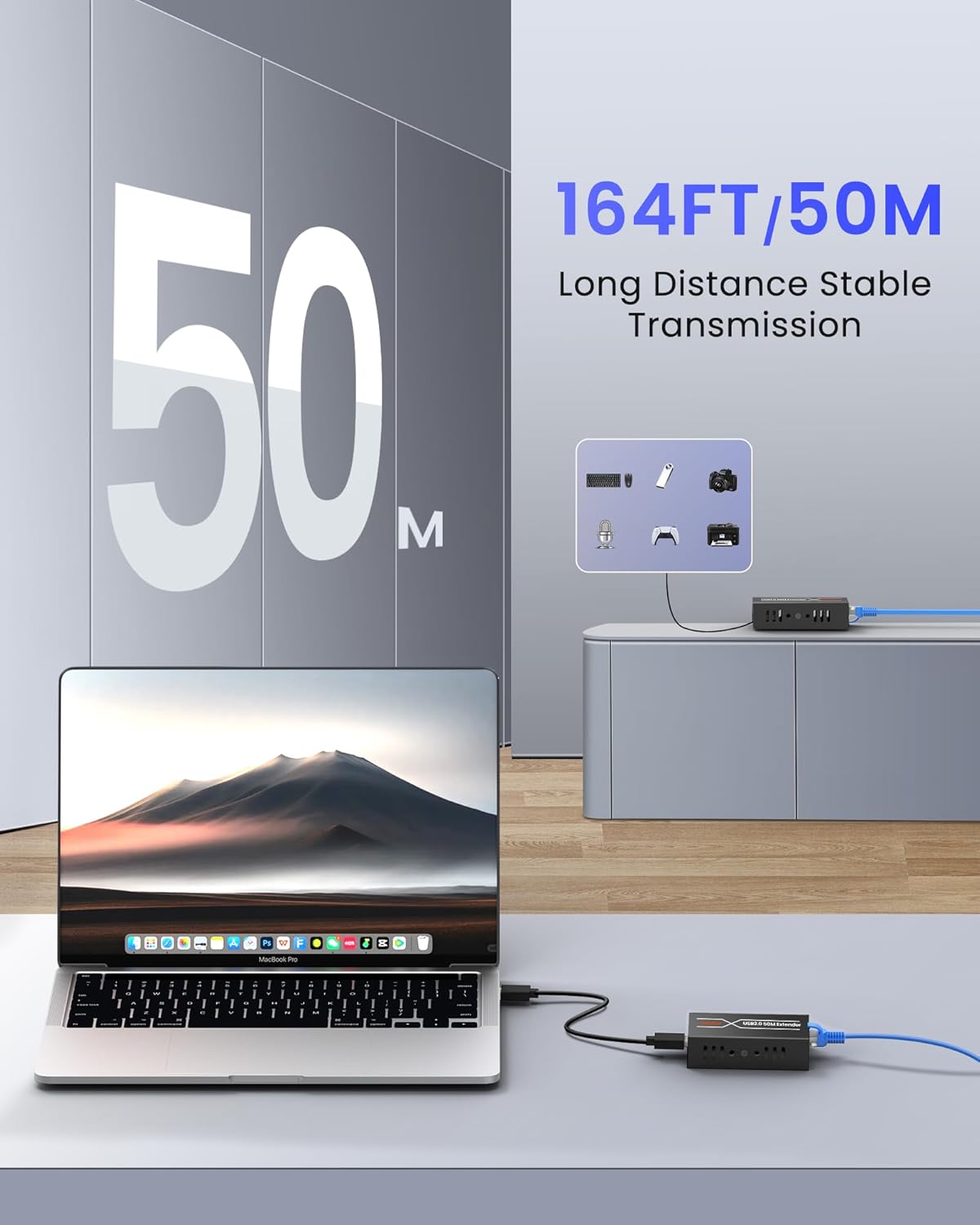
Figure 2: 164ft/50m Transmission

Figure 3: 4 USB 2.0 Output Ports
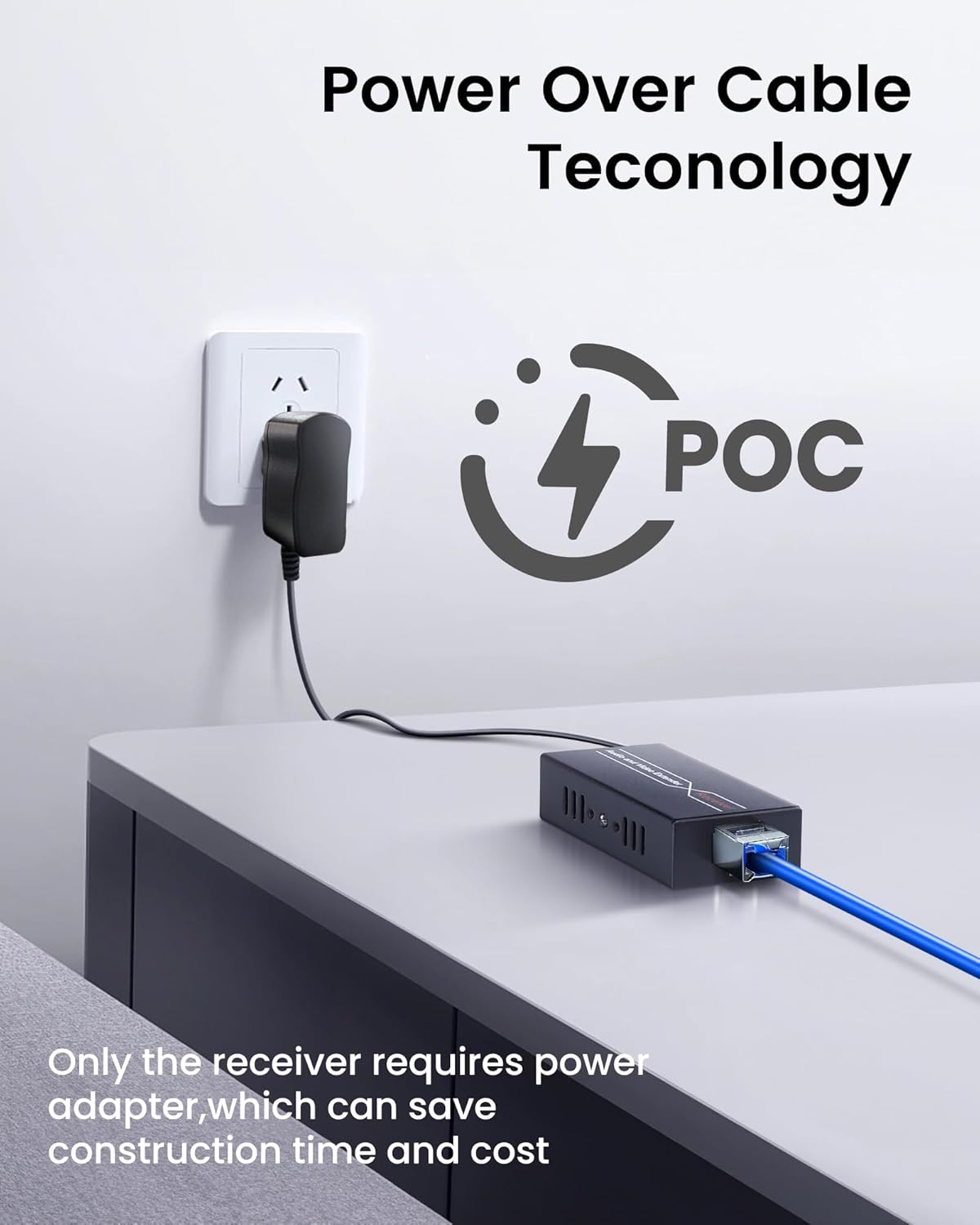
Figure 4: Power Over Cable (POC)

Figure 5: ESD Protection
Setup Instructions
Follow these steps to set up your avedio links USB 2.0 Extender:
- Connect the Sender Unit: Connect the provided USB 2.0 cable from your computer (PC/Laptop) to the "USB IN" port on the Sender unit.
- Connect Ethernet Cable: Connect a high-quality Cat6 or Cat7 Ethernet cable (up to 164ft/50m) between the "CAT6" port on the Sender unit and the "CAT6" port on the Receiver unit. It is recommended to use a shielded Ethernet cable according to the RJ45 568B standard for optimal performance.
- Connect Power to Receiver: Plug the DC 5V power adapter into the "DC 5V" port on the Receiver unit, then connect the adapter to a power outlet. Due to POC technology, the Sender unit will receive power through the Ethernet cable.
- Connect USB Peripherals: Connect your USB devices (e.g., keyboard, mouse, printer, camera, USB flash drive) to the "USB OUT" ports on the Receiver unit.

Figure 6: Connection Diagram
Operating Instructions
The avedio links USB 2.0 Extender is designed for plug-and-play operation, requiring no driver installation. Once all connections are made as described in the setup section, the system should function automatically.
- Ensure all cables are securely connected.
- The extender supports hot-swapping of USB devices.
- For optimal performance, it is recommended to use USB 2.0 cables within 5 meters for connecting peripherals to the receiver.
This extender is suitable for various applications:

Figure 7: Wide Application Scenarios
- Security Surveillance: Connect USB cameras remotely to a computer for real-time monitoring.
- Office/Entertainment: Connect keyboards, mice, gamepads, printers, and other USB devices for extended reach in office or home entertainment setups.
- Video Conferencing & Multimedia Classrooms: Facilitate remote connections for USB microphones, cameras, and other peripherals.

Figure 8: Security Surveillance Application
Maintenance
To ensure the longevity and optimal performance of your avedio links USB 2.0 Extender, consider the following maintenance tips:
- Keep the units in a dry, well-ventilated area, away from direct sunlight and extreme temperatures.
- Avoid exposing the units to water or excessive moisture.
- Clean the units with a soft, dry cloth. Do not use liquid or aerosol cleaners.
- Ensure all cable connections are firm and free from damage.
- Periodically check the Ethernet cable for any signs of wear or damage, especially if it is run through high-traffic areas.
Troubleshooting
If you encounter issues with your USB Extender, please refer to the following common troubleshooting steps:
- No Device Detection / Intermittent Connection:
- Check Cables: Ensure all USB and Ethernet cables are securely connected to their respective ports on both the sender and receiver units, and to the computer and peripherals.
- Ethernet Cable Quality: The quality of the Cat6/7 Ethernet cable is crucial, especially for longer distances. Poor quality or unshielded cables can lead to signal degradation. Try using a known good, high-quality, shielded Cat6 or Cat7 cable.
- Power Supply: Verify that the DC 5V power adapter is correctly connected to the receiver unit and plugged into a working power outlet. The receiver unit must be powered for the system to operate.
- USB Cable Length: Ensure the USB 2.0 cable connecting peripherals to the receiver is within the recommended length (typically 5 meters or less).
- Test with Different Devices: Try connecting different USB devices to the extender to rule out issues with a specific peripheral.
- Flashing LED Lights: Some users have reported flashing red LED lights on the units. While this may indicate activity, if it's accompanied by connection issues, re-check all connections and power. If the device functions correctly despite the flashing, it may be normal operational indication.
- Compatibility Issues: Ensure your operating system (Windows 7/8/10/11, Mac OS 10.12+) and USB devices are compatible with USB 2.0 standards.
- Restart Devices: Disconnect and reconnect the extender, then restart your computer and any connected USB devices.
Specifications
| Brand | avedio links |
| Model Number | USB2.0 Extender 164ft/50m |
| Transmission Distance | Up to 164ft (50m) over Cat6/7 cable |
| USB Standard | USB 2.0 (Backward compatible) |
| USB Data Rate | 480Mbps |
| Number of USB Ports (Receiver) | 4 x USB 2.0 |
| Power Supply | DC 5V (Receiver only, POC supported) |
| Operating System Compatibility | Win7/8/10/11 (32/64 bit), Mac OS 10.12 and above |
| ESD Protection | Built-in |
| Housing Material | Metal |
| Item Weight | 0.37 kg |
Warranty and Support
This avedio links product comes with a 1-year warranty from the date of purchase.
For technical support, troubleshooting assistance, or warranty claims, please contact avedio links customer service through the retailer where the product was purchased or visit the official avedio links website for contact information. Please have your product model number and purchase details ready when contacting support.