
1. Introduction and Overview
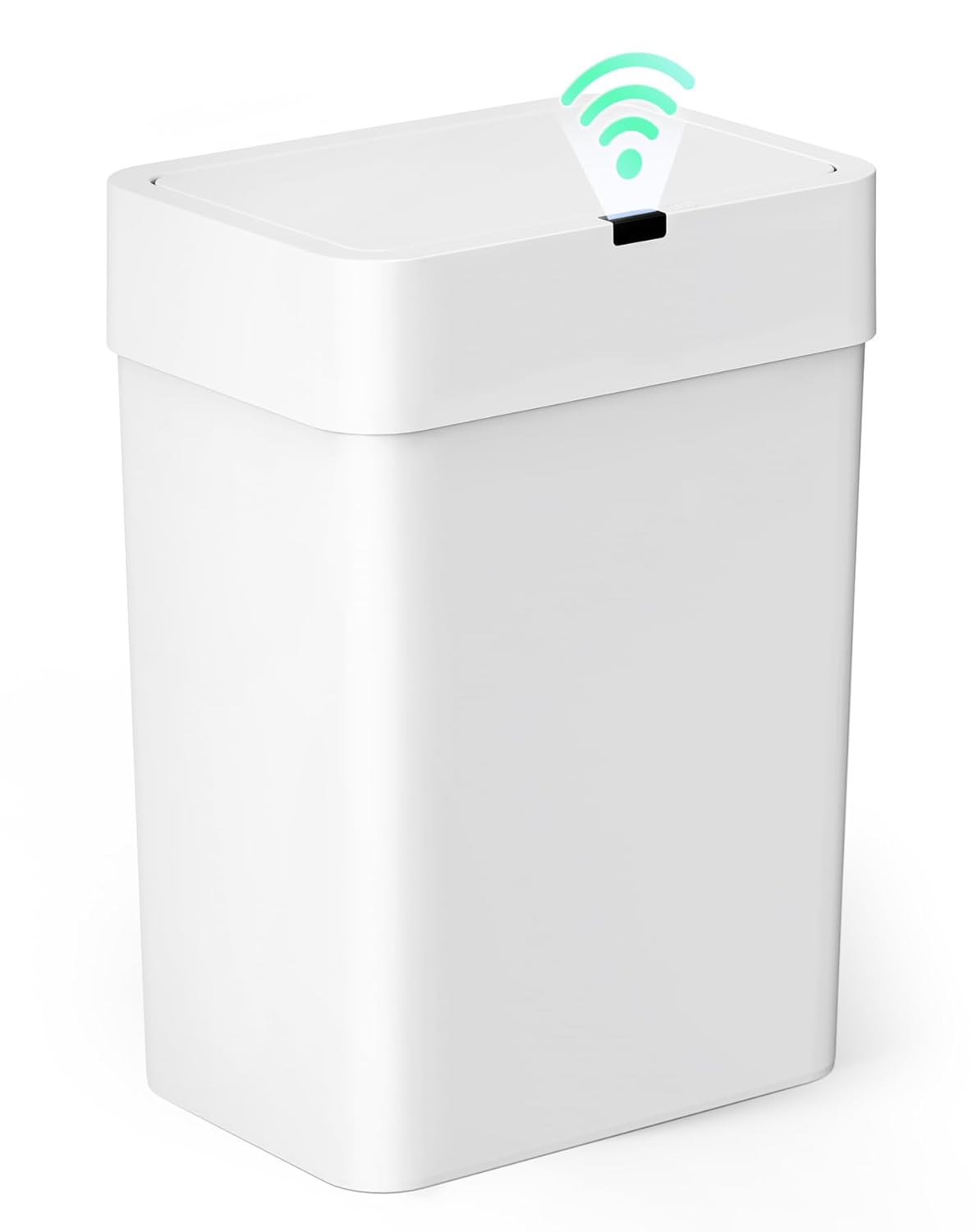
Thank you for choosing the Cesun 4 Gallon Motion Sensor Trash Can. This smart waste basket is designed for effortless, hands-free operation, making it ideal for various rooms including bathrooms, bedrooms, offices, and living rooms. Its slim and compact design allows it to fit into tight spaces, while the advanced infrared technology ensures hygienic and convenient use. The airtight lid helps to seal in odors, maintaining a fresh environment.
2. Setup Guide
2.1 Battery Installation
The Cesun Motion Sensor Trash Can requires 2 AA batteries (not included) for operation. Locate the battery compartment, typically on the underside of the lid mechanism. Insert the batteries, ensuring correct polarity (+/-) as indicated. Close the battery compartment securely.

2.2 Trash Bag Installation
To install a trash bag, lift the lid assembly from the main body of the trash can. Place the trash bag inside the can, ensuring the edges of the bag are secured by the designated trash bag fixing holes or clips around the rim. This helps to keep the bag neatly in place and prevents it from slipping down. Replace the lid assembly securely onto the trash can body.

2.3 Optimal Placement
For optimal performance of the motion sensor, ensure there is a clear area of at least 11.8 inches (30cm) above the unit. Avoid placing the unit directly under cabinets or in enclosed spaces that might obstruct the sensor's detection range.

3. Operating Your Smart Trash Can
3.1 Motion Sensor Operation
The trash can features advanced infrared technology for hands-free operation. Simply wave your hand or an object within 9.84 inches (25cm) of the sensor, and the lid will open instantly. The lid is designed to open quickly, typically within 0.2 seconds.

3.2 Automatic Closing and Countdown Alert
Once your hand or object moves away from the sensing area, the green light on the sensor will start flashing. The lid will automatically close after 5 seconds of inactivity. If your hand remains in the sensing area, the green light will stay on, and the lid will remain open until your hand is removed.

3.3 Manual Operation
For manual control, you can press the button located on the lid. Pressing the button will open the lid, and pressing it again will close it. This is useful for extended periods of use or when you prefer manual control.
3.4 Official Product Video
4. Care and Maintenance
To ensure the longevity and optimal performance of your Cesun trash can, follow these maintenance guidelines:
- Cleaning: Gently clean the sensor with a dry, soft cloth to ensure proper functionality. Avoid using abrasive cleaners or harsh chemicals.
- Water Exposure: The trash can is designed to be waterproof with an IPX5 rating, offering protection against splashes. However, avoid prolonged exposure to water or submerging the unit to prevent damage to electronic components.
- Battery Replacement: Replace batteries when the sensor's response becomes slow or inconsistent. Always use 2 AA alkaline batteries for best performance.

5. Troubleshooting Guide
If you encounter issues with your Cesun Motion Sensor Trash Can, please refer to the following common problems and solutions:
| Problem | Solution |
|---|---|
| Touchless Motion Sensor Not Working? |
|
6. Product Specifications
| Feature | Detail |
|---|---|
| Brand | Cesun |
| Model | 4 Gallon Motion Sensor Trash Can |
| Capacity | 4 Gallons (approx. 15 Liters) |
| Color | White |
| Material | Plastic (PP & ABS) |
| Opening Mechanism | Motion-Sensor, Manual Button |
| Infrared Sensing Distance | 9.84 inches (25cm) |
| Power Source | 2 AA Batteries (not included) |
| Special Features | Quiet Close, Motion Sensor, Odor Seal, IPX5 Waterproof |
| Product Dimensions | 10.24 x 7.08 x 14.57 inches |
| Weight | 2.71 Pounds |
| Recommended Uses | Indoor (Kitchen, Bathroom, Bedroom, Home Office) |
7. Warranty and Support
Specific warranty details for the Cesun 4 Gallon Motion Sensor Trash Can are not provided in this manual. For warranty information, technical support, or any product-related inquiries, please contact Cesun customer service directly through their official website or the retailer from whom the product was purchased. Please retain your proof of purchase for any warranty claims.