1. Introduction
The INKEE GC30 is a portable, inflatable RGB LED tube light designed for various photography and video recording scenarios. This manual provides essential information for the safe and effective use of your device, including setup, operation, maintenance, and technical specifications.
2. Package Contents
Verify that all items listed below are included in your package:
- INKEE GC30 RGB Tube Light
- Manual Air Pump (Air Blower)
- USB-A to USB-C Charging Cable
- Storage Bag
- Instruction Manual (this document)

Image 2.1: INKEE GC30 RGB Tube Light with included manual air pump, charging cable, and storage bag.
3. Product Features
- Inflatable Design: The GC30 expands to a 90cm (35.4 inch) wand light when inflated and can be deflated for compact storage. It weighs approximately 364g, offering portability and flexibility for 360° shooting.
- 30W RGB Output: Delivers a consistent 30W power output across all colors. Features 624 LED beads for soft, uniform illumination with high color accuracy (CRI 97/TLCI 98).
- Wide Color Temperature Range: Adjustable from 2000K to 10000K, calibrated to the D65 standard, covering the sRGB color gamut.
- Full-Color RGB Adjustment: Offers 360° full-color control, allowing precise adjustment of hue, saturation, and brightness to match various lighting requirements.
- Built-in 5000mAh Battery: Equipped with a 36Wh/5000mAh rechargeable battery supporting 30W fast charging. A full charge takes approximately 90 minutes and provides up to 70 minutes of runtime at 100% brightness.
- Enhanced Light Diffusion: Dual-layer TPU material increases brightness by 20% and provides an 180° curved light surface for seamless integration into shots.
- Color Display & Magnetic Function: Features a color display for monitoring settings. Includes three N52 magnets for attachment to metallic surfaces and a magnetic mounting adapter with a 1/4" screw thread for tripod compatibility.

Image 3.1: The INKEE GC30 light tube demonstrating its 90cm length and the density of its 624 LED beads.

Image 3.2: Visual representation of the INKEE GC30's ultra-wide adjustable color temperature range, from warm 2000K to cool 10000K.

Image 3.3: Diagram illustrating the INKEE GC30's built-in 36Wh lithium battery, offering 70 minutes of runtime and a 90-minute charging time.
4. Setup
4.1. Inflation
- Locate the inflation valve on the INKEE GC30 tube light.
- Connect the manual air pump (air blower) to the valve.
- Inflate the tube light until it is firm. Do not over-inflate.
- Close the valve securely after inflation.
4.2. Charging the Battery
- Ensure the silicone cover for the charging port is open.
- Connect the provided USB-A to USB-C charging cable to the GC30's USB-C port.
- Connect the other end of the cable to a compatible USB power adapter (not included).
- The color display will indicate charging status. A full charge typically takes approximately 90 minutes.
4.3. Mounting Options
- Magnetic Mount: Utilize the three built-in N52 magnets to attach the light to any suitable metallic surface.
- Tripod Mounting: Attach the magnetic mounting adapter to a tripod or light stand using its 1/4" screw thread. The GC30 can then be magnetically attached to this adapter.
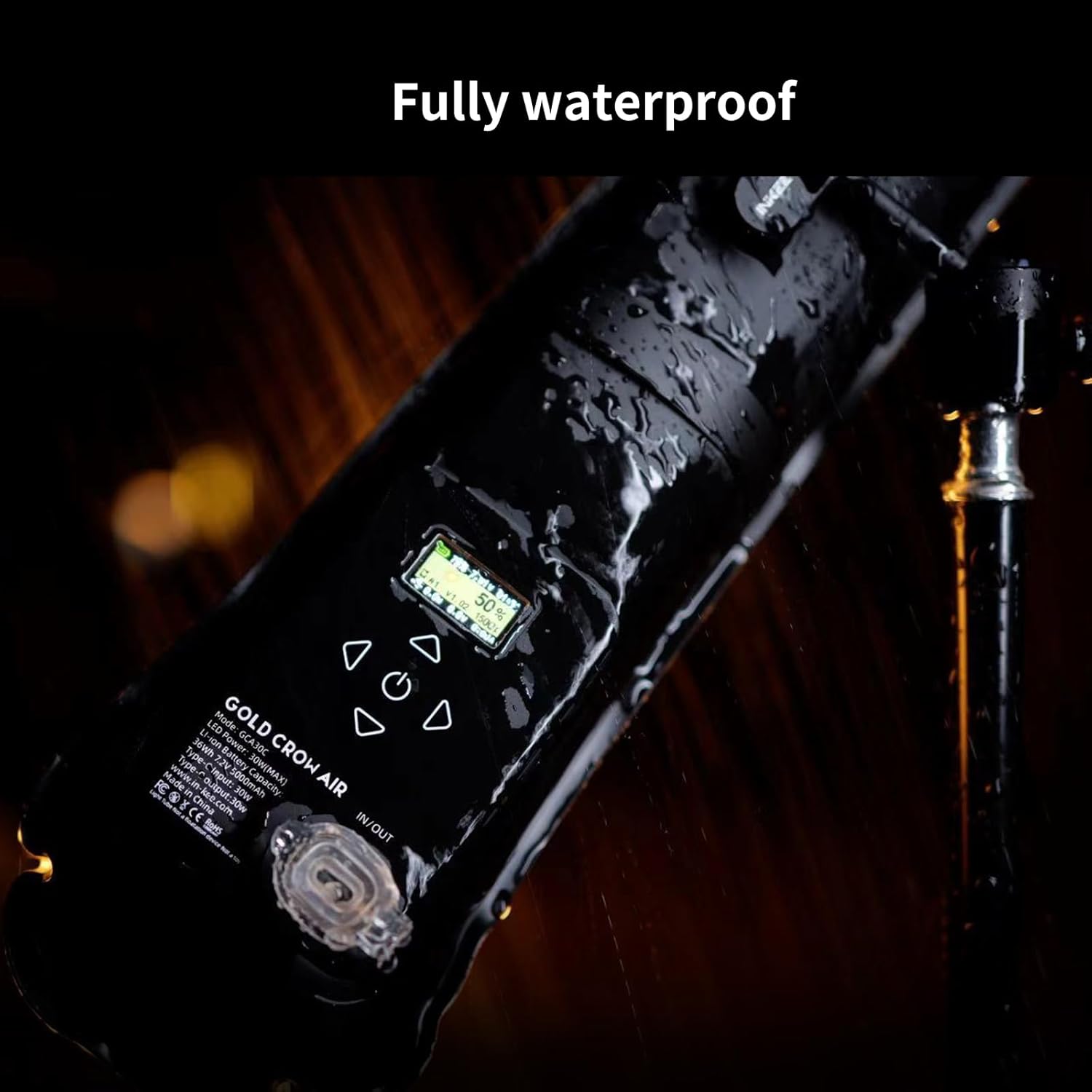
Image 4.1: Close-up of the INKEE GC30's high-strength two-color TPU material, highlighting the internal white reflective surface for improved brightness.
5. Operating Instructions
5.1. Power On/Off
Press and hold the power button (location indicated on the device) to turn the light on or off.
5.2. Mode Selection
The GC30 typically offers various modes, including CCT (Correlated Color Temperature) mode, HSI (Hue, Saturation, Intensity) mode, and special effects modes. Use the designated buttons (refer to the device's interface) to cycle through these modes.
5.3. Adjusting Settings
- Color Temperature (CCT Mode): Adjust the color temperature from 2000K (warm) to 10000K (cool) using the control buttons.
- Hue, Saturation, Brightness (HSI Mode): In HSI mode, you can independently adjust the hue (360°), saturation (0-100%), and brightness (0-100%) to achieve desired colors.
- Special Effects: The light features 16 built-in special effects. Select and adjust these effects as needed for creative lighting scenarios.
All adjustments are displayed on the integrated color screen for real-time feedback.

Image 5.1: Examples of the INKEE GC30's full-color RGB capabilities, creating various atmospheric lighting effects.
6. Maintenance
6.1. Cleaning
Wipe the exterior of the light with a soft, dry cloth. For stubborn dirt, a slightly damp cloth can be used. Avoid harsh chemicals or abrasive materials.
6.2. Storage
When not in use, deflate the tube light and store it in the provided storage bag. Store in a cool, dry place away from direct sunlight and extreme temperatures.
6.3. Waterproofing
The INKEE GC30 has an IP6X waterproof rating. Ensure the silicone cover for the charging port is securely closed when operating in wet conditions to prevent water ingress.

Image 6.1: The INKEE GC30 in its deflated, compact state, demonstrating its portability and ease of storage in a bag.
7. Troubleshooting
- Light does not turn on: Ensure the battery is charged. Connect the light to a power source using the charging cable.
- Battery not charging or short runtime: Verify the charging cable is properly connected and the power adapter is functional. A full charge takes approximately 90 minutes. Note that the light may generate heat when operating at full power with a low battery, which is normal and does not indicate damage.
- Light output is uneven: Ensure the tube light is fully and evenly inflated.
- Firmware Update Issues: If experiencing difficulties with firmware updates, refer to the official INKEE support website for detailed instructions or contact customer support.
8. Specifications
| Feature | Specification |
|---|---|
| Model | GC30 |
| Power Output | 30W |
| Material | TPU |
| CRI | ≥95 |
| Waterproof Level | IP6X |
| Light Effects | 16 |
| Magnets | N52*3 |
| Weight | ≈370g |
| Battery Capacity | 36Wh / 7.2V / 5000mAh |
| Battery Life (100% Brightness) | 70 minutes |
| Charging Time | ~90 minutes (30W fast charging) |
| Color Temperature Range | 2000K-10000K |
| Dimensions (Inflated) | 900mm (Length) x 125mm (Width) |
| Connectivity | USB-C |

Image 8.1: Diagram illustrating the key technical specifications and dimensions of the INKEE GC30.
9. Safety Information
- Do not expose the device to extreme temperatures or direct sunlight for prolonged periods.
- Keep out of reach of children.
- Use only the provided charging cable or a certified equivalent.
- Do not attempt to disassemble or modify the device.
- Ensure the charging port cover is sealed when using the light in wet environments.
- Dispose of batteries according to local regulations.
10. Warranty and Support
For warranty information, please refer to the documentation included with your purchase or visit the official INKEE website. For technical support or service inquiries, please contact INKEE customer service through their official channels.


