
Introduction
This manual provides instructions for the safe and efficient use of your GUY-TECH AC/DC Adapter. This adapter is designed to provide reliable power for compatible devices, including the Gigaset S30853-H1166-R101 QV 830 8-inch tablet.
The adapter incorporates multiple safety features to protect your device and ensure stable operation, including over voltage, over current, and over heat protection. It is constructed with PC fireproof material for enhanced safety.
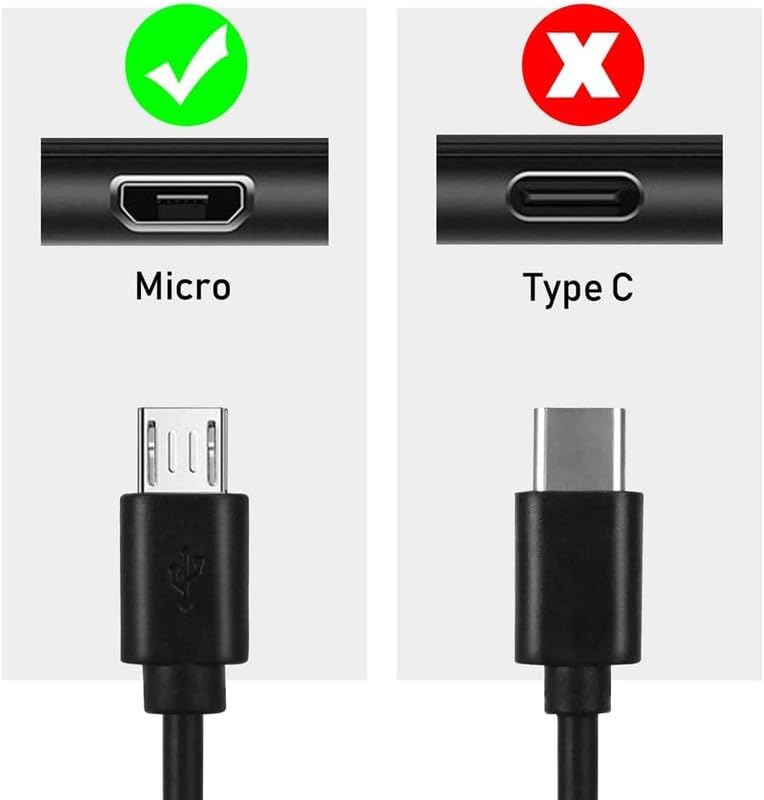
Figure 1: Adapter Safety Features
Package Contents
Please verify that all items are present in the package:
- 1 x GUY-TECH 5V USB AC/DC Adapter Charger
- 1 x USB Cable (Micro USB)
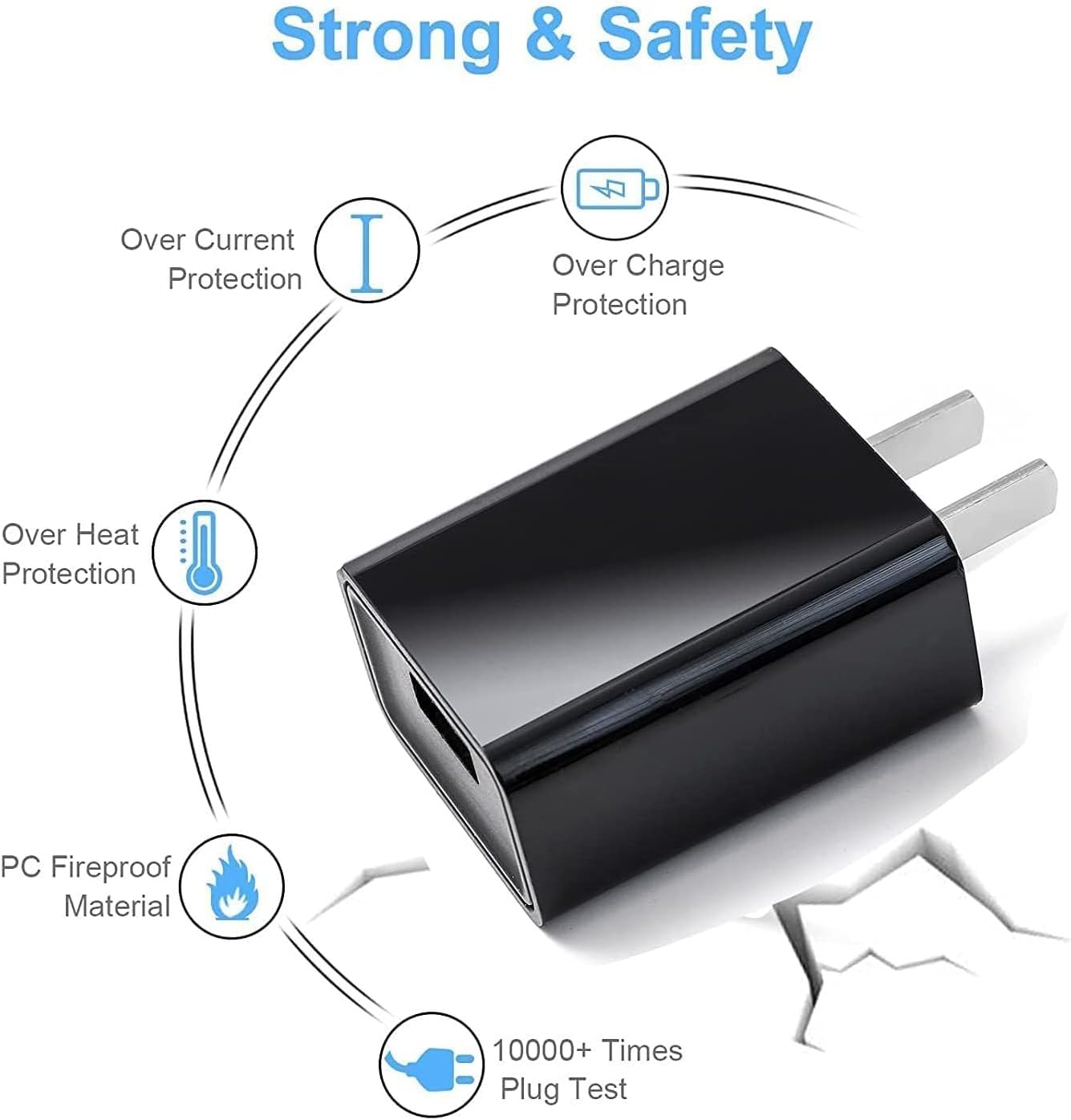
Figure 2: Included Adapter and USB Cable
Setup Instructions
- Connect the USB Cable to the Adapter: Insert the standard USB-A end of the provided USB cable into the USB port on the GUY-TECH AC/DC Adapter.
- Connect the Adapter to a Power Outlet: Plug the AC/DC adapter into a standard wall power outlet (100V - 240V).
- Connect the USB Cable to Your Device: Insert the Micro USB end of the cable into the charging port of your compatible device (e.g., Gigaset S30853-H1166-R101 QV 830). Ensure the connector type matches your device's port.
Your device should now begin charging. If not, please refer to the Troubleshooting section.
Operating Instructions
The GUY-TECH AC/DC Adapter is designed for simple plug-and-play operation. Once connected as described in the Setup section, the adapter will automatically begin charging your device.
- Ensure the adapter and cable are securely connected at all points.
- Verify that your device uses a Micro USB charging port. This adapter and cable are designed for Micro USB compatible devices.

Figure 3: Micro USB Compatibility (Not Type C)
Disconnect the adapter from the power outlet and your device when charging is complete or when the adapter is not in use.
Maintenance
- Cleaning: Disconnect the adapter from all power sources and devices before cleaning. Use a soft, dry cloth to wipe the adapter. Do not use liquid cleaners or aerosols.
- Storage: Store the adapter and cable in a cool, dry place away from direct sunlight and extreme temperatures.
- Handling: Avoid bending or twisting the cable excessively, as this can damage the internal wires. Do not drop the adapter or expose it to strong impacts.
- Safety: Do not attempt to open or repair the adapter. Refer all servicing to qualified personnel.
Troubleshooting
- Device is not charging:
- Ensure the adapter is firmly plugged into a working wall outlet.
- Verify that the USB cable is securely connected to both the adapter and your device.
- Check if the charging port on your device is clean and free of debris.
- Confirm that your device is compatible with a Micro USB connector.
- Try using a different wall outlet.
- Adapter feels hot during use:
- A slight warmth is normal during operation.
- If the adapter becomes excessively hot, immediately unplug it from the wall outlet and your device.
- Ensure there is adequate ventilation around the adapter and it is not covered.
- If overheating persists, discontinue use and contact support.
- Cable or adapter appears damaged:
- Do not use damaged cables or adapters. This can pose a safety risk.
- Replace any damaged components immediately.
Specifications
| Brand | GUY-TECH |
| Model | B0DSW38MQN |
| Input Voltage | 100V - 240V AC |
| Output Voltage | 5V (USB Adapter Charger) |
| Connector Type | USB (Micro USB cable included) |
| Compatible Devices | Tablets (e.g., Gigaset S30853-H1166-R101 QV 830) |
| Material | Plastic (PC Fireproof) |
| Color | Black |
| Certifications | CCC, CE |
Warranty and Support
This GUY-TECH AC/DC Adapter comes with a 1 Year Warranty from the date of purchase. This warranty covers manufacturing defects under normal use.
For warranty claims, technical support, or any questions regarding your product, please contact the seller or GUY-TECH customer service through the platform where the purchase was made. Please have your purchase details and product model number (B0DSW38MQN) ready when contacting support.
