
Introduction
The LAMAX BFit Call is a versatile smartwatch designed to enhance your daily life with smart notifications, comprehensive health monitoring, and various fitness features. This manual provides essential information for setting up, operating, and maintaining your device.
Setup
1. Unboxing and Initial Charge
Carefully unpack your LAMAX BFit Call smartwatch. The package includes the smartwatch, a charging cable, an additional strap, and safety tips. Before first use, fully charge the device using the provided charging cable.
2. Powering On/Off
To power on, press and hold the side button until the screen illuminates. To power off, navigate to the settings menu on the watch, select 'Power Off', and confirm.
3. Pairing with Your Smartphone
- Download the official LAMAX BFit Call application from your smartphone's app store.
- Ensure Bluetooth is enabled on your smartphone.
- Open the LAMAX BFit Call app and follow the on-screen instructions to search for and connect to your smartwatch via Bluetooth 5.3.
- Confirm the pairing request on both your phone and the smartwatch.
Successful pairing enables call, SMS, and selected application notifications directly on your watch.
Operating Instructions
1. Basic Navigation
The LAMAX BFit Call features a responsive touch screen. Swipe left, right, up, or down to navigate through menus and access different functions. Press the side button to return to the home screen or wake the device.
2. Communication Features
- Bluetooth Calls: Once paired, you can answer or reject incoming calls directly from your watch.
- Notifications: Receive SMS messages and notifications from selected applications on your wrist.
3. Health Monitoring
The smartwatch continuously monitors various health metrics:
- Heart Rate: 24-hour heart rate tracking.
- Blood Oxygen (SpO2): Monitors blood oxygen supply.
- Blood Pressure: Provides blood pressure readings.
- Stress Level: Tracks your stress levels throughout the day.
- Sleep Quality: Monitors sleep patterns and quality.
- Menstrual Cycle: Offers tracking for the menstrual cycle.
Note: This device is not a medical instrument. Health data is for reference only and should not be used for medical diagnosis or treatment.
4. Fitness and Sport Modes
Access over 100 sport modes to track your workouts. The watch records training results, including calorie consumption, and features a pedometer for daily step counting. Relaxation exercises are also available.
5. Additional Features
- Multimedia Control: Control music playback on your paired smartphone.
- Custom Watch Faces: Personalize your watch face through the app.
- Weather Forecast: Get real-time weather updates.
- Remote Timer: Use the watch as a remote timer.
- Games: Enjoy two built-in games.
- Alarm Clock: Set alarms directly from the watch.
Maintenance
1. Cleaning
Wipe the watch screen and strap regularly with a soft, dry cloth. For stubborn dirt, use a slightly damp cloth and then dry thoroughly. Avoid harsh chemicals or abrasive materials.
2. Battery Care
To maximize battery life (up to 7 days on average), avoid extreme temperatures and fully charge the device before it completely drains. If storing for an extended period, charge it to about 50%.
3. Material Care
The watch is made from safe, non-irritating materials. If you experience any skin irritation, discontinue use and consult a doctor. Ensure the strap is not too tight to allow for proper air circulation.
Troubleshooting
- Watch not turning on: Ensure the watch is fully charged. Connect it to the charger for at least 30 minutes.
- Cannot pair with phone: Check if Bluetooth is enabled on your phone and the watch. Ensure the watch is within range and not paired with another device. Restart both the watch and phone.
- Notifications not received: Verify that app notifications are enabled in your phone's settings and within the LAMAX BFit Call app. Ensure the watch is properly connected via Bluetooth.
- Inaccurate health data: Ensure the watch is worn snugly on your wrist, but not too tight. Clean the sensor on the back of the watch.
- Short battery life: Reduce screen brightness, disable unnecessary notifications, and limit continuous health monitoring if not required.
Specifications
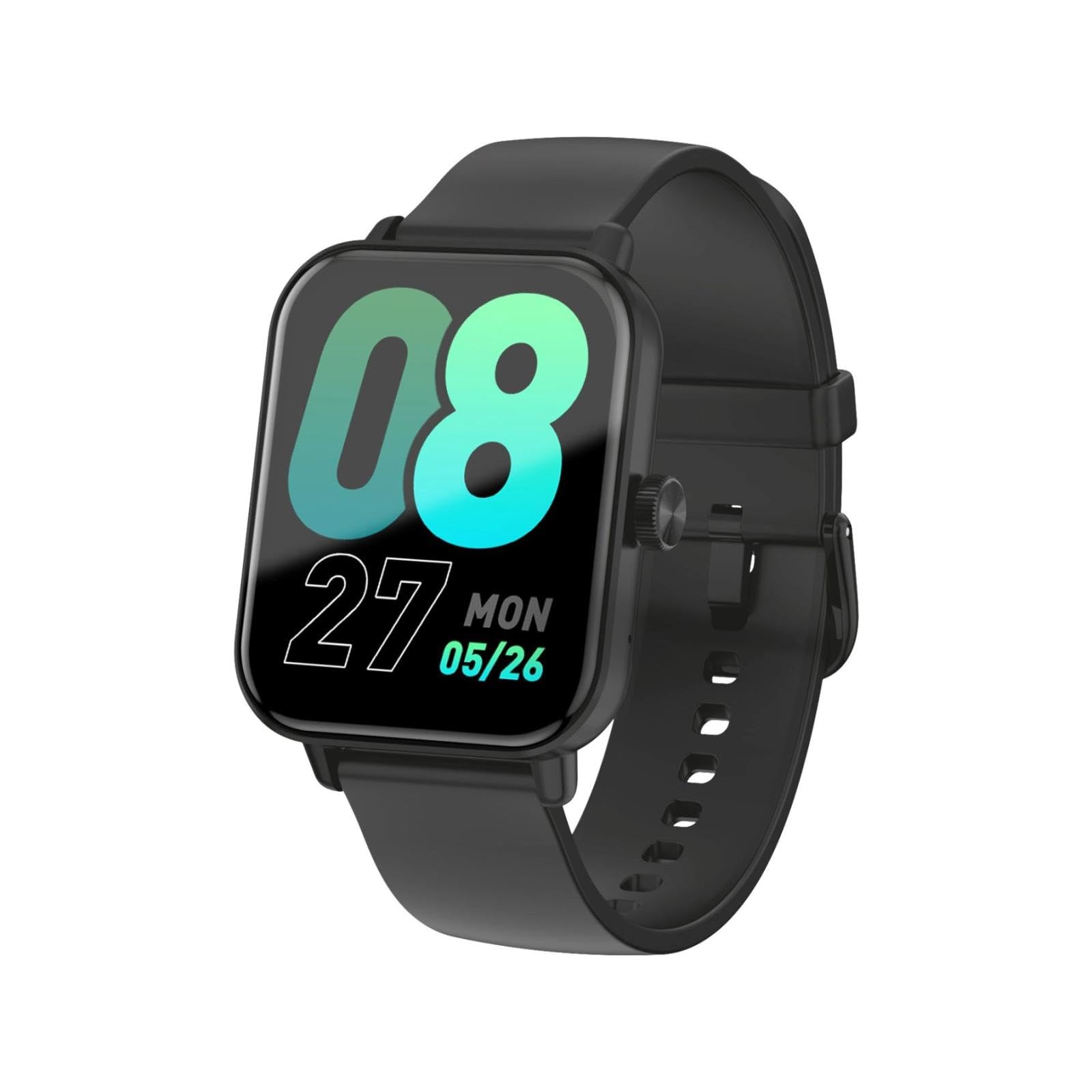
This image shows the LAMAX BFit Call smartwatch worn on the wrist of a child who is engaged in writing. The watch face displays digital time and other metrics, highlighting its comfortable fit and clear display during daily activities.
| Brand | LAMAX |
| Model Name | BFit Call |
| Display Size | 1.83 Inches |
| Display Type | TFT |
| Battery Capacity | 300 mAh |
| Average Battery Life | Up to 7 days |
| Connectivity | Bluetooth |
| Special Features | Alarm clock, Touch screen, Cycle tracking, Time display |
| Weight | 35 g |
Warranty and Support
For warranty information and technical support, please refer to the official LAMAX website or contact your local distributor. Keep your purchase receipt as proof of purchase for warranty claims.

