1. Introduction
Thank you for choosing the Biyoso X61 5.4 Bluetooth Earbuds. This manual provides essential information for setting up, operating, and maintaining your new wireless earphones. Please read it carefully to ensure optimal performance and longevity of your device.
What's in the Box:
- 1 pair of Biyoso X61 Earbuds
- 1 USB-C Charging Case
- 1 USB-C Charging Cable
- 1 User Manual
2. Product Overview
The Biyoso X61 earbuds feature Bluetooth 5.4 technology for stable connectivity and HiFi stereo sound. They are designed for comfortable semi-in-ear wear and offer intuitive touch controls for managing audio and calls.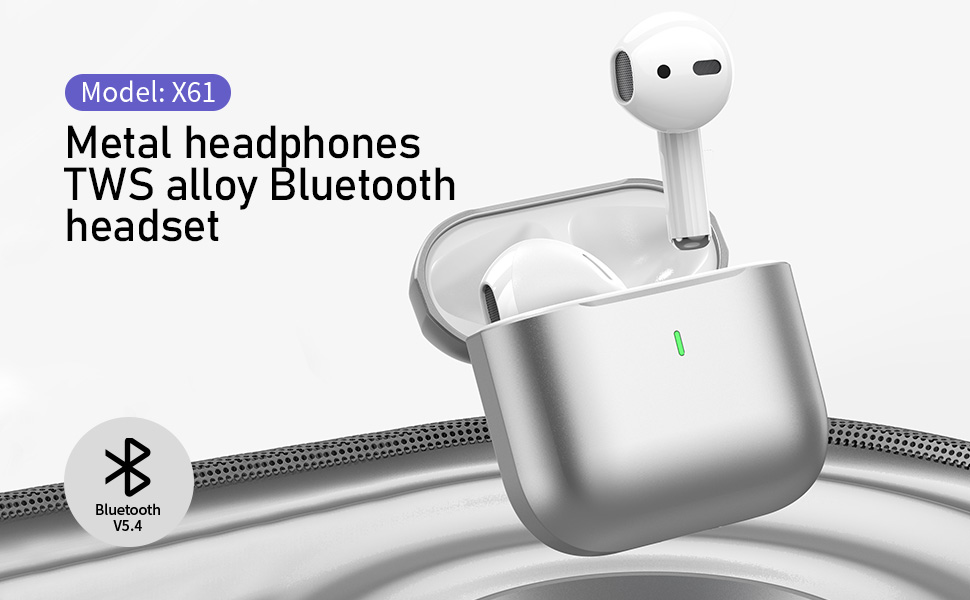
Key Features:
- TWS Bluetooth 5.4: Ensures stable, fast transmission with minimal signal loss.
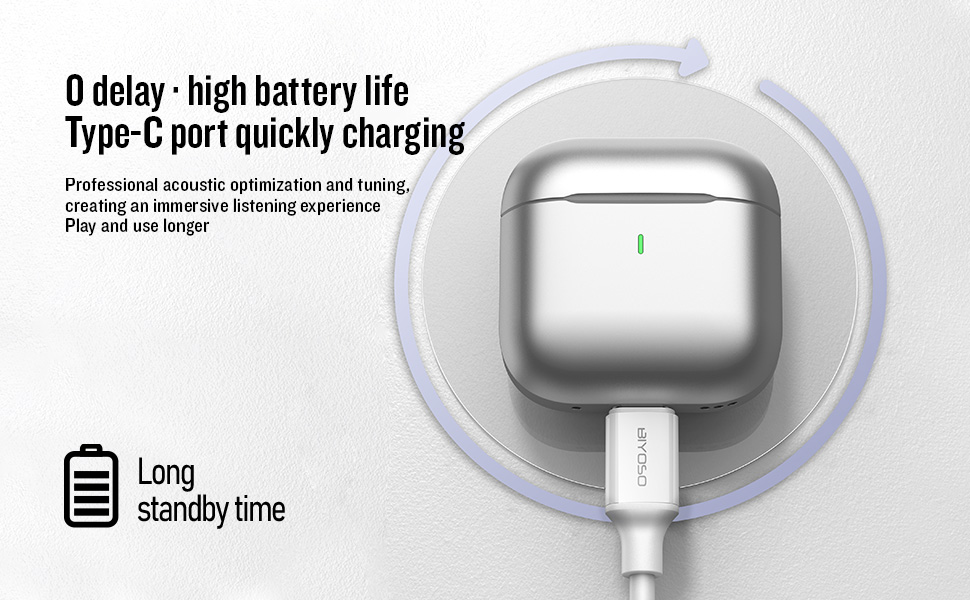
- Long Battery Life: Up to 4.5 hours of listening time per charge, with the charging case providing up to 20 hours total.
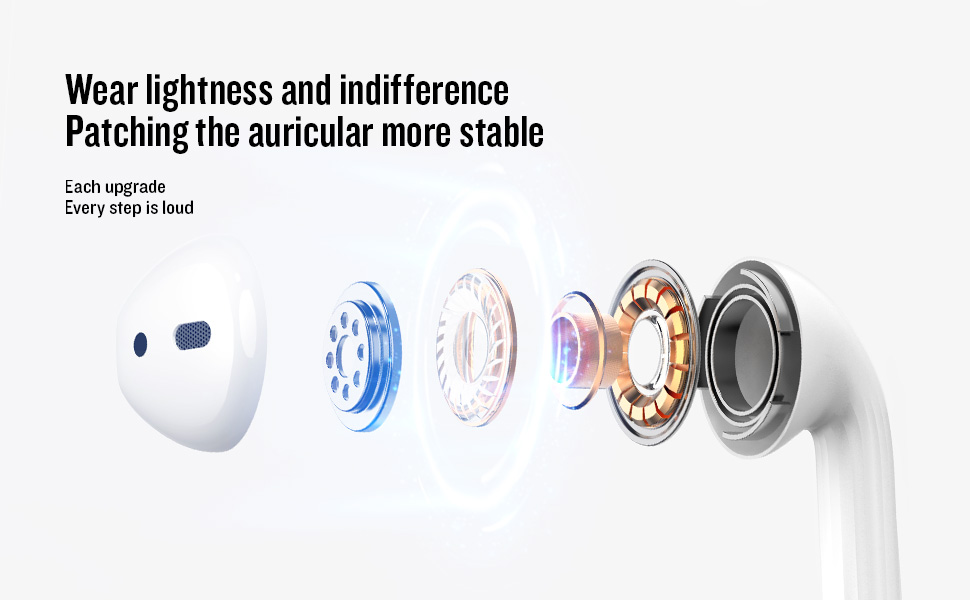
- Semi-In-Ear Design: Offers comfortable wear and non-destructive high-definition sound.
- IPX5 Water Resistance: Protects against dust, sweat, and water splashes.
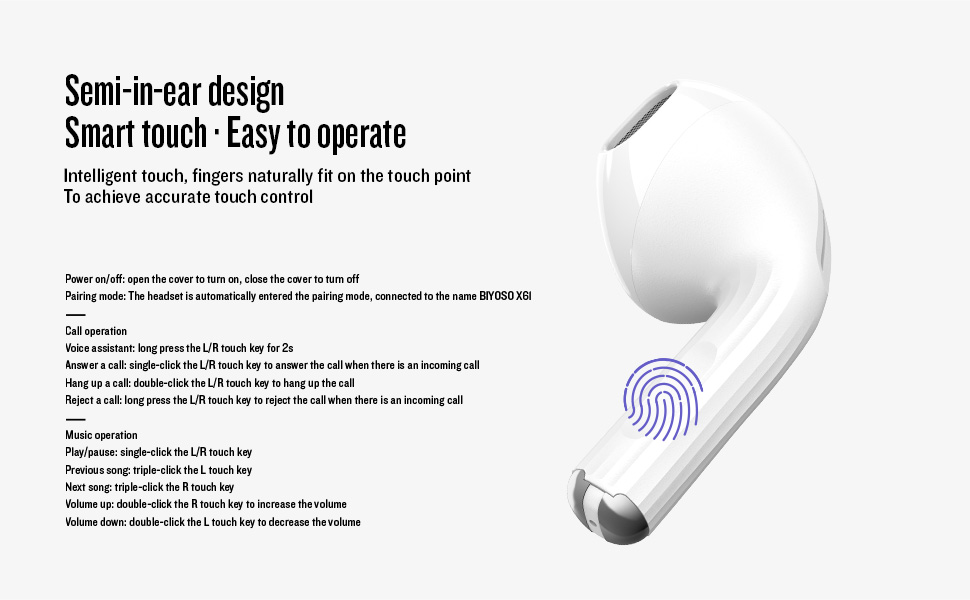
- Intuitive Touch Control: Manage playback, volume, and calls directly from the earbuds.
3. Setup
3.1 Charging the Earbuds and Case
Before first use, fully charge the earbuds and the charging case. Connect the provided USB-C cable to the charging port on the case and a power source. The charging case battery full time is approximately 1.2 hours.
3.2 Pairing with Your Device
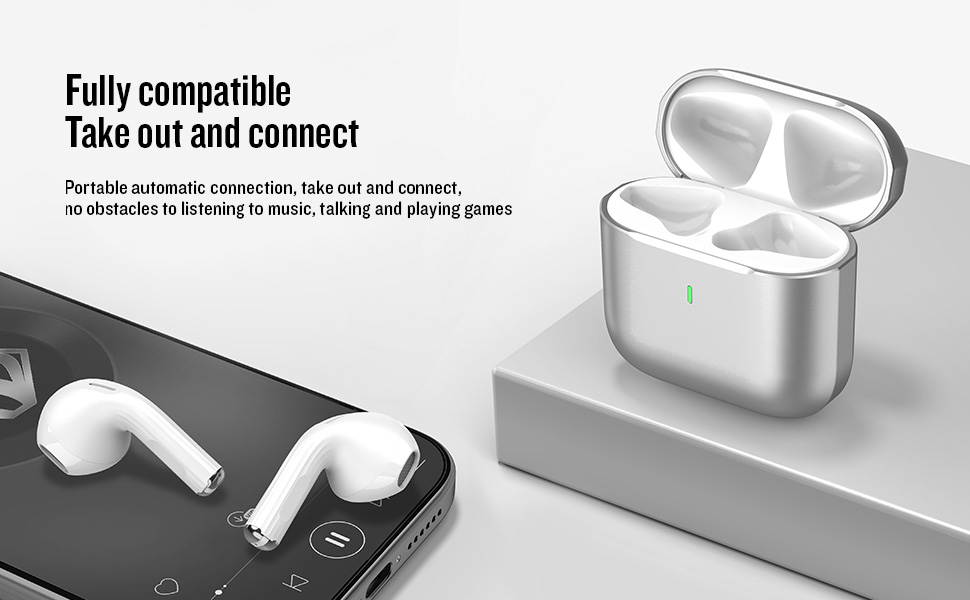
- Power On/Off: Open the charging case cover to automatically power on the earbuds. Close the cover to power them off.
- Pairing Mode: The earbuds will automatically enter pairing mode when the case is opened.
- Connect: On your device, enable Bluetooth and search for "BIYOSO X61" in the list of available devices. Select it to connect.
- Automatic Reconnection: Once paired, the earbuds will automatically connect to your device when removed from the charging case.
3.3 Product Introduction Video
Watch this official product introduction video for a visual guide to the Biyoso X61 Earbuds.
Video 3.1: Official Biyoso X61 Earbuds Product Introduction. This video provides an overview of the earbuds' features and basic usage.
4. Operating Instructions
4.1 Touch Controls
The Biyoso X61 earbuds feature intuitive touch controls on the stem for easy management of audio and calls.
Call Operation:
- Voice Assistant: Long press the L/R touch key for 2 seconds.
- Answer a Call: Single-click the L/R touch key.
- Hang Up a Call: Double-click the L/R touch key.
- Reject a Call: Long press the L/R touch key.
Music Operation:
- Play/Pause: Single-click the L/R touch key.
- Previous Song: Triple-click the L touch key.
- Next Song: Triple-click the R touch key.
- Volume Up: Double-click the R touch key.
- Volume Down: Double-click the L touch key.
- Switch Listening Modes: Hold the stem.
4.2 Wearing the Earbuds
Gently insert the earbuds into your ears. The semi-in-ear design provides a comfortable and secure fit for various activities.
5. Maintenance
5.1 Cleaning
Regularly clean your earbuds and charging case to ensure optimal performance and hygiene. Use a soft, dry, lint-free cloth. Do not use abrasive materials or harsh chemicals.
5.2 Storage
When not in use, store the earbuds in their charging case to protect them from dust and damage. Keep the case in a cool, dry place away from extreme temperatures.
5.3 Water Resistance
The Biyoso X61 earbuds and charging case are IPX5 rated, meaning they are resistant to dust, sweat, and water splashes. They are not designed for submersion in water. Avoid exposing them to heavy rain or showering with them.
6. Troubleshooting
If you encounter any issues with your Biyoso X61 earbuds, please refer to the following common solutions:
- No Sound/Poor Sound Quality:
- Ensure earbuds are properly seated in your ears.
- Check the volume level on both your device and the earbuds.
- Ensure earbuds are fully charged.
- Reconnect the earbuds to your device.
- Earbuds Not Pairing:
- Make sure Bluetooth is enabled on your device.
- Ensure earbuds are removed from the charging case.
- Turn off Bluetooth on other nearby devices to avoid interference.
- Try resetting the earbuds (refer to the full user manual for specific reset instructions if needed).
- Charging Issues:
- Verify the USB-C cable is securely connected to both the case and the power source.
- Ensure the charging contacts on the earbuds and inside the case are clean and dry.
- Try a different USB-C cable or power adapter.
If the problem persists, please contact customer support.
7. Specifications
| Feature | Specification |
|---|---|
| Model Name | X61 |
| Brand | Biyoso |
| Connectivity Technology | Wireless (Bluetooth 5.4) |
| Wireless Communication Technology | Bluetooth |
| Bluetooth Range | 10 Meters |
| Ear Placement | In Ear |
| Form Factor | In Ear |
| Noise Control | Passive Noise Cancellation |
| Frequency Response | 20 KHz |
| Sensitivity | 90 dB |
| Impedance | 32 Ohms |
| Audio Driver Size | 8 Millimeters |
| Control Method | Touch |
| Battery Life (Earbuds) | Up to 4.5 hours (80% volume) |
| Total Listening Time (with case) | Up to 20 hours |
| Charging Case Battery Full Time | 1.2 hours |
| Water Resistance Level | IPX5 |
| Item Weight | 0.15 ounces |
| Material | Metal, Plastic |
8. Warranty and Support
8.1 Warranty Information
Biyoso products are covered by a limited warranty against defects in materials and workmanship. Please refer to the warranty card included in your product packaging for specific terms and conditions. Keep your proof of purchase for warranty claims.
8.2 Customer Support
For technical assistance, troubleshooting, or warranty inquiries, please contact Biyoso customer support. Contact details can be found on the official Biyoso website or on the warranty card.


