1. Introduction
Thank you for choosing the Homvana H104 4L Cool Mist Humidifier. This device is designed to improve your indoor air quality by adding moisture to the air, helping to alleviate dry skin, irritated sinuses, and other discomforts caused by dry environments. It also functions as an aroma diffuser and a nightlight, offering a comprehensive comfort solution.
Key features include:
- 3-in-1 Functionality: Humidifier, Aroma Diffuser, and Nightlight.
- Efficient Mist Output: Up to 300ml/h for rapid humidity restoration.
- Long Runtime: 4L tank provides up to 40 hours of continuous operation on low mist mode.
- Ultra-Quiet Operation: Operates at less than 25dB, ideal for bedrooms and nurseries.
- Easy Maintenance: Top-fill design and filter-free for effortless cleaning.

Image: The Homvana H104 humidifier highlighting its 40-hour runtime and 4-liter water capacity, indicating long-lasting hydration.
2. Important Safety Information
Please read and understand all safety instructions before using this appliance to prevent injury or damage. Keep this manual for future reference.
- Always place the humidifier on a firm, flat, water-resistant surface away from direct sunlight and heat sources.
- Do not place the humidifier directly on carpet, wood floors, or surfaces that may be damaged by water or moisture.
- Use only clean, cool tap water. Distilled or demineralized water is recommended to prevent mineral buildup.
- Do not add water to the mist outlet.
- Do not immerse the base unit in water or other liquids.
- Unplug the humidifier before filling, cleaning, or moving it.
- Keep out of reach of children and pets.
- Do not block the mist outlet or air intake vents.
- Only use essential oils specifically designed for humidifiers/diffusers in the designated aroma tray. Do not add oils directly to the water tank.
- If the humidifier is damaged, do not operate it. Contact customer support.
3. What's in the Box
Carefully unpack all components and ensure you have the following items:
- Homvana H104 Humidifier Body
- Power Cord
- Cleaning Brush
- User Manual (this document)
4. Product Overview
Familiarize yourself with the different parts of your Homvana H104 humidifier:
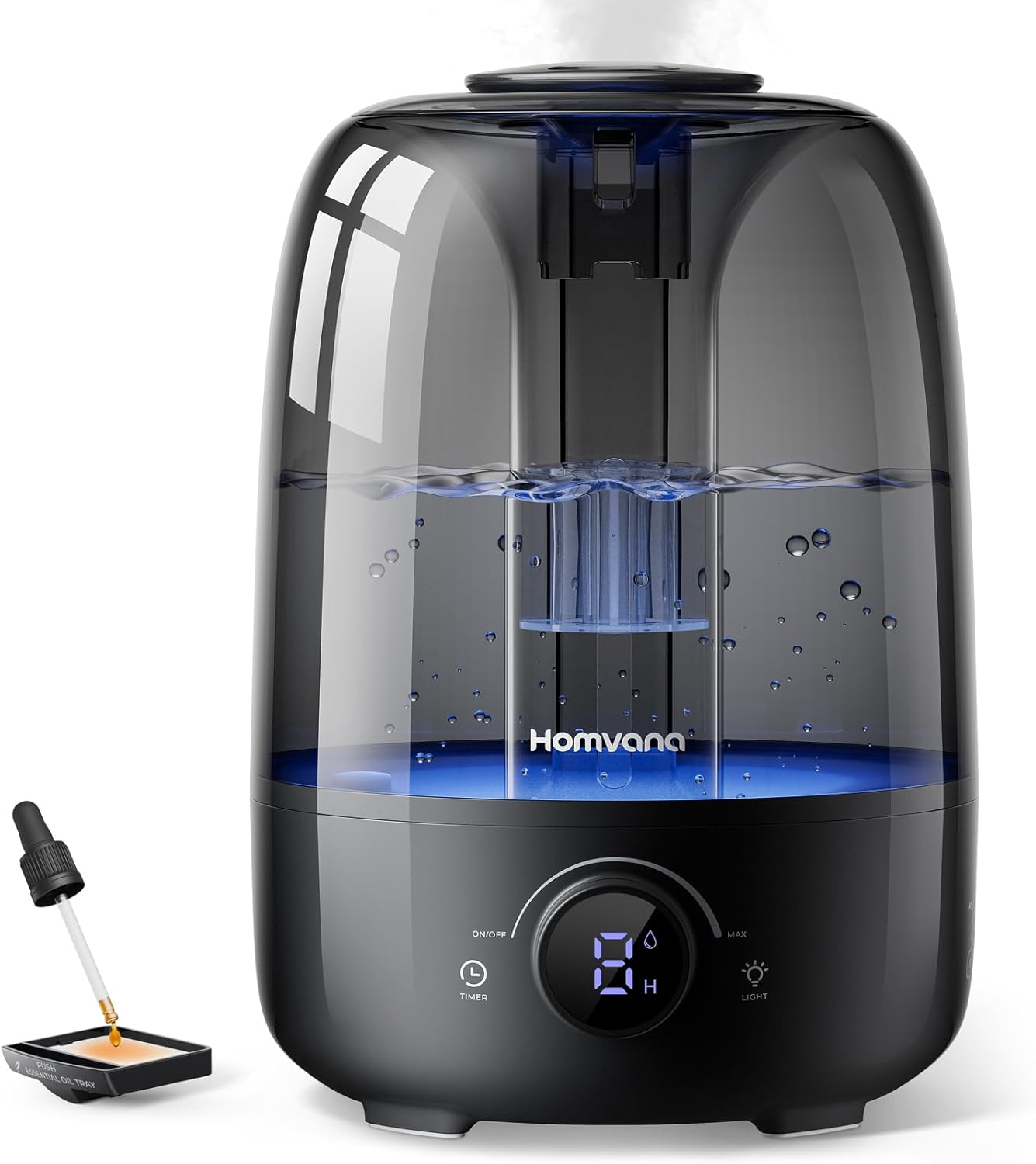
Image: A detailed view of the Homvana H104 humidifier, showing its main components including the water tank, control panel, mist outlet, and aroma tray.
- Mist Outlet: Where the cool mist is released.
- Water Tank: 4-liter capacity for water.
- Base Unit: Contains the electronic components and control panel.
- Control Panel: Digital display and touch buttons for operation (On/Off, Timer, Light, Mist Level).
- Aroma Tray: Small compartment for adding essential oils.
5. Setup Guide
Follow these steps to set up your humidifier for first use:
- Unpack: Remove all packaging materials and place the humidifier on a flat, stable surface.
- Fill Water Tank: Remove the top cover. Pour clean, cool water directly into the water tank up to the MAX fill line. Do not overfill. Distilled or demineralized water is recommended to minimize mineral buildup.
- Add Essential Oils (Optional): If using essential oils, pull out the aroma tray located at the base of the unit. Add 2-3 drops of water-soluble essential oil onto the aroma pad. Do not add essential oils directly into the water tank. Push the tray back in.
- Connect Power: Plug the power cord into the humidifier's power port, then plug the other end into a standard electrical outlet.
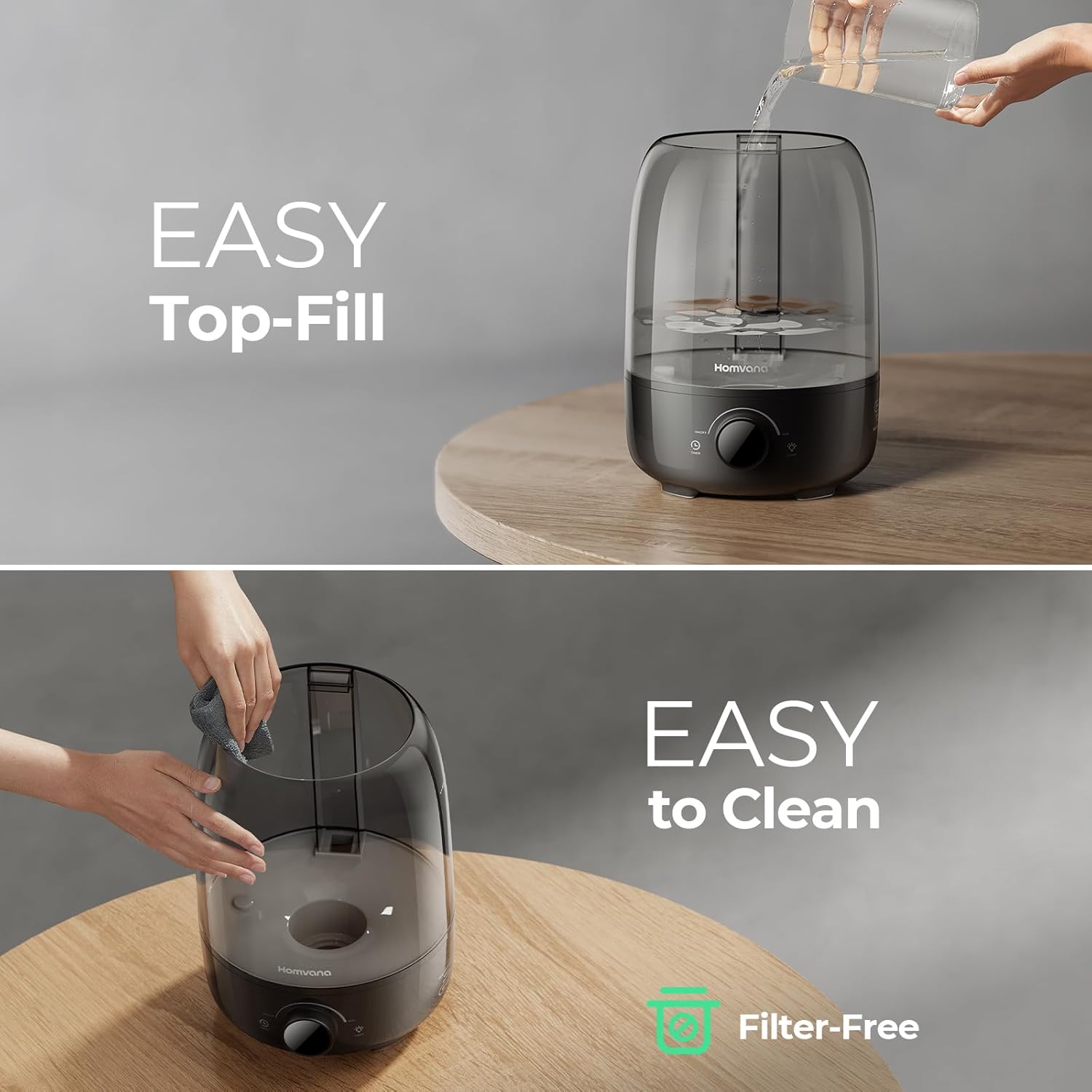
Image: Demonstrates the easy top-fill feature of the Homvana H104 humidifier, showing water being poured directly into the open top of the unit.
6. Operating Instructions
Learn how to use the various functions of your Homvana H104 humidifier:
- Power On/Off: Touch the ON/OFF button on the control panel to turn the humidifier on or off. The digital display will illuminate.
- Adjust Mist Level: Rotate the dial on the control panel to adjust the mist output from minimum to maximum. The mist output is powerful, providing fast dryness relief.
- Night Light Control: Touch the LIGHT button to cycle through 7 LED mood light colors or turn the light off. This feature can serve as a gentle nightlight.
- Set Timer: Touch the TIMER button to set the operating time (e.g., 2H, 4H, 8H). The humidifier will automatically shut off after the selected time.
- Auto Shut-Off: The humidifier will automatically shut off when the water level is too low or the tank is removed, ensuring safety.
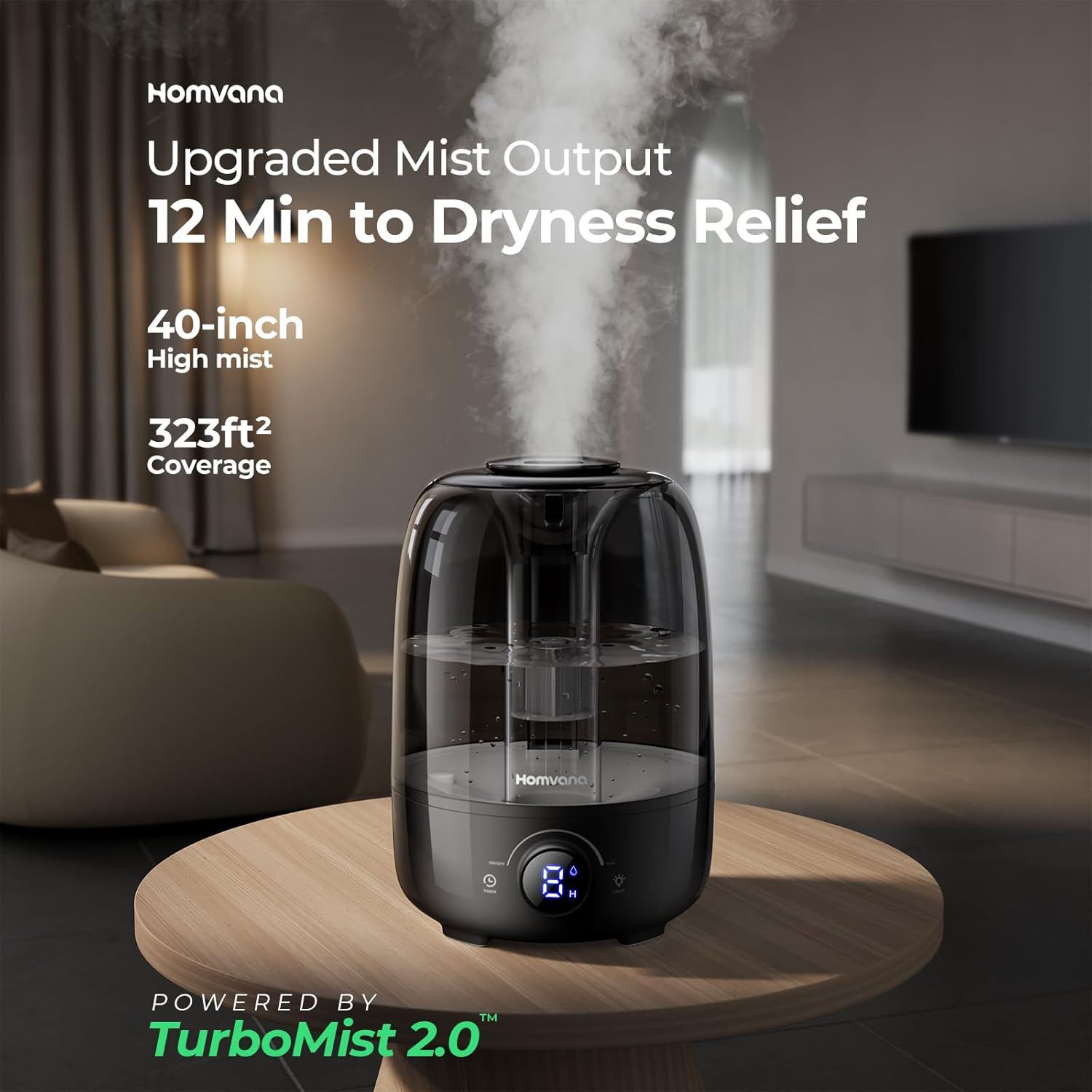
Image: The Homvana H104 humidifier demonstrating its upgraded mist output, capable of reaching 40 inches high and covering up to 323 sq ft.
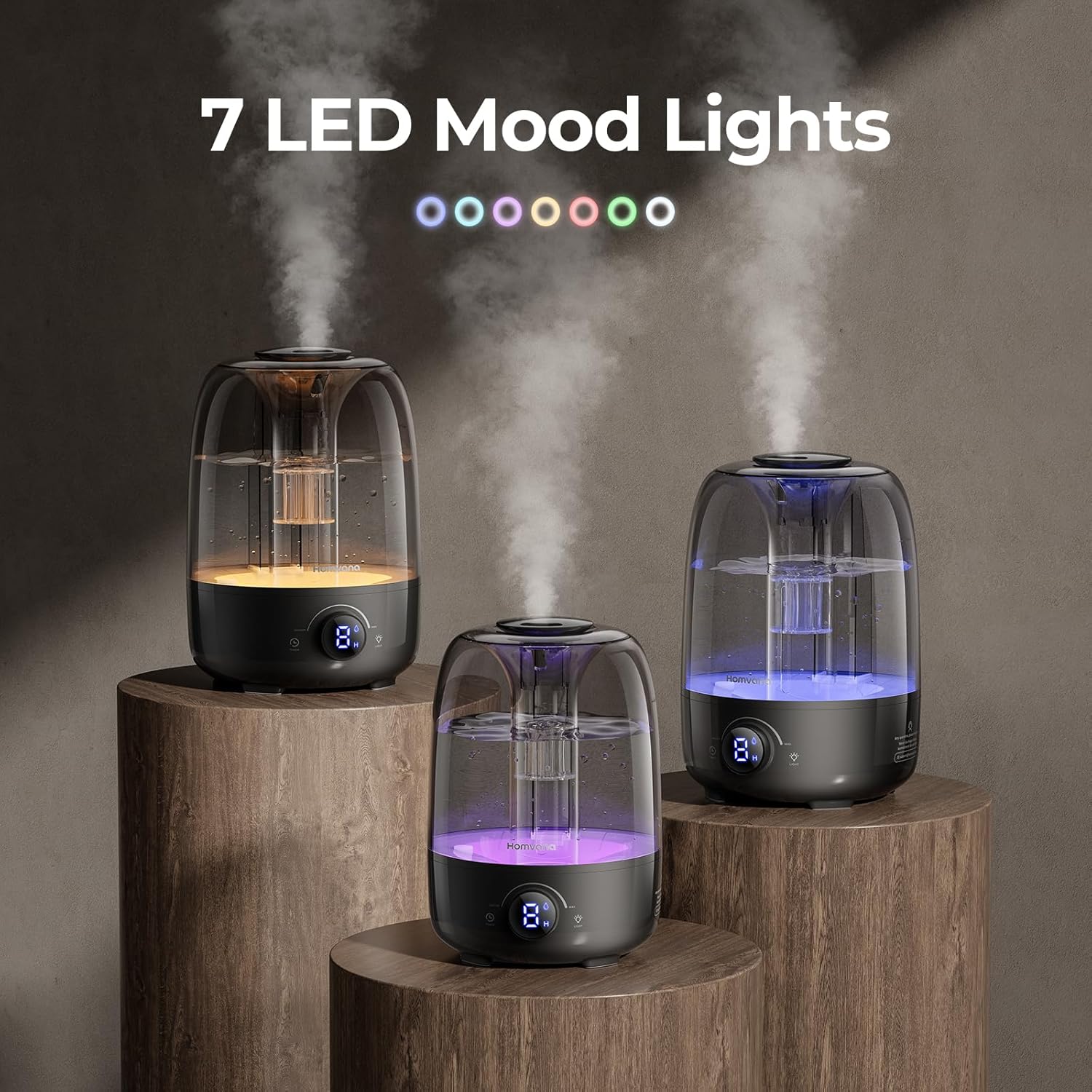
Image: Three Homvana H104 humidifiers showcasing the 7 LED mood light options, illustrating the customizable ambient lighting feature.
The Homvana H104 operates at an ultra-quiet level (below 25dB), ensuring peaceful sleep and an undisturbed environment.
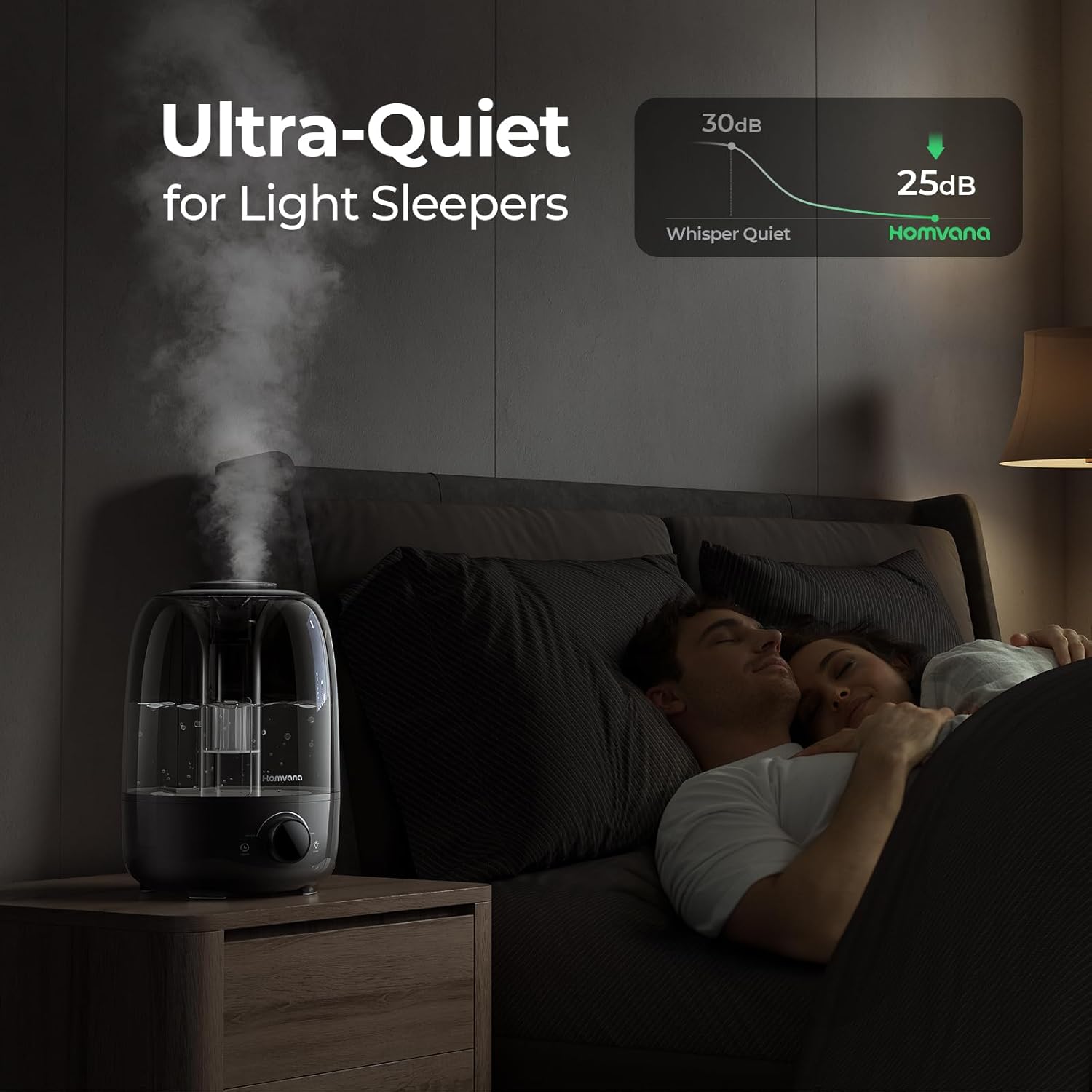
Image: A couple sleeping undisturbed in a bedroom, with the Homvana H104 humidifier operating quietly on a nightstand, illustrating its ultra-quiet performance (under 25dB).
7. Maintenance and Cleaning
Regular cleaning is crucial for optimal performance and hygiene. The Homvana H104 is designed for easy cleaning with its filter-free and detachable mist tube features.
- Daily Maintenance:
- Unplug the humidifier.
- Empty any remaining water from the tank and base.
- Wipe the tank and base dry with a clean cloth.
- Refill with fresh water before next use.
- Weekly Cleaning (or every 3 days for best results):
- Unplug the humidifier and empty all water.
- Remove the top cover and detachable mist tube.
- Clean the water tank and base with a soft brush (included) and mild detergent. Rinse thoroughly to remove any residue.
- For mineral buildup, fill the tank with a mixture of white vinegar and water (1:1 ratio) and let it soak for 30 minutes. Gently scrub with the cleaning brush, then rinse thoroughly.
- Wipe all surfaces dry before reassembling.
Image: Shows the ease of cleaning the Homvana H104 humidifier, with a hand wiping the interior of the water tank, emphasizing its filter-free design.
The Homvana H104 features an Ag+ enhanced tank, which helps inhibit impurity build-up and odors, contributing to long-lasting cleanliness.

Image: A diagram illustrating how the Ag+ enhanced tank in the Homvana humidifier reduces impurity build-up by 92.5%, promoting cleaner water.

Image: A side-by-side comparison of humidifier tanks, one with Ag+ infusion showing minimal residue and another without Ag+ showing significant impurity build-up, demonstrating long-lasting cleanliness.
8. Troubleshooting
If you encounter issues with your humidifier, please refer to the following common problems and solutions:
| Problem | Possible Cause | Solution |
|---|---|---|
| No Mist Output | Low water level Unit not plugged in Mist outlet blocked | Refill water tank Ensure power cord is securely plugged in Check and clear any obstructions from the mist outlet |
| Unusual Odor | Stagnant water Mineral buildup Improper cleaning | Empty and refill with fresh water daily Perform weekly deep cleaning with vinegar solution Ensure thorough drying after cleaning |
| Water Leakage | Overfilling the tank Unit not on a flat surface Damaged tank/base | Do not fill past the MAX line Place on a firm, level surface Contact customer support if damage is suspected |
| Loud Noise | Unit not on a flat surface Water level too low | Ensure unit is on a stable, flat surface Refill water tank |
If the problem persists after trying these solutions, please contact Homvana Customer Support.
9. Specifications
| Feature | Detail |
|---|---|
| Model Name | Humidifier (H104) |
| Brand | Homvana |
| Color | Black |
| Capacity | 4 Liters |
| Product Dimensions | 8.58"D x 8.43"W x 13.7"H |
| Item Weight | 3.09 pounds |
| Noise Level | Under 25 dB |
| Special Features | Adjustable Humidity Control, Aroma Diffuser, Auto Shut Off, Night Light, Timer |
| Included Components | Cleaning Brush, Humidifier Body, Power Cord, User Manual |
10. Warranty and Support
Homvana stands behind the quality of its products. The Homvana H104 Humidifier comes with a 3-year warranty from the date of purchase. This warranty covers manufacturing defects and issues arising from normal use.
For any quality issues within 3 years, Homvana offers a replacement unit as part of its "Smile Service".

Image: A graphic promoting Homvana's "Smile Service," indicating a 3-year warranty and offering a new replacement unit for any quality issues within that period.
Customer Support:
If you have any questions, concerns, or require assistance with your Homvana H104 humidifier, please contact our dedicated customer support team:
- Email: support@homvana.com
- Website: Visit the official Homvana website for FAQs and additional resources.
Please have your model number (H104) and purchase date ready when contacting support.


