Product Overview
The Quad Lock 1" Ball Top Cap Phone Mount Kit provides a secure and convenient solution for mounting and wirelessly charging your iPhone 14 Pro Max in various vehicles, including cars, trucks, and RVs. This kit integrates seamlessly with existing 1" socket arm systems, offering robust protection and easy access to your device on the go.
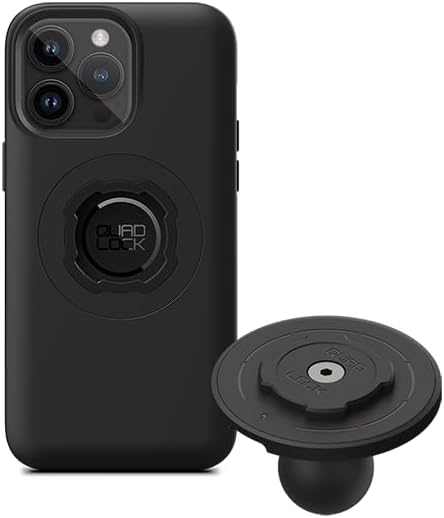
Image: The complete Quad Lock kit, showing the phone case and the 1" Ball Top Cap mount with wireless charging head.
Setup and Installation
Follow these steps to properly set up and install your Quad Lock 1" Ball Top Cap Phone Mount Kit.
1. Install the MAG Phone Case
Carefully place your iPhone 14 Pro Max into the provided Quad Lock MAG Phone Case. Ensure the phone is seated correctly and all edges are protected by the case. The case features an impact-absorbing shell and soft protective lining.
2. Attach the 1" Ball Top Cap Adaptor
The 1" Ball Top Cap Adaptor is designed for easy integration with existing 1" socket arm systems (such as RAM size B). No tools are required for this step.
- Unscrew the existing top cap from your 1" socket arm.
- Place the Quad Lock 1" Ball Top Cap Adaptor onto the ball of your socket arm.
- Secure the adaptor by tightening the socket arm's knob until the adaptor is firmly held in place.

Image: A person's hands demonstrating the installation of the Quad Lock 1" Ball Top Cap Adaptor onto an existing vehicle mount.
3. Connect the Wireless Charging Head
The MAG Wireless Charging Head is integrated into the 1" Ball Top Cap Adaptor. Ensure the USB cable from the charging head is connected to a suitable power source in your vehicle (e.g., USB port, 12V adapter).
Video: An official Quad Lock video demonstrating the installation and use of the 1" Ball Top Cap Adaptor and MAG Wireless Charging Head in various vehicle types. This video shows the secure attachment mechanism and charging functionality.
Operating Instructions
Once installed, using your Quad Lock mount is simple and intuitive.
Attaching Your Phone
To attach your iPhone 14 Pro Max (in its Quad Lock MAG Case) to the mount:
- Align the Quad Lock interface on the back of your phone case with the corresponding interface on the MAG Wireless Charging Head.
- Press the phone firmly onto the mount and twist until you hear a "click." This indicates the secure twist-and-lock mechanism has engaged.
- The strong neodymium magnets in the MAG Wireless Charging Head will assist with effortless positioning and hold.
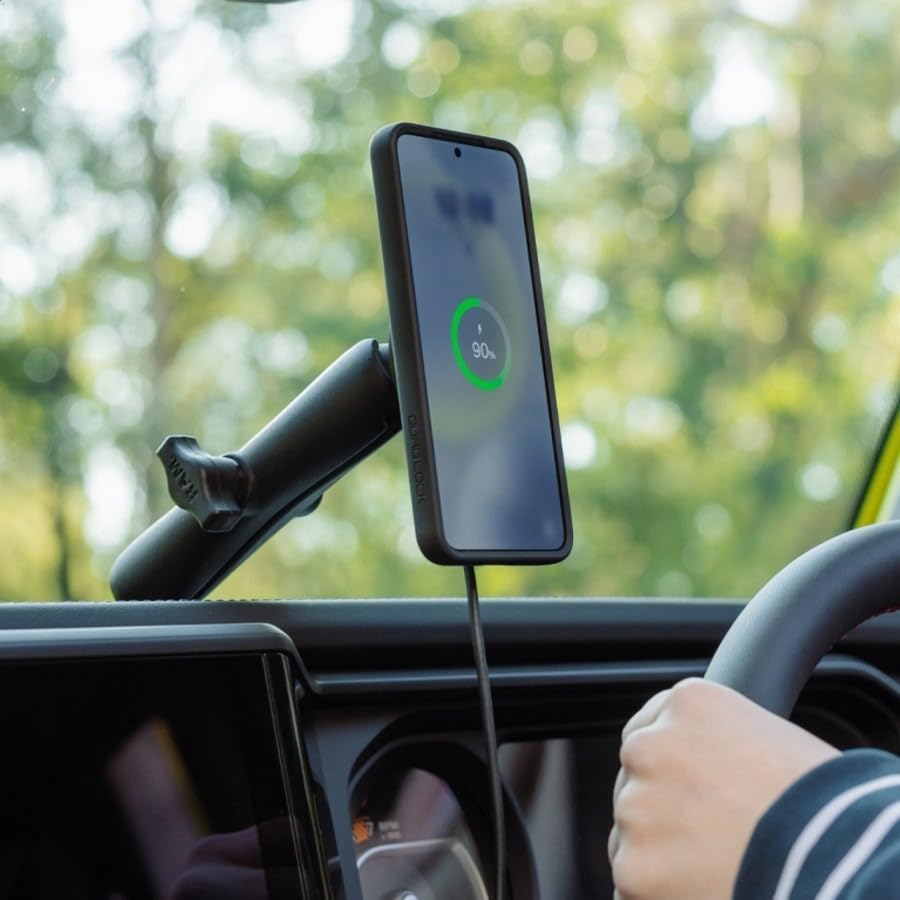
Image: A hand demonstrating the attachment of an iPhone, housed in a Quad Lock case, to the vehicle mount.
Wireless Charging
Once your phone is securely mounted and the charging head is powered, wireless charging will begin automatically. The MAG Wireless Charging Head supports various charging outputs (5W, 7.5W, 10W, and 15W) depending on your device's capabilities and power source.
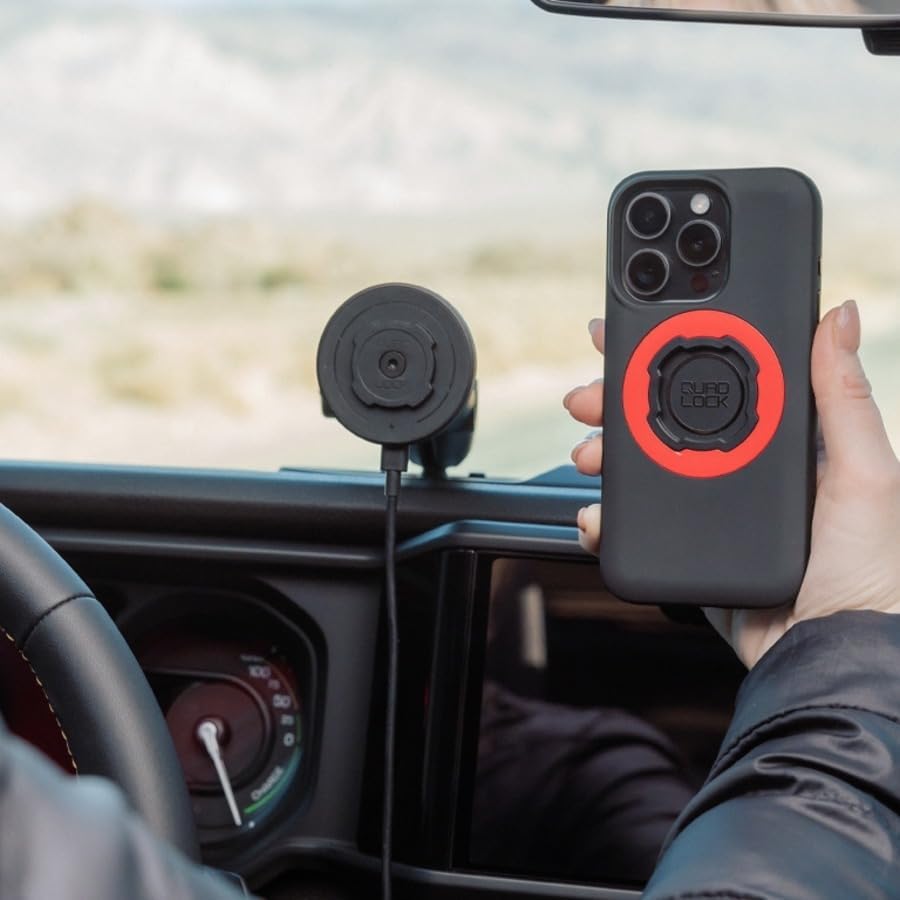
Image: An iPhone mounted in a vehicle, displaying the wireless charging indicator on its screen, confirming active charging.
Adjusting Orientation
The Quad Lock system allows for easy adjustment between portrait and landscape orientations without detaching your phone. Simply rotate your phone on the mount to your desired viewing angle.
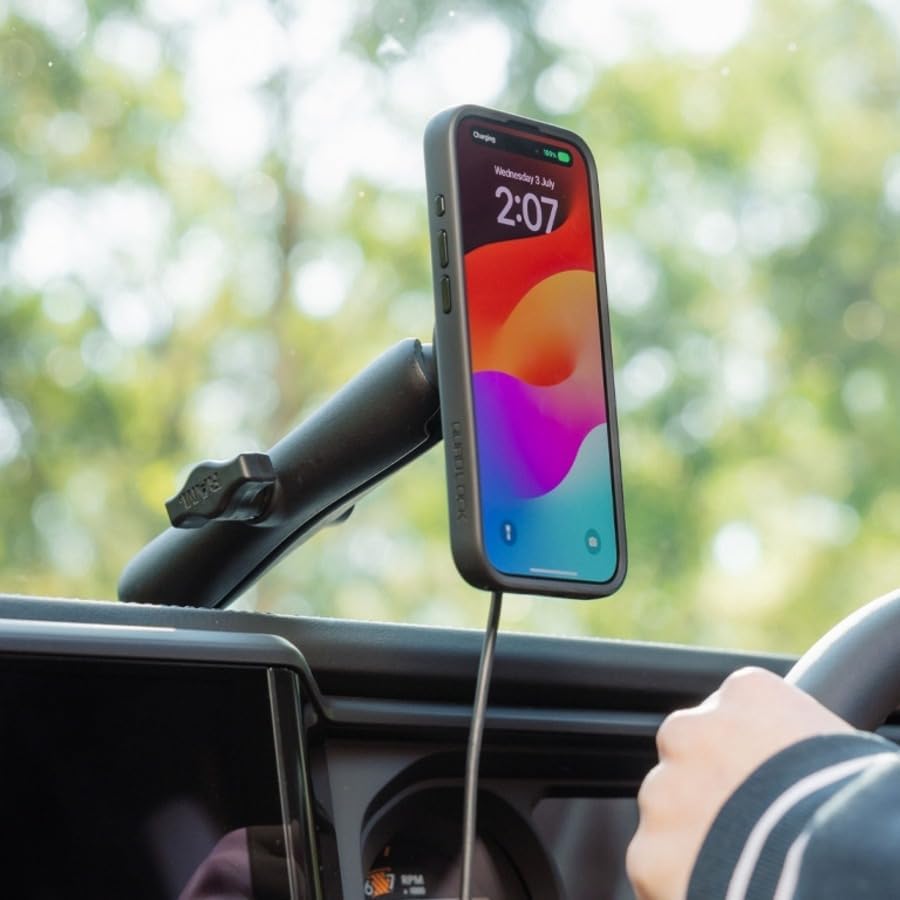
Image: iPhone mounted in portrait orientation, ideal for navigation or calls.

Image: iPhone mounted in landscape orientation, suitable for wide-screen map viewing.
Maintenance
Regular maintenance ensures the longevity and optimal performance of your Quad Lock kit.
- Cleaning: Wipe the mount and phone case with a soft, damp cloth to remove dust and grime. Avoid harsh chemicals or abrasive cleaners.
- Inspection: Periodically inspect the mount and case for any signs of wear, damage, or loose components. Ensure the twist-and-lock mechanism operates smoothly.
- Cable Care: Ensure the USB charging cable is not pinched or excessively bent, which could damage the internal wires.
Troubleshooting
If you encounter issues with your Quad Lock kit, refer to the following common problems and solutions.
| Problem | Possible Cause | Solution |
|---|---|---|
| Phone not charging wirelessly. |
|
|
| Phone feels loose or detaches easily. |
|
|
| Mount wobbles excessively. |
|
|
Specifications
Key specifications for the Quad Lock 1" Ball Top Cap Phone Mount Kit:
- Compatibility: iPhone 14 Pro Max (with included MAG Case), compatible with all Quad Lock Cases, Universal Adaptors, and 1" Socket Arms (e.g., RAM size B).
- Wireless Charging Output: 5W, 7.5W, 10W, 15W.
- Materials:
- 1" Ball Top Cap Adaptor: Durable glass-filled nylon with black stainless steel hardware.
- MAG Wireless Charging Head: Glass-filled nylon front housing, anodized aluminum rear housing, black zinc-coated stainless steel screw, nickel-plated magnets.
- MAG Phone Case: Secure Quad Lock interface, impact-absorbing shell, soft protective lining, high-strength neodymium magnets.
- Color: Black.
- Mounting Type: 1" Socket Arms.
- Features: Hand Free operation, Wireless Charging, Magnetic attachment.
What's in the Box:
- MAG Phone Case (for iPhone 14 Pro Max)
- MAG Wireless Charger (integrated into 1" Top Cap)
- 1" Top Cap Adaptor

Image: Rear view of the MAG Wireless Charging Head, displaying technical specifications and regulatory markings.
Warranty and Support
For detailed warranty information and customer support, please visit the official Quad Lock website. Protection plans may also be available for extended coverage.
Manufacturer: Quad Lock
Country of Origin: China


