
Introduction
The Garmin Rally XC100 is a single-sensing power meter pedal designed for durability and versatility. It provides reliable power and cadence measurements to enhance your cycling performance analysis. Compatible with SHIMANO SPD cleats, it offers easy installation and transferability between bicycles. This manual provides essential information for setup, operation, and maintenance of your Rally XC100 pedals.
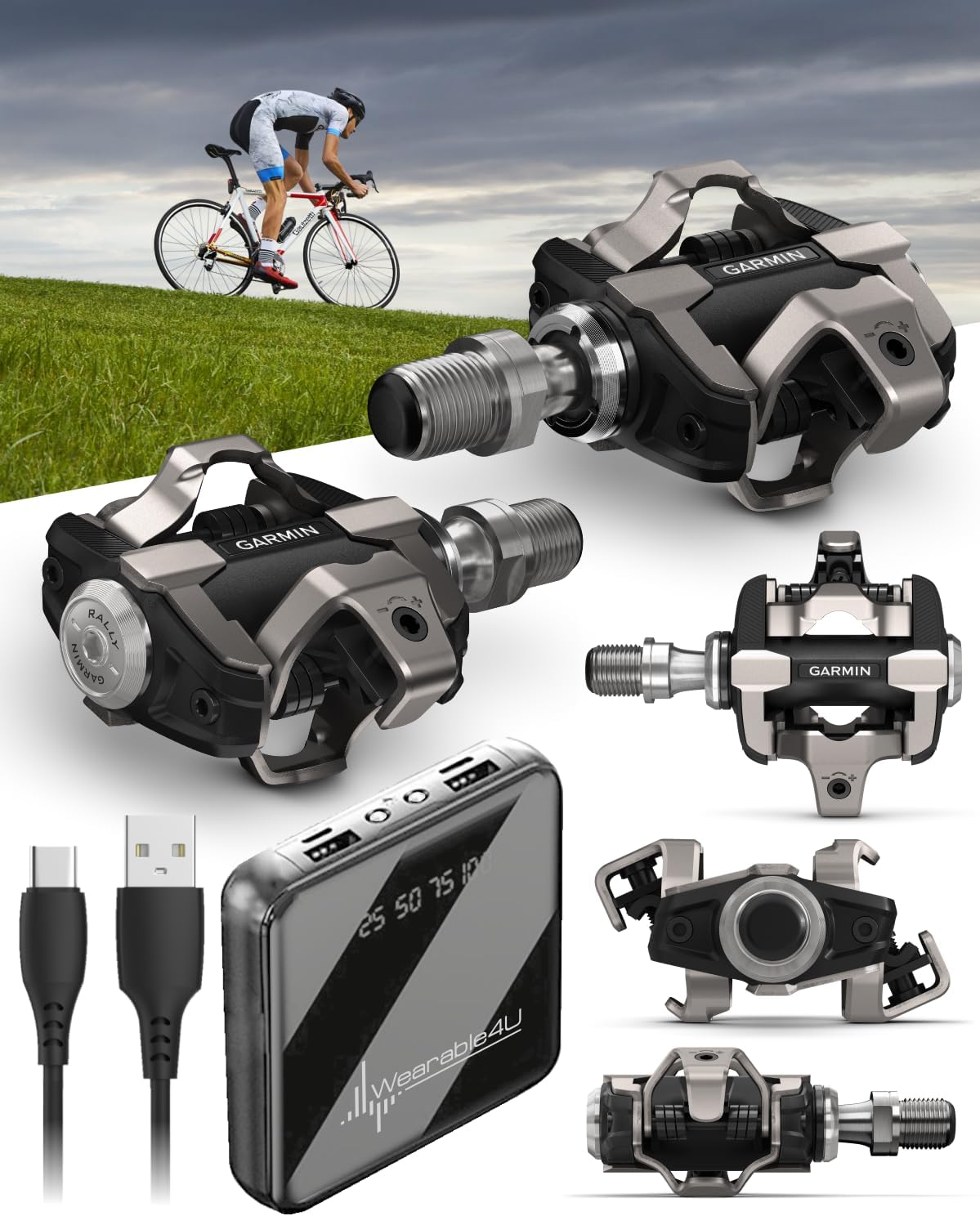
Image: Garmin Rally XC100 pedals shown with included Wearable4U PowerBank and charging cables.
What's in the Box
- 1 x Garmin Rally XC100 Pedals
- 1 x Cleat hardware
- 1 x 55 mm Q-factor washers
- 1 x Wearable4U PowerBank
Setup
1. Pedal Installation
The Rally XC100 pedals install like any standard bicycle pedal. Use an 8 mm hex wrench to securely attach the pedals to your bike's crank arms. Ensure the pedals are tightened to the manufacturer's recommended torque specifications to prevent loosening during use.

Image: A pair of Garmin Rally XC100 pedals, one installed on a bicycle crank arm, the other detached.
2. Cleat Installation
The Rally XC100 pedals are compatible with SHIMANO SPD cleats. Attach the cleats to your cycling shoes according to the cleat manufacturer's instructions. Proper cleat positioning is crucial for comfort and efficient power transfer.
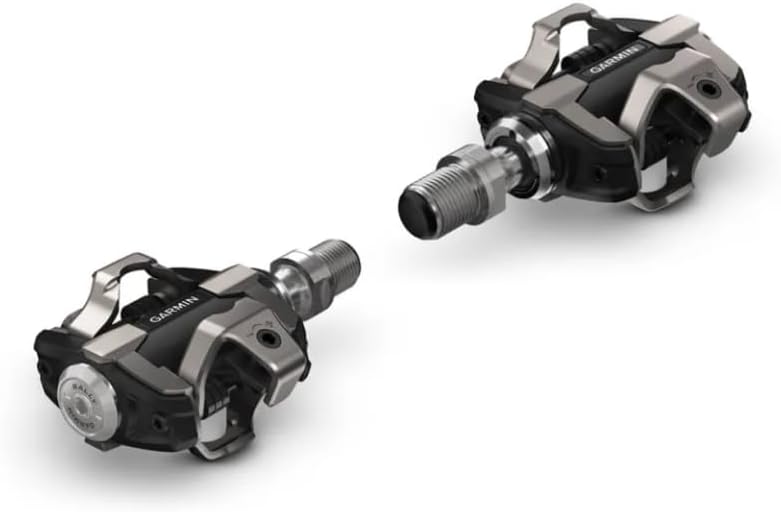
Image: A close-up view of the Garmin Rally XC100 pedal, highlighting the SHIMANO SPD compatible cleat mechanism.
3. Device Pairing and Calibration
Pair your Rally XC100 pedals with a compatible Garmin Edge cycling computer or the Garmin Connect app via ANT+ or Bluetooth. After pairing, perform a zero-offset calibration before each ride for accurate power readings. This process typically involves unclipping from the pedals and following the on-screen prompts on your Garmin device.
Video: An overview of Garmin Rally 110/210 power meter pedals, demonstrating features including easy installation, responsiveness, and data measurement. This video highlights the ease of use and data accuracy for both single and dual-sensing models.
Operating the Rally XC100
Power and Cadence Tracking
The Rally XC100 is a single-sensing power meter, measuring power and cadence from the left pedal. It doubles this value to provide an estimate of your total power output. This data is transmitted wirelessly to your paired Garmin device or other compatible head units, allowing you to monitor your performance in real-time and analyze it post-ride.
Upgradeable to Dual-Sensing
For advanced metrics such as left/right balance and power phase, the Rally XC100 can be upgraded to a dual-sensing system. Upgrade kits are sold separately and allow you to convert your single-sensing pedal into a full dual-sensing system for more comprehensive data analysis.
Video: This video showcases the durability and versatility of Garmin Rally power meters, highlighting their robust design for various cycling environments and the option to choose between different pedal types (SPD, SPD-SL, KEO).
Maintenance
Battery Charging
The Rally XC100 pedals feature a rechargeable battery with up to 120 hours of runtime. Connect the included charging cable to the pedal's charging port and a USB power source. The LED indicator on the pedal will show charging status. Regular charging ensures consistent performance.
Cleaning and Care
Clean your pedals regularly with a damp cloth to remove dirt and debris. Avoid using harsh chemicals or abrasive materials that could damage the pedal body or sensors. The pedals are designed to be shock, mud, and waterproof, making them suitable for various conditions.
Troubleshooting
- No Power Data: Ensure pedals are charged and properly paired with your device. Perform a zero-offset calibration.
- Inconsistent Readings: Re-calibrate the pedals. Check for any physical damage or loose connections. Ensure firmware is up to date via the Garmin Connect app.
- Pedal Not Turning On: Charge the pedals for at least 30 minutes. If issues persist, contact Garmin Support.
- Difficulty Clipping In/Out: Adjust the cleat tension on the pedal body using a hex wrench.
Specifications
| Brand | Garmin |
| Model Name | Rally XC100 |
| Color | Black |
| Material | Carbon Composite or Plastic |
| Item Weight | 330 Grams |
| Product Dimensions | 13.1"L x 14.6"W |
| Battery Life | Up to 120 hours |
| Cleat Compatibility | SHIMANO SPD |
Warranty and Support
For detailed warranty information, please refer to the official Garmin website: Garmin Limited Warranty. For technical support, product registration, or additional resources, visit the Garmin support page or contact their customer service.