
Philips S1209
PHILIPS S1209 Portable Bluetooth Speaker Instruction Manual
Model: S1209 | Brand: Philips
1. Introduction
The PHILIPS S1209 Portable Bluetooth Speaker is designed to deliver quality sound with extra bass in a compact, portable form factor. Featuring Bluetooth 5.3 for stable connectivity and an IPX4 waterproof rating, it is suitable for both indoor and outdoor use. This manual provides essential information for setting up, operating, and maintaining your speaker.
2. What's in the Box
- PHILIPS S1209 Portable Bluetooth Speaker
- USB charging cable
- Quick install guide
- Safety warranty sheet

Image: The PHILIPS S1209 speaker shown with its included USB charging cable.
3. Setup
3.1 Charging the Speaker
Before first use, fully charge the speaker using the provided USB-C cable. Connect the USB-C end to the speaker's charging port and the other end to a compatible USB power adapter (not included). A red indicator light will illuminate during charging and turn off when fully charged.
3.2 Bluetooth Pairing
- Ensure the speaker is charged.
- Press and hold the power button (⑁) on the speaker to turn it on. A blue indicator light will flash, indicating it's in pairing mode.
- On your mobile device, enable Bluetooth and search for available devices.
- Select "PHILIPS S1209" from the list of devices.
- Once connected, the blue indicator light on the speaker will remain solid.
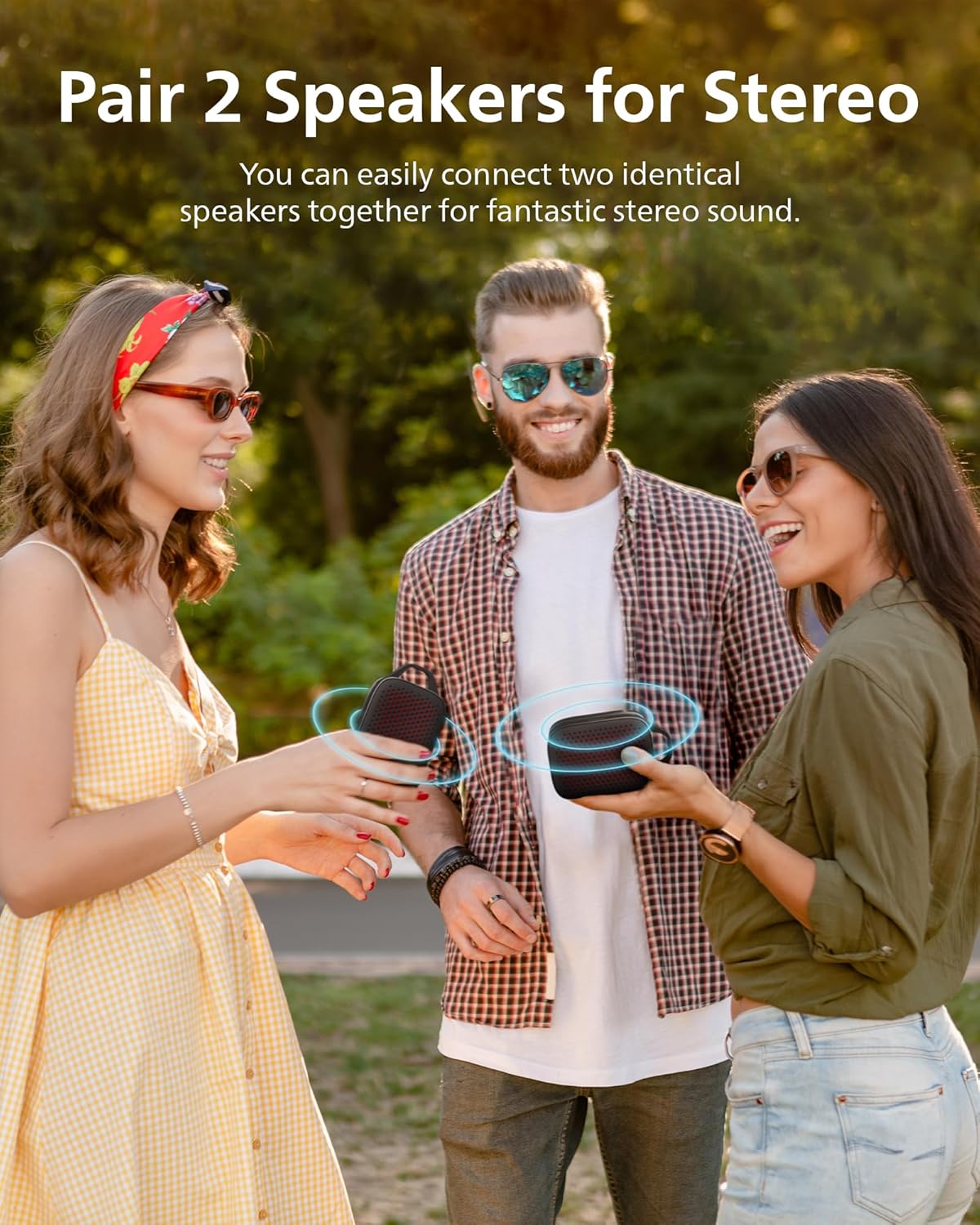
Image: Top view of the PHILIPS S1209 speaker, highlighting the control buttons for power, volume, and Bluetooth.
4. Operating the Speaker
4.1 Basic Controls
- Power On/Off: Press and hold the power button (⑁).
- Volume Up/Down: Press the '+' or '-' buttons.
- Play/Pause: Press the play/pause button (⏸).
- Answer/End Call: Press the play/pause button (⏸) during an incoming call.
4.2 True Wireless Stereo (TWS) Pairing
To achieve a wider stereo sound experience, you can pair two PHILIPS S1209 speakers together:
- Ensure both speakers are powered on and not connected to any other Bluetooth device.
- On one speaker (this will be the primary speaker), press and hold the Bluetooth button (⑁ with Bluetooth symbol) until you hear a tone.
- The two speakers will automatically search for and connect to each other. Once connected, you will hear a confirmation tone.
- Connect your mobile device to the primary speaker via Bluetooth as described in section 3.2.

Image: Two PHILIPS S1209 speakers demonstrating True Wireless Stereo pairing, providing an immersive audio experience.
4.3 Hands-Free Calling
The speaker features a built-in microphone for hands-free calling. When a call comes in, your music will pause, and you can answer the call by pressing the play/pause button (⏸). Press it again to end the call.

Image: The PHILIPS S1209 speaker positioned beside a smartphone showing an active call, demonstrating its hands-free calling capability.
5. Key Features
- Superior Sound with Extra Bass: Equipped with a passive radiator and a 40mm full-range driver, the speaker delivers clear audio and punchy bass with 10W maximum output power.
- Long Battery Life: Enjoy up to 12 hours of continuous playtime on a single charge, powered by a 1500 mAh battery.
- Effortless Portability: Its compact size (3.1"D x 4.9"W x 1.8"H) and lightweight design (0.25 kg / 8.8 ounces) make it easy to carry. A handy carry strap is integrated for convenience.
- IPX4 Water Resistant: The speaker is designed to withstand splashes from rain or sweat, making it suitable for various indoor and outdoor environments.
- Bluetooth 5.3 Technology: Ensures fast pairing and a stable wireless connection up to 20 meters.

Image: An exploded view diagram of the PHILIPS S1209 speaker, illustrating its passive radiator for enhanced bass output.

Image: The PHILIPS S1209 speaker highlighting its 12-hour battery life, suitable for extended use.

Image: The compact PHILIPS S1209 speaker being placed into a backpack, illustrating its small size and portability.

Image: The PHILIPS S1209 speaker shown with water droplets, emphasizing its IPX4 water-resistant feature.
6. Maintenance
- Cleaning: Use a soft, damp cloth to clean the speaker. Avoid using abrasive cleaners or solvents.
- Storage: Store the speaker in a cool, dry place away from direct sunlight and extreme temperatures.
- Battery Care: To prolong battery life, avoid fully discharging the speaker frequently. Charge it regularly, even if not in use for extended periods.
7. Troubleshooting
| Problem | Possible Solution |
|---|---|
| Speaker does not turn on. | Ensure the battery is charged. Connect the speaker to a power source using the USB-C cable. |
| Cannot pair with Bluetooth device. |
|
| No sound or low volume. |
|
| TWS pairing fails. |
|
8. Specifications
| Feature | Detail |
|---|---|
| Model Name | TAS1209BK/37 |
| Speaker Type | Portable Bluetooth Speaker |
| Connectivity Technology | Bluetooth 5.3 |
| Wireless Range | Up to 20 meters |
| Audio Output Mode | Stereo (with TWS pairing) |
| Speaker Maximum Output Power | 10 Watts |
| Audio Driver Size | 40 Millimeters |
| Frequency Response | 18 KHz |
| Battery Life | Up to 12 Hours |
| Battery Capacity | 1500 mAh |
| Charging Time | 2.5 hours (approximate, based on A+ content image) |
| Water Resistance | IPX4 (splash/sweat resistant) |
| Product Dimensions (D x W x H) | 1.81" x 4.86" x 3.11" |
| Item Weight | 0.25 Kilograms (8.8 ounces) |
| Control Method | Touch buttons |
| Compatible Devices | Laptop, MP3 Player, Smartphone, Tablet, Television |
9. Warranty and Support
9.1 Limited Warranty
The PHILIPS S1209 Portable Bluetooth Speaker comes with a limited warranty. Please refer to the included "Safety warranty sheet" for detailed terms and conditions regarding your product's warranty coverage.
9.2 Customer Support
For further assistance, technical support, or warranty claims, please visit the official Philips support website or contact their customer service. Contact information can typically be found on the Philips website or in the product packaging.
10. Official Product Video
Video: An official promotional video from PHILIPS Sound showcasing the features and design of the PHILIPS S1209 Portable Bluetooth Speaker.
Related documentsS1209


Ask a question about this manual
Ask about setup, troubleshooting, compatibility, parts, safety, or missing instructions. Manuals+ will review the question and use this page’s manual context to help answer it.