Introduction
The FRTEC Grand Chelem MKII Racing Wheel is designed to provide an immersive and precise racing simulation experience across multiple platforms. This manual offers comprehensive instructions for the proper setup, operation, and maintenance of your racing wheel system. It is compatible with PC, PlayStation 4, Xbox Series X/S, and Xbox One, ensuring a versatile gaming experience.
Package Contents
Please verify that all the following components are included in your package:
- FRTEC Grand Chelem MKII Racing Wheel Unit
- Three-Pedal Unit (Accelerator, Brake, Clutch)
- Shifter Unit (H-pattern and Sequential modes)
- Mounting Clamps/System for Wheel and Shifter
- Connection Cables (USB cable for console/PC, pedal cable, shifter cable)
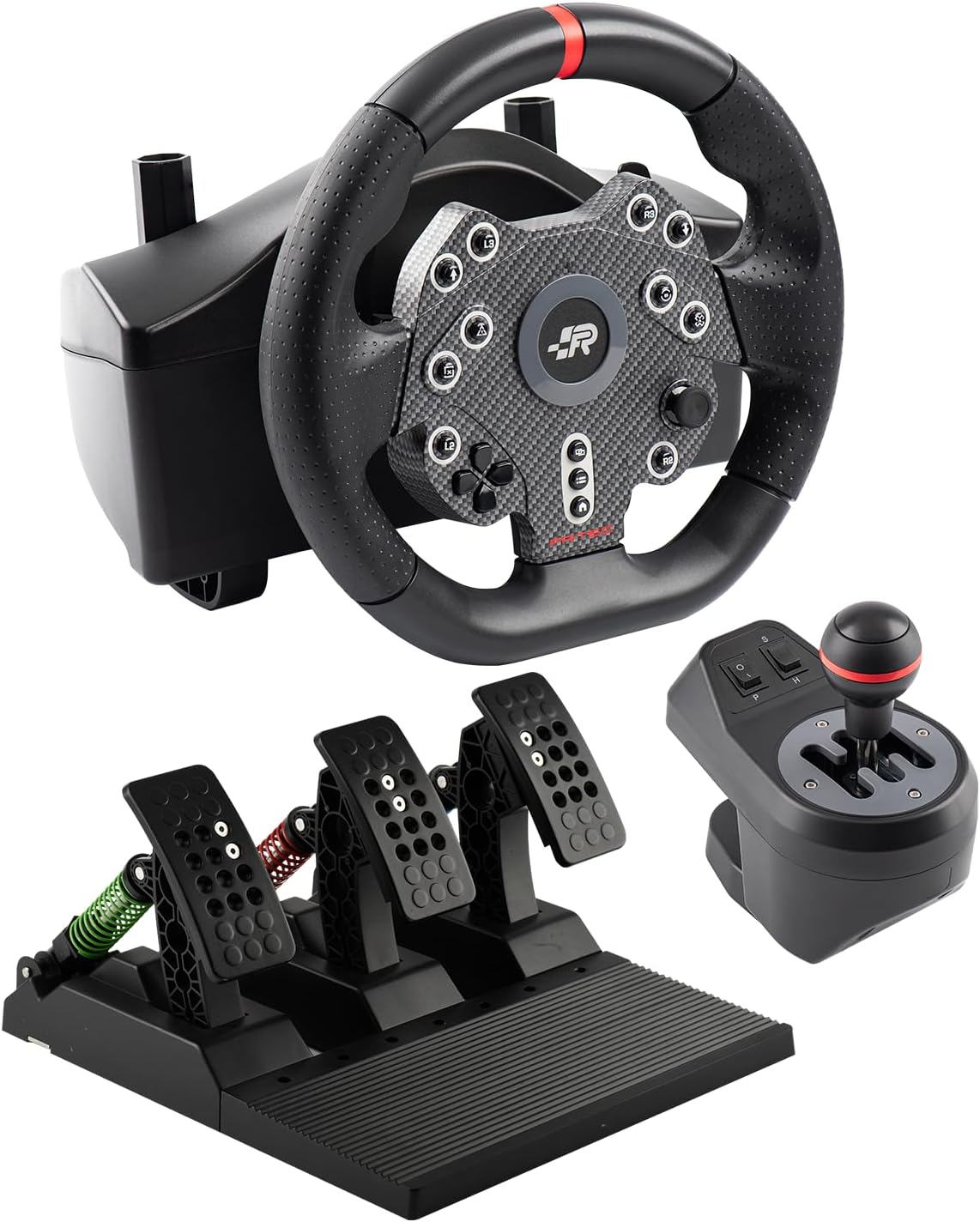
Figure 1: Overview of the FRTEC Grand Chelem MKII Racing Wheel package contents, including the steering wheel, pedal unit, and shifter unit.
Setup Instructions
- Mount the Racing Wheel: Secure the racing wheel unit to a stable desk or racing cockpit using the integrated clamping system. Ensure it is firmly attached to prevent movement during use.
- Connect the Pedal Unit: Connect the cable from the pedal unit to the designated port on the back of the racing wheel unit.
- Connect the Shifter Unit: Connect the cable from the shifter unit to its dedicated port on the racing wheel unit.
- Connect to Platform:
- PC: Connect the USB cable from the racing wheel to an available USB port on your computer.
- PS4/Xbox Series X/S/Xbox One: Connect the USB cable from the racing wheel to an available USB port on your console. Ensure your console is powered on.
- Power On: Once all connections are secure, power on your PC or console. The racing wheel should be automatically detected.

Figure 2: Side view of the pedal unit, showing its robust construction and connection point.
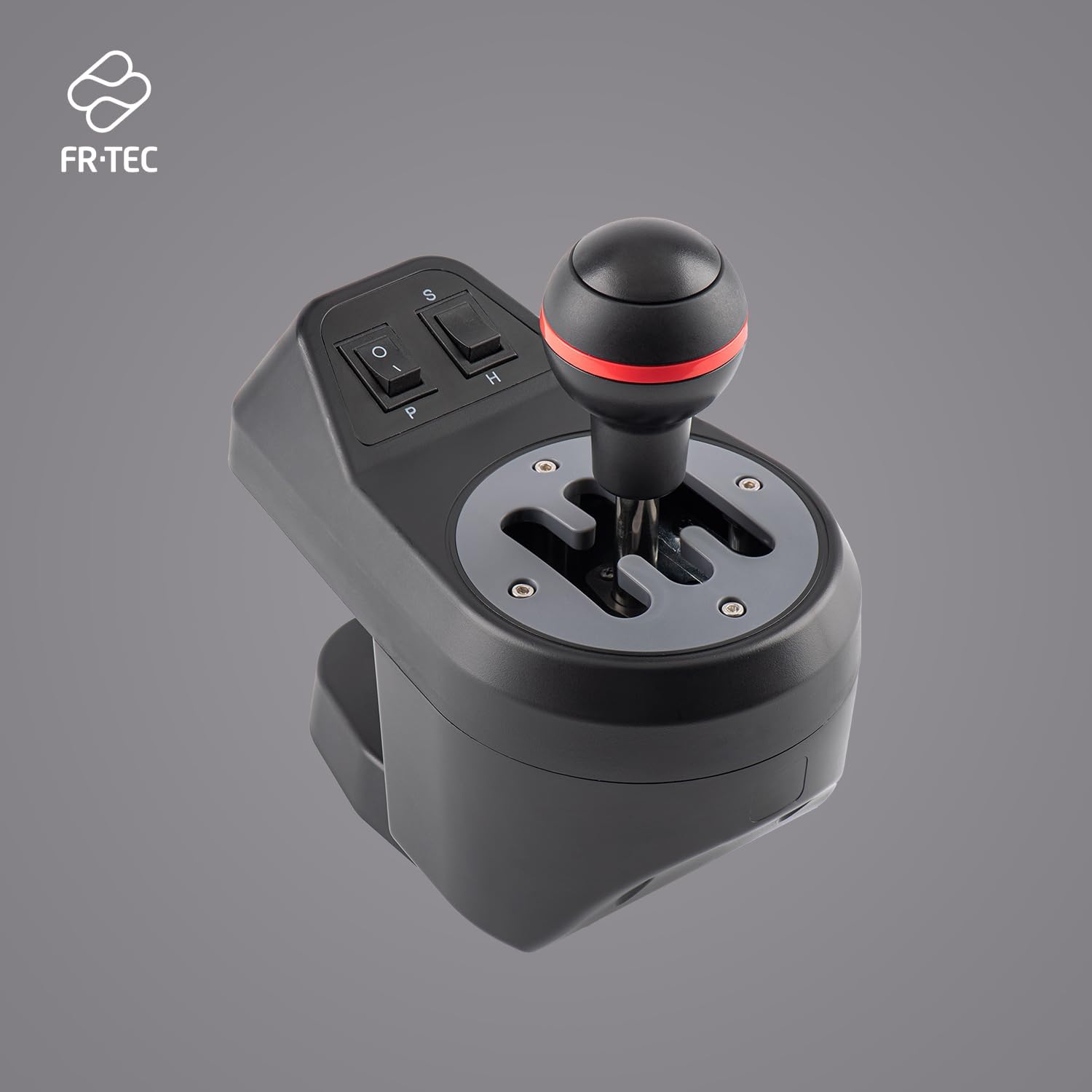
Figure 3: The shifter unit, featuring both H-pattern and sequential shifting options.
Operating Instructions
Steering Wheel Operation
The racing wheel offers a 270-degree rotation angle, providing precise control for various racing simulations. The rubberized grip ensures comfort and optimal handling during extended gaming sessions.
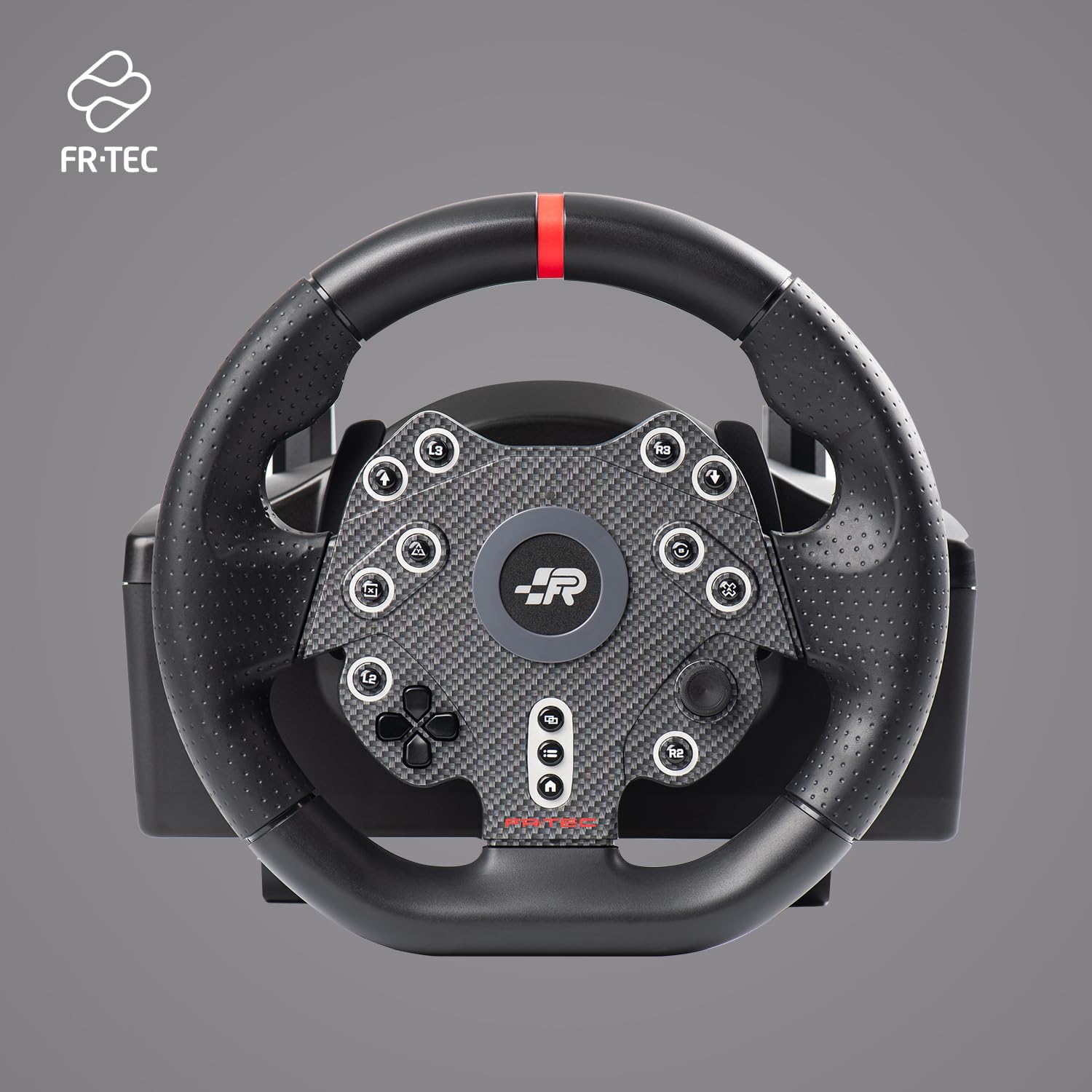
Figure 4: Front view of the racing wheel, highlighting the button layout and rubber grip.
The Grand Chelem MKII is engineered for zero latency and no dead zone, translating your steering inputs directly into the game for a highly responsive and realistic driving experience.
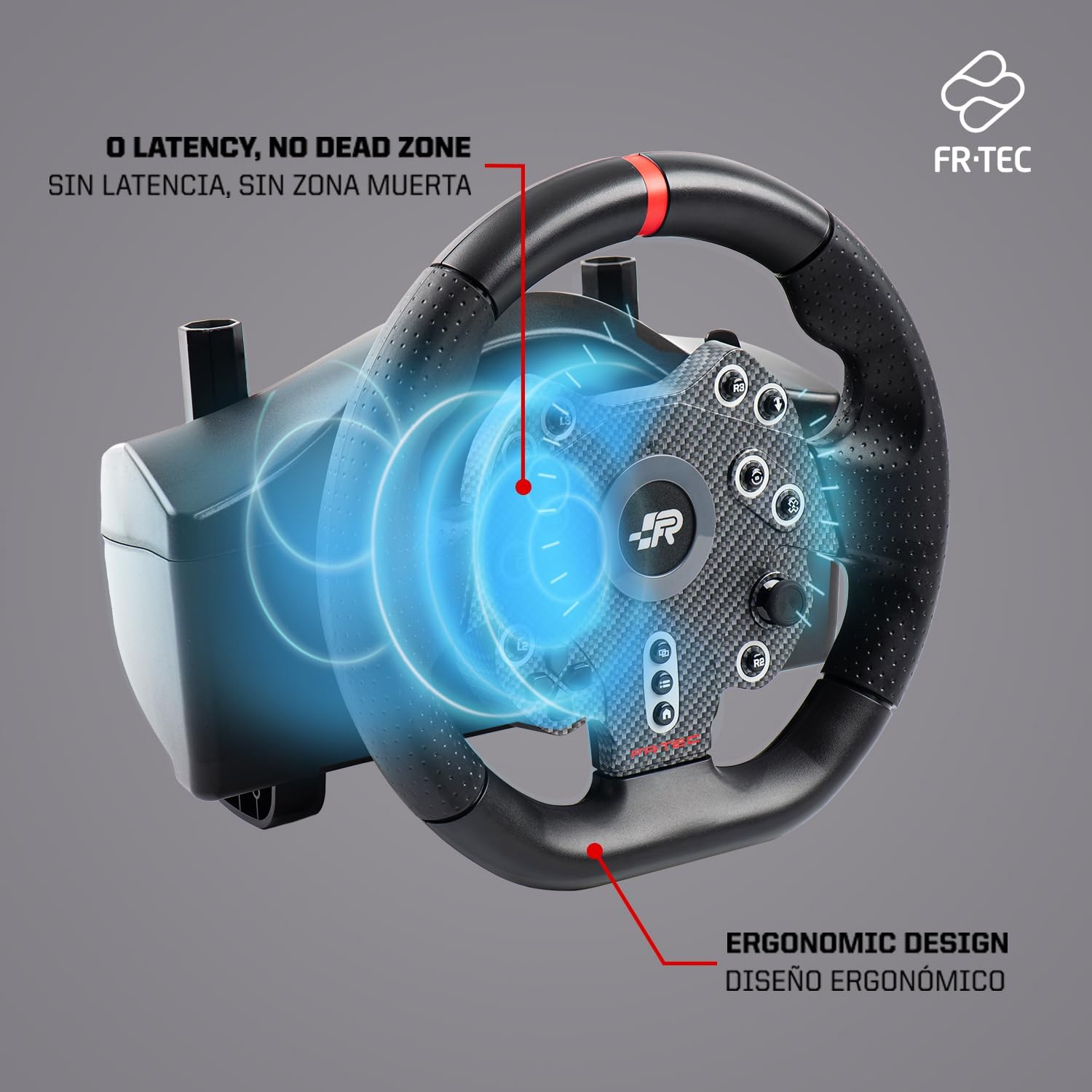
Figure 5: Diagram showing the internal mechanism for zero latency and the ergonomic design of the wheel.
Pedal Unit Operation and Adjustment
The three-pedal unit includes an accelerator, brake, and clutch. The pedals are fully adjustable in position and resistance, allowing you to customize the feel to your preference. To adjust, locate the adjustment mechanisms on each pedal and modify as desired.

Figure 6: The three-pedal system with adjustable resistance springs and non-slip design for carpeted surfaces.
Shifter Unit Operation
The shifter unit offers two modes: H-pattern and sequential. Use the switch on the shifter unit to select your preferred shifting method. The H-pattern mode provides a realistic manual transmission experience, while the sequential mode allows for quick up and down shifts.
Maintenance
- Cleaning: Use a soft, dry cloth to clean the racing wheel, pedals, and shifter. For stubborn dirt, a slightly damp cloth can be used, but ensure no moisture enters the electronic components. Avoid abrasive cleaners or solvents.
- Storage: When not in use, store the unit in a clean, dry place away from direct sunlight and extreme temperatures.
- Cable Management: Ensure cables are not kinked or pinched to prevent damage.
Troubleshooting
- Issue: Racing wheel not recognized by PC/Console.
- Solution:
- Ensure all cables are securely connected.
- Try connecting the USB cable to a different port on your PC/console.
- Restart your PC/console.
- For PC, check device manager to see if the device is listed and if drivers are installed correctly. You may need to download specific drivers from the FRTEC website if available.
- Issue: Controls are unresponsive or erratic.
- Solution:
- Ensure the racing wheel is properly calibrated. Some games or platforms may require manual calibration.
- Check for any physical obstructions preventing full movement of the wheel or pedals.
- Verify that the correct input device is selected within your game's control settings.
- Issue: Pedals or shifter not working.
- Solution:
- Confirm that the pedal and shifter cables are firmly connected to the racing wheel unit.
- Test in a different game or application to rule out game-specific issues.
Specifications
| Model Number | FT7018 |
| Product Name | Grand Chelem MKII Racing Wheel |
| Brand | FRTEC |
| Compatibility | PC, PS4, Xbox Series X/S, Xbox One |
| Rotation Angle | 270 degrees |
| Shifter Type | 2-in-1 (H-pattern and Sequential) |
| Pedal System | 3-pedal (Accelerator, Brake, Clutch) with adjustable resistance and position |
| Wheel Grip Material | Rubber |
| Input Response | Zero Latency, No Dead Zone |

Figure 7: Product packaging for the FRTEC Grand Chelem MKII Racing Wheel, showing compatibility logos.
Warranty and Support
For warranty information and technical support, please refer to the documentation included with your product or visit the official FRTEC website. Keep your proof of purchase for warranty claims.
For further assistance, you may contact FRTEC customer support directly through their official channels.
