
1. Product Overview
The Philips S1108 is a compact and portable Bluetooth speaker designed for versatile audio playback. It features 3W RMS mono sound, TWS stereo pairing capability, vibrant LED light effects, and convenient USB-C charging. This manual provides essential information for setting up, operating, and maintaining your speaker.
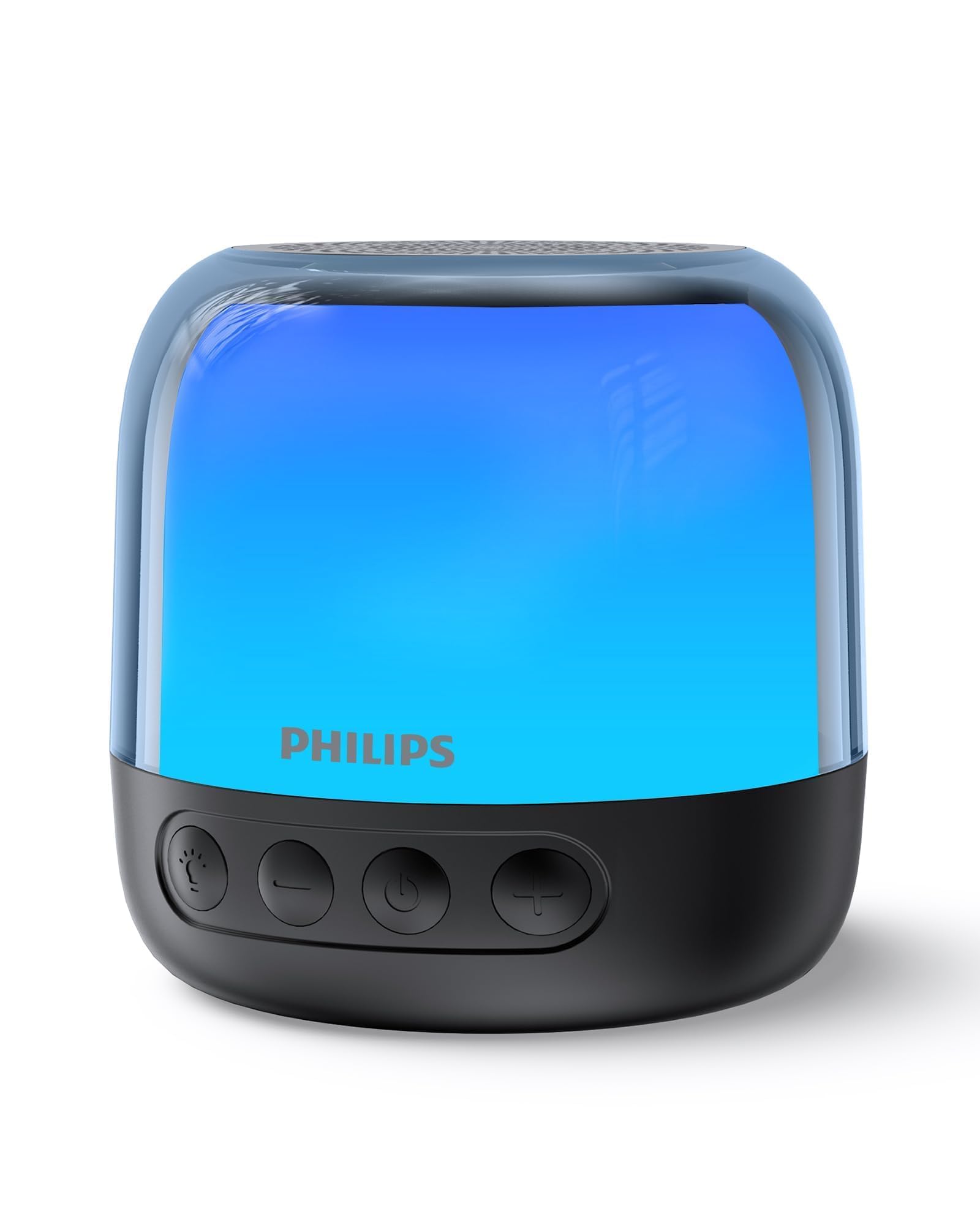
Figure 1: Philips S1108 Portable Bluetooth Speaker
2. What's in the Box
Carefully unpack the contents of the box. Ensure all items are present and in good condition.
- Philips S1108 Portable Bluetooth Speaker
- Quick Install Guide
- Safety Warranty Sheet
- Carrying Strap
- USB Charging Cable (USB-C)
3. Product Features
- Immersive 3W RMS Mono Sound: Experience clear and rich audio with a 52mm full-range driver.
- TWS Stereo Pairing: Connect two identical S1108 speakers for a true stereo sound experience.
- Vibrant LED Light Effects: Choose from multiple lighting modes, including multi-colored lights and a soft white night light.
- Long-lasting 9-Hour Playtime: Enjoy extended listening sessions on a single charge.
- Convenient USB-C Charging: Quickly recharge the speaker with the included USB-C cable.
- Bluetooth & TF Card Playback: Stream music wirelessly or play directly from a TF card.
4. Setup
4.1 Initial Charge
Before first use, fully charge the speaker. Connect the provided USB-C cable to the speaker's charging port and the other end to a USB power adapter (not included).
4.2 Power On/Off
Press and hold the power button (⏻) located on the front of the speaker to turn it on or off.
4.3 Bluetooth Pairing
- Ensure the speaker is powered on and in pairing mode (LED indicator will flash).
- On your mobile device, enable Bluetooth and search for available devices.
- Select "Philips S1108" from the list to connect.
- Once connected, the speaker will emit an audible confirmation, and the LED indicator will show a steady light.

Figure 2: Connecting to the speaker via Bluetooth.
4.4 TWS (True Wireless Stereo) Pairing
To achieve a true stereo sound experience, you can pair two identical Philips S1108 speakers.
- Ensure both S1108 speakers are powered on and not connected to any Bluetooth device.
- On one speaker (this will be the primary speaker), press and hold the TWS button (often indicated by a chain link icon or similar) until you hear a pairing tone.
- The primary speaker will automatically search for the secondary speaker.
- Once successfully paired, both speakers will emit a confirmation tone, and their LED indicators will synchronize.
- Connect your mobile device to the primary speaker via Bluetooth as described in section 4.3.
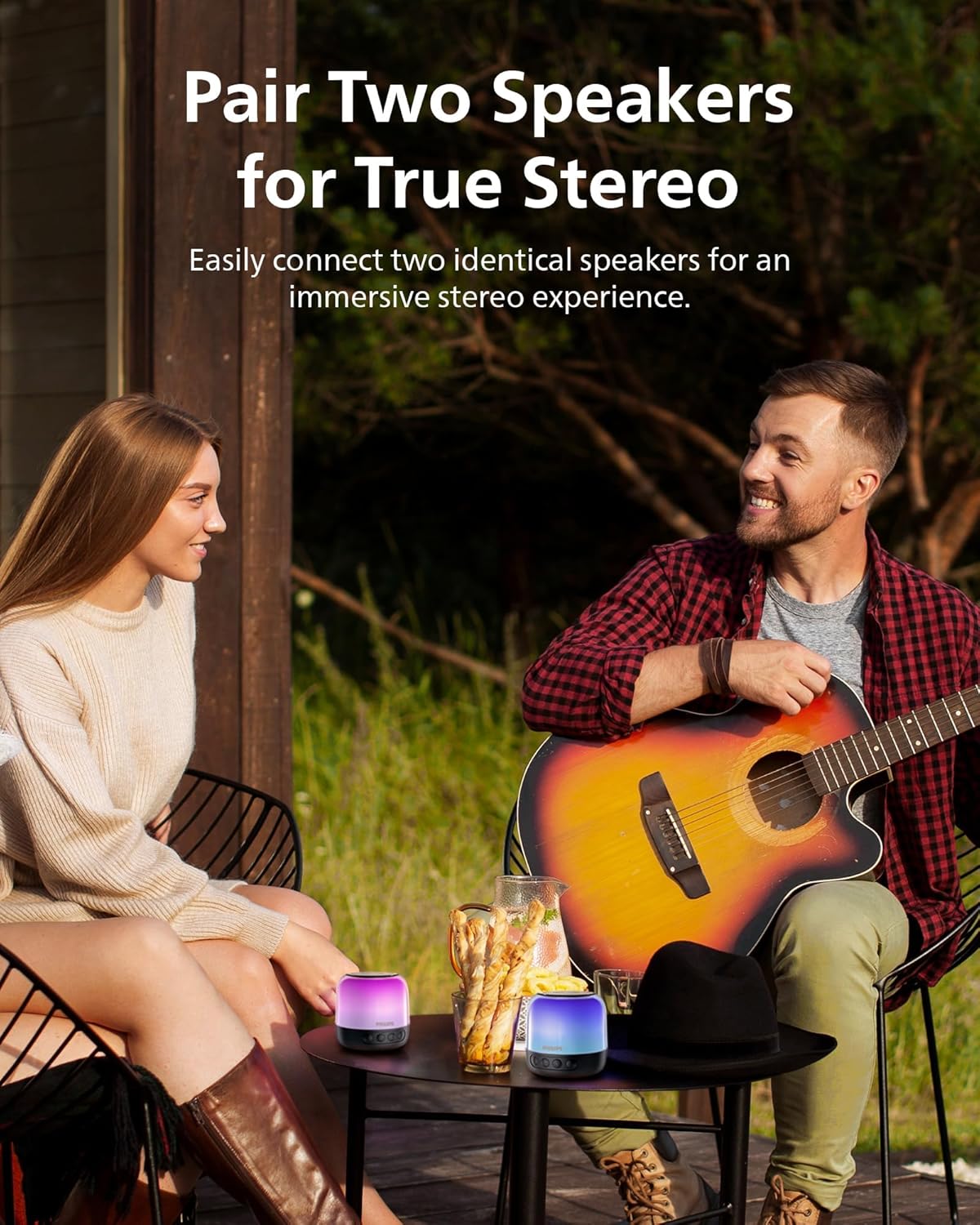
Figure 3: Two speakers paired for TWS stereo sound.
5. Operating Instructions
5.1 Basic Controls
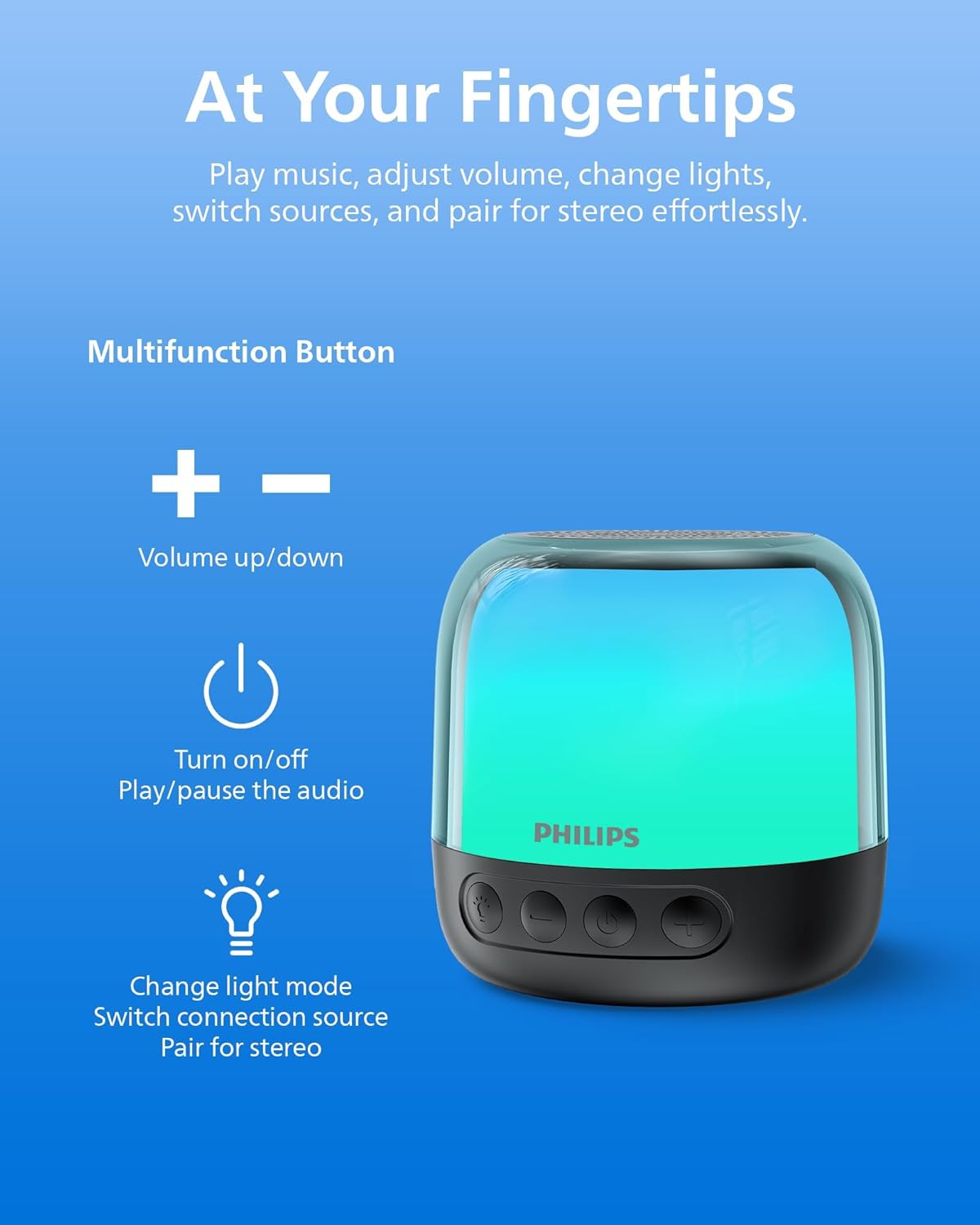
Figure 4: Speaker control buttons.
| Button | Function |
|---|---|
| ⏻ (Power) | Press and hold to Power On/Off. Short press to Play/Pause audio. |
| + (Volume Up) | Short press to increase volume. Long press for next track. |
| - (Volume Down) | Short press to decrease volume. Long press for previous track. |
| Light/Mode Button | Short press to cycle through LED light modes. Long press to switch between Bluetooth and TF Card modes. |
| TWS Button | Press and hold to initiate TWS pairing (for two identical speakers). |
5.2 LED Light Modes
The speaker offers various LED light modes to enhance your listening experience. Short press the Light/Mode button to cycle through the available options, including multi-colored effects and a soft white night light.
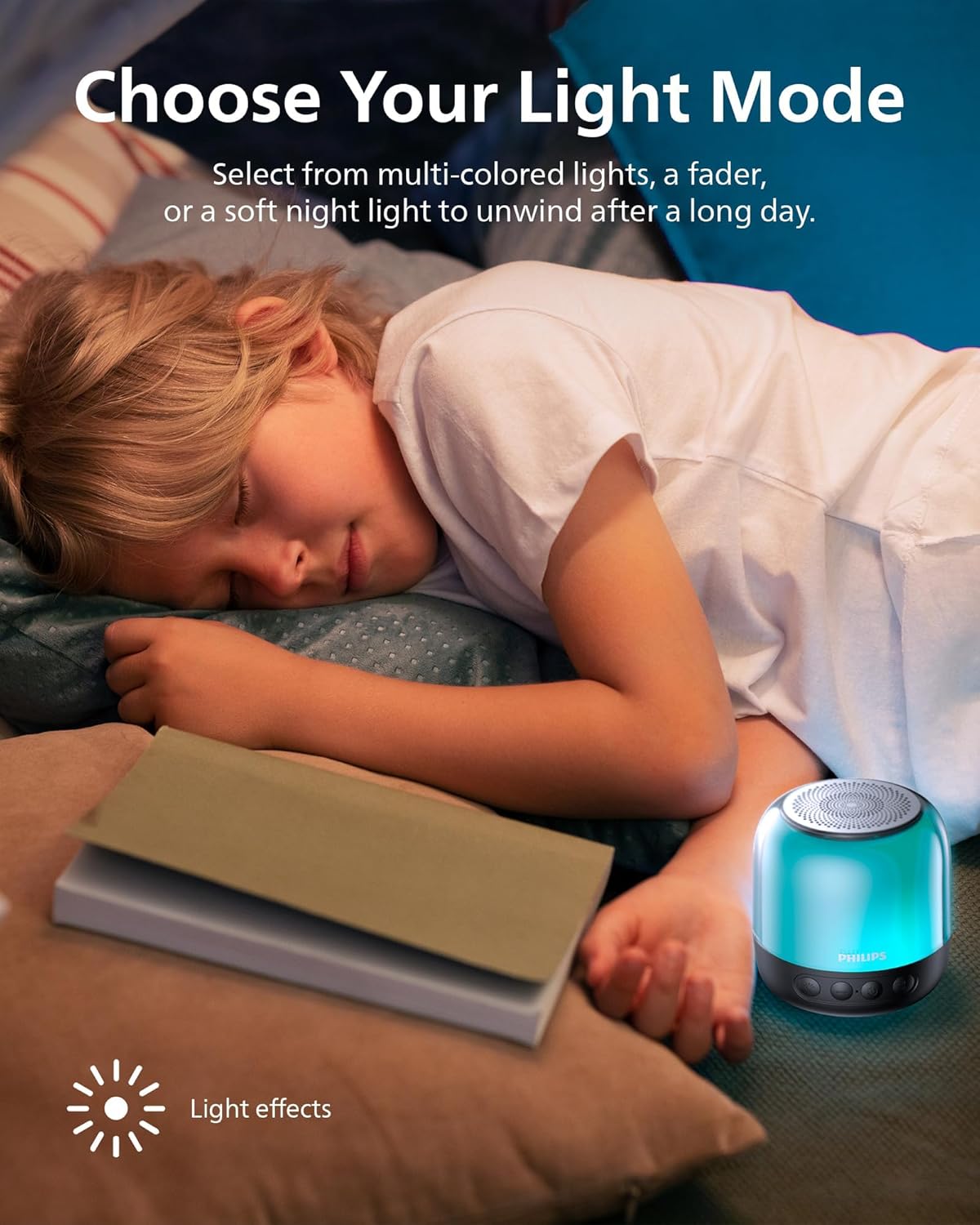
Figure 5: Speaker showcasing different LED light modes.
5.3 TF Card Playback
Insert a TF (MicroSD) card with your desired audio files into the designated slot on the speaker. The speaker will automatically switch to TF Card mode. If it does not, long press the Light/Mode button to switch input sources.

Figure 6: TF card slot and USB-C charging port.
6. Charging the Speaker
The Philips S1108 speaker is equipped with a built-in rechargeable battery providing up to 9 hours of playtime. When the battery is low, the LED indicator may change or flash, and an audible alert might sound.
- Connect the provided USB-C cable to the speaker's USB-C charging port.
- Connect the other end of the USB-C cable to a compatible USB power source (e.g., wall adapter, computer USB port).
- The LED indicator will show charging status (e.g., solid red while charging, off or green when fully charged).

Figure 7: Speaker indicating 9 hours of playtime on a full charge.
7. Specifications
| Feature | Detail |
|---|---|
| Brand | Philips |
| Model Number | TAS1108BK/37 |
| Speaker Type | Portable Bluetooth Speaker |
| Connectivity Technology | Bluetooth 5.3 |
| Audio Output Mode | Stereo (with TWS pairing) |
| Speaker Maximum Output Power | 6 Watts |
| Woofer Diameter | 52 Millimeters |
| Frequency Response | 16 KHz |
| Battery Average Life | 9 Hours |
| Power Source | Battery Powered (1 Lithium Ion battery required) |
| Control Method | Touch Buttons |
| Additional Features | LED Light, Stereo Pairing, USB Port (for charging) |
| Item Dimensions (D x W x H) | 3.07"D x 3.19"W x 3.19"H |
| Is Waterproof | False |
8. Maintenance
- Cleaning: Use a soft, dry cloth to clean the speaker's exterior. Do not use abrasive cleaners or solvents.
- Storage: Store the speaker in a cool, dry place away from direct sunlight and extreme temperatures.
- Battery Care: To prolong battery life, avoid fully discharging the battery frequently. Charge the speaker regularly, even if not in use for extended periods.
- Water Exposure: This speaker is not waterproof. Avoid exposing it to water or excessive moisture.
9. Troubleshooting
| Problem | Possible Cause | Solution |
|---|---|---|
| Speaker does not turn on. | Battery is depleted. | Charge the speaker using the provided USB-C cable. |
| Cannot pair via Bluetooth. | Speaker is not in pairing mode or already connected to another device. | Ensure the speaker is powered on and the LED indicator is flashing. Disconnect from other devices if necessary. Restart Bluetooth on your mobile device. |
| No sound or low volume. | Volume is too low on speaker or connected device. | Increase volume on both the speaker and your connected device. |
| TWS pairing fails. | Speakers are not identical or too far apart. | Ensure both speakers are Philips S1108 models. Place them within close proximity (within 1 meter) during pairing. |
| TF Card not recognized. | Card is not inserted correctly or is corrupted. | Reinsert the TF card. Ensure the card is formatted correctly and contains compatible audio files. Long press the Light/Mode button to switch to TF Card mode. |
10. Warranty and Support
This Philips S1108 Portable Bluetooth Speaker comes with a 1 Year Manufacturer Warranty. Please refer to the included Safety Warranty Sheet for detailed terms and conditions.
For technical support or warranty claims, please contact Philips customer service or visit their official support website. Keep your proof of purchase for warranty validation.
11. Product Videos
11.1 Portable Bluetooth Speaker Overview
Video 1: An overview of the Philips S1108 Portable Bluetooth Speaker, highlighting its portability, LED light features, and ease of use for various environments.
11.2 Speaker Features and Connectivity
Video 2: Demonstrates the compact size, durability, Bluetooth pairing process, LED light mode changes, and the ability to answer calls through the speaker.


