
1. Setup
1.1 Unboxing and Initial Assembly
The Shark TurboBlade Fan (Model TF202S) comes securely packaged. Upon opening the box, you will find the main fan unit, the pole, the blades, a remote control with batteries, and a quick start guide. Each component is individually wrapped and labeled (A, B, C, D) for easy identification during assembly. The main fan unit (labeled A) features a removable filter for maintenance. The power cord is approximately 6 feet long.
Assembly is straightforward, requiring no tools. The pole (labeled B) connects to the main fan unit (A) by aligning the marked points and twisting clockwise until it snaps into place. The blades (labeled C and D) then attach to the top of the pole in a similar fashion.
Video: Watch a step-by-step unboxing and assembly of the Shark TurboBlade Fan. This video demonstrates how to connect the base, pole, and blades, and highlights the included accessories like the remote control.

Figure 1: The fully assembled Shark TurboBlade Fan, showcasing its versatile horizontal configuration.
2. Operating Instructions
2.1 Customization and Airflow Control
The Shark TurboBlade Fan offers extensive customization options for optimal airflow. You can pivot the fan from a vertical "Tower Mode" to a horizontal "Air Blanket Mode" to suit your cooling needs. The individual vents on the blades can also be twisted in multiple directions, allowing for multi-zone cooling.
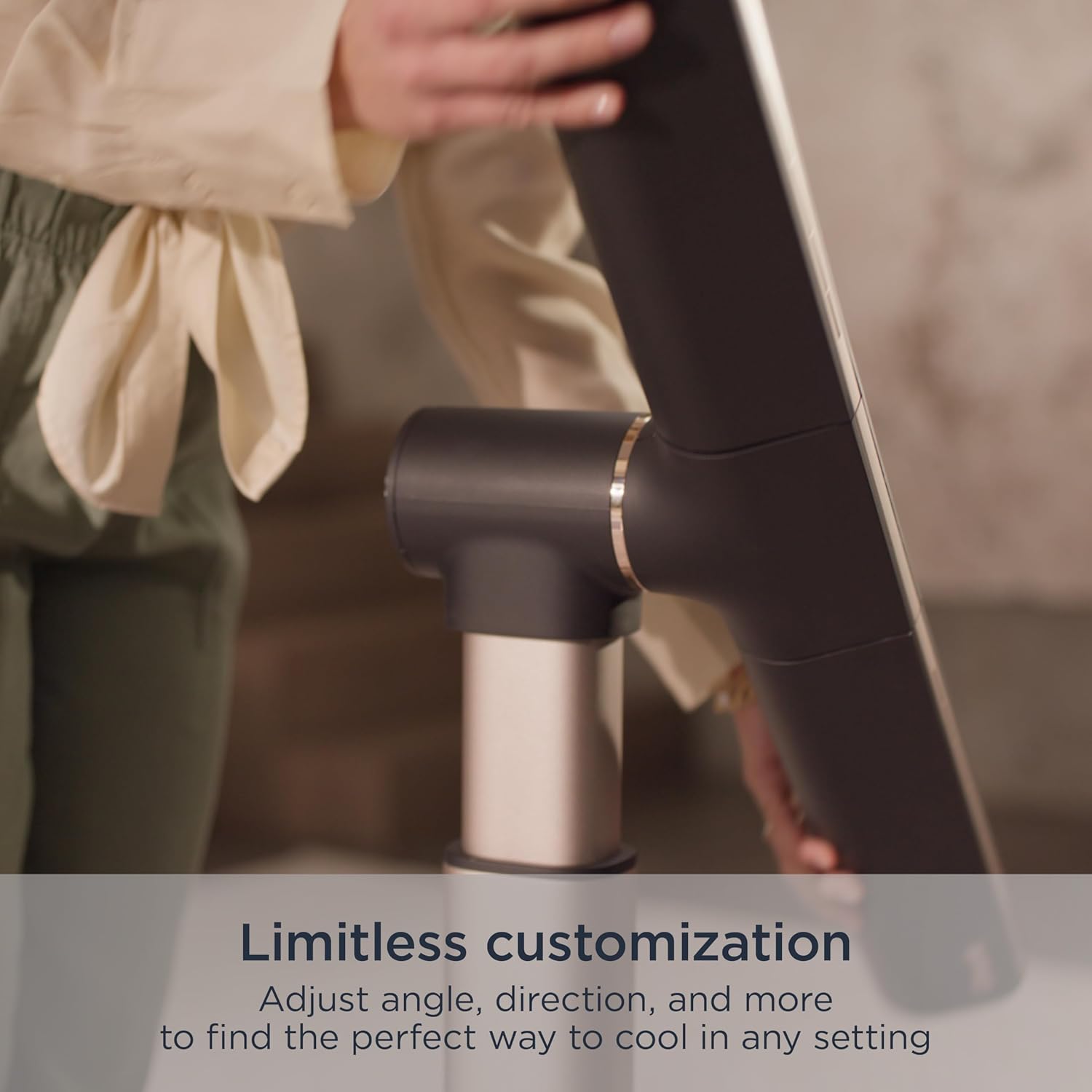
Figure 2: Demonstrates the ease of adjusting the fan's angle for personalized airflow.
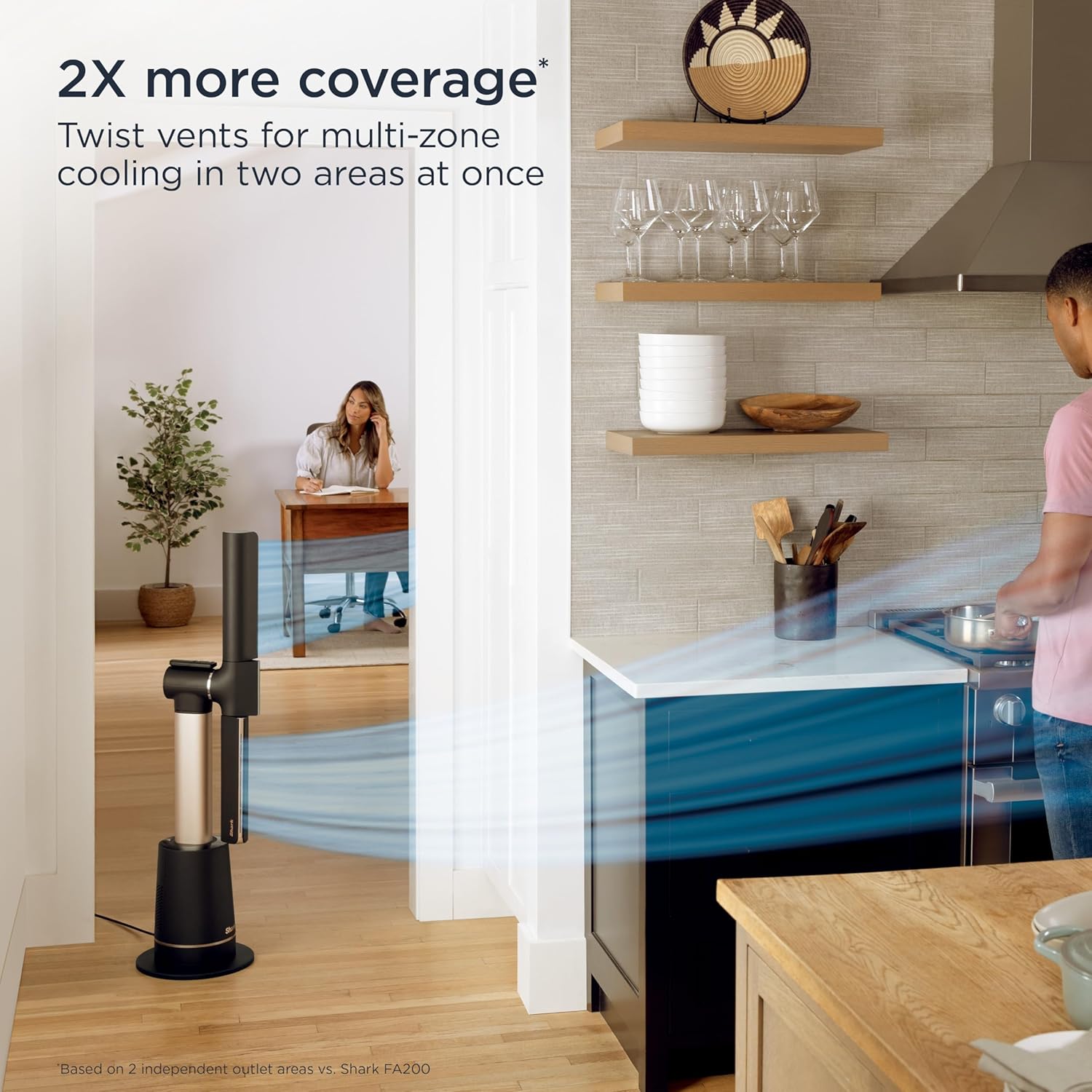
Figure 3: The fan's design allows for precise adjustments to angle and direction.
2.2 Fan Modes and Speed Settings
The fan features 10 speed levels, providing a wide range of airflow intensity from quiet, gentle cooling to powerful white noise. It also includes specialized modes:
- Sleep Mode: Mutes chimes, dims lights, and optimizes fan speed for quiet operation during sleep.
- BreezeBoost™: Provides a powerful burst of airflow for rapid cooling.
- Natural Breeze Mode: Simulates natural wind patterns by gently randomizing airflow.
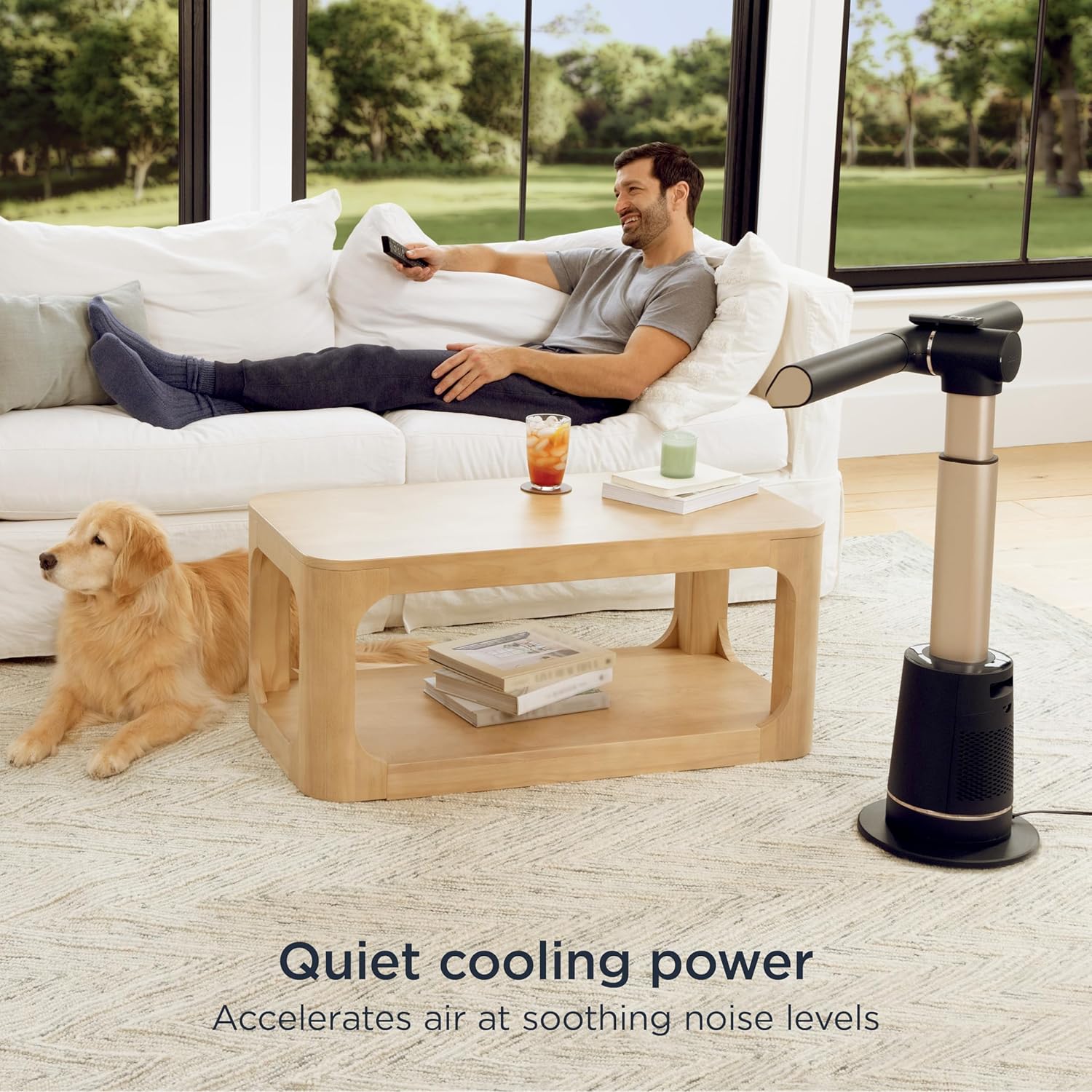
Figure 4: The Natural Breeze Mode provides a gentle, fluctuating airflow for comfort.
2.3 Oscillation
The fan offers 180° oscillation for wide, sweeping coverage across your room. You can choose from different oscillation angles (45°, 90°, 180°) to distribute air effectively.
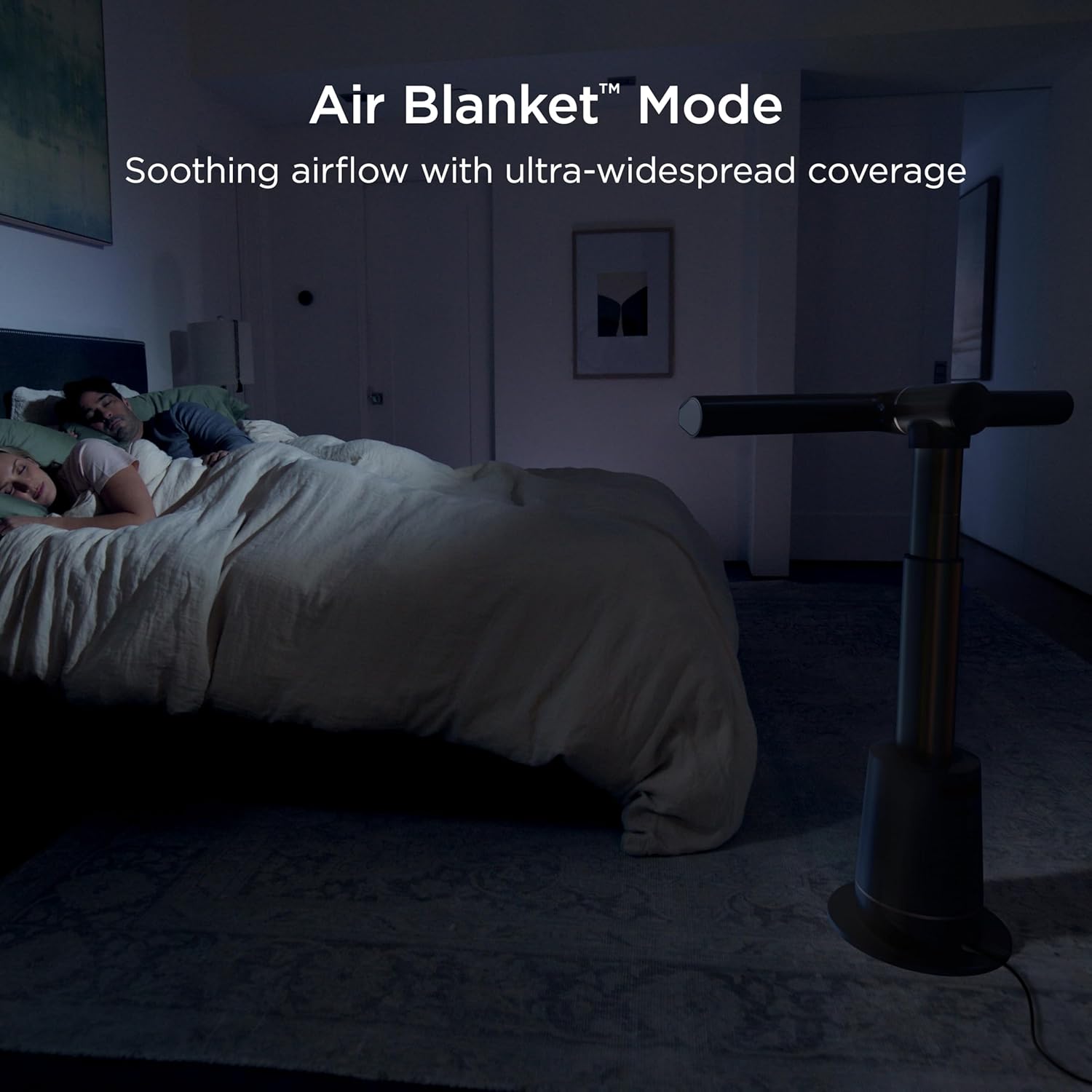
Figure 5: The fan's oscillation combined with twistable vents ensures broad coverage.
2.4 Remote Control
The Shark TurboBlade Fan comes with a magnetic remote control for convenient operation from a distance. The remote allows you to power on/off, adjust fan speeds, select specialty modes, control oscillation, and set the timer. The remote can be magnetically attached to the fan unit to prevent misplacement.
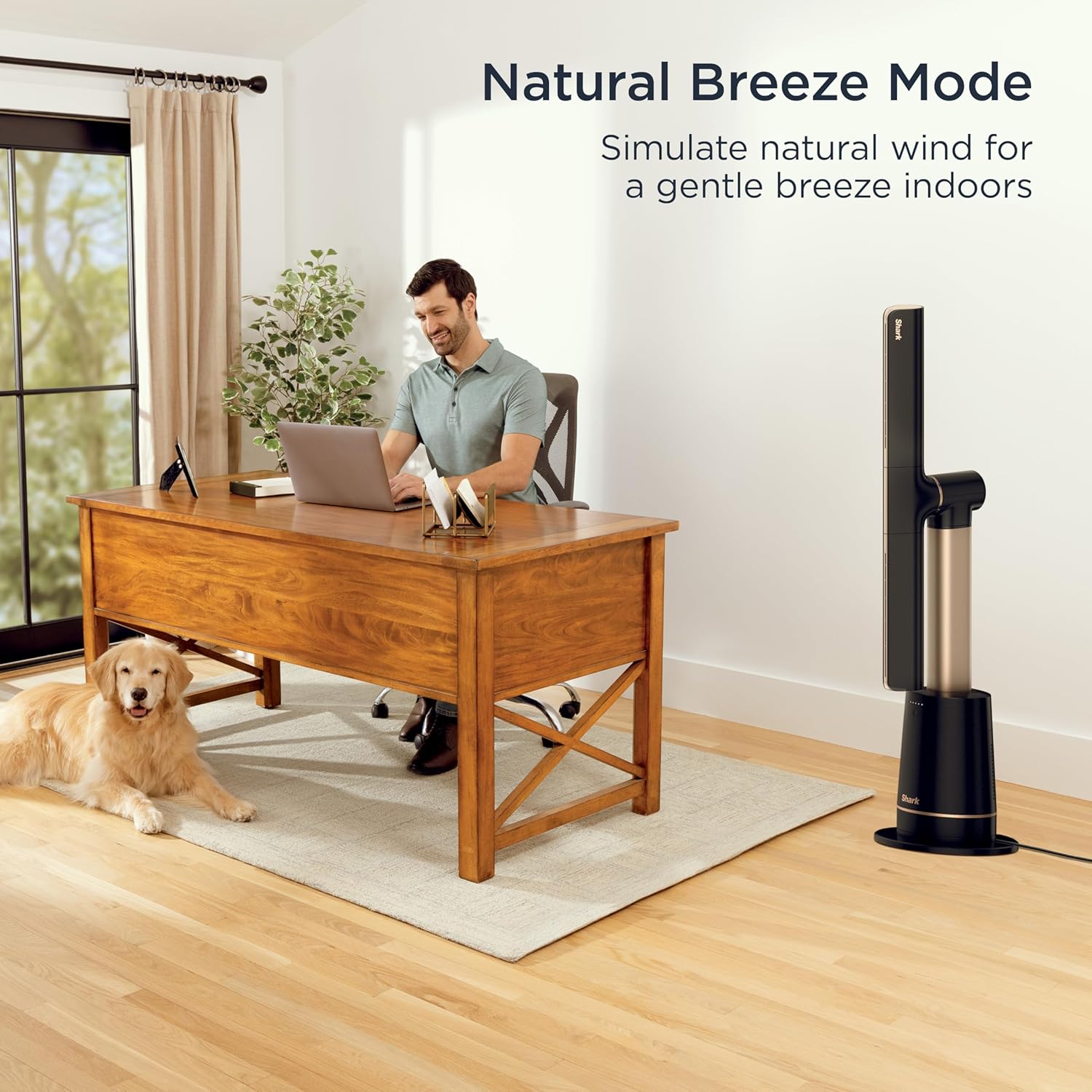
Figure 6: The magnetic remote offers convenient control and storage.
3. Maintenance
3.1 Cleaning
The Shark TurboBlade Fan features a true bladeless design and DustDefense™ technology, making it exceptionally easy to clean. The filter is removable and washable, trapping dust to optimize performance and ensure longevity. Regularly clean the filter to maintain efficient operation.

Figure 7: The removable and washable filter ensures easy maintenance and sustained performance.
4. Troubleshooting
4.1 Common Issues
- Fan not turning on: Ensure the power cord is securely plugged into a working outlet. Check if the power button on the base or remote is pressed.
- Weak airflow: Verify the fan speed setting is appropriate. Clean the washable filter as dust accumulation can reduce airflow. Ensure no obstructions are blocking the air intake or output vents.
- Unusual noise: Check for any loose components or obstructions. Ensure the fan is placed on a stable, level surface.
- Remote not working: Replace the AAA batteries in the remote control. Ensure there are no obstructions between the remote and the fan unit.
5. Specifications
| Feature | Detail |
|---|---|
| Brand | Shark |
| Model Name | TurboBlade Fan |
| Model Number | TF202S |
| Color | Charcoal |
| Product Dimensions | 11.77"D x 31.57"W x 44.84"H |
| Item Weight | 14.33 Pounds |
| Power Source | AC/DC |
| Noise Level | 53 dB |
| Number of Power Levels | 10 |
| Control Method | Remote |
| Special Features | Remote Controlled, Adjustable Height, Bladeless, Oscillating, Tower Base |
| Assembly Required | Yes |
6. Warranty and Support
For warranty information and customer support, please refer to the full instruction manual included in the product packaging or visit the official Shark website. Specific warranty details and contact information are not available in this summary.


