Rowin LT-910 Chromatic Tuner Pedal User Manual
Model: LT-910
1. Introduction
Thank you for purchasing the Rowin LT-910 Chromatic Tuner Pedal. This ultra-precise tuner is designed for musicians requiring accurate and reliable tuning on stage or in the studio. This manual provides essential information for the proper setup, operation, and maintenance of your device to ensure optimal performance.
2. Features
- Chromatic Tuning Range (A0–C8): Suitable for all instruments, including guitars, basses, violins, and ukuleles.
- Strobe Mode with ±0.1% Accuracy: Ultra-fast, precise tuning for professional-level performance.
- LED Display & Blue Indicator: Clear visual feedback; blue light confirms in-tune accuracy.
- True Bypass Switching: Maintains signal purity and eliminates tone loss when bypassed.
- Compact Metal Construction: Road-ready durability with a pedalboard-friendly size.
3. Product Overview
Familiarize yourself with the various components and connections of your Rowin LT-910 Tuner Pedal.

Front view of the Rowin LT-910 Chromatic Tuner Pedal, showcasing its bright LED display and sturdy footswitch.
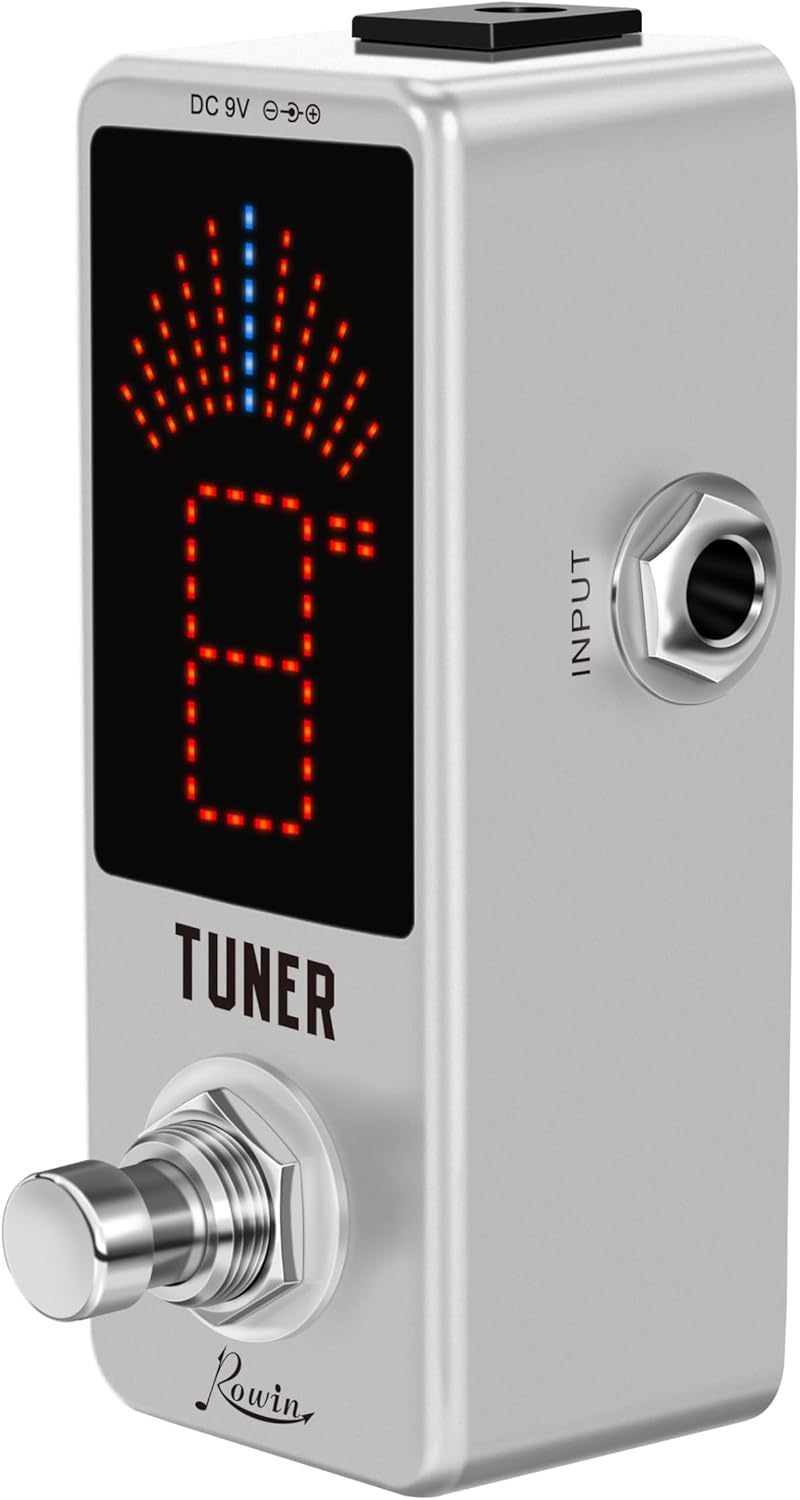
Side view of the pedal, clearly showing the instrument input jack.

Opposite side view, indicating the audio output jack.
4. Setup
Follow these steps to set up your tuner pedal:
- Power Connection: Connect a standard DC 9V power adapter (center negative, not included) to the 'DC 9V' input jack located on the top of the pedal.
- Instrument Input: Connect your instrument (e.g., guitar, bass) to the 'INPUT' jack on the right side of the pedal using a standard 1/4-inch instrument cable.
- Audio Output: Connect the 'OUTPUT' jack on the left side of the pedal to your amplifier or the next pedal in your signal chain using another 1/4-inch instrument cable.
- Placement: Place the pedal securely on your pedalboard or a stable surface.
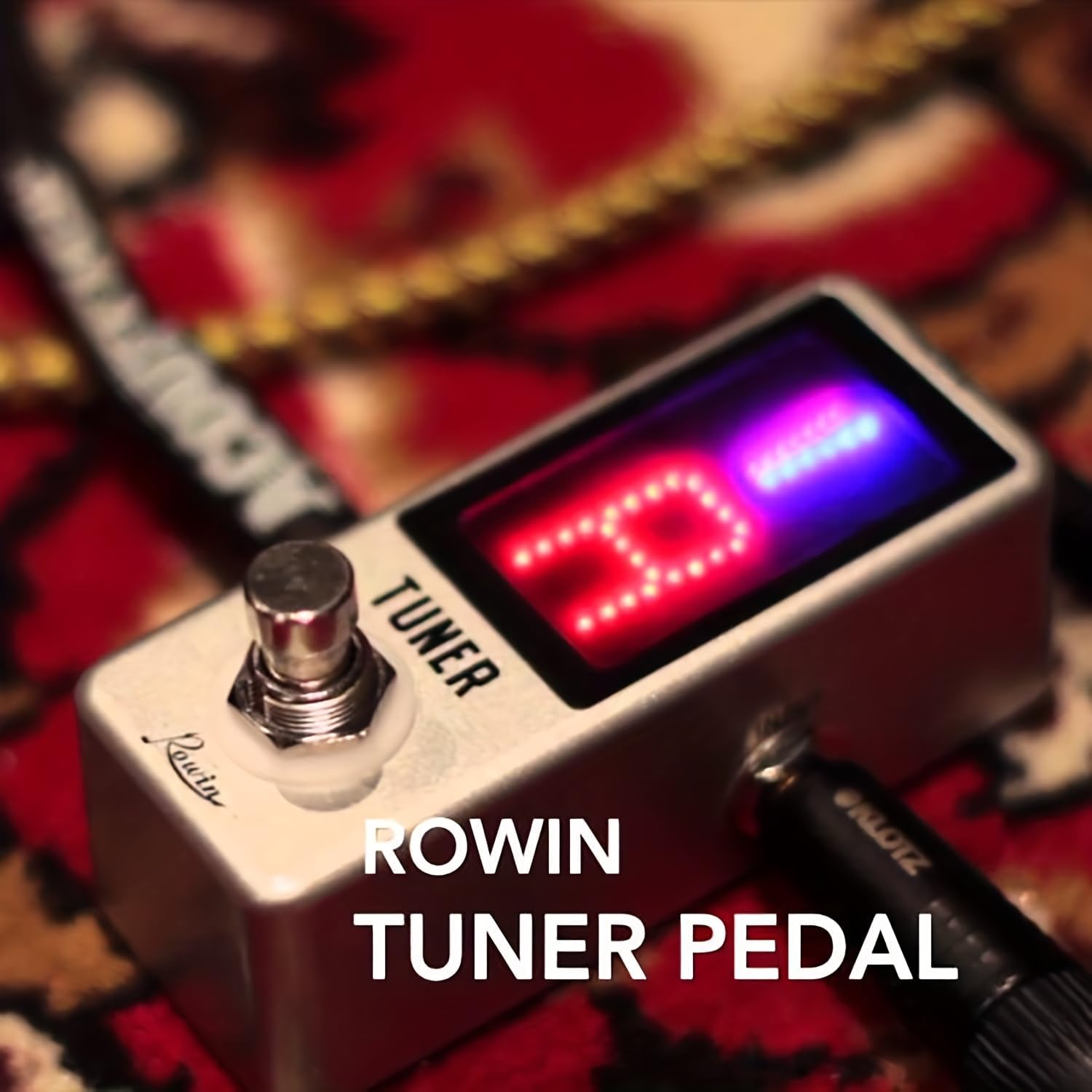
The Rowin LT-910 pedal connected to an instrument and ready for operation.
5. Operating Instructions
Using your LT-910 tuner is straightforward:
- Activate Tuner: Press the footswitch once to activate the tuner. The LED display will illuminate, indicating it is in tuning mode.
- Play a Note: Play a single, clear note on your instrument. The display will show the note name (e.g., E, A, D, G, B, E for guitar) and the strobe indicator will begin to move.
- Tune Your Instrument: Adjust your instrument's tuning (tighten or loosen strings) until the displayed note name is stable and the blue indicator light illuminates at the top of the display. The strobe display will stop moving when the note is perfectly in tune.
- Bypass Tuner: Once tuning is complete, press the footswitch again to bypass the tuner. The display will turn off, and your instrument's signal will pass through unaffected due to the true bypass circuitry.
6. Maintenance
To ensure the longevity and optimal performance of your Rowin LT-910 Tuner Pedal, follow these maintenance guidelines:
- Cleaning: Clean the pedal with a soft, dry cloth. Do not use abrasive cleaners, solvents, or harsh chemicals, as they may damage the finish or internal components.
- Storage: Store the pedal in a dry environment, away from extreme temperatures, high humidity, and direct sunlight.
- Connections: Periodically check all input and output connections to ensure they are secure and free from corrosion.
- Power: Always disconnect the power adapter when the pedal is not in use for extended periods.
7. Troubleshooting
If you encounter any issues with your Rowin LT-910 Tuner Pedal, refer to the following common problems and solutions:
- No Power / Display Not Lighting Up:
- Ensure the DC 9V power adapter is correctly connected and functioning.
- Verify that the power adapter provides center-negative polarity, which is standard for most guitar pedals.
- Check the power outlet for functionality.
- No Signal / Sound When Pedal is On:
- Check all instrument cable connections (input and output) for proper seating.
- Test your instrument cables with other equipment to ensure they are not faulty.
- Ensure the pedal is activated (LED display should be on).
- Inaccurate Tuning / Unstable Display:
- Ensure you are playing a single, clear note. Avoid strumming chords or playing multiple notes simultaneously.
- Minimize background noise that might interfere with the tuner's detection.
- Check if your instrument itself has intonation issues that might affect tuning accuracy.
8. Specifications
| Feature | Specification |
|---|---|
| Model Number | LT-910 |
| Tuning Range | A0 (27.5Hz) - C8 (4186Hz) |
| Tuning Accuracy | ±0.1% |
| Power Requirement | DC 9V (Center Negative, Adapter Not Included) |
| Hardware Interface | 1/4-inch Audio Input/Output |
| Signal Format | Analog |
| Material Type | Zinc alloy |
| Item Weight | 7 ounces (approx. 198g) |
| Package Dimensions | 4.41 x 2.17 x 2.13 inches (approx. 11.2 x 5.5 x 5.4 cm) |
| Color | Silver |
9. Warranty & Support
The Rowin LT-910 Chromatic Tuner Pedal comes with a standard limited warranty against defects in materials and workmanship. For specific warranty terms and conditions, please refer to the documentation provided at the time of purchase or contact your retailer.
For technical support, troubleshooting assistance beyond this manual, or warranty claims, please contact the authorized Rowin dealer or the manufacturer's customer service department. Keep your proof of purchase for any warranty-related inquiries.


