
1. Product Overview
The Garmin Instinct® 3 is a rugged 45mm GPS smartwatch designed for outdoor enthusiasts. It features a solar-charged display, a durable metal-reinforced bezel, and a built-in flashlight. Engineered to MIL-STD-810 standards for thermal and shock resistance, and water-rated to 10 ATM, this smartwatch is built to withstand challenging environments.
Key features include:
- Solar Charging: Provides extended battery life in smartwatch mode with sufficient sun exposure.
- Rugged Design: 45mm fiber-reinforced polymer case with a metal-reinforced bezel and scratch-resistant lens.
- Built-in Flashlight: Features variable intensities and strobe modes for enhanced visibility.
- Advanced GPS: Multi-band GPS with SatIQ™ technology for superior positioning and optimized battery life.
- Health Monitoring: 24/7 wrist-based heart rate tracking, advanced sleep monitoring, and Pulse Ox (note: this is not a medical device; data is for estimation).
- ABC Sensors: Integrated 3-axis compass and barometric altimeter for navigation.
- Smart Features: Garmin Pay™ contactless payments, smart notifications, and ConnectIQ™ Store compatibility.

Image: Front view of the Garmin Instinct 3 45mm Solar Smartwatch, displaying time, date, and various metrics.
2. Getting Started
2.1 What's in the Box
- Garmin Instinct 3 series smartwatch
- Charging/data cable
- Documentation (this manual)
2.2 Initial Setup
- Charge the Device: Connect your Instinct 3 to a power source using the provided charging/data cable. The solar charging feature extends battery life but does not fully charge the device from empty.
- Power On: Press and hold the CTRL button (top left) to power on the device.
- Initial Configuration: Follow the on-screen prompts to select your language, units of measure, and other basic settings.
- Pair with Garmin Connect App: Download the Garmin Connect app on your compatible smartphone. Open the app, create an account (if you don't have one), and follow the instructions to pair your Instinct 3. This enables smart notifications, data syncing, and access to additional features.

Image: The Garmin Connect app displayed on a smartphone and laptop, illustrating its interface for tracking activities and health data.
3. Operating Your Smartwatch
3.1 Button Functions
The Instinct 3 features a 5-button interface:
- CTRL (Control): Press to open the controls menu. Hold to power on/off or lock the device.
- MENU/UP: Press to scroll through widgets and menus. Hold to open the main menu.
- DOWN: Press to scroll through widgets and menus. Hold to open music controls (if applicable).
- GPS/SET: Press to select options or start an activity. Hold to view GPS coordinates and save a location.
- BACK/LIGHT: Press to return to the previous screen. Hold to turn the backlight on/off or activate the flashlight.
3.2 Core Features
Solar Charging
The solar charging lens on your Instinct 3 converts sunlight into electrical energy to extend battery life. For optimal solar charging, ensure the watch face is exposed to direct sunlight. Unlimited battery life in smartwatch mode is achievable with all-day wear and approximately 3 hours per day outside in 50,000 lux conditions.
GPS and Navigation
The multi-band GPS with SatIQ™ technology provides accurate location tracking for your outdoor activities. Use the built-in 3-axis compass and barometric altimeter for navigation and elevation data. You can save waypoints, navigate routes, and track your progress directly from the watch.
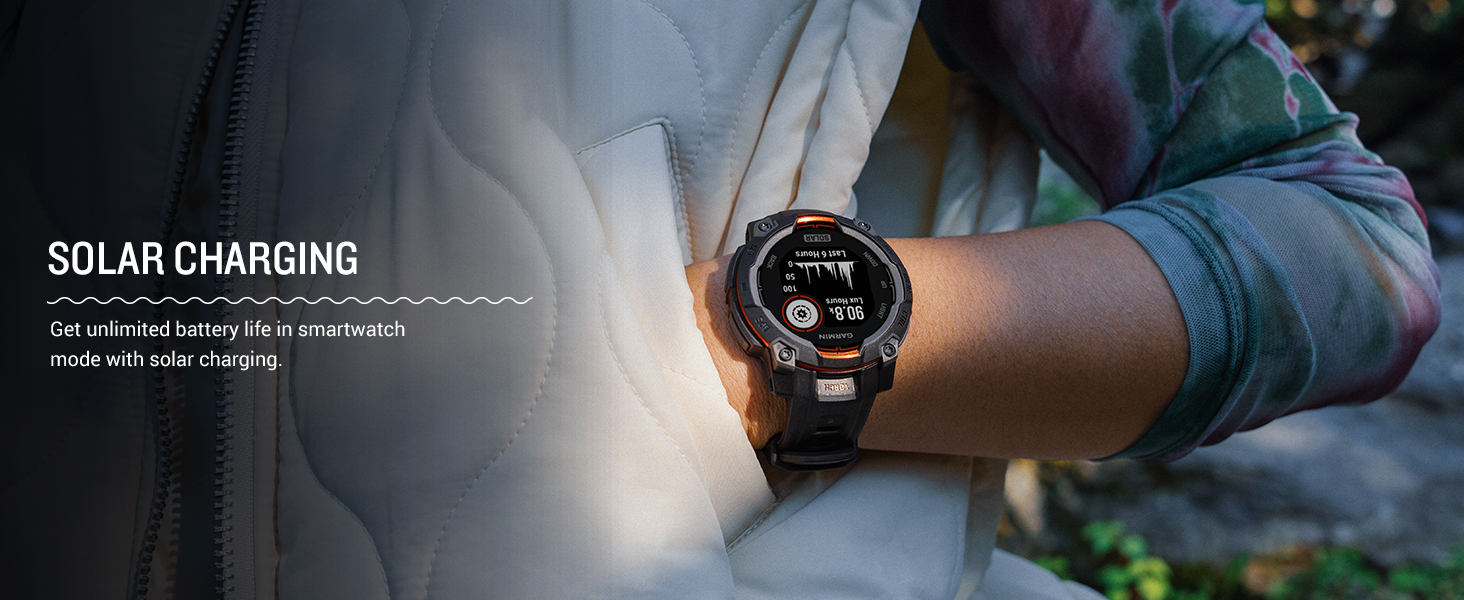
Image: A Garmin Instinct 3 smartwatch on a wrist, showing ABC sensor data including altitude and compass direction.
Health and Wellness Monitoring
Your Instinct 3 continuously monitors various health metrics:
- Heart Rate: Tracks your heart rate 24/7.
- Sleep Monitoring: Provides advanced insights into your sleep stages and quality.
- Pulse Ox: Measures blood oxygen saturation (note: not available in all countries).
- Body Battery™: Monitors your energy levels throughout the day.
- Stress Tracking: Measures stress levels and suggests relaxation techniques.
Disclaimer: The Instinct 3 is not a medical device, and data presented is intended to be a close estimation of tracked metrics. Consult a medical professional for any health concerns.
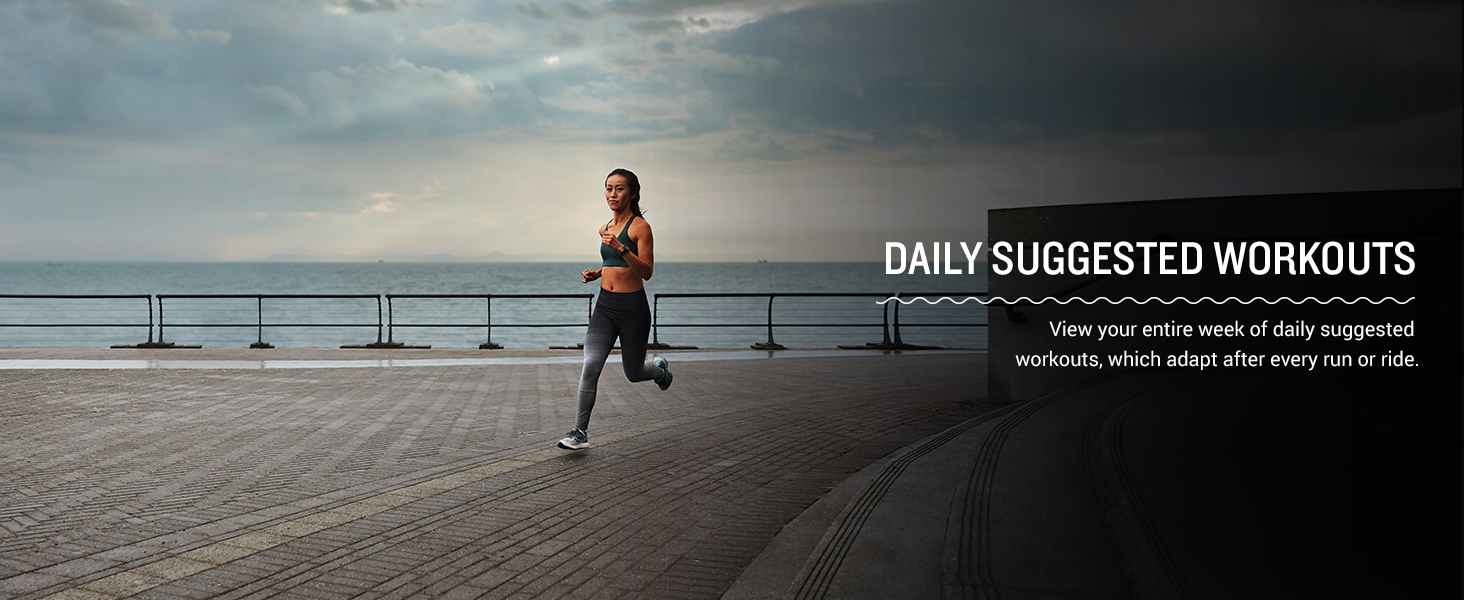
Image: A Garmin Instinct 3 smartwatch on a wrist, showing various health monitoring metrics.
Smart Notifications and Connectivity
When paired with your compatible smartphone, the Instinct 3 displays smart notifications for calls, texts, and app alerts. It also supports Garmin Pay™ for contactless payments and allows access to the ConnectIQ™ Store for custom watch faces, data fields, and apps.
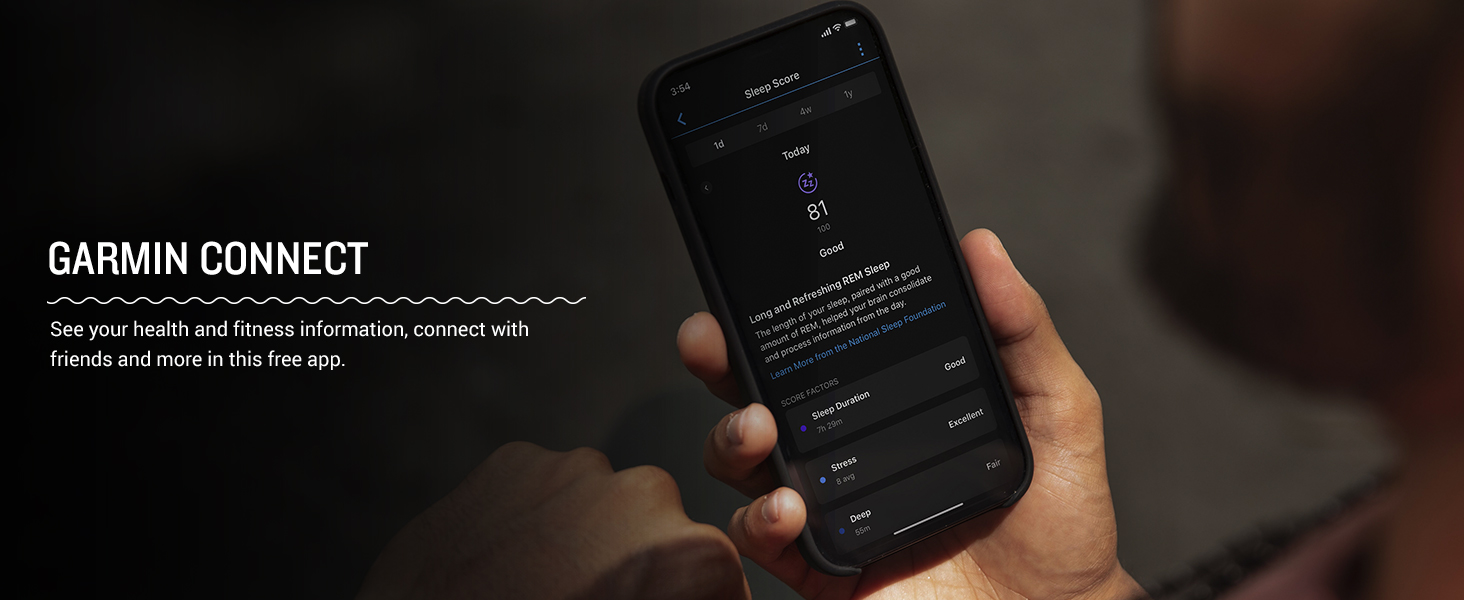
Image: A Garmin Instinct 3 smartwatch on a wrist, showing an incoming smart notification from a connected smartphone.
Built-in Flashlight
Activate the built-in LED flashlight by holding the BACK/LIGHT button. It offers variable intensities and a red strobe mode for different situations, providing convenient illumination when needed.
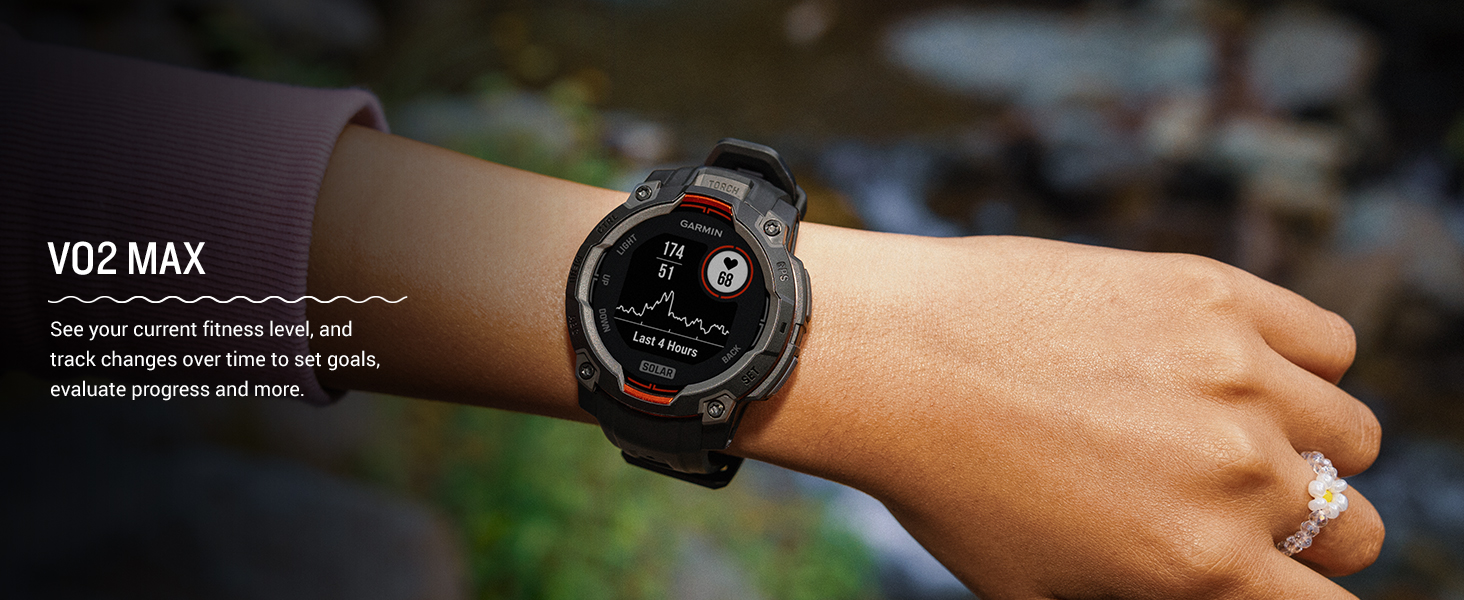
Image: A Garmin Instinct 3 smartwatch on a wrist, with its built-in flashlight emitting light.
4. Maintenance
4.1 Cleaning the Device
Regular cleaning helps maintain the performance and appearance of your Instinct 3:
- Rinse the device with fresh water after exposure to chlorine, salt water, sunscreen, cosmetics, alcohol, or other harsh chemicals.
- Use a soft, lint-free cloth to wipe the device.
- For stubborn dirt, use a soft brush and mild soap, then rinse thoroughly.
- Allow the device to dry completely before charging or wearing.
Avoid using chemical cleaners, abrasive materials, or compressed air, as these can damage the device.
4.2 Charging
To charge your Instinct 3, connect the charging/data cable to the charging port on the back of the watch and then to a USB power source. Ensure the contacts are clean and dry before charging. Solar charging supplements battery life but does not replace regular charging.
4.3 Water Resistance
The Instinct 3 is water-rated to 10 ATM, suitable for splashes, rain or snow, showering, swimming, diving into water, and snorkeling. Avoid pressing buttons underwater to prevent water ingress. After exposure to salt water, rinse the device with fresh water and dry it thoroughly.
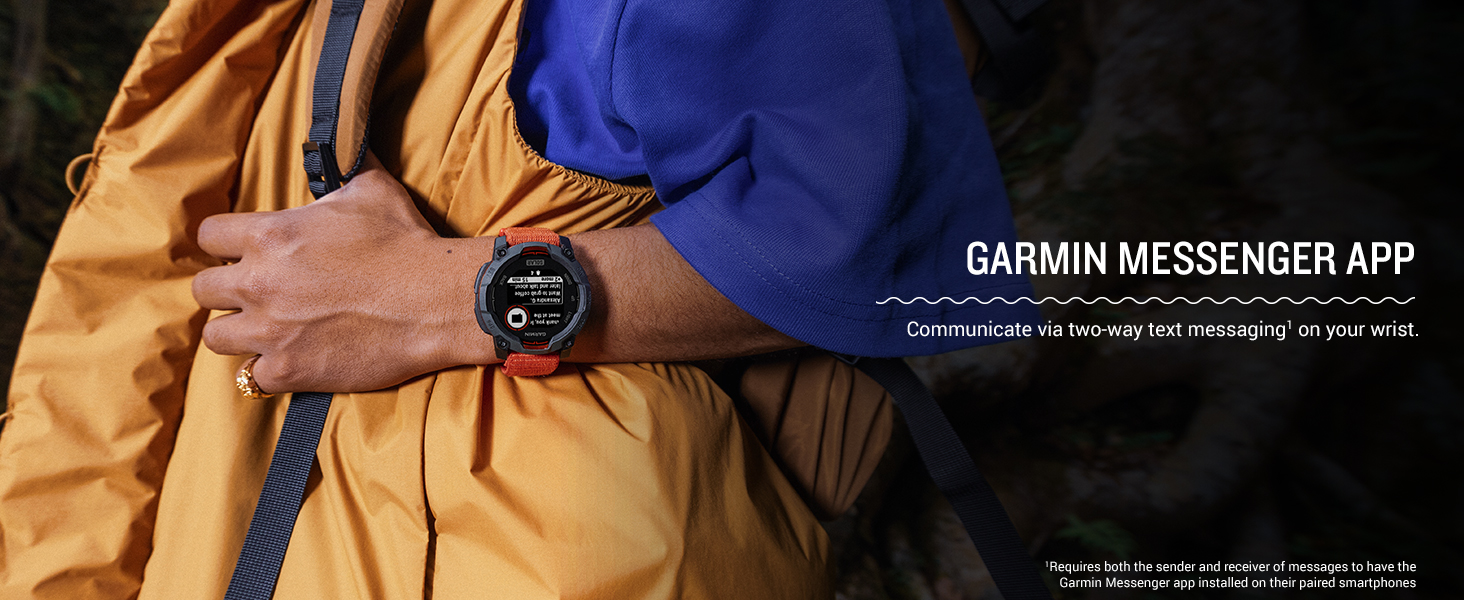
Image: A Garmin Instinct 3 smartwatch resting on wet rocks, demonstrating its 10 ATM water resistance.
5. Troubleshooting
5.1 Common Issues and Solutions
- Device Not Powering On: Ensure the device is fully charged. Connect it to the charging cable and a power source for at least 30 minutes.
- GPS Not Acquiring Signal: Ensure you are in an open area with a clear view of the sky. Allow several minutes for the device to acquire satellite signals. Syncing with the Garmin Connect app can update satellite data, improving acquisition time.
- Battery Draining Quickly: Reduce backlight brightness, disable unnecessary features (e.g., Wi-Fi, continuous Pulse Ox), and ensure the device is receiving adequate solar exposure if applicable. Check for recent software updates via Garmin Connect.
- Bluetooth Connectivity Issues: Ensure Bluetooth is enabled on both your smartphone and the Instinct 3. Try unpairing and re-pairing the device through the Garmin Connect app. Restart both your phone and the watch.
- Inaccurate Heart Rate Data: Ensure the watch is worn snugly above your wrist bone. Clean the optical heart rate sensor on the back of the device.
5.2 Resetting the Device
If the device becomes unresponsive, you may need to perform a soft reset. Hold the CTRL button for 15 seconds until the screen turns off. Release the button, then press CTRL again to restart.
For persistent issues, a factory reset may be necessary. Refer to the Garmin support website for detailed instructions, as this will erase all user data.
6. Specifications
| Feature | Specification |
|---|---|
| Product Dimensions | 1.77 x 1.77 x 0.59 inches (45 x 45 x 15 mm) |
| Item Weight | 1.83 ounces (52 Grams) |
| Model Number | 010-02934-00 |
| Display Size | 0.9 inches (23 mm) |
| Display Type | Monochrome, sunlight-visible, transflective memory-in-pixel (MIP) |
| Battery Type | Rechargeable Lithium-Ion (350 Milliamp Hours) |
| Battery Life | Unlimited in smartwatch mode with solar charging (assumes all-day wear with 3 hours per day outside in 50,000 lux conditions) |
| Water Rating | 10 ATM |
| Durability Standard | MIL-STD-810 (thermal and shock resistance) |
| Memory | 128 MB |
| Operating System | Garmin OS |
| Connectivity | Bluetooth, USB, Wi-Fi |
| GPS | Built-in GPS (Multi-band with SatIQ™) |
7. Warranty and Support
7.1 Warranty Information
Garmin products are warranted to be free from defects in materials or workmanship for one year from the date of purchase. Within this period, Garmin will, at its sole option, repair or replace any components that fail in normal use. Such repairs or replacement will be made at no charge to the customer for parts or labor, provided that the customer shall be responsible for any transportation cost.
This warranty does not cover cosmetic damage, such as scratches, nicks and dents; consumable parts, such as batteries, unless product damage has occurred due to a defect in materials or workmanship; damage caused by accident, abuse, misuse, water, flood, fire, or other acts of nature or external causes; damage caused by service performed by anyone who is not an authorized service provider of Garmin; or damage to a product that has been modified or altered without the written permission of Garmin.
7.2 Customer Support
For further assistance, product registration, software updates, and additional information, please visit the official Garmin support website or contact Garmin customer service. The Garmin Connect app also provides resources and community support.
Visit the Garmin Store for more products and information.