
Pondee X1
Pondee X1 Cordless Robotic Pool Cleaner User Manual
Model: X1
1. Introduction
Thank you for choosing the Pondee X1 Cordless Robotic Pool Cleaner. This manual provides essential information for the safe and efficient operation, maintenance, and troubleshooting of your device. The Pondee X1 is designed to provide effortless pool cleaning with its advanced features, including a powerful 120-minute runtime, fast 2.5-hour charging, dual-drive motors, dual suction ports, and auto-parking technology. It is ideal for flat-floor pools up to 850 sq. ft.
Please read this manual thoroughly before first use and keep it for future reference.

Figure 1.1: Pondee X1 Cordless Robotic Pool Cleaner.
2. Safety Information
To ensure safe operation and prevent damage to the device, please observe the following precautions:
- Always ensure the charging port is completely dry before connecting the charger to prevent short circuits.
- Only use the provided charger and charging cable.
- Do not operate the cleaner if the water temperature is outside the range of 50°F (10°C) to 104°F (40°C).
- The Pondee X1 is designed for flat-floor pools only. Do not use in pools with slopes, wrinkles, or steps, as this may cause the robot to get stuck or malfunction.
- Do not use the cleaner in salty water with a pH greater than 8.0 or less than 7.0.
- Keep the robot away from flammable materials during charging.
- Ensure the robot is fully charged after long periods of storage before use.
- Regularly check and clean the filter and propeller after each cleaning cycle to maintain optimal performance.
- Do not attempt to disassemble or repair the unit yourself. Contact customer support for assistance.
3. Package Contents
Verify that all items are present in the package:
- 1 x Pondee WaveRobo X1 Pool Vacuum
- 1 x Charger
- 1 x Hook (for retrieval)
- 1 x Multilingual User Manual
- 2 x Replacement Brushes

Figure 3.1: Included accessories and main unit.
4. Product Overview
The Pondee X1 features a robust design with key components for efficient cleaning:
- Main Unit: Compact and durable body housing the motor and battery.
- Control Button: Single button for easy activation.
- LED Indicator: Displays battery status and operational alerts.
- Dual-Drive Motors: Provide powerful propulsion and suction.
- Dual Suction Ports: Enhance debris collection efficiency.
- Scrubbing Brushes: Two brushes located underneath to agitate and collect debris.
- 180µm Debris Filter: Captures fine particles, leaves, sand, and small stones.
- Charging Port: Located on the unit for battery recharging.
- Handle: For easy lifting and retrieval.
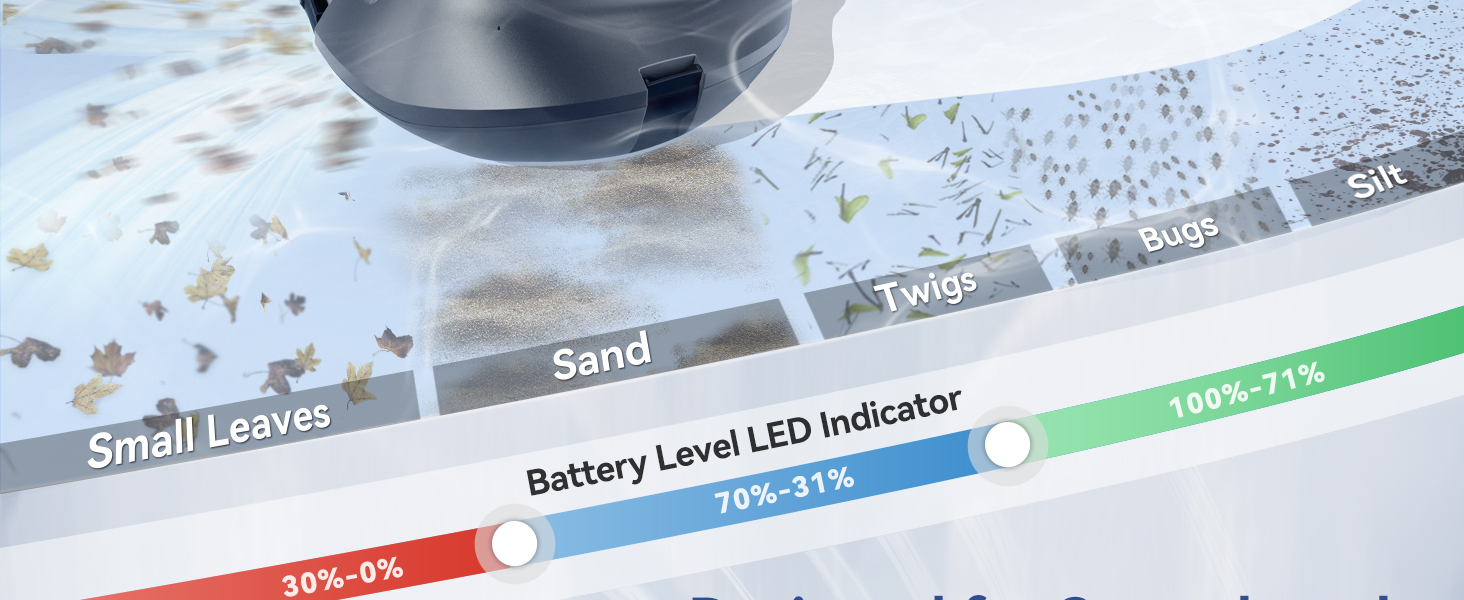
Figure 4.1: Internal components and cleaning mechanism.
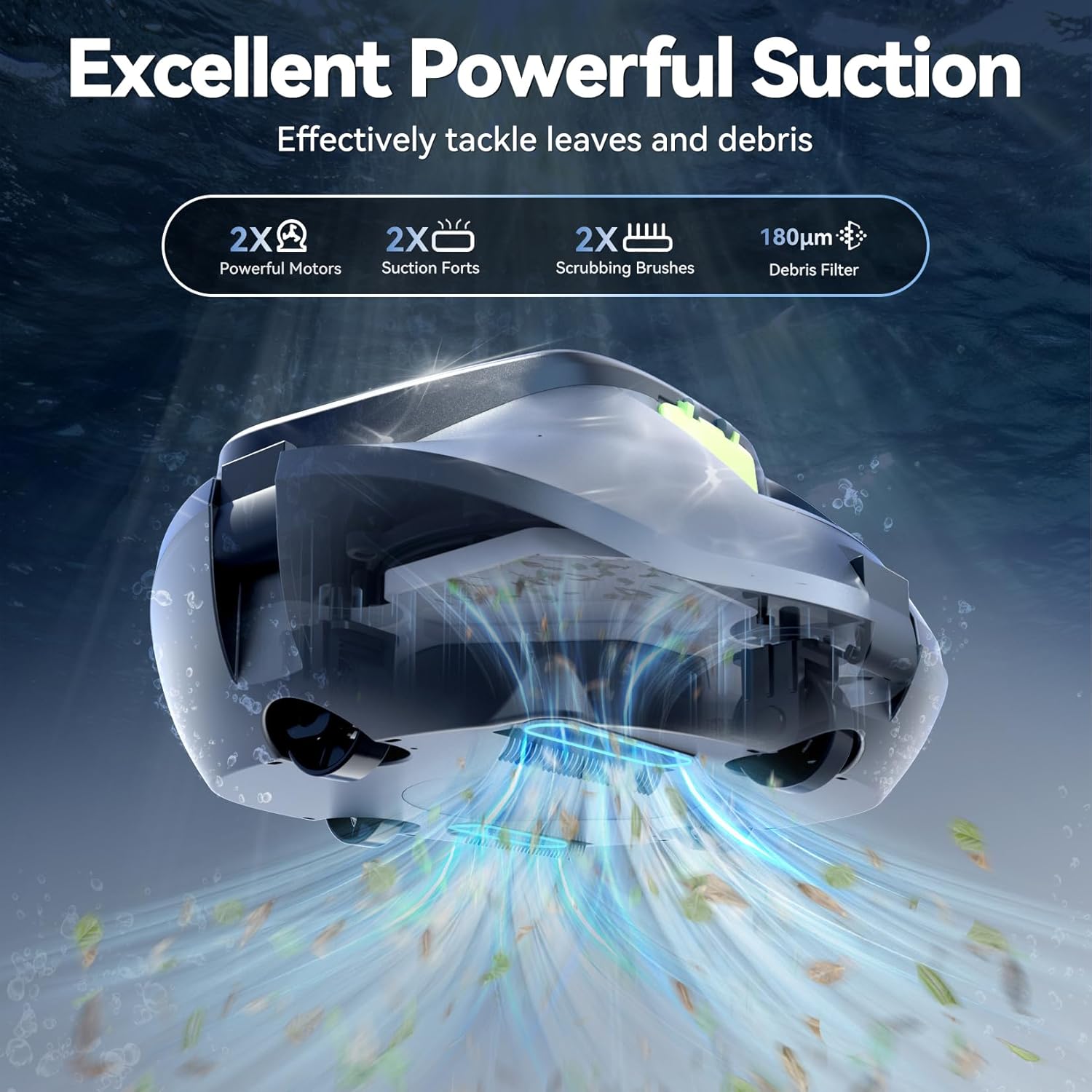
Figure 4.2: Illustration of the powerful suction capability.
5. Setup
5.1 Initial Charging
Before first use, fully charge the Pondee X1. Ensure the charging port is completely dry before connecting the charger.
- Locate the charging port on the unit.
- Connect the provided charger to the unit and then to a power outlet.
- The LED indicator will show charging status. A full charge takes approximately 2.5 hours. The indicator will flash green when fully charged.

Figure 5.1: Charging process and time comparison.
5.2 Preparing for Use
Once fully charged, the Pondee X1 is ready for deployment. Ensure your pool is suitable for the cleaner (flat floor, up to 850 sq. ft.).
6. Operating Instructions
6.1 Starting the Cleaner
Operating the Pondee X1 is simple:
- Ensure the cleaner is fully charged.
- Press the single control button on the top of the unit to power it on.
- Gently lower the Pondee X1 into your pool. It will begin its cleaning cycle automatically.
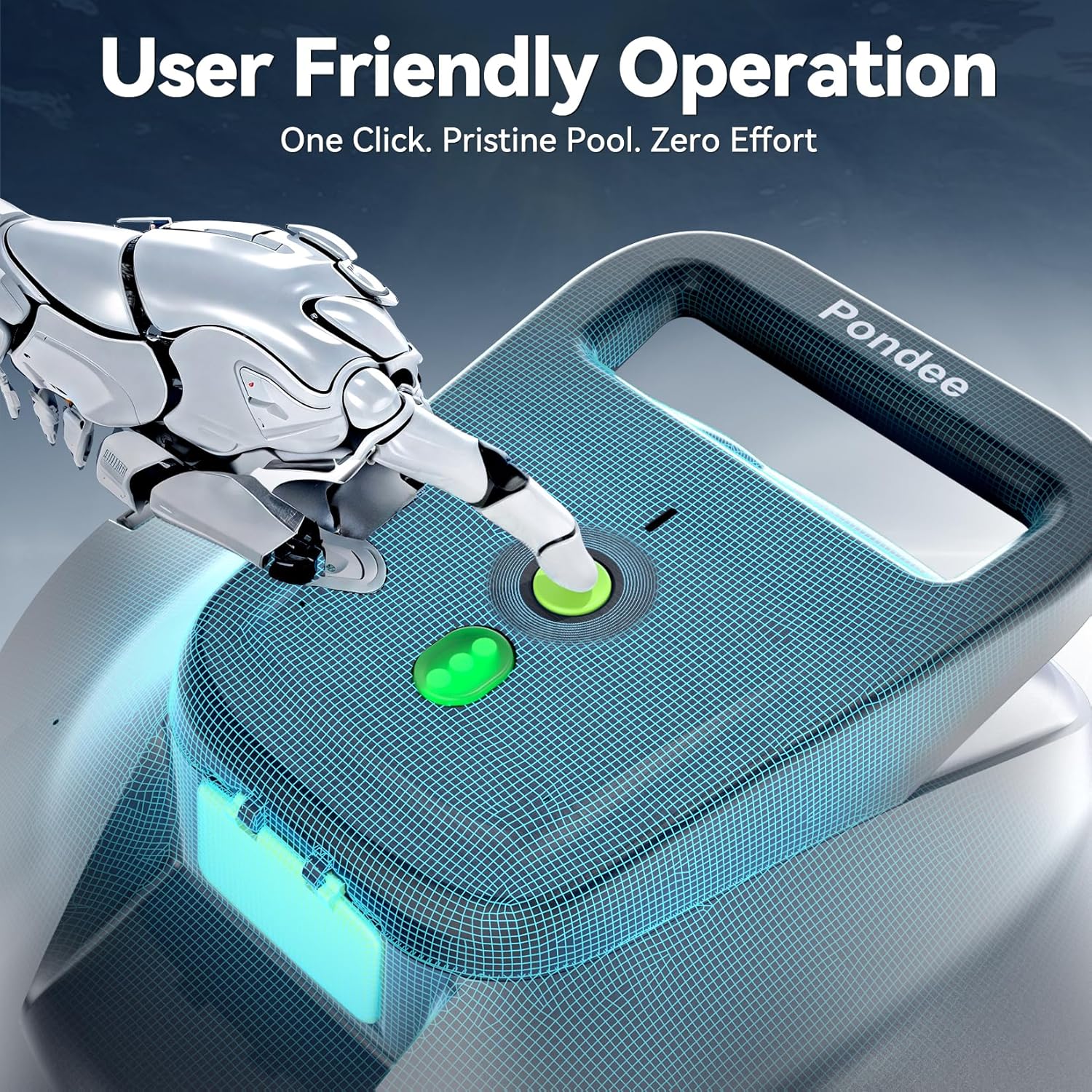
Figure 6.1: One-click activation.
6.2 Cleaning Cycle and Runtime
The Pondee X1 provides up to 120 minutes of continuous cleaning on a full charge. It navigates the pool floor, collecting dirt, debris, leaves, sand, and small stones.

Figure 6.2: Extended runtime for thorough cleaning.
6.3 Auto-Parking Technology
When the battery is low or the cleaning cycle is complete, the Pondee X1 will automatically dock itself near the pool edge for easy retrieval. This feature prevents the need to retrieve the robot from the middle of the pool.

Figure 6.3: Auto-parking feature in action.
6.4 Pool Compatibility
The Pondee X1 is designed for flat-floor pools up to 850 sq. ft. This includes various types of above-ground pools, flat-floored in-ground pools without slopes, and pools with liners such as PVC, vinyl, or gunite. It is suitable for round, rectangular, or oval shapes.

Figure 6.4: Examples of suitable pool types.
Important: The Pondee X1 is NOT recommended for pools with slopes, wrinkles, steps, or for wall and waterline cleaning. It is specifically designed for flat pool bottoms.

Figure 6.5: Examples of unsupported pool types.
7. Maintenance
7.1 Retrieving the Cleaner
After the cleaning cycle or when the battery is low, the robot will park itself at the pool edge. Use the included hook to easily retrieve it without getting wet.

Figure 7.1: Effortless retrieval with the hook.
7.2 Cleaning the Filter
Regularly cleaning the filter is crucial for maintaining the cleaner's performance:
- Once retrieved, the Pondee X1 drains water in seconds.
- Open the cover of the unit (usually by releasing latches).
- Remove the filter basket.
- Rinse the filter thoroughly under running water to remove all collected debris.
- Reinsert the clean filter and close the cover securely.
7.3 Propeller and Brush Inspection
Periodically inspect the propeller and scrubbing brushes for any tangled debris (e.g., hair, string) and remove them to ensure smooth operation.
8. Troubleshooting
If you encounter issues with your Pondee X1, refer to the following common problems and solutions:
Q1: The machine stopped working — what should I do?
A: Please check whether the impeller or filter is clogged. A significant buildup of debris can impact performance. Clean the filter and inspect the impeller for obstructions.
Q2: The device isn't charging and can not be used — what's wrong?
A: Make sure the charging port is completely dry before charging. Moisture may cause a short circuit in the charging board. Ensure the charger is properly connected and the power outlet is functional.
Q3: The machine stops and is stuck — why?
A: Please check if your pool surface has wrinkles or uneven folds. The cleaner is designed for smooth, flat-bottomed pools only. Also, check and clean the filter; if it or the propeller is full of debris and dust, clean it to ensure your robot can work properly. You may also need to adjust the equipped wheels to make the robot run steadily, as described in the full manual (if applicable).

Figure 8.1: Common troubleshooting scenarios.
9. Specifications
| Feature | Specification |
|---|---|
| Model Name | X1 |
| Brand | Pondee |
| Runtime | Up to 120 minutes |
| Charging Time | 2.5 hours |
| Battery Capacity | 4000mAh (44.4 Watt Hours Lithium Polymer) |
| Cleaning Area | Up to 850 sq. ft. |
| Product Dimensions | 30 x 30 x 17 cm (11.8 x 11.8 x 6.7 inches) |
| Product Weight | 4.62 kg (10.19 lbs) |
| Waterproof Grade | IPX8 |
| Suitable Water Temperature | >50°F (10°C), <104°F (40°C) |
| Storage Temperature | 14°F (-10°C) to 104°F (40°C) |
| Filter Density | 180µm |
| Power Source | Battery Powered |
| Material | Plastic |
10. Warranty and Support
The Pondee X1 Cordless Robotic Pool Cleaner comes with a 1-year protection plan, ensuring peace of mind regarding your purchase.
For any inquiries, technical assistance, or warranty claims, please contact our reliable customer service team. We are available 24 hours a day to assist you.
Manufacturer: Shenzhen Seaker Techonoly CO.,Ltd
Place of Business: Seaker Technology Co., Ltd., Room 1009, Peanut U Valley Cultural & Creative Indusutry Park, Shenzhen, China.
Please refer to your purchase documentation for specific contact methods or visit the official Pondee store on Amazon for further support information.
Related documentsX1

Ask a question about this manual
Ask about setup, troubleshooting, compatibility, parts, safety, or missing instructions. Manuals+ will review the question and use this page’s manual context to help answer it.