
SANODESK 63x28 Black Frame+ Black Top
SANODESK 63x28 Inches Height Adjustable Electric Standing Desk Instruction Manual
Model: 63x28 Black Frame+ Black Top
Introduction
This manual provides comprehensive instructions for the assembly, operation, and maintenance of your SANODESK 63x28 Inches Height Adjustable Electric Standing Desk. Designed for ergonomic comfort and stability, this desk allows for seamless transitions between sitting and standing positions, promoting a healthier work environment. Please read this manual thoroughly before assembly and use to ensure proper function and safety.
Setup and Assembly
The SANODESK electric standing desk is designed for easy assembly. Follow these general guidelines:
- Unpacking: Carefully unpack all components and verify against the included parts list.
- Preparation: Ensure you have adequate space for assembly and the necessary tools (provided).
- Frame Assembly: Assemble the robust steel frame according to the detailed installation manual. Pay attention to embedded screw hole locations for proper alignment.
- Desktop Attachment: Securely attach the 63” x 28” desktop to the assembled frame.
- Cable Management: Organize all cables neatly to prevent entanglement and ensure smooth operation.
For a visual guide, refer to the official installation video:
Official SANODESK assembly and operation video. This video demonstrates the setup process and key features of the standing desk, including height adjustment and stability.
Operating Instructions
Height Adjustment
The SANODESK features electric height adjustment, allowing you to effortlessly switch between sitting and standing positions. The height range is 28.3 inches to 47.6 inches.
- Up/Down Buttons: Use the dedicated up and down arrow buttons on the control panel to manually adjust the desk height.
- Memory Presets: The desk allows you to save up to 4 custom height positions. To save a position:
- Adjust the desk to your desired height.
- Press the 'M' or 'Set' button (refer to your specific control panel for exact labeling).
- Press one of the numbered preset buttons (1, 2, 3, or 4) to save the current height to that memory slot.
- Recalling Presets: Simply press the corresponding numbered preset button (1, 2, 3, or 4) to move the desk to your saved height.

The multifunctional control panel features an LED display for current height, up/down controls, and memory function buttons (1-4) for saving preferred heights.
Anti-Collision Function
The desk is equipped with an anti-collision system to prevent damage or injury. If the desk encounters an obstacle while adjusting height, it will automatically stop and reverse slightly.

The anti-collision system ensures safety by stopping and reversing the desk if an obstacle is detected during height adjustment.
Maintenance
- Cleaning: Wipe the desk surface and frame with a soft, damp cloth. Avoid abrasive cleaners or harsh chemicals that could damage the finish.
- Regular Checks: Periodically check all screws and connections to ensure they are tight. Retighten if necessary.
- Cable Inspection: Ensure power cords and control cables are not pinched or damaged.
- Weight Capacity: Do not exceed the maximum load capacity of 198 lbs to prevent damage to the motors and frame.

The desk is built for reliable and smooth lifting, with a maximum load capacity of 198 lbs.
Troubleshooting
If you encounter any issues with your SANODESK standing desk, refer to the following common problems and solutions:
| Problem | Possible Cause | Solution |
|---|---|---|
| Desk does not move. | Power cable disconnected, motor error, or overload. | Check power connections. Reduce weight on the desk. Refer to the manual for specific error codes if displayed. |
| Desk moves unevenly or makes unusual noises. | Loose connections, uneven weight distribution, or motor issue. | Ensure all screws are tightened. Redistribute weight evenly. Contact customer support if the issue persists. |
| Memory presets not working. | Incorrect saving procedure or temporary glitch. | Re-save the desired height positions following the operating instructions. Unplug and replug the desk to reset the system. |
Safety Information
Always adhere to the following safety guidelines:
- Always use the up/down buttons to adjust the desk height. Do not attempt to manually force the desk to move.
- Keep hands and fingers away from the moving parts during height adjustment.
- Ensure the desk is properly anchored to the floor to prevent tipping.
- Do not allow children or pets to play near the desk during operation.
Product Specifications
| Feature | Detail |
|---|---|
| Brand | SANODESK |
| Product Dimensions | 63"D x 28"W x 28.3"H |
| Color | Black Frame+ Black Top |
| Style | Modern |
| Base Material | Alloy Steel |
| Top Material Type | Wood |
| Finish Type | Wood |
| Recommended Uses For Product | Office, Gaming |
| Mounting Type | Floor Mount |
| Included Components | Desk, Monitor Arm |
| Maximum Height | 47.6 Inches |
| Required Assembly | Yes |
| Shape | Rectangular |
| Desk Design | Standing Desk |
| Number of Motors | 2 (Dual motors power) |
| Load Capacity | 198 lbs |

The SANODESK standing desk provides a spacious and ergonomic workspace, accommodating multiple monitors and accessories.

Promoting healthy working and living, the desk allows users to easily switch between sitting and standing positions.

Detailed desk dimensions: 63 inches in depth and 28 inches in width, providing ample workspace.

An outstanding ergonomic design supports a comfortable and efficient work setup.

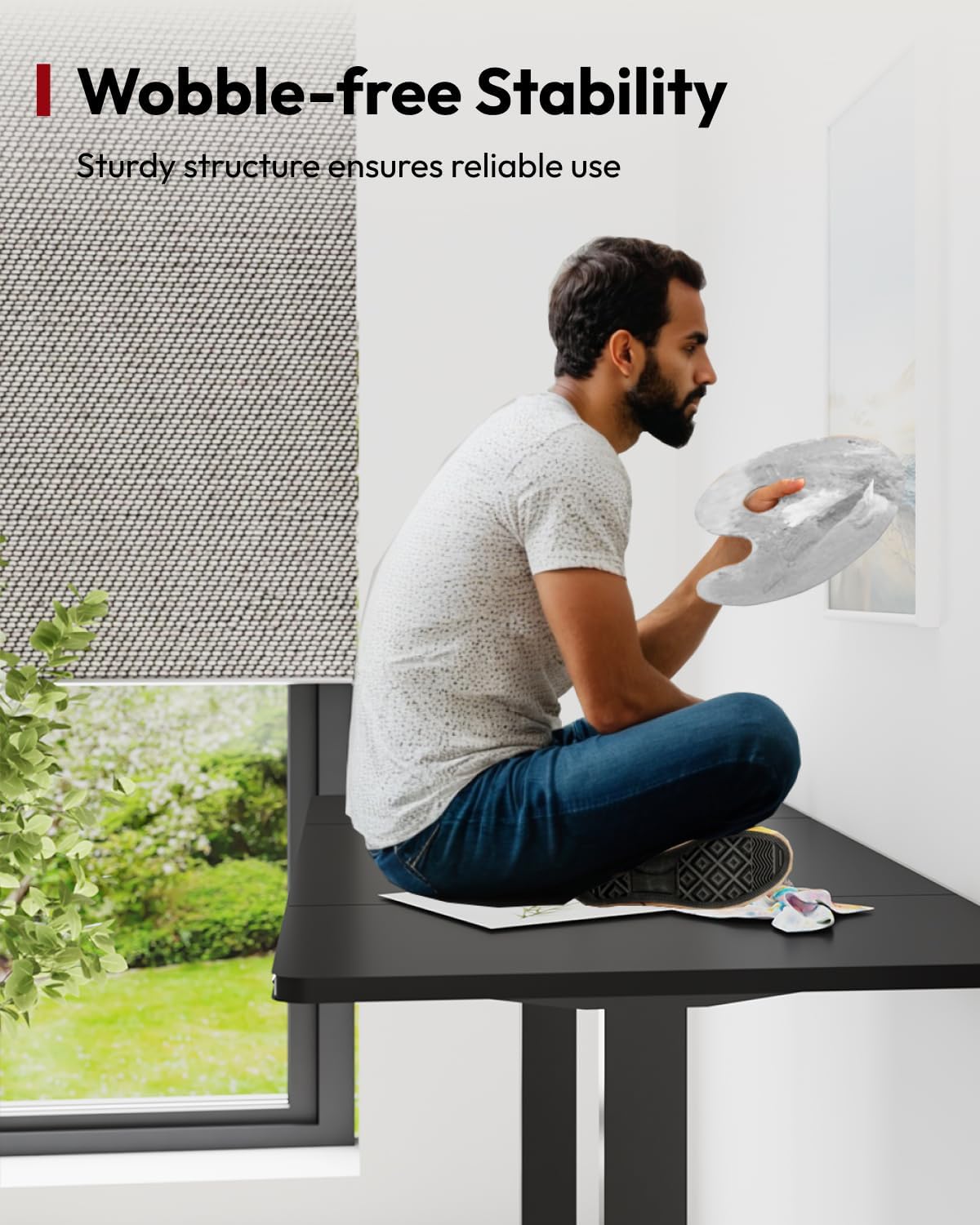
The robust steel construction ensures wobble-free stability during use.

The desk offers a wide lifting range from 28.3 inches to 47.6 inches, catering to various user heights.
Equipped with two high-performance motors for steady and powerful lifting of heavier desktops.
Warranty and Support
Your SANODESK standing desk comes with a full warranty. For specific warranty details and to register your product, please refer to the warranty card included in your packaging or visit the official SANODESK website.
For technical support, troubleshooting assistance, or parts replacement, please contact SANODESK customer service:
- Online Support: Visit the SANODESK Store on Amazon for FAQs and contact information.
- Email/Phone: Refer to your product documentation for direct contact details.
Related documents63x28 Black Frame+ Black Top


Ask a question about this manual
Ask about setup, troubleshooting, compatibility, parts, safety, or missing instructions. Manuals+ will review the question and use this page’s manual context to help answer it.