
1. Introduction
This manual provides comprehensive instructions for the assembly, operation, and maintenance of your DUMOS 55-Inch Office Computer Desk. Please read this manual thoroughly before beginning assembly or use to ensure proper setup and safe operation.

Figure 1: DUMOS 55-Inch Office Computer Desk (Wood Brown)
2. Safety Information
- Ensure all parts are present and undamaged before assembly. Do not proceed with assembly if any parts are missing or damaged.
- Assemble the desk on a soft, clean surface to prevent scratches.
- Do not overtighten screws during assembly, as this may damage the materials. Tighten all screws firmly once assembly is complete.
- Keep small parts away from children and pets to avoid choking hazards.
- Do not stand or sit on the desk. The desk is designed for holding office equipment and supplies.
- Distribute weight evenly across the desktop to maintain stability. The maximum load capacity is 265 lbs.
- Regularly check all fasteners to ensure they remain tight.
3. Package Contents
Before starting assembly, verify that all components listed below are included in your package:

Figure 2: Included Components and Hardware
- A: Support Legs (x2)
- B: Crossbars (x2)
- C: Desktop Board (x1)
- D: Slant Supports (x2)
- E: Hook (x1)
- F: Storage Bag (x1)
- Hardware: Screws (various sizes), Wrench (x1)
4. Setup and Assembly
Follow these steps carefully to assemble your DUMOS Office Computer Desk. It is recommended to tighten screws to 50% initially and fully tighten them once the entire frame is assembled and flush.
Step 1: Assemble the Desk Frame
- Attach the crossbars (B) to the support legs (A) using the provided screws and wrench. Ensure the frame forms a stable rectangle.
- Connect the slant supports (D) to the support legs (A) and crossbars (B) to enhance stability.
Video 1: Detailed Desk Frame Assembly Tutorial. This video demonstrates the step-by-step process of connecting the support legs, crossbars, and slant supports to form the desk's metal frame.

Figure 3: X-shaped Reinforced Structure for enhanced stability.
Step 2: Attach the Desktop Board
- Carefully place the desktop board (C) onto the assembled metal frame, aligning the pre-drilled holes.
- Secure the desktop board to the frame using the remaining screws. Ensure the frame structure is flush with the desktop board.
- Once the desktop board is secured, fully tighten all screws to 100%.
Video 2: DUMOS Desk Installation Video. This video provides a comprehensive guide for assembling the DUMOS Home Office Desk, including attaching the desktop board and final tightening of screws.
Step 3: Install Accessories
- Attach the hook (E) to the side of the support leg (A) using a screw and wrench. This hook can be used for headphones or bags.
- Hang the storage bag (F) onto the designated hooks on the side of the desk. This bag is suitable for storing books, notebooks, or documents.
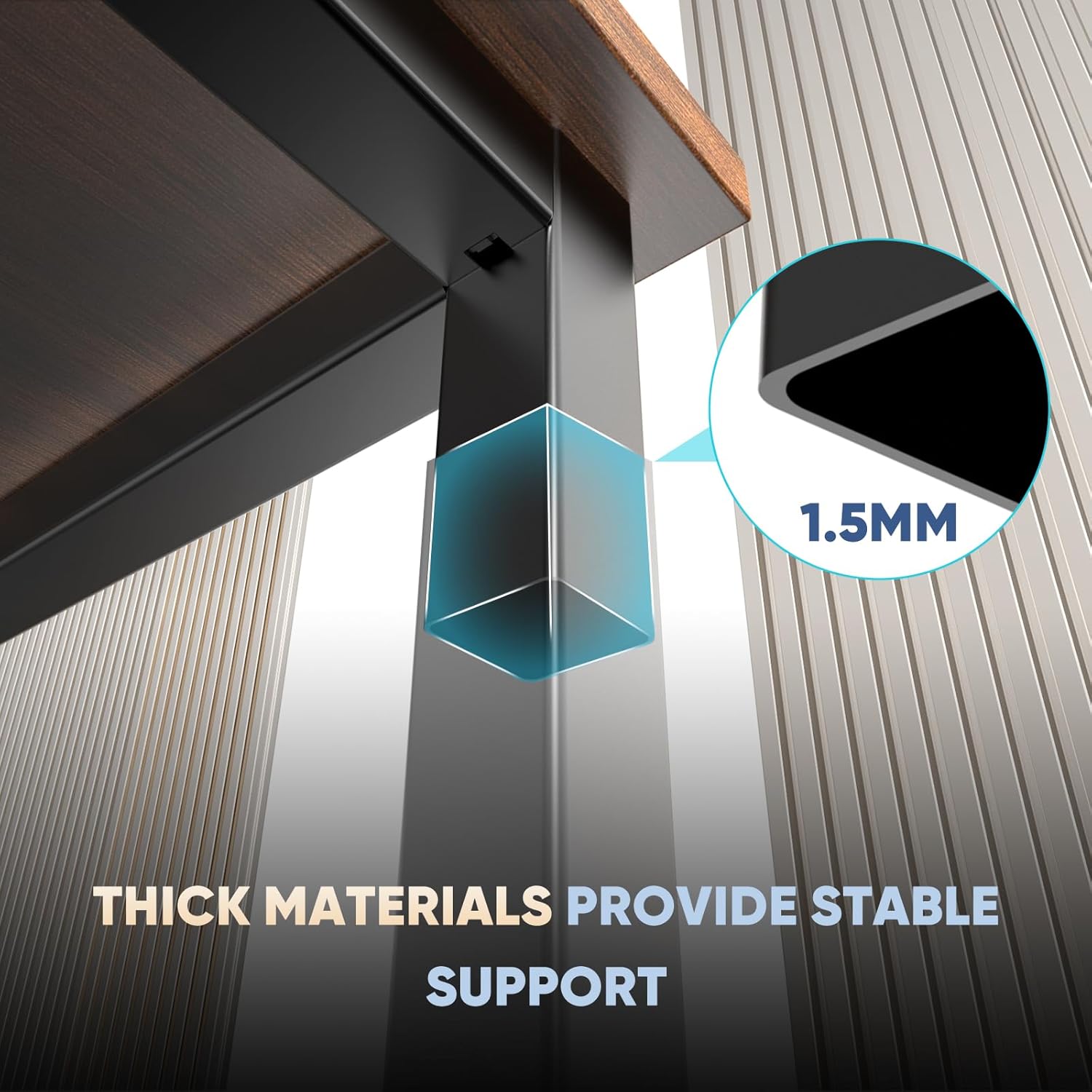
Figure 4: Desk with attached storage bag and hook for organization.
5. Operating Instructions
Your DUMOS desk is designed for versatile use in various settings, including home offices, bedrooms, and study areas. It provides a stable surface for computers, writing, studying, and other work-related tasks.
- Utilize the desktop for placing your computer, monitor, keyboard, mouse, and other essential accessories.
- The integrated storage bag offers convenient access to documents, notebooks, and magazines, helping to keep your workspace tidy.
- The side hook is ideal for hanging headphones, bags, or other small items, keeping them within reach but off the desktop.
6. Maintenance and Care
To ensure the longevity and appearance of your DUMOS desk, follow these maintenance guidelines:
- Cleaning: The desktop is waterproof and scratch-resistant. Wipe surfaces with a soft, damp cloth. Avoid harsh chemicals or abrasive cleaners.
- Protection: While scratch-resistant, using coasters for drinks and mouse pads can further protect the desktop surface.
- Fasteners: Periodically check all screws and bolts to ensure they are tight. Retighten if necessary to maintain stability.
- Placement: Avoid placing the desk in direct sunlight or near heat sources to prevent material degradation.

Figure 5: Waterproof and easy-to-clean desktop surface.
7. Troubleshooting
- Wobbling Desk: Ensure all screws are fully tightened. Check that the desk is placed on a level surface. Adjust the feet if available.
- Missing Parts: If any parts are missing upon arrival, please contact DUMOS customer support for assistance.
- Difficulty Assembling: Review the assembly instructions and videos carefully. Ensure correct parts are used for each step. If issues persist, contact customer support.
8. Specifications
| Feature | Detail |
|---|---|
| Brand | DUMOS |
| Model Number | DUF01DJ55RT |
| Product Dimensions | 55"D x 19.7"W x 29.8"H |
| Color | Wood Brown |
| Style | Modern |
| Base Material | Metal |
| Top Material Type | Wood (MDF) |
| Finish Type | Wood |
| Special Feature | Storage (Bag & Hook) |
| Recommended Uses | Office, Working, Writing, Gaming |
| Item Weight | 26.45 Pounds |
| Required Assembly | Yes |
| Includes All Assembly Tools | Yes |
9. Warranty and Support
The DUMOS 55-Inch Office Computer Desk comes with a Limited Warranty. For specific details regarding warranty coverage, terms, and conditions, please refer to the warranty card included in your product packaging or contact DUMOS customer support.
For any questions, missing parts, or assistance with assembly, please contact DUMOS customer support through the retailer's platform or the official DUMOS website.