
Introduction
Thank you for choosing the truke Buds Echo True Wireless Earbuds. This manual provides essential information for setting up, operating, and maintaining your earbuds to ensure optimal performance and longevity. These earbuds feature 24-bit Spatial Audio, 13mm Titanium Dynamic Drivers, Dual Device Pairing, 40ms Ultra-Low Latency, 70 hours of total playtime, and Quad-Mic with PureVoice ENC technology.
What's in the Box
- truke Buds Echo True Wireless Earbuds
- Wireless Charging Case
- USB Charging Cable
- Eartips (various sizes)
- User Manual
Product Overview

Image: truke Buds Echo Earbuds and Charging Case. The image displays the black earbuds removed from their transparent-lidded charging case, showcasing their sleek design.

Image: truke Buds Echo Earbuds in Charging Case. The earbuds are shown securely placed inside their charging case, ready for storage or charging.
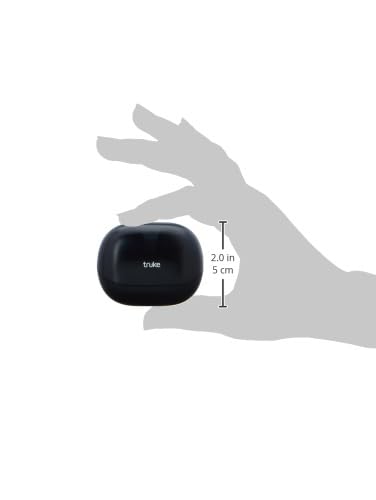
Image: truke Buds Echo Charging Case Dimensions. A hand holds the compact charging case, with measurements indicating its small size for portability.
Setup
Charging Your Earbuds
- Place the earbuds into the charging case. Ensure they are correctly seated in their respective slots.
- Connect the USB charging cable to the charging port on the case and to a power source.
- The indicator light on the case will illuminate to show charging status. A full charge provides up to 70 hours of total playtime with the case.
- A quick 10-minute charge provides hours of playback.

Image: truke Buds Echo 70 Hours Playtime. The image highlights the extended battery life of the earbuds and charging case, indicating up to 70 hours of use.
Initial Pairing
- Open the charging case. The earbuds will automatically enter pairing mode.
- On your device (smartphone, tablet, laptop), enable Bluetooth and search for available devices.
- Select "truke Buds Echo" from the list of devices to connect.
- Once connected, a voice prompt will confirm successful pairing.
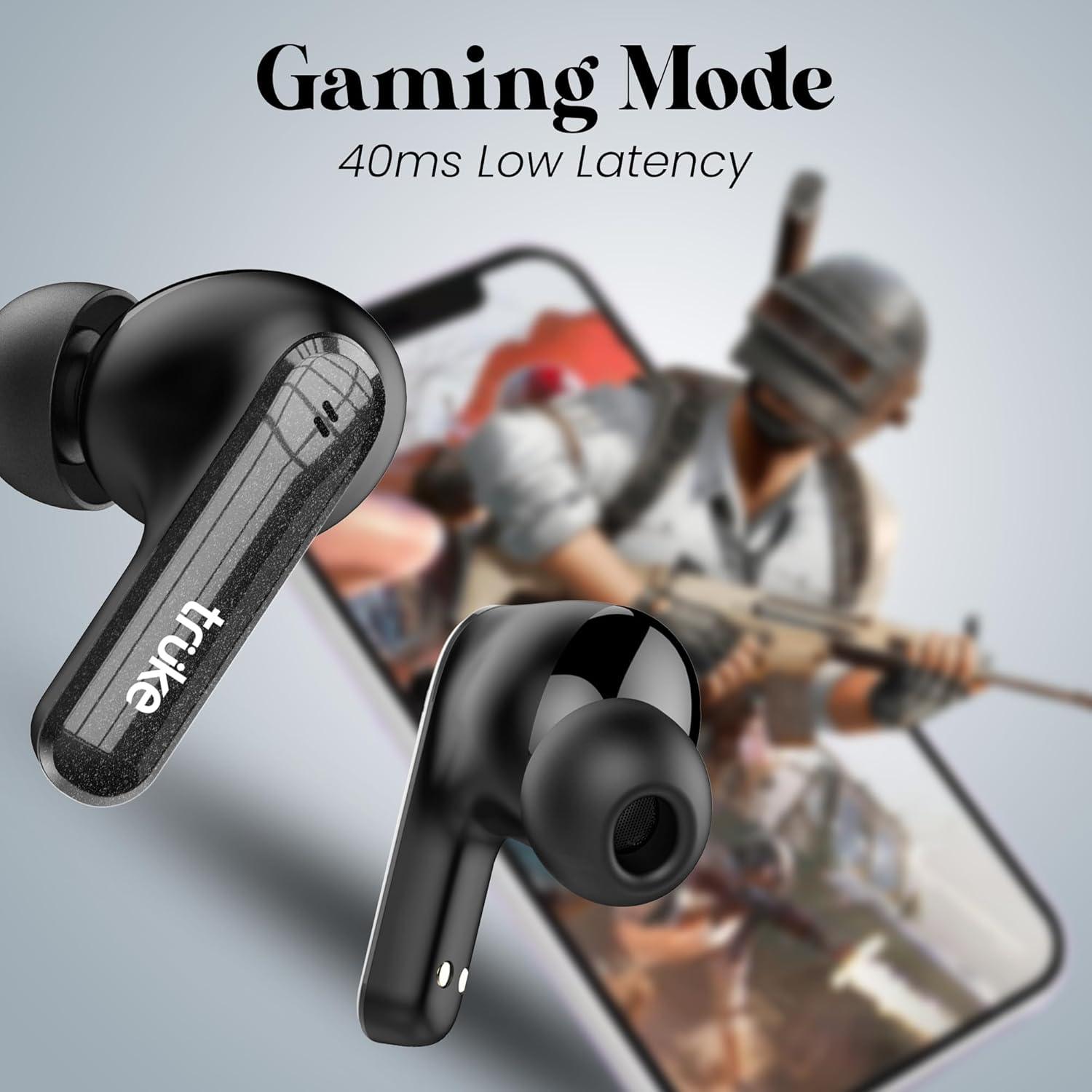
Image: truke Buds Echo Bluetooth 5.4 Pairing. The image shows the earbuds and case next to a smartphone displaying Bluetooth settings, indicating a successful connection.
Operating Instructions
Touch Controls
The truke Buds Echo feature intuitive touch controls for easy management of music, calls, and voice assistants. Specific touch functions may vary slightly, but generally include:
- Play/Pause: Single tap on either earbud.
- Next Track: Double tap on the right earbud.
- Previous Track: Double tap on the left earbud.
- Answer/End Call: Single tap on either earbud.
- Reject Call: Long press on either earbud.
- Activate Voice Assistant: Triple tap on either earbud (Siri, Google Assistant).
- Toggle Gaming Mode: Specific gesture (refer to quick start guide for exact action).
Dual Device Pairing
The earbuds support simultaneous connection to two devices. This allows for seamless switching between audio sources, such as taking a call on your phone while listening to music on your laptop, without needing to manually disconnect and reconnect.
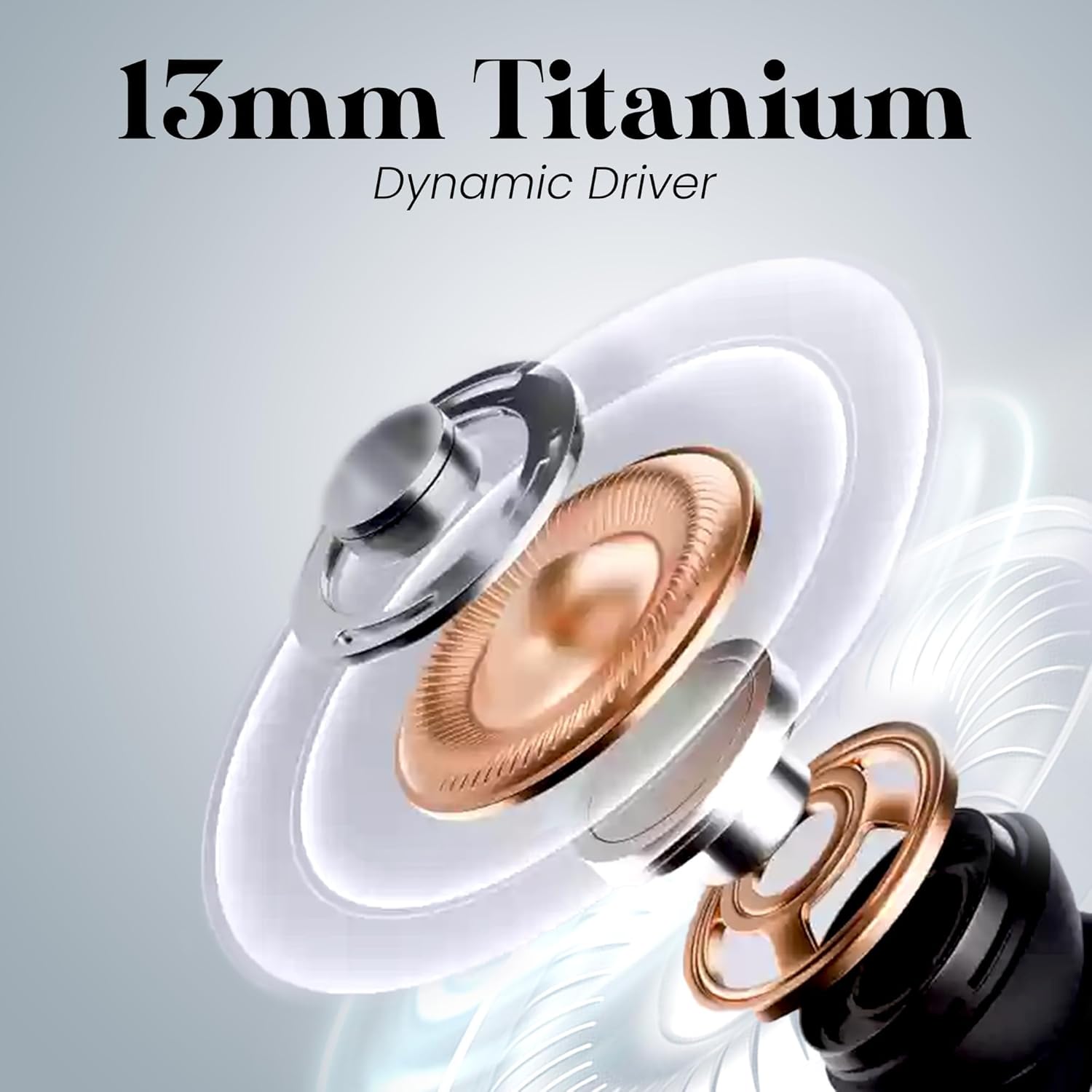
Image: truke Buds Echo Multi Device Connection. The earbuds are depicted connecting to both a smartphone and a laptop, illustrating the dual pairing feature.
Gaming Mode (40ms Ultra-Low Latency)
Activate Gaming Mode for a synchronized audio-visual experience, crucial for gaming and video streaming. This mode reduces audio latency to 40ms, minimizing delay between on-screen action and sound.

Image: truke Buds Echo Gaming Mode 40ms Low Latency. The earbuds are shown alongside a smartphone displaying a game, emphasizing the low-latency feature for an enhanced gaming experience.
24-bit Lossless Spatial Audio
Experience immersive sound with 24-bit lossless spatial audio. This technology provides studio-quality sound with deep bass, crisp highs, and a lifelike listening experience, making every note richer and more detailed.

Image: truke Buds Echo 24-bit Spatial Sound. The image visually represents the 24-bit spatial audio feature, highlighting its ability to deliver rich and detailed sound.
Quad Mic with PureVoice ENC
The earbuds are equipped with four high-quality microphones and Environmental Noise Cancellation (ENC) technology. This system filters out background noise, ensuring clear and uninterrupted calls even in noisy environments.

Image: truke Buds Echo Quad Mic ENC. A close-up of an earbud highlights the Quad-Mic with PureVoice ENC technology, indicating superior call clarity.
Maintenance
Water Resistance (IPX5)
The truke Buds Echo earbuds are rated IPX5 for water resistance, meaning they can withstand splashes and sweat. They are suitable for workouts and light rain but should not be submerged in water.
- Avoid prolonged exposure to water.
- Do not wear while swimming or showering.
- Dry the earbuds thoroughly before placing them back in the charging case to prevent damage.
Cleaning
- Regularly clean the earbuds and charging case with a soft, dry, lint-free cloth.
- Remove eartips and clean them with water and mild soap, then dry completely before reattaching.
- Ensure charging contacts on both earbuds and case are clean and free of debris.
Troubleshooting
- Earbuds not pairing: Ensure both earbuds are in the charging case, then open the lid to initiate pairing mode. Check your device's Bluetooth settings and forget previous connections if necessary.
- No sound from one earbud: Place both earbuds back in the case, close the lid, wait a few seconds, then open again. This often resets the connection.
- Charging issues: Verify the charging cable is securely connected to both the case and power source. Clean the charging contacts on the earbuds and inside the case.
- Low volume: Adjust the volume on both your connected device and the earbuds. Ensure eartips are properly sealed in your ear canal.
- Unstable connection: Ensure your device is within the Bluetooth range (typically 10 meters) and there are no significant obstructions. Avoid strong electromagnetic interference.
Specifications
| Model Name | Buds Echo |
| Model Number | E225 |
| Connectivity Technology | Wireless (Bluetooth 5.4) |
| Audio Driver Size | 13mm Titanium Dynamic Driver |
| Audio Features | 24-bit Lossless Spatial Audio |
| Microphone | Quad Mic with Environmental Noise Cancellation (ENC) |
| Latency | 40ms Ultra-Low Latency (Gaming Mode) |
| Battery Life | Up to 70 Hours Total Playtime (with charging case) |
| Charging Time | 10 minutes for hours of playback (Fast Charging) |
| Water Resistance | IPX5 |
| Control Method | Touch |
| Compatible Devices | Cellphones, Laptops, Tablets |
| Material | Acrylonitrile Butadiene Styrene (ABS) |
| Item Weight | 38 Grams |
Warranty and Support
Warranty Information
The truke Buds Echo earbuds come with a 12-month warranty from the date of purchase. This warranty covers manufacturing defects. Please retain your proof of purchase for warranty claims. truke also offers comprehensive service support with over 400 service points.
Customer Support
For any queries, technical assistance, or warranty claims, please contact truke customer support through their official website or the contact details provided in your product packaging. You can also visit the official truke store for more information: truke Store.