Introduction
This manual provides detailed instructions for the Noise Buds VS102 Plus Wireless Earbuds. Please read this guide thoroughly before using your device to ensure proper operation and to maximize your listening experience. Keep this manual for future reference.
What's in the Box
Verify that all items are present in the package:
- 1N Bluetooth Headphone (Earbuds)
- 1N Charging Case
- 1N Charging Cable (Type-C)
- 1N User Manual (This document)
- 1N Warranty Registration Card
Product Overview
Familiarize yourself with the components of your Noise Buds VS102 Plus.

Image: Noise Buds VS102 Plus Earbuds and Charging Case. This image displays the earbuds inside their charging case, highlighting their compact design.

Image: Diagram of a single Noise Buds VS102 Plus earbud, showing the internal 11mm driver for audio output.
Setup
1. Charging the Earbuds and Case
Before first use, fully charge the earbuds and charging case.
- Place the earbuds into the charging case.
- Connect the Type-C charging cable to the charging port on the case and to a power source.
- The indicator light on the case will show charging status. A full charge provides up to 70 hours of total playtime.
- Instacharge: A 10-minute charge provides approximately 120 minutes of playback.
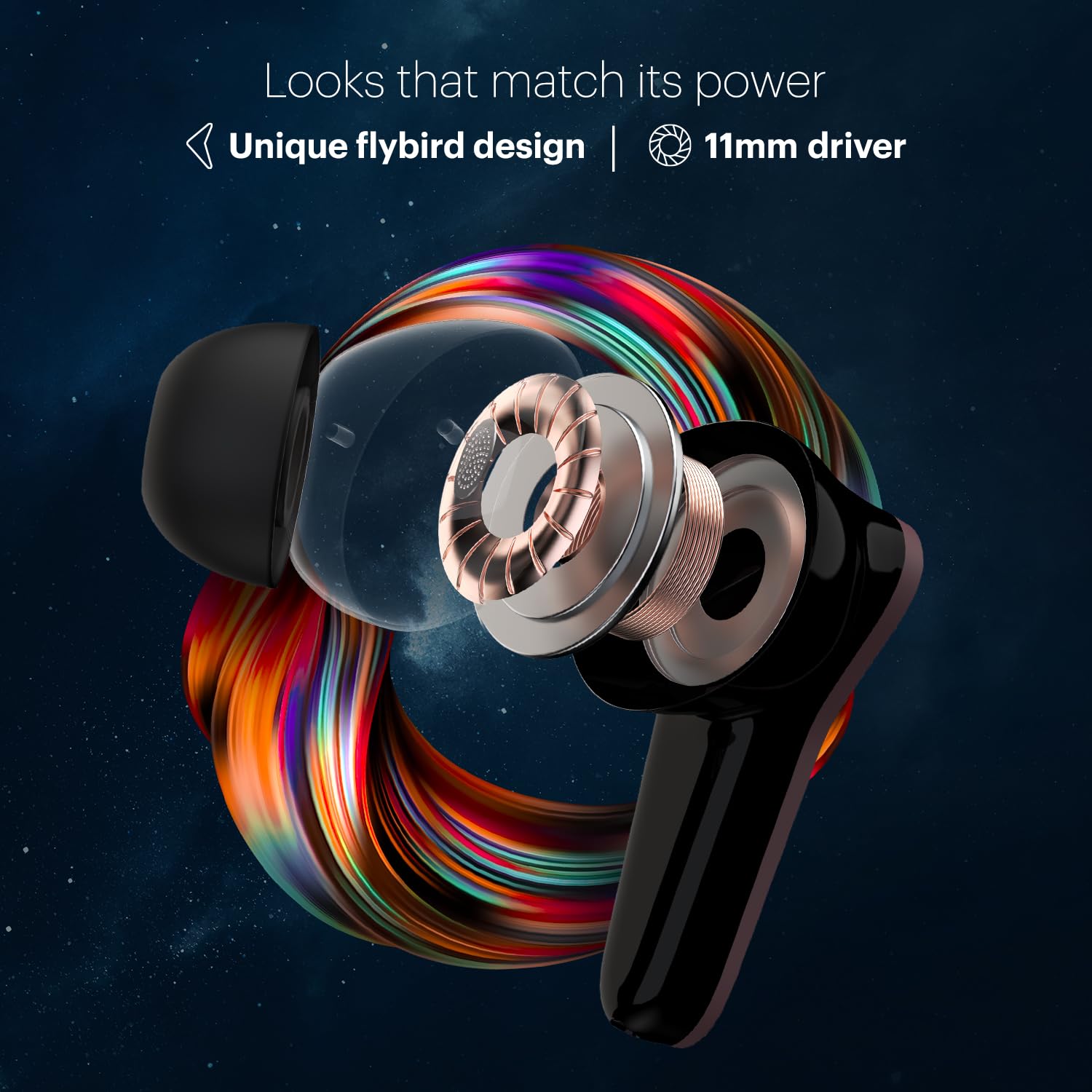
Image: The Noise Buds VS102 Plus charging case connected to a power source, illustrating the Instacharge feature.
2. Pairing with a Device
Follow these steps to connect your earbuds via Bluetooth v5.3:
- Open the charging case. The earbuds will automatically enter pairing mode.
- On your device (smartphone, tablet, laptop), enable Bluetooth.
- Search for "Noise Buds VS102 Plus" in the list of available Bluetooth devices.
- Select the earbuds to connect. A voice prompt will confirm successful pairing.
- For subsequent use, the earbuds will automatically connect to the last paired device when removed from the case (Hyper Sync™).

Image: The Noise Buds VS102 Plus earbuds and case demonstrating the Hyper Sync feature for quick and automatic connection.
Operating Instructions
The Noise Buds VS102 Plus feature touch controls for various functions.
Touch Controls
| Function | Action |
|---|---|
| Play/Pause Music | Single tap on either earbud |
| Next Track | Double tap on the right earbud |
| Previous Track | Double tap on the left earbud |
| Answer/End Call | Single tap on either earbud |
| Reject Call | Long press on either earbud |
| Activate Voice Assistant (Siri/Google Assistant) | Triple tap on either earbud |
Environmental Noise Cancellation (ENC)
The Quad Mic ENC feature reduces background noise during calls, ensuring clear communication. This feature is automatically active during phone calls.
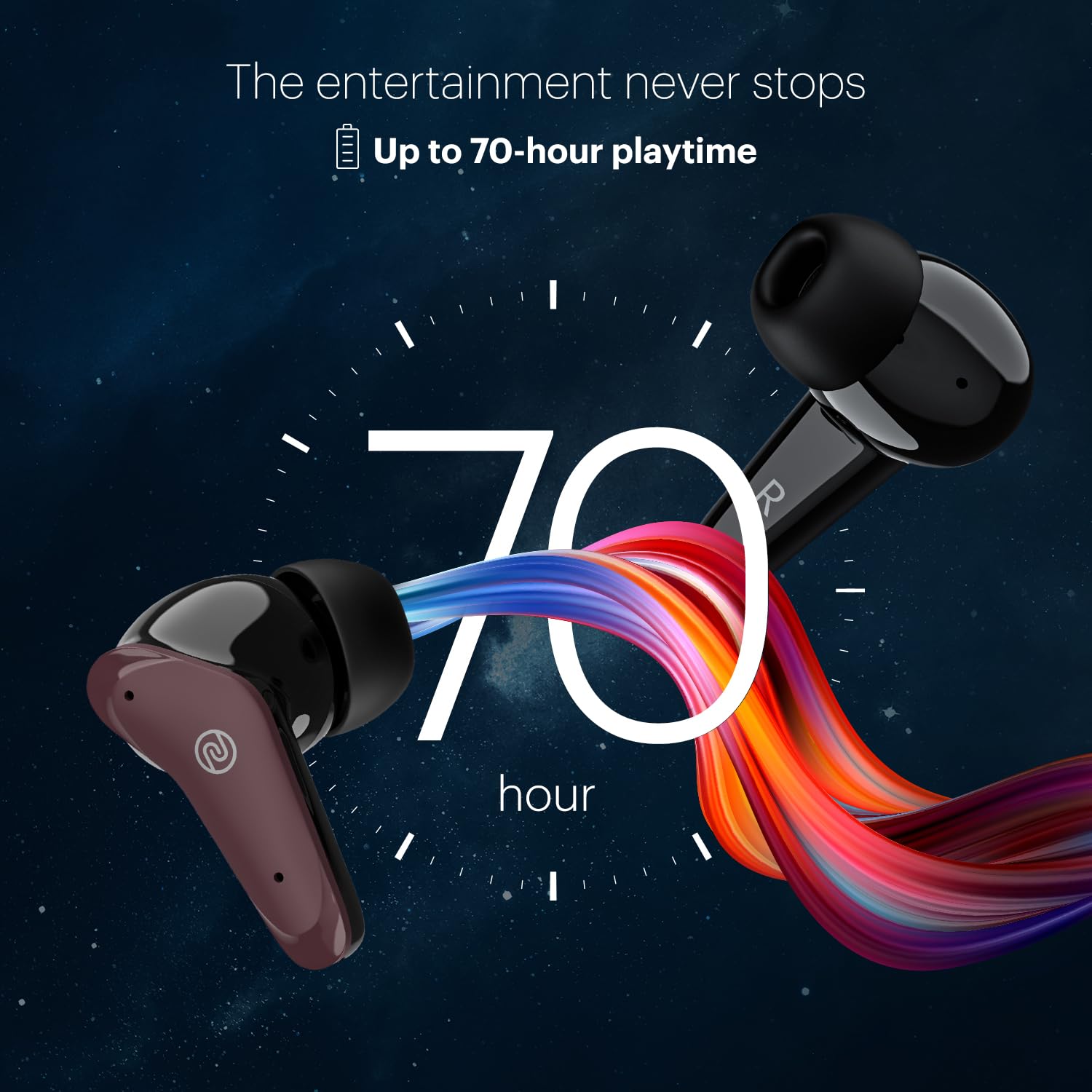
Image: A single Noise Buds VS102 Plus earbud, illustrating the Quad Mic ENC technology for clear calls.
Maintenance
Proper maintenance ensures the longevity and performance of your earbuds.
- Cleaning: Use a soft, dry cloth to clean the earbuds and charging case. Do not use harsh chemicals or abrasive materials.
- Water Resistance: The earbuds are IPX5 water-resistant, meaning they can withstand splashes and sweat. Do not submerge them in water. Ensure they are dry before placing them back in the charging case.
- Storage: Store the earbuds in their charging case when not in use to protect them and keep them charged. Avoid extreme temperatures.
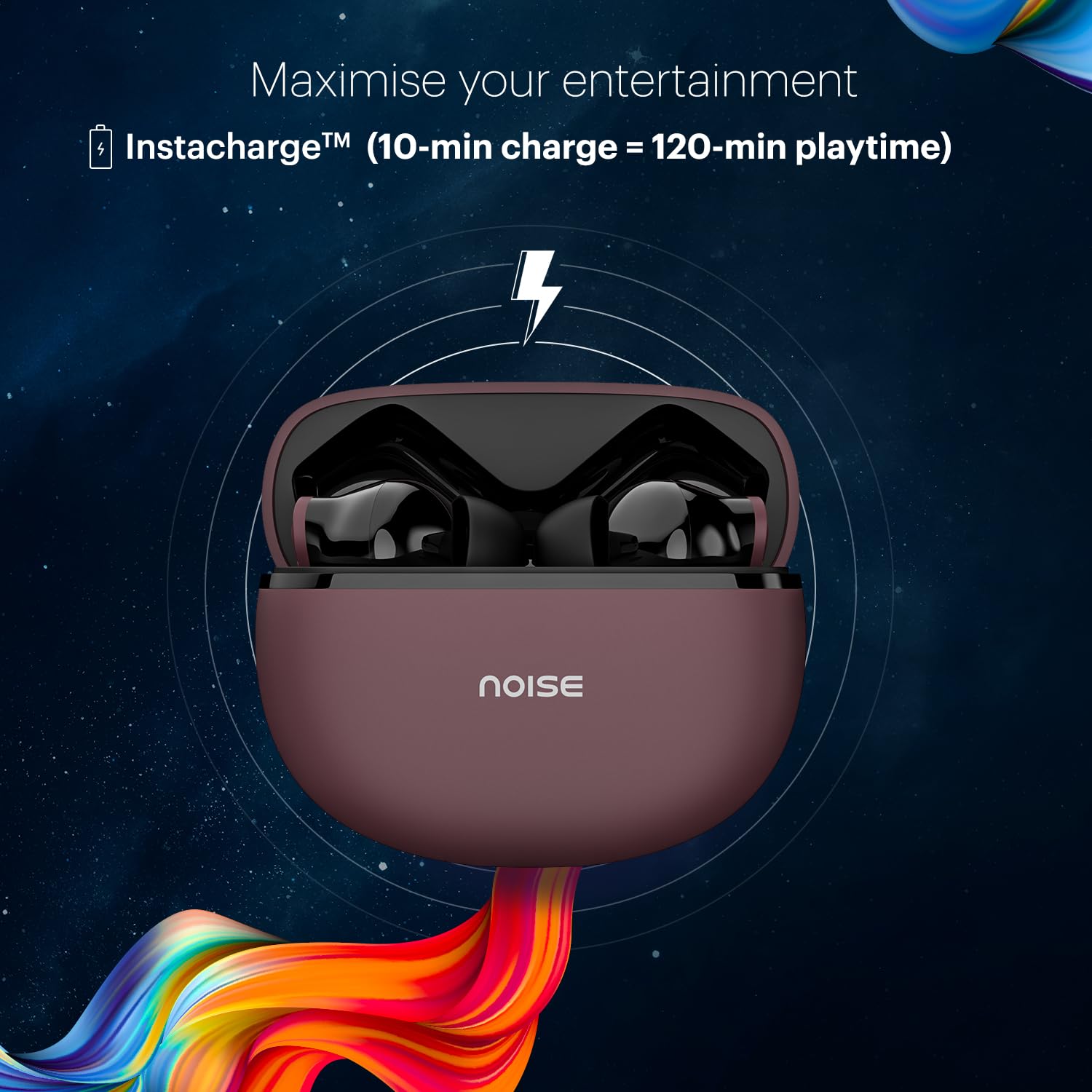
Image: Noise Buds VS102 Plus earbuds shown with water splashes, demonstrating their IPX5 water-resistance.
Troubleshooting
If you encounter issues, try these common solutions:
- No Sound/Connection Issues:
- Ensure earbuds are charged.
- Verify Bluetooth is enabled on your device and "Noise Buds VS102 Plus" is selected.
- Try unpairing and re-pairing the earbuds.
- Restart your device.
- One Earbud Not Working:
- Place both earbuds back in the case, close it, then open it again.
- Ensure both earbuds are charged.
- Poor Call Quality:
- Ensure earbuds are properly seated in your ears.
- Check for obstructions around the microphone.
- Move to a quieter environment if possible, as ENC works best on ambient noise.
- Resetting the Earbuds: Refer to the official Noise support website or contact customer service for specific reset procedures if standard troubleshooting does not resolve the issue.
Specifications
| Feature | Detail |
|---|---|
| Model Name | Buds VS102 Plus |
| Connectivity Technology | Wireless (Bluetooth v5.3) |
| Bluetooth Range | 10 Metres |
| Audio Driver Type | Dynamic Driver (11mm) |
| Battery Life | Up to 70 Hours (Total Playtime) |
| Charging Time | 10 minutes for 120 minutes playback (Instacharge) |
| Noise Control | Environmental Noise Cancellation (Quad Mic ENC) |
| Water Resistance Level | IPX5 |
| Control Method | Touch, Voice (Google Assistant, Siri) |
| Headphones Jack | Type-C Fast Charging Jack |
| Material | Polycarbonate (PC) |
| Item Weight | 50 Grams |
| Product Dimensions | 6.5 x 4.9 x 2.9 cm |
Warranty and Support
Your Noise Buds VS102 Plus come with a warranty. Please refer to the included Warranty Registration Card for details on warranty coverage and terms.
For technical support, service, or further inquiries, please visit the official Noise support website or contact their customer service. Contact information can typically be found on the warranty card or the brand's official website.
Manufacturer: Noise (Nexxbase Marketing Pvt. Ltd)
Country of Origin: India


