
1. Introduction
Thank you for choosing the Devoko Gaming Chair Model 0760. This manual provides essential information for the safe assembly, operation, and maintenance of your new chair. Please read these instructions carefully before use and retain them for future reference.
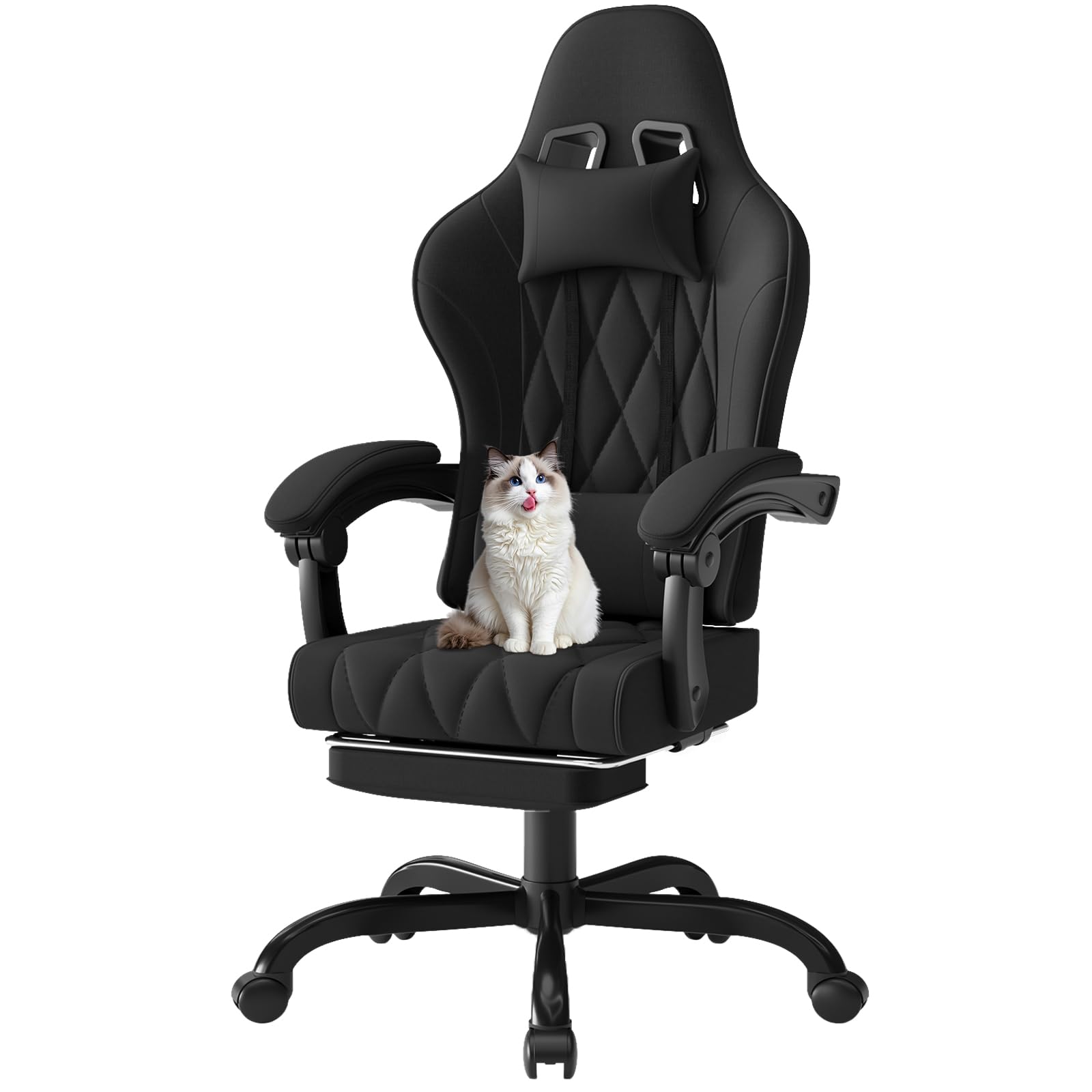
Image 1.1: The Devoko Gaming Chair Model 0760 in a typical usage environment.
2. Safety Warnings
- Always use the chair on a stable and open surface.
- Keep the chair away from heat sources and flammable materials.
- Do not use the recline function or footrest while sleeping or unsupervised.
- This chair is intended for adult use and should not be used by children.
- Always follow the assembly instructions carefully to ensure the chair is correctly assembled and stable.
- Do not exceed the maximum weight capacity of 150 kg (330 lbs).
3. Package Contents
Before assembly, please verify that all components are present and undamaged:
- Gaming Chair (main components: backrest, seat, armrests, base, wheels)
- Lumbar Massage Cushion (with USB cable)
- Headrest Cushion
- Extendable Footrest
- Assembly Hardware (screws, washers, tools)
- Installation Instructions Manual
4. Setup and Assembly
Assembly typically requires one person and takes approximately 30-60 minutes. Follow the detailed step-by-step instructions provided in the separate 'Installation Instructions Manual' included in your package. Ensure all screws are tightened securely before use.
General Assembly Steps:
- Attach the wheels to the chair base.
- Insert the gas lift into the center of the base.
- Attach the seat mechanism to the underside of the seat.
- Connect the backrest to the seat.
- Mount the assembled seat and backrest onto the gas lift.
- Attach the armrests and footrest mechanism.
- Install the headrest and lumbar support cushions.

Image 4.1: Overview of chair features and components for assembly.
5. Operating Instructions
Your Devoko Gaming Chair is designed for adjustable comfort. Familiarize yourself with its functions:
5.1. Height Adjustment
To adjust the chair height, locate the lever under the right side of the seat. While seated, pull the lever up to lower the chair. To raise the chair, stand up slightly and pull the lever up. Release the lever at your desired height.
5.2. Backrest Recline
The backrest can be reclined from 90° to 135°. Locate the recline lever on the right side of the chair, below the seat. Pull the lever up and lean back to your desired angle. Release the lever to lock the backrest in place. The armrests are connected and will move with the backrest to maintain support.

Image 5.1: Demonstrating the recline function and extended footrest.
5.3. Footrest Operation
To extend the footrest, pull it out from under the seat. To retract, push it back in until it is fully stored. Ensure the footrest is fully extended or retracted before applying weight.
5.4. Lumbar Massage Function
The lumbar support cushion features a USB-powered massage function. Connect the USB cable from the cushion to any standard USB power source (e.g., computer, power bank, USB wall adapter). The cushion provides a high-frequency 2-point vibration massage to help relieve fatigue.

Image 5.2: Detail of the electric lumbar massage cushion.
6. Maintenance
Regular maintenance will prolong the life and appearance of your chair:
- Cleaning: For the fabric, use a soft, damp cloth with mild soap and water. Avoid harsh chemicals or abrasive cleaners. For the metal parts, wipe with a dry cloth.
- Inspection: Periodically check all screws and bolts to ensure they are tight. Retighten if necessary.
- Moving: When moving the chair, lift it rather than dragging it to prevent damage to the base or floor.
- Casters: Keep the casters clean from hair and debris to ensure smooth rolling.
7. Troubleshooting
If you encounter issues with your chair, refer to the following common problems and solutions:
- Chair Sinks or Does Not Stay Up: Ensure the height adjustment lever is fully engaged. If the issue persists, the gas lift may need replacement. Contact customer support.
- Chair Wobbles: Check all assembly screws and bolts, especially those connecting the seat to the mechanism and the base. Tighten any loose fasteners. Ensure the base is properly seated on the gas lift.
- Casters Not Rolling Smoothly: Inspect casters for trapped hair, dust, or debris. Clean them thoroughly.
- Backrest Does Not Recline/Lock: Check the recline lever for obstructions. Ensure the mechanism is free of debris.
- Lumbar Massage Not Working: Verify the USB cable is securely connected to both the cushion and a working power source. Try a different USB port or power source.
For problems not listed here, or if solutions do not resolve the issue, please contact Devoko customer support.
8. Specifications
| Feature | Detail |
|---|---|
| Model Number | Chaise Gaming 0760 |
| Brand | Devoko |
| Color | Black |
| Material (Frame) | Metal |
| Material (Seat) | Fabric |
| Material (Filling) | High-density Memory Foam, Pocket Springs |
| Product Dimensions (D x W x H) | 70 x 70 x 125.5 cm (approx.) |
| Overall Dimensions (L x W x H) | 120 x 117 x 60 cm (approx.) |
| Item Weight | 19 kg (41.8 lbs) |
| Recommended Max Load | 150 kg (330 lbs) |
| Seat Height Range | Adjustable (8 cm range) |
| Seat Depth | 50 cm |
| Seat Width | 52 cm (wingless) |
| Backrest Recline Angle | 90° to 135° |
| Special Features | Adjustable Height, Reclining Backrest, Extendable Footrest, Lumbar Massage Cushion, Headrest Cushion, Ergonomic Design, Connected Armrests, 360-degree Swivel |
| Included Components | Gaming Chair, Lumbar Massage Cushion (with USB cable), Headrest Cushion, Installation Instructions, Extendable Footrest |
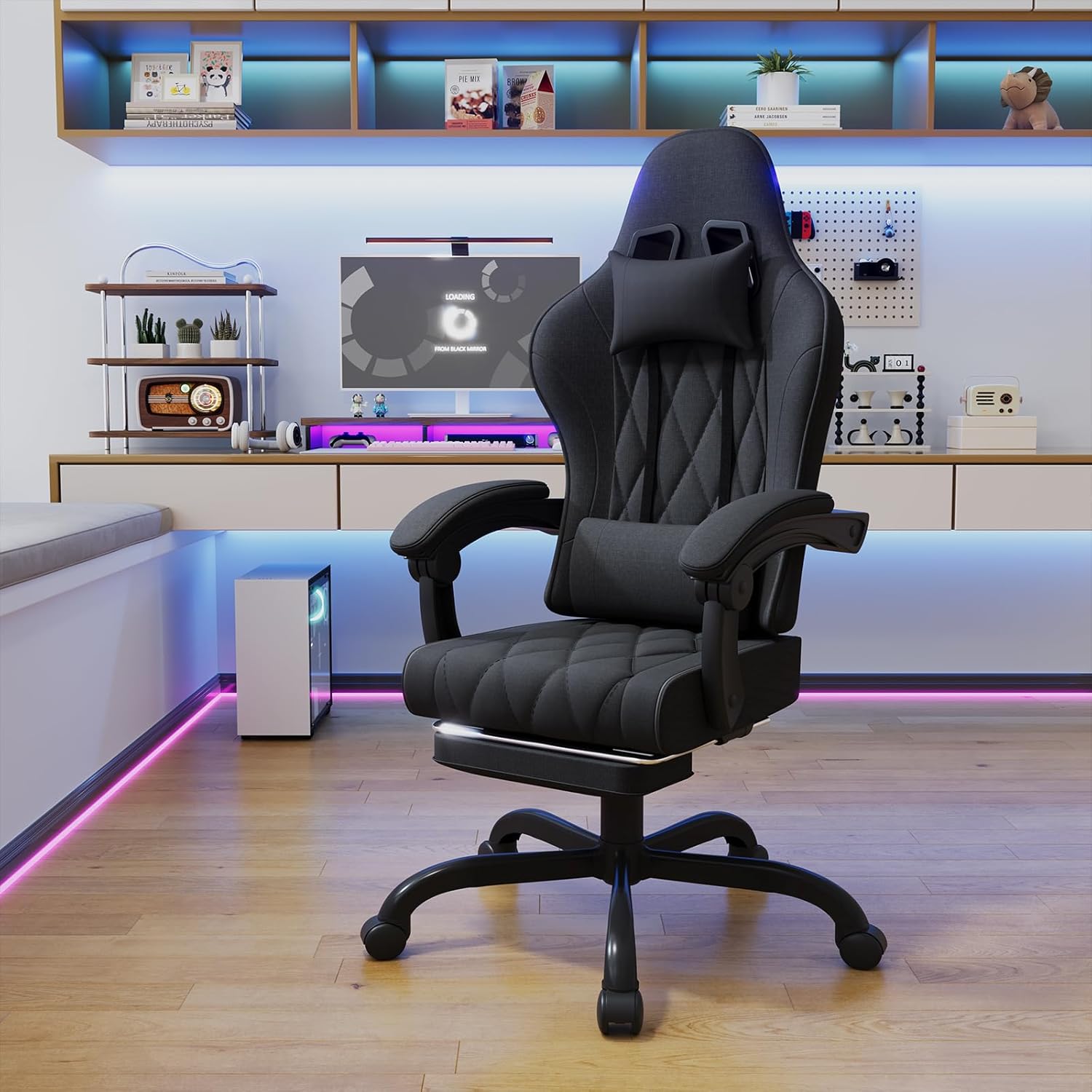
Image 8.1: Detailed dimensions of the Devoko Gaming Chair.

Image 8.2: Ergonomic design highlighting 6 support zones.

Image 8.3: Innovative pocket spring cushion for individual comfort and lasting support.
9. Warranty and Support
For warranty information, please refer to the documentation provided with your purchase or contact the seller directly. If you have any questions, require assistance with assembly, or need troubleshooting support, please reach out to Devoko customer service or the retailer from whom you purchased the product.


