
Introduction
This manual provides comprehensive instructions for operating the Nikon Z50 II camera. It covers essential features, setup procedures, operational guidelines, and maintenance tips to help users maximize their photography and videography experience. Please read this manual thoroughly before using your camera to ensure correct operation and optimal performance.
Setup
1. Unpacking and Initial Inspection
Carefully unpack all components. Verify that all items listed in the camera's packaging contents are present and undamaged. If any items are missing or damaged, contact your retailer.
2. Attaching the Lens
- Remove the body cap from the camera and the rear lens cap from the lens.
- Align the mounting mark on the lens with the mounting mark on the camera body.
- Rotate the lens counter-clockwise until it clicks into place.
3. Inserting the Battery
- Open the battery chamber cover on the bottom of the camera.
- Insert the battery with the contacts facing the correct direction, as indicated inside the chamber.
- Close the battery chamber cover until it locks.
4. Inserting a Memory Card
- Open the memory card slot cover.
- Insert a compatible SD card into the slot with the label facing the front of the camera until it clicks.
- Close the memory card slot cover.
5. Initial Settings
Upon first power-on, the camera will prompt you to set the date, time, and language. Follow the on-screen instructions to complete these settings.
Operating the Nikon Z50 II
Camera Components Overview
Familiarize yourself with the physical layout of your Nikon Z50 II camera. Understanding the function of each button, dial, and port is crucial for efficient operation.
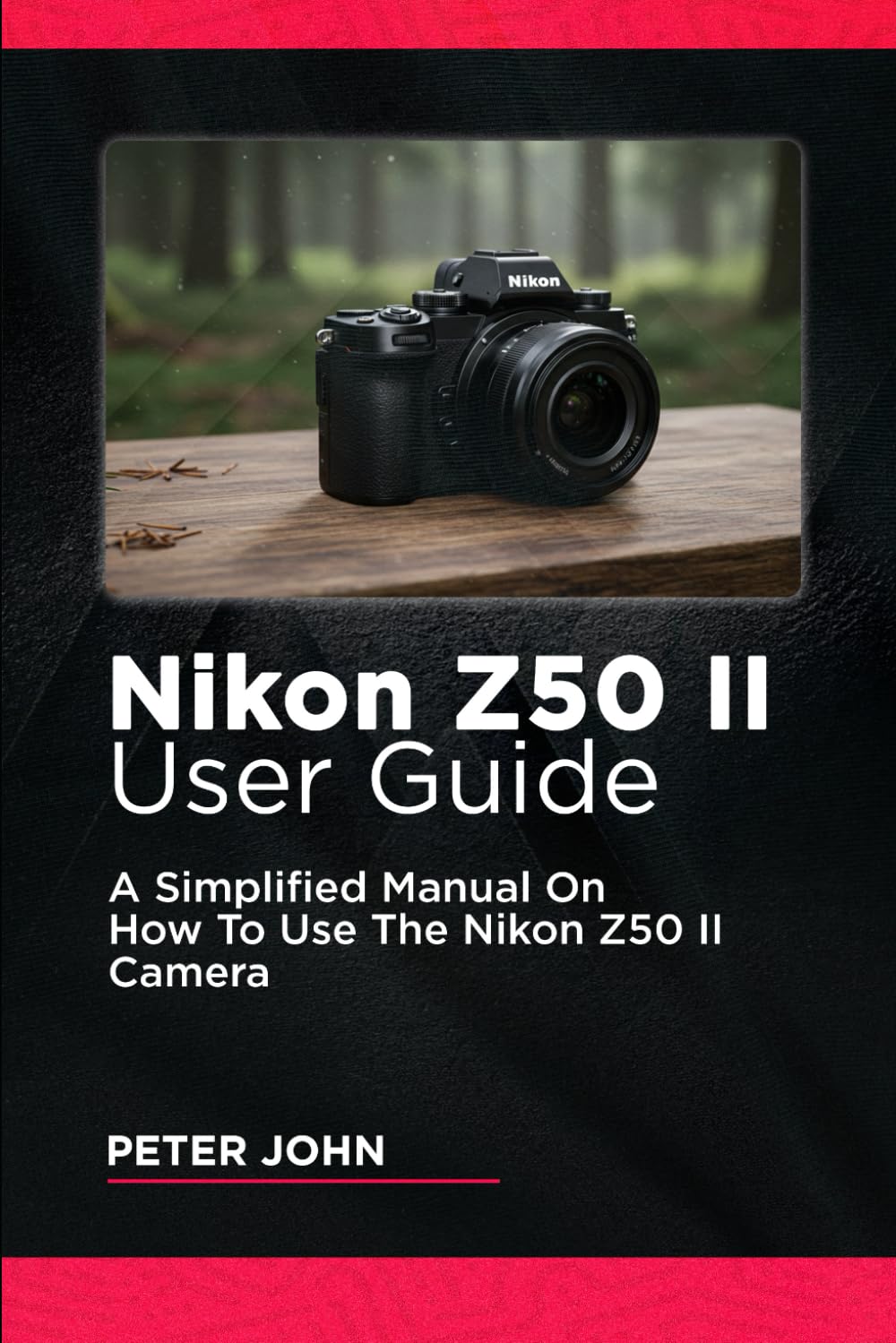
Figure 1: Image depicting the Nikon Z50 II camera on the cover of its user guide, showing the front view with a lens attached. This illustration highlights the camera's compact design.

Figure 2: Image depicting the back cover of the Nikon Z50 II user guide, showing the camera's rear panel with the LCD screen and various controls.
Detailed information on specific buttons and dials can be found in the camera's on-screen help function or the full manufacturer's manual.
Revolutionary Features
- Flexible Color Picture Control: This feature allows for precise adjustments to color, saturation, and tone, providing greater creative control over your images directly in-camera.
- Nikon Imaging Cloud Integration: Seamlessly connect your camera to the Nikon Imaging Cloud for automatic image transfers, firmware updates, and access to exclusive features.
- Ergonomic Advancements: The Z50 II features an improved grip and button layout for enhanced comfort and intuitive handling during extended shooting sessions.
Advanced Menu Navigation
The Nikon Z50 II features an intuitive menu system. Use the multi-selector and 'OK' button to navigate. The 'i' button provides quick access to frequently used settings.
- Customization Tips: Assign frequently used functions to the camera's customizable function buttons (Fn1, Fn2) for quick access.
- Help Function: Press the '?' button or navigate to the help icon in the menu for on-screen explanations of various settings.
Precision Display Options
Optimize your viewing experience by adjusting monitor and viewfinder displays.
- Monitor Display: Choose between various display modes, including detailed shooting information, histogram, and virtual horizon.
- Viewfinder Display: Customize the information shown in the electronic viewfinder (EVF) to suit your shooting style, such as exposure settings, focus points, and grid lines.
Photography Excellence
Fine-tune your still images with these key settings and advanced techniques:
- ISO Sensitivity: Adjust ISO to control the camera's sensitivity to light. Lower ISO for bright conditions, higher ISO for low light.
- White Balance: Correct color casts to ensure accurate color reproduction under different lighting conditions (e.g., Auto, Daylight, Cloudy, Fluorescent).
- Active D-Lighting: Preserve details in both highlights and shadows when shooting high-contrast scenes.
- HDR Overlay: Combine multiple exposures to create a single image with an extended dynamic range.
- Focus Shift Shooting: Capture a series of images with slightly shifted focus points, ideal for focus stacking in macro photography.
Cinematic Videography
Transform your videos into cinematic masterpieces with the Z50 II's advanced video features:
- Slow-Motion Recording: Capture high-frame-rate footage for smooth slow-motion playback.
- Bit Rate: Select appropriate bit rates for video recording to balance file size and video quality.
- Electronic VR (Vibration Reduction): Utilize in-camera electronic stabilization for smoother handheld video footage.
- Microphone Sensitivity: Adjust audio input levels to ensure clear and balanced sound recording.
Customization at Your Fingertips
Personalize your camera's behavior through the Custom Settings Menu.
- Focus Points: Configure the number and behavior of autofocus points.
- Exposure Settings: Customize exposure compensation steps, ISO sensitivity settings, and metering modes.
- Command Dials: Assign specific functions to the front and rear command dials for quick adjustments to aperture, shutter speed, and other parameters.
Maintenance
Cleaning the Camera
- Body: Use a soft, dry cloth to wipe the camera body. For stubborn dirt, lightly dampen the cloth with water or a specialized camera cleaner.
- Lens: Use a lens brush to remove dust, then gently clean with a lens cloth and lens cleaning solution. Avoid touching the glass directly.
- Sensor: Sensor cleaning should be performed with extreme caution or by a professional service center.
Storage
When not in use for extended periods, store the camera in a cool, dry place, away from direct sunlight and humidity. Remove the battery to prevent leakage.
Troubleshooting
| Problem | Possible Cause | Solution |
|---|---|---|
| Camera does not power on. | Battery is depleted or incorrectly inserted. | Charge the battery fully. Reinsert the battery correctly. |
| Images are blurry. | Incorrect focus, camera shake, or dirty lens. | Ensure proper focus mode is selected. Use a faster shutter speed or tripod. Clean the lens. |
| Memory card error. | Card is full, corrupted, or incompatible. | Delete unnecessary files or use a new card. Format the card (this will erase all data). Ensure card compatibility. |
| Flash does not fire. | Flash is disabled or in a mode where it won't fire (e.g., Silent mode). | Check flash settings in the menu. Ensure the flash unit is properly attached and enabled. |
Specifications
The following specifications pertain to this user manual document, not the Nikon Z50 II camera itself. For camera specifications, please refer to the official Nikon product documentation.
- Model: Nikon Z50 II
- ASIN: B0DRZHCL11
- Publisher (Manual): Independently published
- Publication Date (Manual): December 31, 2024
- Language: English
- ISBN-13 (Manual): 979-8305450156
- Item Weight (Manual): 13.3 ounces
- Dimensions (Manual): 6 x 0.48 x 9 inches
Warranty and Support
For detailed warranty information and technical support regarding your Nikon Z50 II camera, please refer to the official Nikon website or the warranty card included with your camera purchase. Contact information for customer service is typically provided in the camera's original packaging or on the manufacturer's support pages.
Manufacturer Website: www.nikonusa.com


