
1. Introduction
The LIAMOS 3D Fan Hologram Projector is an innovative LED Holographic Signage Lamp designed to create captivating 3D visual experiences. This device projects vibrant, lifelike 3D images that appear to float in mid-air, making it an ideal solution for advertising, product displays, or enhancing the ambiance of any space. This manual provides essential information for the safe and effective use of your projector.
2. Safety Information
Please read and understand all safety warnings and instructions before operating the device to prevent injury or damage.
- Do not touch the rotating blades while the device is powered on or in operation.
- Keep the device out of reach of children and pets.
- Ensure the projector is mounted securely to prevent it from falling.
- Do not expose the device to water or excessive moisture.
- Use only the original power adapter provided with the unit.
- Ensure adequate ventilation around the device during operation.
- Do not attempt to disassemble or repair the device yourself. Contact qualified service personnel.
3. Package Contents
Verify that all items are present in the package:
- 3D Fan Hologram Projector Unit
- Power Adapter
- Remote Control
- Mounting Hardware (screws, wall anchors)
- User Manual
4. Setup
Follow these steps to set up your 3D Fan Hologram Projector:
- Choose a Location: Select a suitable location for mounting the projector. Ensure it is a stable surface or wall that can support the device's weight and allow for optimal viewing of the hologram.
- Mounting: Use the provided mounting hardware to securely attach the projector to the chosen surface. Ensure it is level and firmly fixed.
- Connect Power: Plug the power adapter into the projector's power input port, then connect the adapter to a standard electrical outlet.
- Initial Power On: The device may power on automatically or require activation via the remote control.

Figure 4.1: LIAMOS 3D Fan Hologram Projector, showing its four blades with integrated LED lights.

Figure 4.2: The projector unit alongside its remote control, highlighting key features like WiFi and Bluetooth connectivity.
5. Operating Instructions
Learn how to operate your 3D Fan Hologram Projector and manage its content.
5.1 Powering On/Off
- To Power On: Press the 'ON' button on the remote control or the power button on the device (if available). The blades will begin to spin, and the hologram will appear.
- To Power Off: Press the 'OFF' button on the remote control. The blades will slow down and stop.
5.2 Content Management
The projector supports various methods for uploading and displaying 3D content:
- Mobile App Control: Download the dedicated mobile application (details in the quick start guide or packaging). Use the app to connect to the projector via WiFi and upload 3D videos or images. The app also allows for casting content directly from your mobile phone.
- USB Drive: Some models may support content upload via a USB drive. Refer to the specific product documentation for details.
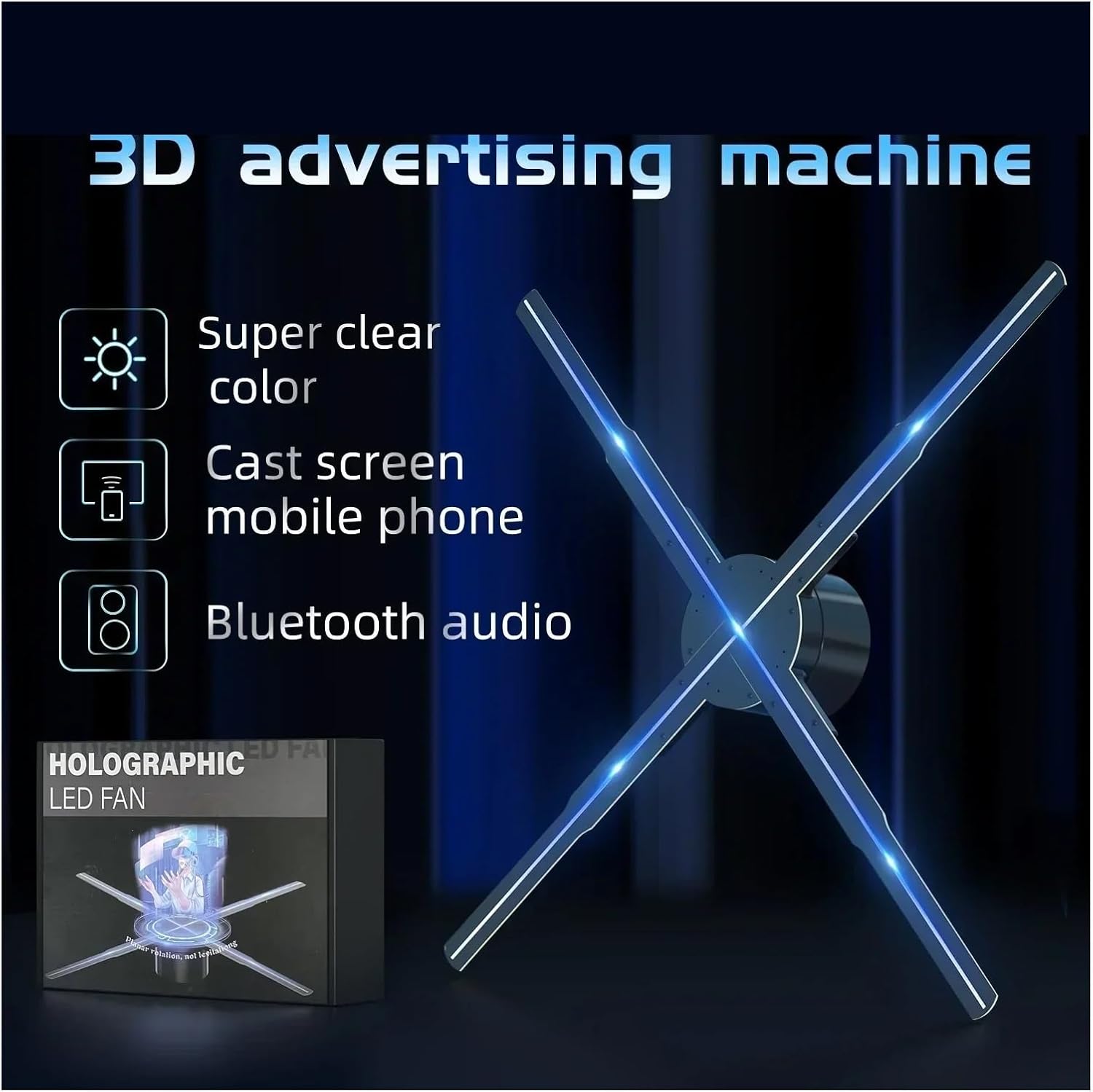
Figure 5.1: The projector highlighting its capabilities for super clear color, mobile phone screen casting, and Bluetooth audio.
5.3 Remote Control Functions
The remote control allows for convenient operation:
- Power Button: Turns the device on or off.
- Play/Pause: Controls content playback.
- Next/Previous: Navigates through content.
- Volume Control: Adjusts audio output if connected to external speakers via Bluetooth.
5.4 Bluetooth Audio Connection
The projector supports Bluetooth audio output for an enhanced experience:
- Ensure your Bluetooth speaker or headphones are in pairing mode.
- Access the Bluetooth settings on the projector via the mobile app or remote control (if applicable).
- Select your Bluetooth device from the list to pair.
- Once connected, audio from the projector's content will play through the connected Bluetooth device.
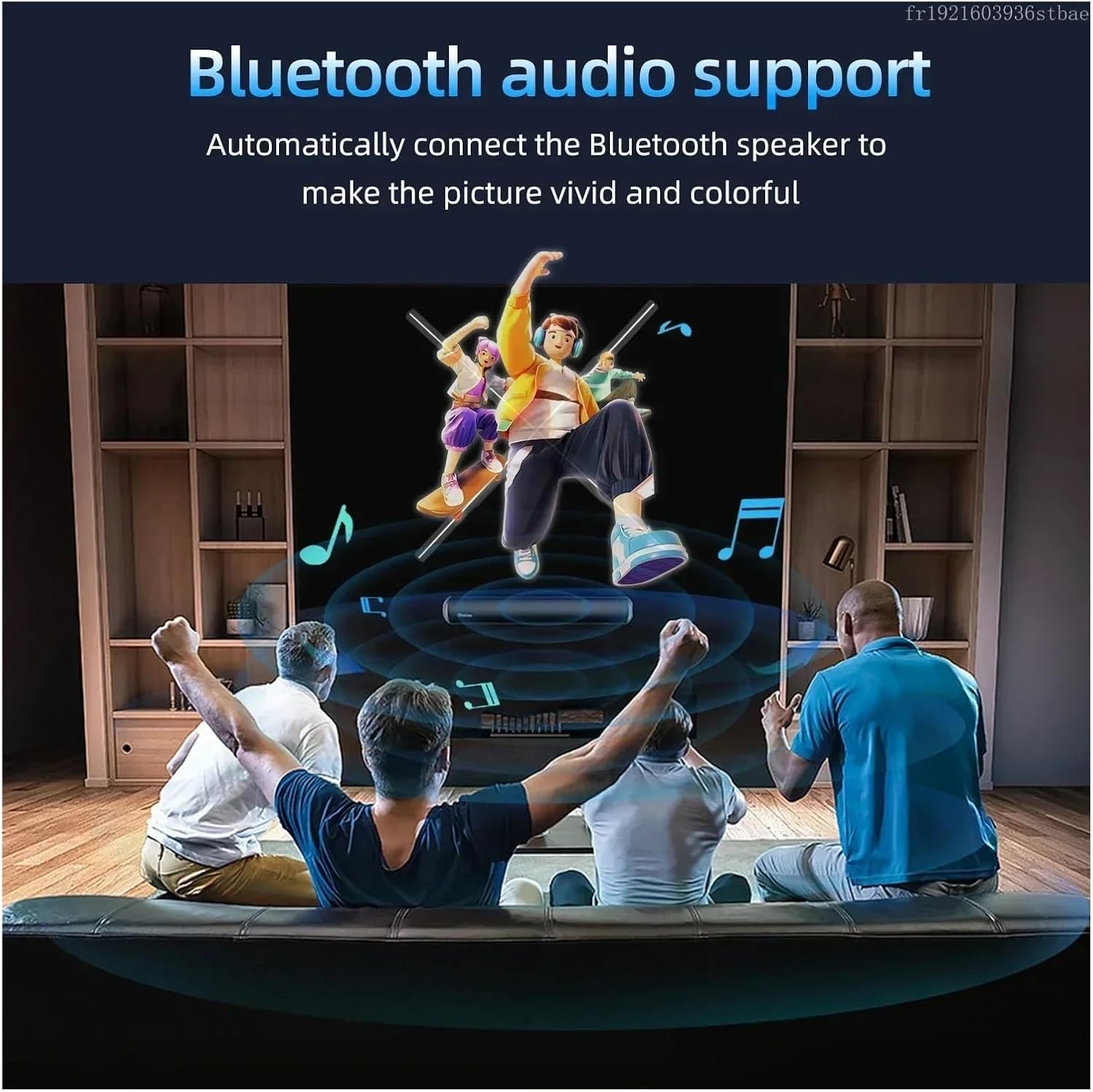
Figure 5.2: Demonstrating the Bluetooth audio support feature, enhancing the visual experience with synchronized sound.
6. Maintenance
Proper maintenance ensures the longevity and optimal performance of your projector.
- Cleaning: Use a soft, dry cloth to gently wipe the surface of the projector and blades. Do not use liquid cleaners or abrasive materials.
- Blade Care: Avoid touching the blades directly. If dust accumulates, use a soft brush or compressed air to carefully remove it.
- Storage: When not in use for extended periods, store the projector in a cool, dry place, away from direct sunlight and extreme temperatures.
7. Troubleshooting
Refer to this section for solutions to common issues.
| Problem | Possible Cause | Solution |
|---|---|---|
| Device not powering on. | No power supply; loose connection. | Check power adapter connection; ensure outlet is functional. |
| No hologram displayed. | No content loaded; incorrect file format. | Upload valid 3D content; ensure content is in supported format. |
| Image flickering or distorted. | Poor content quality; environmental interference. | Use high-resolution content; ensure stable power supply. |
| Remote control not responding. | Dead batteries; obstruction. | Replace remote batteries; ensure no obstacles between remote and device. |
8. Specifications
Key technical specifications for the LIAMOS 3D Fan Hologram Projector:
- Item Weight: 50 Grams
- Assembly Required: No
- Number of Pieces: 1
- ASIN: B0DRYPFWLL
- Date First Available: Dec 31 2024
- Manufacturer: LIAMOS
9. Warranty and Support
For warranty information, technical support, or service inquiries, please contact LIAMOS customer service through the contact details provided on the product packaging or the official LIAMOS website. Please have your product model and ASIN (B0DRYPFWLL) ready when contacting support.