
JYX MS73
Contents
JYX MS73 Bluetooth PA Speaker System
User Instruction Manual
1. Introduction
This manual provides comprehensive instructions for the safe and efficient operation of your JYX MS73 Bluetooth PA Speaker System. Please read this manual thoroughly before using the product and retain it for future reference.
2. Safety Information
To ensure safe operation and prevent damage, observe the following precautions:
- Do not expose the unit to rain or moisture.
- Avoid placing the unit near heat sources or in direct sunlight.
- Do not block ventilation openings.
- Use only the power adapter supplied with the unit.
- Keep out of reach of children.
- Do not attempt to disassemble or repair the unit yourself. Refer all servicing to qualified personnel.
3. Package Contents
Verify that all items are present in the packaging:
- JYX MS73 Bluetooth PA Speaker System
- 2 x Wireless Microphones
- Remote Control
- Power Cable
- 3.5mm AUX Cable
- USB Type-C Charging Cable
- Shoulder Strap
- User Manual (this document)
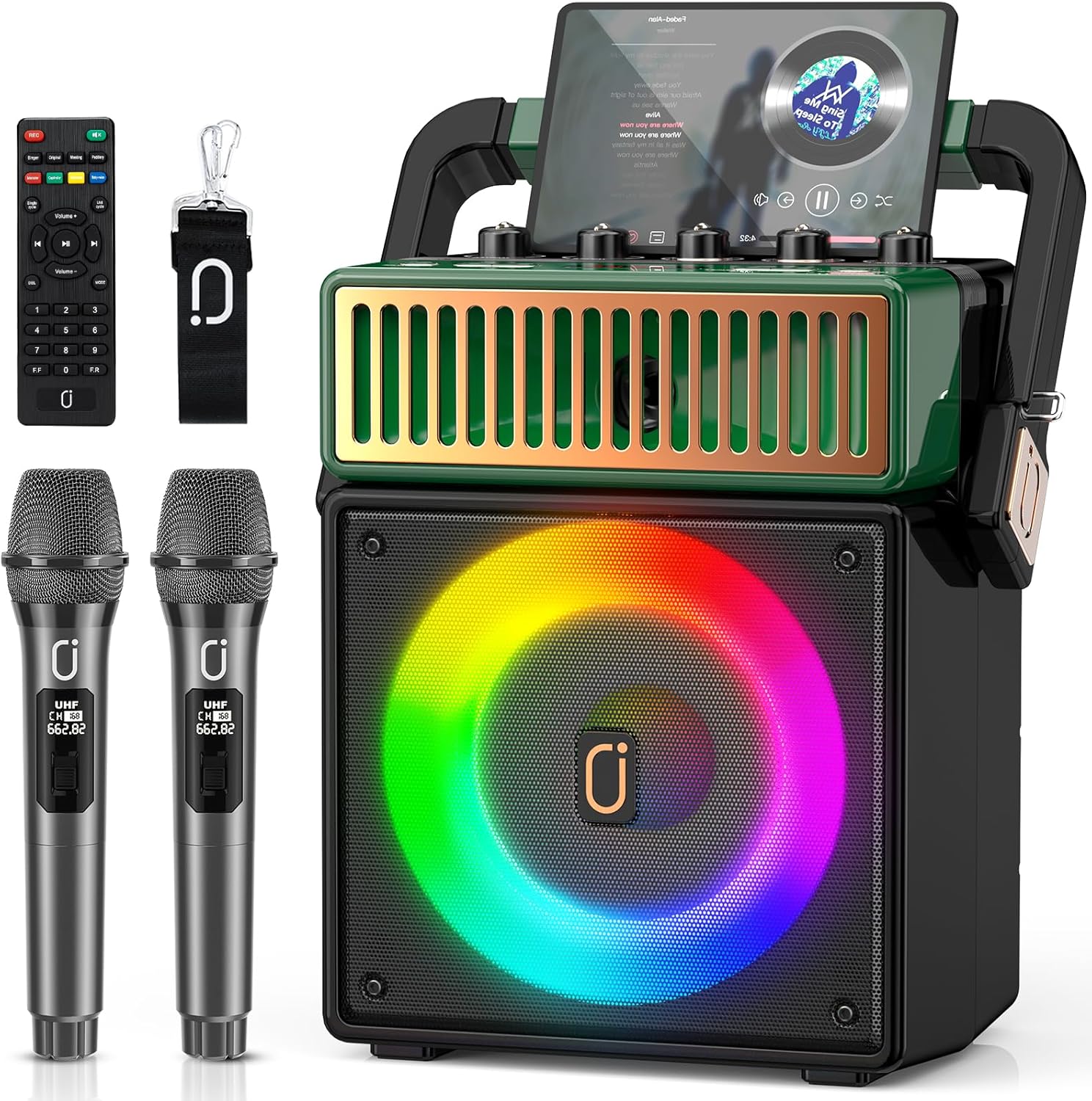
Figure 3.1: JYX MS73 Speaker System and its accessories, including two wireless microphones, a remote control, and various cables.
4. Product Overview
The JYX MS73 is a portable PA speaker system designed for various audio applications, including karaoke and music playback. It features a retro design with LED lights and multiple input options.
4.1 Main Components
- Speaker Unit: Houses the 8-inch subwoofer and 5.25-inch tweeter for high-quality stereo sound.
- Control Panel: Located on the top, featuring knobs for microphone volume, echo, bass, and treble, along with input selection buttons.
- LED Lights: Integrated into the speaker grille, offering colorful disco lighting effects.
- Wireless Microphones: Two UHF wireless microphones for vocal input.
- Antenna: Extendable antenna for FM radio reception.

Figure 4.1: Close-up of the speaker's top panel, highlighting the professional tuning functions including Mic. Vol, Echo, Bass, Treble, and Master Volume controls.
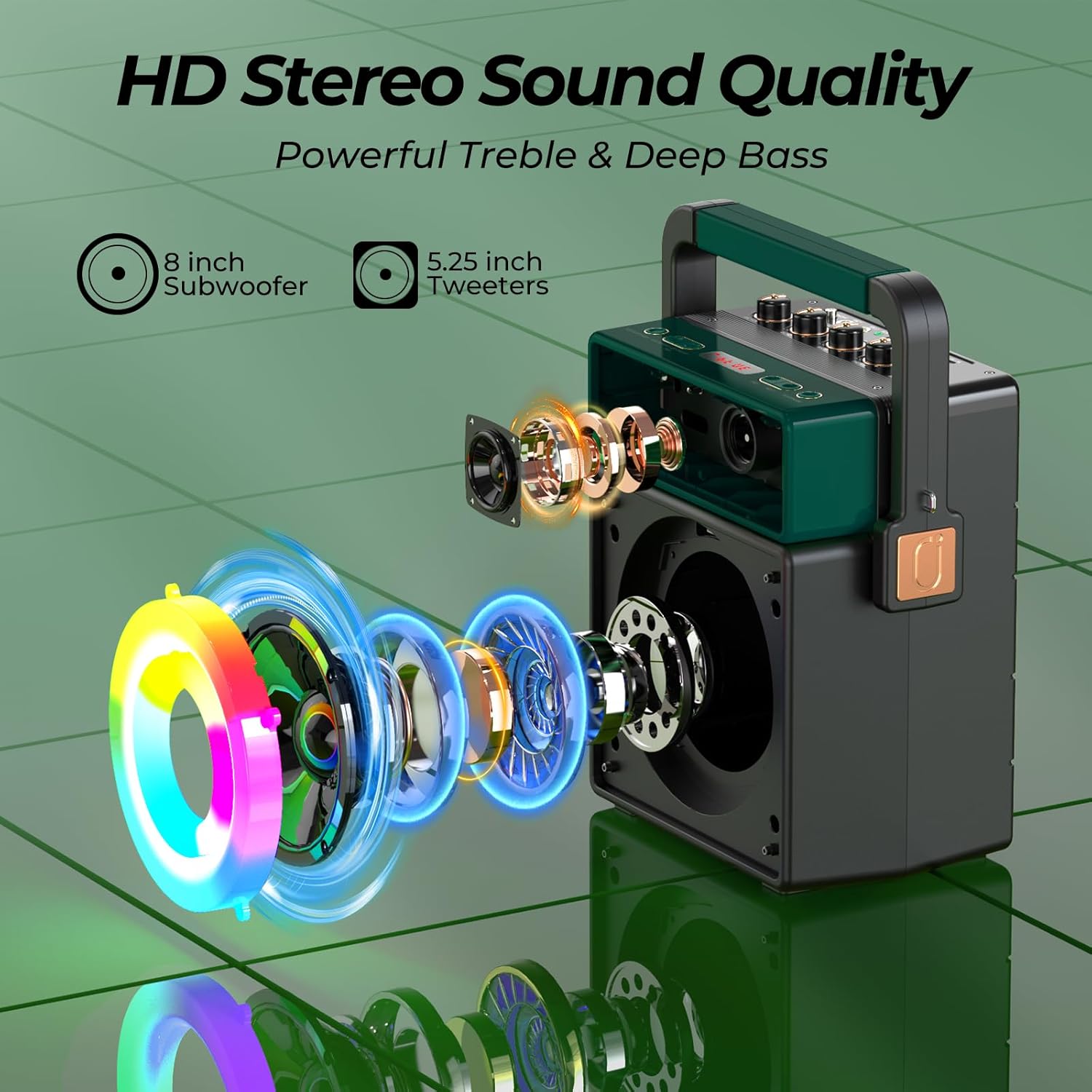
Figure 4.2: An exploded view illustrating the 8-inch subwoofer and 5.25-inch tweeter components that contribute to the speaker's HD stereo sound quality.
5. Setup
5.1 Initial Charging
Before first use, fully charge the speaker system. Connect the provided power cable to the speaker's charging port and a power outlet. The charging indicator will illuminate during charging and turn off when fully charged.
5.2 Microphone Battery Installation
Each wireless microphone requires two AA batteries (not included). Open the battery compartment at the bottom of the microphone and insert the batteries, observing the correct polarity (+/-). Close the compartment securely.
5.3 Remote Control Battery Installation
The remote control requires batteries (not included). Open the battery compartment on the back of the remote and insert the batteries, observing the correct polarity. Close the compartment securely.
6. Operating Instructions
6.1 Power On/Off
Press and hold the Power button on the control panel to turn the speaker system on or off.
6.2 Mode Selection
Press the 'M' (Mode) button on the control panel or remote control to cycle through available input modes: Bluetooth, AUX, TF Card, USB, and FM Radio.
6.3 Bluetooth Connection
- Turn on the speaker and select Bluetooth mode. The display will show 'BLUE'.
- Enable Bluetooth on your device (smartphone, tablet, etc.).
- Search for 'JYX-MS73' in your device's Bluetooth list and select it to pair.
- Once connected, the speaker will emit an audible confirmation.
6.4 Microphone Usage
The two wireless microphones automatically connect to the speaker when turned on. Adjust microphone volume, echo, bass, and treble using the dedicated knobs on the control panel.
6.5 LED Lights Control
The speaker features colorful LED disco lights. These lights can be turned on or off via a dedicated switch on the control panel or remote control.
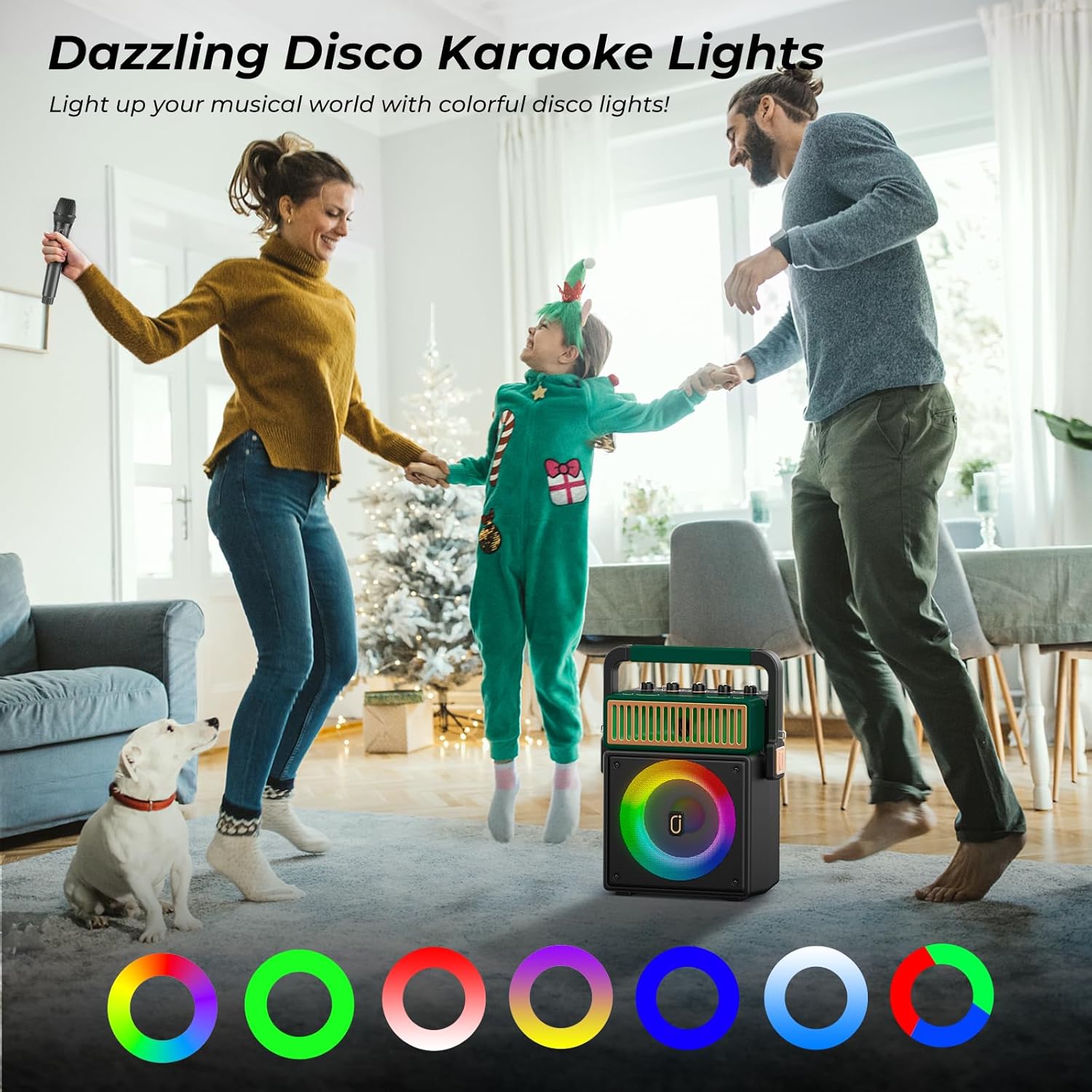
Figure 6.1: The JYX MS73 speaker displaying its vibrant, multi-colored disco lights, enhancing the karaoke experience.
6.6 Recording Function
To record your vocals, insert a USB drive or TF card into the respective slot. Press the 'Record' button on the control panel or remote. Your voice will be recorded onto the inserted storage device. Note: Music playing via Bluetooth may not be recorded simultaneously with vocals.
6.7 Vocal Cut Function
Activate the vocal cut function to reduce or remove original singer vocals from music tracks, allowing you to sing along more prominently. This function is accessible via the control panel or remote.
6.8 Portability
The speaker is designed for easy transport with a built-in handle and an included shoulder strap.
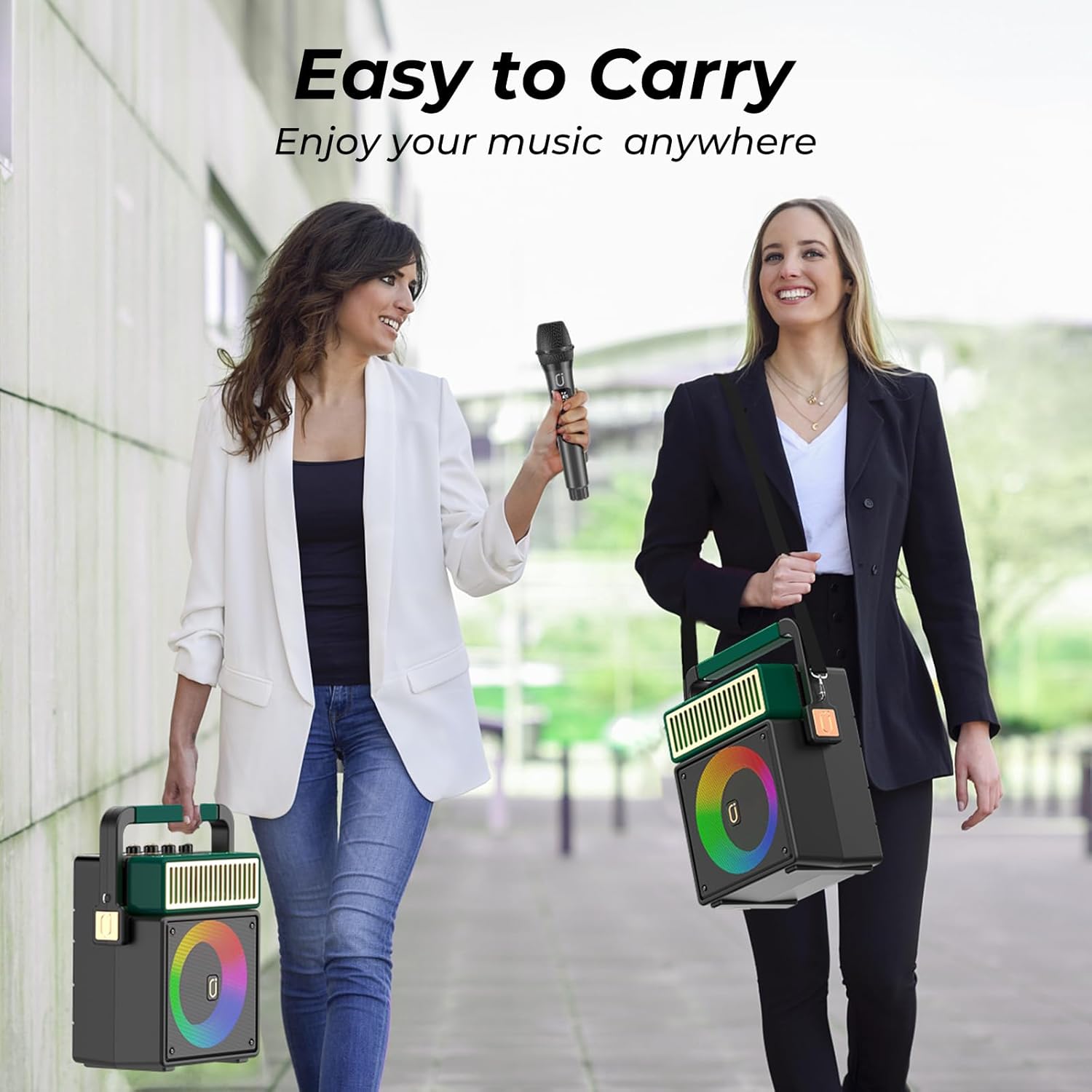
Figure 6.2: The JYX MS73 speaker being carried by its handle and with an optional shoulder strap, illustrating its ease of transport for music enjoyment anywhere.
7. Maintenance
Regular maintenance ensures the longevity of your speaker system:
- Clean the exterior with a soft, dry cloth. Do not use abrasive cleaners or solvents.
- Keep the unit away from dust and extreme temperatures.
- Store in a cool, dry place when not in use.
- Charge the battery regularly, even if not in frequent use, to maintain battery health.

Figure 7.1: An internal view of the JYX MS73 speaker highlighting its long-lasting 5200mAh rechargeable battery, providing up to 72 hours of playing time with a 4-6 hour charging time.
8. Troubleshooting
If you encounter issues, refer to the following common problems and solutions:
| Problem | Possible Cause | Solution |
|---|---|---|
| No power | Battery drained; Power cable not connected. | Charge the speaker; Ensure power cable is securely connected. |
| No sound | Volume too low; Incorrect input mode; Device not paired. | Increase volume; Select correct input mode; Re-pair Bluetooth device. |
| Microphone not working | Microphone batteries low/incorrectly installed; Microphone not turned on. | Replace/reinstall batteries; Turn on microphone. |
| Distorted sound | Volume too high; Interference. | Reduce volume; Move away from other electronic devices. |
9. Specifications
| Feature | Detail |
|---|---|
| Brand | JYX |
| Model Number | MS73 |
| Item Weight | 7.04 pounds |
| Product Dimensions | 5 x 10 x 11 inches |
| Color | Green |
| Speaker Count | 1 (with 8" subwoofer and 5.25" tweeter) |
| Power Source | Plug In Electric |
| Battery Capacity | 5200mAh (rechargeable) |
| Special Feature | Portable |
| Connectivity | Bluetooth, AUX-IN, TWS, USB, TF Card |
| Included Components | Microphone, Power Cable |
| Recommended Uses | Home / Outdoor |
10. Warranty and Support
10.1 Warranty Information
JYX offers a 360-day warranty service for this product. Please retain your proof of purchase for warranty claims.
10.2 Customer Support
For any questions, issues, or technical support, please contact our customer support team:
Email: service@jyxspeaker.com
JYX provides lifetime technical support for its products.
Documents and downloads
Ask a question about this manual
Ask about setup, troubleshooting, compatibility, parts, safety, or missing instructions. Manuals+ will review the question and use this page’s manual context to help answer it.