Introduction
This manual provides detailed instructions for the setup, operation, and maintenance of your SKMEI Kids Digital Sports Watch Model 2129. Please read this manual carefully to ensure proper use and to maximize the lifespan of your watch.
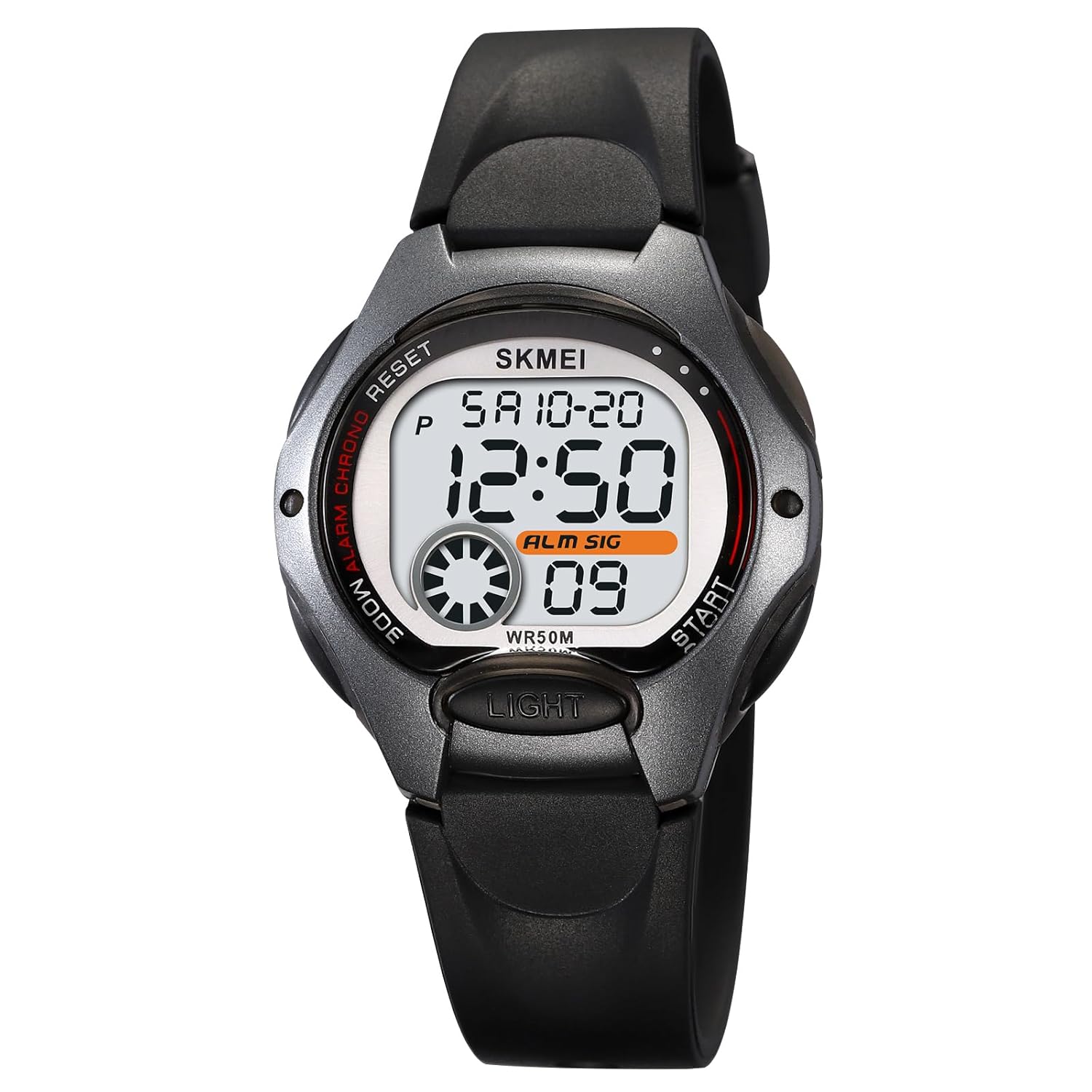
Image: SKMEI Kids Digital Sports Watch Model 2129, black color variant.
Key Features:
- Digital Display: Clear and easy-to-read LED screen.
- Water Resistance: 50 meters (5ATM), suitable for splashes and swimming. Avoid hot water.
- Functions: Includes time (12/24H format), date, day of week, alarm, and stopwatch.
- Backlight: LED backlight for visibility in low light conditions.
- Durable Construction: Features a sturdy ABS case and a soft, comfortable TPU strap.
- Lightweight: Weighs approximately 25.1 grams, designed for comfortable wear on small wrists.
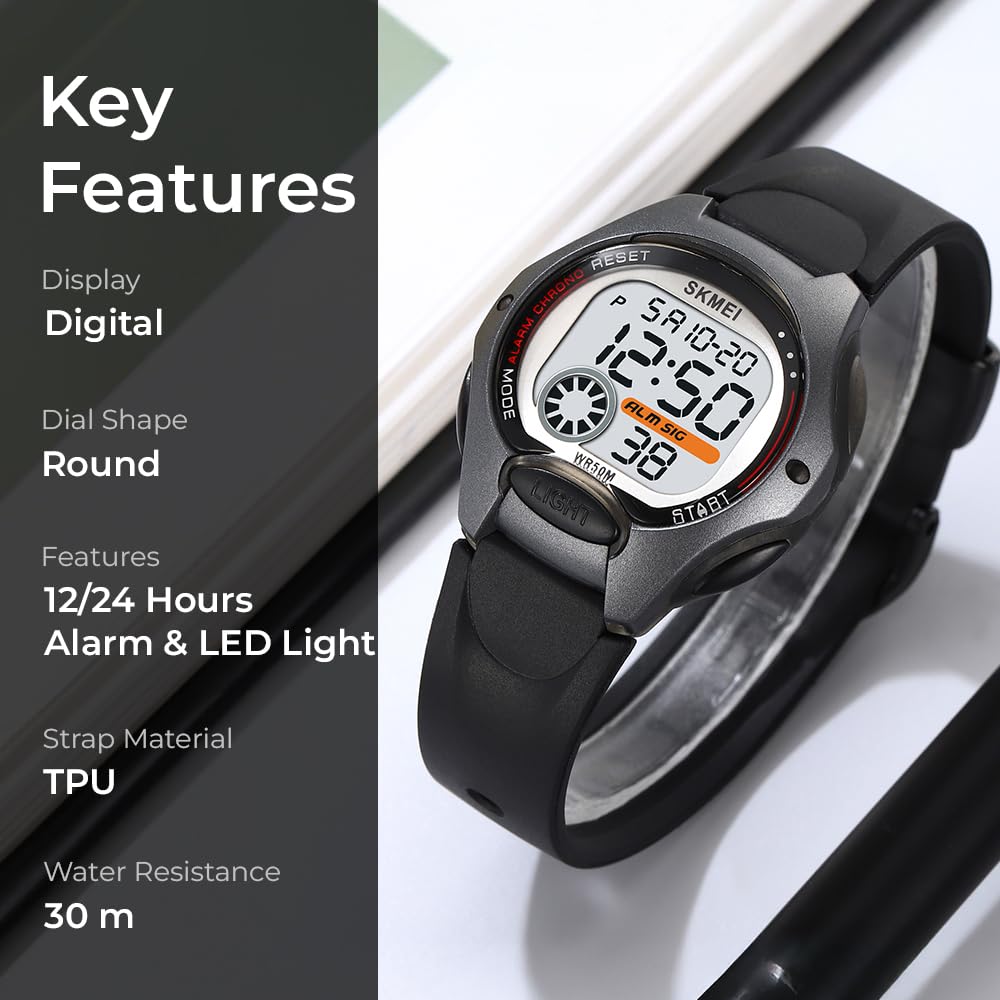
Image: Visual representation of key features including digital display, 12/24 hour time, alarm, LED light, TPU strap, and 50M water resistance.
Button Functions
Your SKMEI Model 2129 watch has four buttons located around the watch case. Familiarize yourself with their functions:
- MODE (Top Left): Used to cycle through different modes (Time, Stopwatch, Alarm Setting).
- RESET (Top Right): Used to reset values (e.g., stopwatch) or to adjust settings in setting mode.
- LIGHT (Bottom Left): Activates the LED backlight.
- START (Bottom Right): Used to start/stop functions (e.g., stopwatch) or to increment values in setting mode.
Operating Instructions
1. Setting Time and Date
- From the normal time display, press the MODE button three times to enter time setting mode. The seconds will flash.
- Press the RESET button to select the item you wish to set (seconds, hours, minutes, month, date, day of week).
- Use the START button to adjust the selected value.
- Once all settings are correct, press the MODE button to return to the normal time display.
2. 12/24 Hour Format
In normal time display mode, press the START button to toggle between 12-hour and 24-hour formats. The 'PM' indicator will appear for PM hours in 12-hour format.
3. Using the Alarm
- From the normal time display, press the MODE button twice to enter alarm setting mode. The hour digits will flash.
- Press the RESET button to select between setting hours and minutes.
- Use the START button to adjust the hour or minute value.
- Press the MODE button to exit alarm setting mode.
- To turn the alarm ON/OFF, in alarm setting mode, press the START button. The alarm icon will appear/disappear.
4. Using the Stopwatch
- From the normal time display, press the MODE button once to enter stopwatch mode.
- Press the START button to begin timing.
- Press the START button again to pause timing.
- Press the RESET button to clear the stopwatch to zero.
- To return to normal time display, press the MODE button.

Image: The SKMEI 2129 watch on a wrist, displaying the stopwatch function.
5. Activating the LED Backlight
Press the LIGHT button (bottom left) to illuminate the watch face. The backlight will remain on for a few seconds.
Maintenance
- Water Resistance: The watch is 50M water resistant. This means it can withstand splashes, rain, and brief immersion in water (e.g., swimming). Do not press any buttons underwater. Avoid exposure to hot water, steam, or saunas, as this can compromise the water seals.
- Cleaning: Clean the watch regularly with a soft, damp cloth. Avoid using harsh chemicals or abrasive materials.
- Battery Replacement: The watch uses a CR2016 battery. When the display dims or functions become erratic, it may be time to replace the battery. Battery replacement should ideally be performed by a qualified technician to ensure water resistance is maintained.
- Storage: Store the watch in a cool, dry place away from direct sunlight and extreme temperatures.
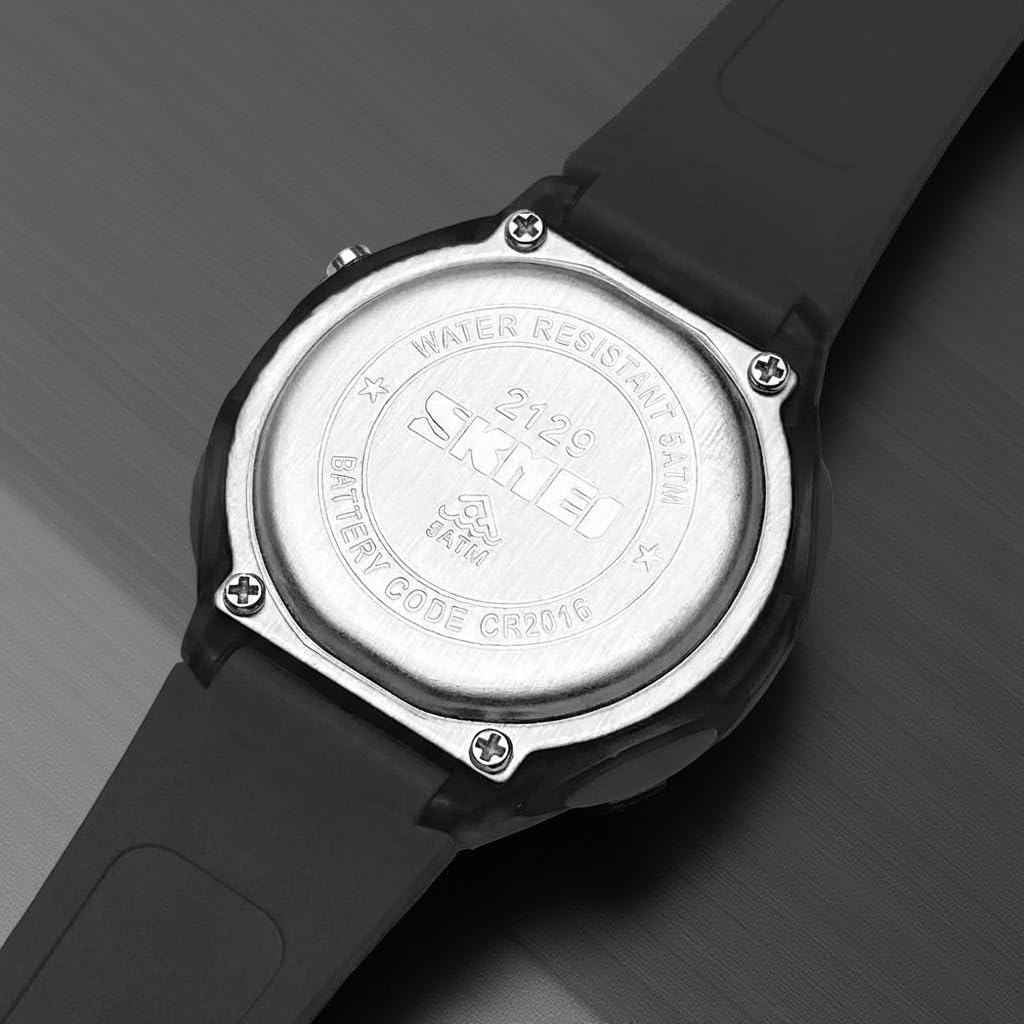
Image: Rear view of the watch, indicating 5ATM water resistance and CR2016 battery type.
Troubleshooting
| Problem | Possible Solution |
|---|---|
| Display is blank or dim. | The battery may be low or depleted. Replace with a new CR2016 battery. |
| Buttons are unresponsive. | Ensure the watch is not in a locked mode (if applicable, though this model does not have one). Try removing and reinserting the battery (this will reset the watch, requiring time/date to be set again). |
| Time is incorrect. | Re-enter time setting mode and adjust the time and date as per the 'Setting Time and Date' instructions. |
| Water appears inside the watch. | Immediately stop using the watch. This indicates a breach in water resistance. Contact customer support for assistance. Avoid exposure to hot water or steam. |
Specifications
| Feature | Detail |
|---|---|
| Brand | SKMEI |
| Model Number | 2129 |
| Movement Type | Digital, Quartz |
| Battery Type | CR2016 (1 C battery included) |
| Case Material | Acrylonitrile Butadiene Styrene (ABS) |
| Band Material | Thermoplastic Polyurethane (TPU) |
| Crystal Material | Resin |
| Case Width | 34.8 mm |
| Case Height | 37.5 mm |
| Case Thickness | 12.5 mm |
| Band Width | 18.5 mm |
| Watch Length | 225 mm |
| Item Weight | 25.1 g |
| Water Resistance Depth | 50 Metres (5ATM) |
| Display Type | Digital |
| Closure Type | Buckle |
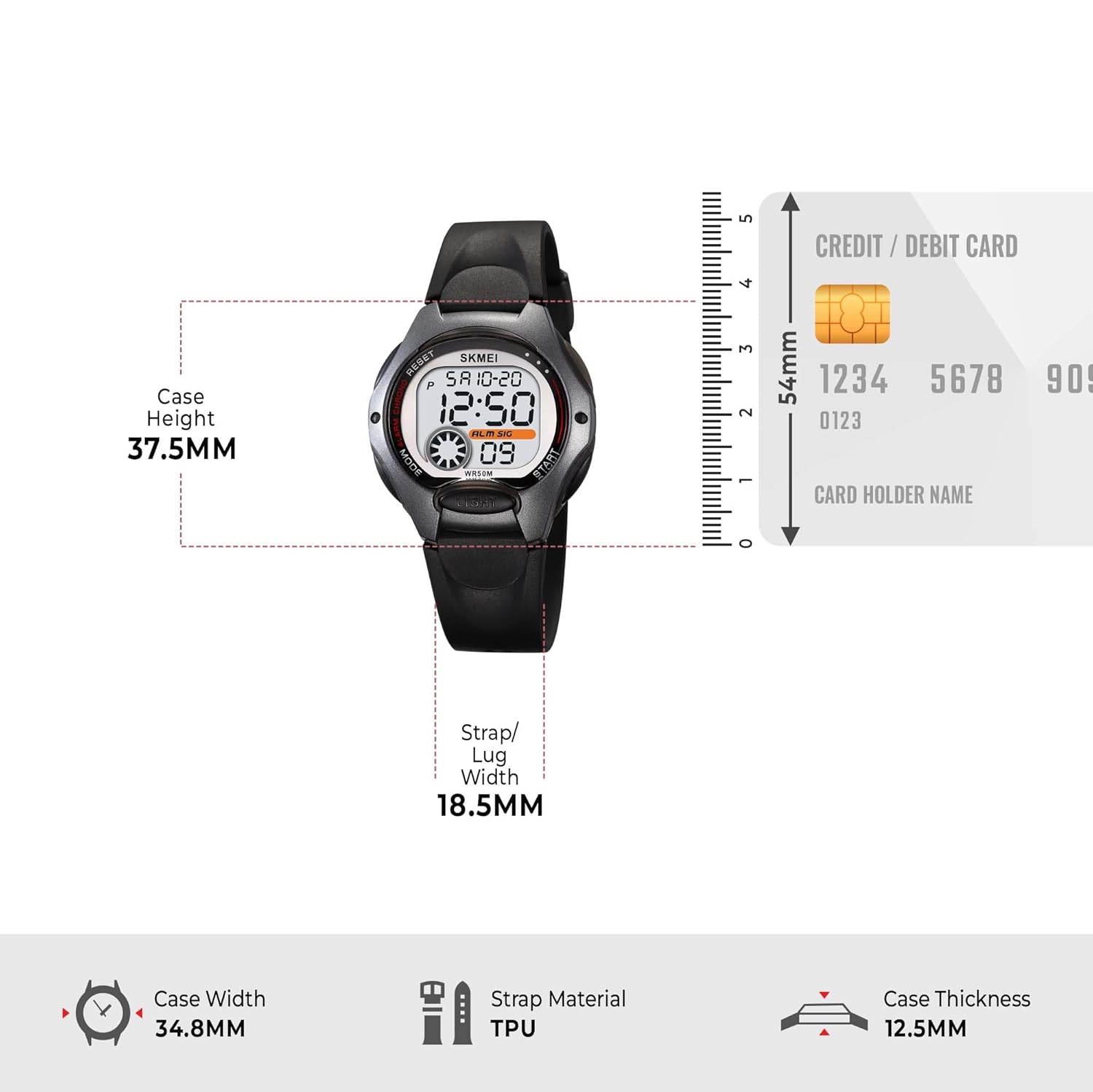
Image: Dimensional diagram of the watch, illustrating case height, width, thickness, and strap width.
Warranty and Support
Warranty Information:
Your SKMEI Kids Digital Sports Watch Model 2129 comes with a 9-month Manufacturer Warranty from the date of purchase. This warranty covers manufacturing defects under normal use.
Customer Support:
For any service-related inquiries, feedback, or warranty claims, please contact the Skmei India Helpline:
- Helpline Number: 1800-889-6251
- Operating Hours: Monday to Saturday, 9:00 AM to 6:00 PM (IST)