
1. Product Overview
The Beyamis Air Trackers Tags are designed to help you locate your personal belongings using the Apple Find My network. These compact trackers are compatible with iOS devices (iOS 14.6 and above) and offer features like sound alerts, left-behind notifications, and location sharing.
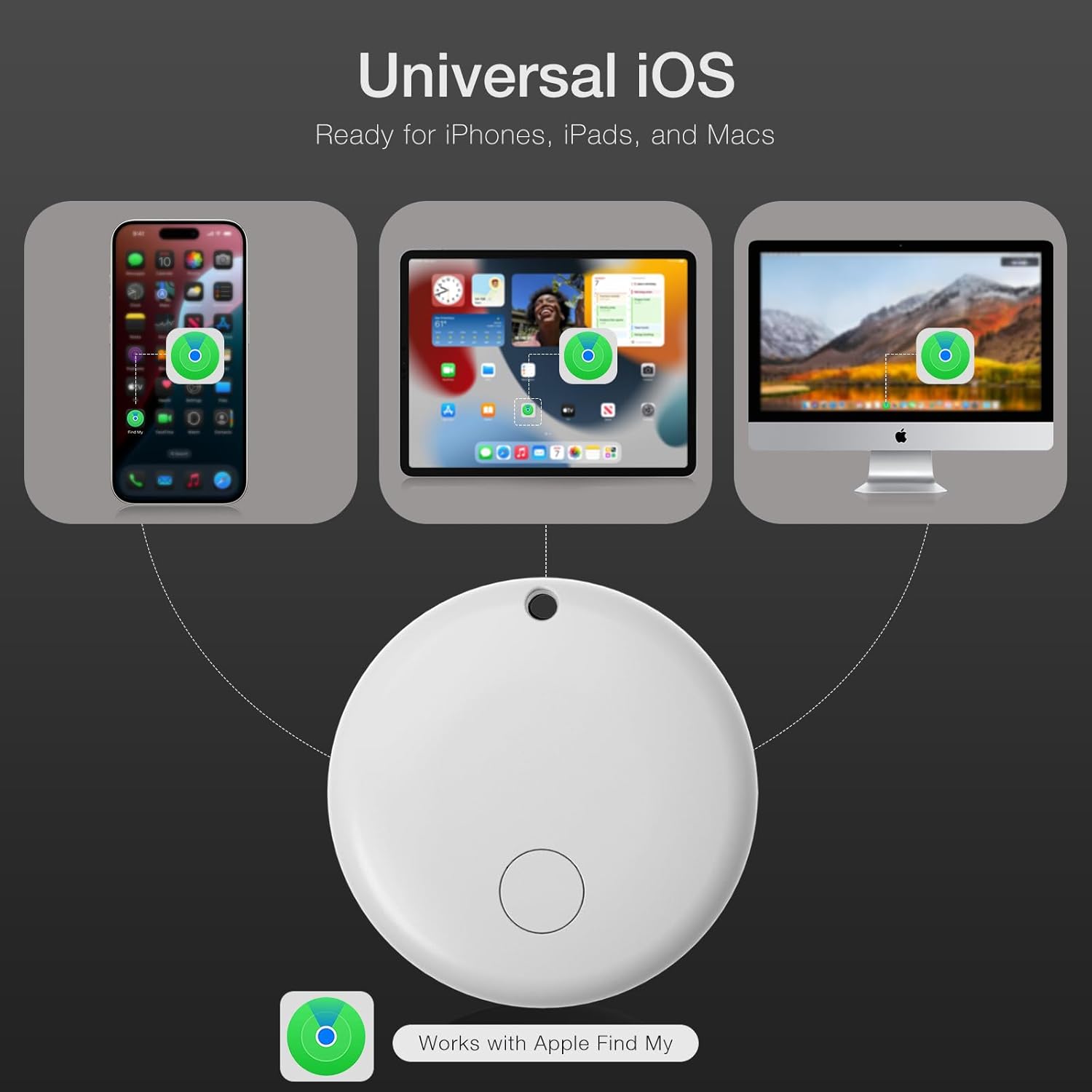
Image: The Beyamis Air Tracker Tag is universally compatible with iOS devices, including iPhones, iPads, and Macs, utilizing the Apple Find My app for tracking.

Image: The Smart Bluetooth Tracker can be attached to various items such as keys, backpacks, pet collars, and wallets to help you keep track of important belongings.
2. Setup Instructions
Follow these steps to set up your Beyamis Air Trackers Tags with your Apple device.
- Activate the Tracker: Press the power button on the Air Tracker Tag to initiate the pairing process.
- Prepare Your Device: Ensure your iPhone, iPad, or Mac is running iOS 14.6 or above. Open the pre-installed 'Find My' app and enable Bluetooth on your device.
- Pair the Tracker: Within the 'Find My' app, navigate to the 'Items' tab. Select 'Add New Item' and then choose 'Other Supported Item'. Your device will detect the Beyamis Air Tracker Tag.
- Name Your Tracker: Follow the on-screen prompts to link the tracker and assign a name to it (e.g., "Keys," "Luggage," "Wallet").

Image: The pairing process is straightforward, requiring no additional software downloads. Simply activate the tracker and connect it via the Find My app.

Image: Detailed setup steps: 1. Press the power button. 2. Turn on Find My app and Bluetooth. 3. Select 'Other Supported Item' to link and name your tracker.
Video: This video demonstrates the easy setup process for the Beyamis Air Tracker Tag, highlighting its anti-loss functionality.
Video: An overview of the Beyamis Air Trackers Tags, showing how they work with the Find My app on iOS devices.
3. Operating Instructions
3.1 Locating Items
- Find Nearby with Sound Alerts: When your item is within Bluetooth range (up to 60m/200ft), open the 'Find My' app, select your tracker, and tap 'Play Sound'. The tracker will emit a loud beep (up to 100dB) to help you pinpoint its exact location.
- Extended Range with Find My Network: If your item is out of Bluetooth range, the vast Apple Find My network can help. Hundreds of millions of Apple devices worldwide anonymously detect your tracker's location and relay it to your 'Find My' app, allowing you to see its last known position on a map.

Image: The Find My app shows the precise location of your Beyamis Air Tracker Tag on a map, with an option to play a sound alert to locate it nearby.

Image: This visual illustrates how to find items both nearby by ringing the tracker and far away using the Find My app's map and directions.
3.2 Alerts and Notifications
- Left-Behind Alerts: Receive instant notifications on your Apple device if you accidentally leave an item with a tracker behind. This feature helps prevent loss by alerting you when you separate from your belongings.
- Lost Mode: If an item is lost, activate 'Lost Mode' in the 'Find My' app. You can enter a contact number and message, which will be displayed to anyone who finds your tracker and scans it with an NFC-enabled smartphone.

Image: The Find My app provides real-time notifications, including alerts when you leave an item behind, helping you keep track of your valuables.
3.3 Sharing Location
With iOS 17 or later, you can share the location of your Beyamis Air Tracker Tags with friends and family directly through the 'Find My' app. This allows multiple users to track the same item.
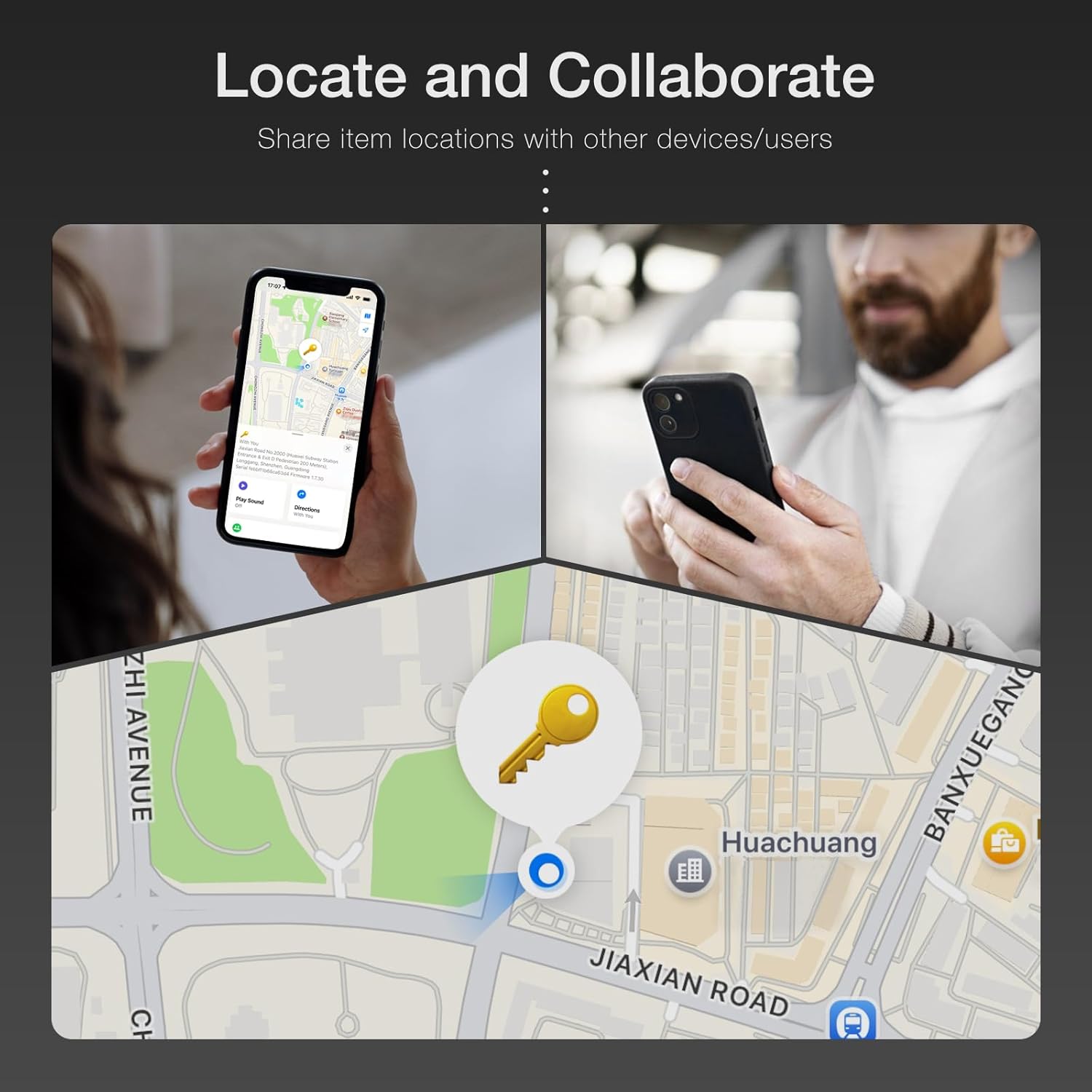
Image: The 'Locate and Collaborate' feature allows users to share item locations with others, enabling quick recovery through multiple methods.
Video: This video demonstrates how Beyamis Air Tracker Tags help keep your belongings safe and easily locatable.
Video: Learn how to locate your items and use sound alerts to find them when nearby.
Video: This video showcases the Beyamis Bluetooth Tracker's versatility for keys, luggage, wallets, suitcases, and pets.
4. Maintenance
4.1 Battery Replacement
The Beyamis Air Tracker Tag uses a replaceable CR2032 battery, which typically lasts up to 10 months. When the battery is low, you will receive a notification on your Apple device. To replace the battery:
- Gently twist the back cover of the tracker counter-clockwise to open it.
- Remove the old CR2032 battery.
- Insert a new CR2032 battery with the positive (+) side facing up.
- Align the back cover and twist clockwise to secure it.

Image: The Beyamis Air Tracker Tag features a replaceable CR2032 battery, ensuring a long lifespan for the device.
4.2 Water Resistance
The tracker is IP67 waterproof, meaning it is protected from dust and can withstand immersion in water up to 1 meter for up to 30 minutes. While durable, avoid prolonged submersion or exposure to high-pressure water.
5. Troubleshooting
- Tracker Not Connecting:
- Ensure your Apple device has Bluetooth enabled.
- Verify that your iOS version is 14.6 or above.
- Press the power button on the tracker to ensure it is active and in pairing mode.
- Check the battery level; replace if necessary.
- Sound Alert Not Working:
- Ensure the tracker is within Bluetooth range of your Apple device.
- Check the tracker's battery level.
- Location Not Updating:
- Ensure your Apple device has an active internet connection (Wi-Fi or cellular).
- If out of Bluetooth range, location updates rely on the Find My network. Updates may take time depending on network activity.
- Verify that Location Services are enabled for the Find My app on your device.
6. Specifications
| Feature | Detail |
|---|---|
| Brand | Beyamis |
| Model Number | Circle Locator |
| Material | Acrylonitrile Butadiene Styrene (ABS) |
| Product Dimensions | 1.1"L x 1.1"W x 0.25"Th |
| Compatible Devices | iPhone, iPad, Apple Watch (iOS 14.6 Above Only) |
| Battery Type | CR2032 (Replaceable) |
| Battery Life | Up to 10 months |
| Connectivity Technology | Bluetooth |
| Bluetooth Range | Up to 60 meters (200 feet) |
| Sound Alert Level | Up to 100dB |
| Waterproof Rating | IP67 |
7. Warranty Information
Beyamis provides a 2-year manufacturer's warranty for this product. In case of quality problems, a free replacement will be provided within 3 months of purchase. This warranty does not cover man-made damage.
Please retain your proof of purchase for warranty claims.
8. Customer Support
For further assistance, technical support, or warranty inquiries, please contact Beyamis Industry directly through their official channels. You can often find contact information on the product packaging or the retailer's website where you purchased the item.
Visit the Beyamis Store on Amazon for more information and support resources.