1. Introduction
Thank you for choosing the Ayybboo Model 575 Silent Analog Alarm Clock. This manual provides detailed instructions for the proper setup, operation, and maintenance of your new alarm clock. Designed for quiet environments, this clock features a silent quartz movement, a convenient snooze function, and a night light for easy viewing in the dark.

Image 1: Front view of the Ayybboo Model 575 Silent Analog Alarm Clock, showcasing its clear analog display with luminous hands and numbers.
2. Package Contents
- 1 x Ayybboo Model 575 Silent Analog Alarm Clock
- 1 x User Manual (this document)
Note: One AA battery is required for operation and is not included in the package.
3. Product Overview
Familiarize yourself with the components of your Ayybboo alarm clock:
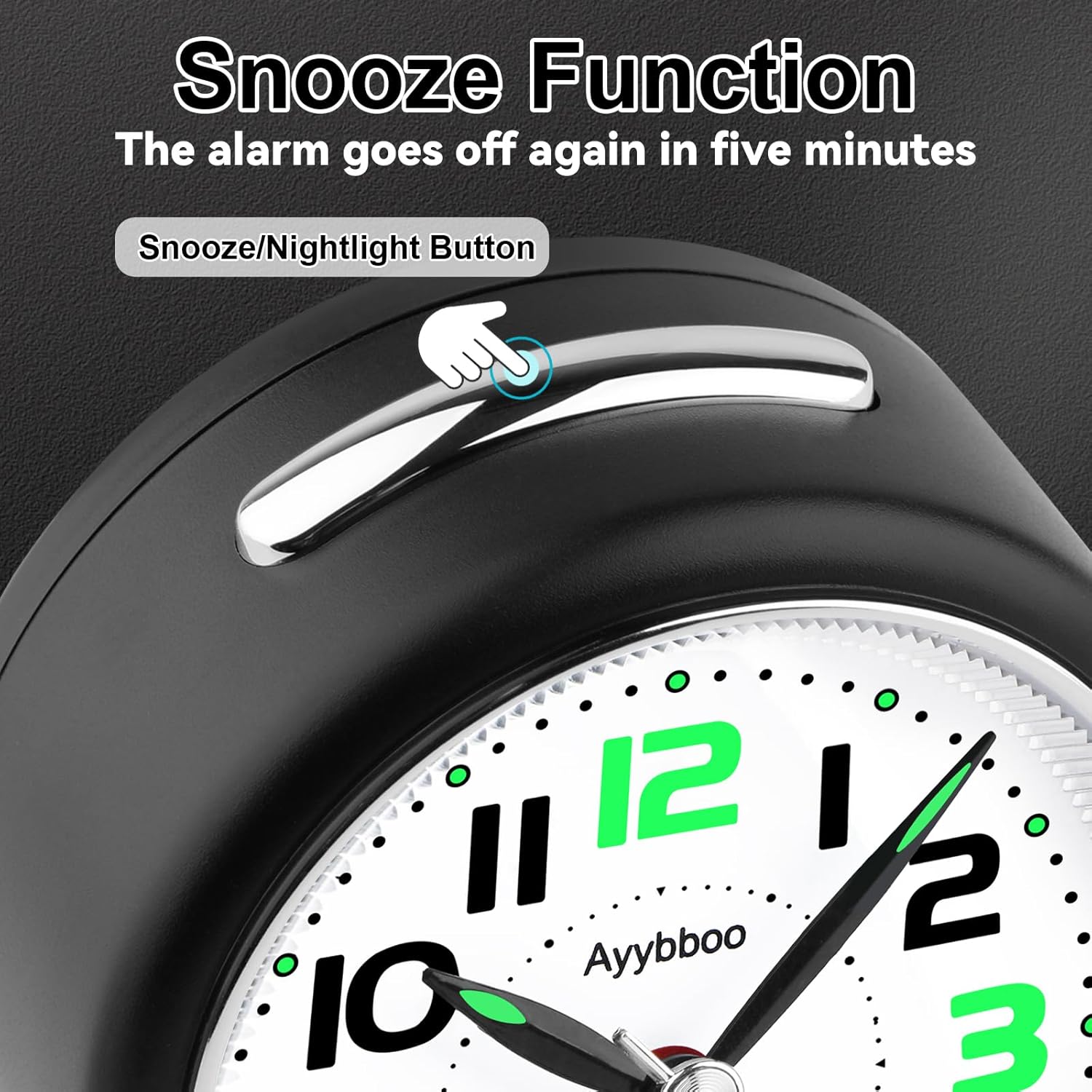
Image 2: Rear view of the alarm clock with key components labeled for easy identification.
- Snooze/Light Button: Located on top. Press to activate night light or snooze alarm.
- Alarm Clock Speaker: Emits the alarm sound.
- Alarm Clock On/Off Switch: Toggles the alarm function.
- Setting Time Knob: Adjusts the current time.
- Set Alarm Clock Knob: Adjusts the alarm time.
- Battery Compartment: Holds one AA battery.
- Traction Cord: Assists in easy battery removal.
4. Setup
4.1. Battery Installation
- Open the battery compartment cover on the back of the clock.
- Insert one 1.5V AA battery, ensuring the correct polarity (+/-).
- Close the battery compartment cover.
Recommendation: For optimal performance and extended battery life, carbon batteries are recommended. Avoid using alkaline batteries.
4.2. Setting the Current Time
- Locate the Setting Time Knob on the back of the clock.
- Rotate this knob in either direction until the clock hands display the correct current time.
5. Operating Instructions
5.1. Setting the Alarm Time
- Locate the Set Alarm Clock Knob on the back of the clock.
- Rotate this knob to set the desired alarm time. The small alarm hand will move to indicate the set alarm time.
5.2. Activating/Deactivating the Alarm
- To activate the alarm, slide the Alarm Clock On/Off Switch to the "ON" position.
- To deactivate the alarm, slide the Alarm Clock On/Off Switch to the "OFF" position.
5.3. Using the Snooze Function
- When the alarm sounds, press the large Snooze/Light Button on the top of the clock.
- The alarm will pause and sound again after approximately 5 minutes.
- To fully turn off the alarm, slide the Alarm Clock On/Off Switch to the "OFF" position.

Image 3: The snooze/nightlight button located on the top of the alarm clock.
5.4. Activating the Night Light
- Press and hold the Snooze/Light Button on the top of the clock to illuminate the dial.
- Release the button to turn off the night light.
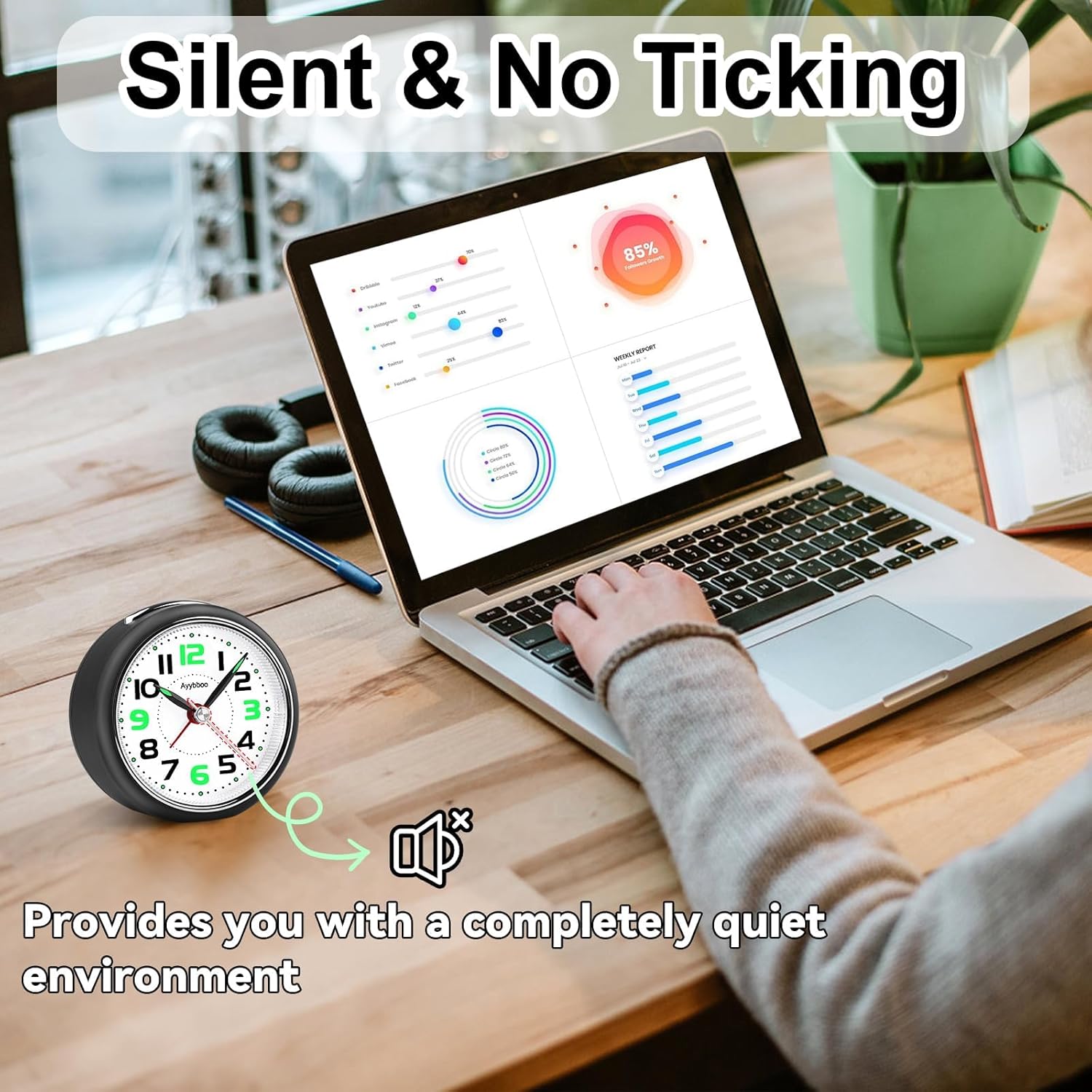
Image 4: The alarm clock displaying its night light feature in a dimly lit room.
6. Maintenance
6.1. Cleaning
- Wipe the clock's exterior with a soft, dry cloth.
- Do not use abrasive cleaners, solvents, or chemical sprays, as these may damage the finish.
6.2. Battery Replacement
- When the clock hands slow down or the alarm/night light functions weaken, it is time to replace the battery.
- Open the battery compartment and use the provided traction cord to easily remove the old AA battery.
- Insert a new 1.5V AA carbon battery, observing polarity.
7. Troubleshooting
| Problem | Possible Cause | Solution |
|---|---|---|
| Clock not keeping time / Not running | Dead or low battery; Incorrect battery installation | Replace the AA battery; Ensure battery is inserted with correct polarity. |
| Alarm not sounding | Alarm switch is OFF; Alarm time not set correctly; Low battery | Slide the Alarm Clock On/Off Switch to "ON"; Re-set the alarm time using the Set Alarm Clock Knob; Replace the AA battery. |
| Night light not working | Low battery | Replace the AA battery. |
8. Specifications
- Model: 575
- Brand: Ayybboo
- Dimensions (L x W x H): Approximately 8.3 cm x 4.4 cm x 8.3 cm (3.27 in x 1.73 in x 3.27 in)
- Weight: 83 grams
- Material: Acrylonitrile Butadiene Styrene (ABS)
- Display Type: Analog
- Power Source: 1 x AA Battery (not included, carbon recommended)
- Special Features: Silent Quartz Movement, Snooze Function, Night Light, Crescendo Alarm
- Intended Use: Indoor (Bedroom, Office, Living Room, Travel)
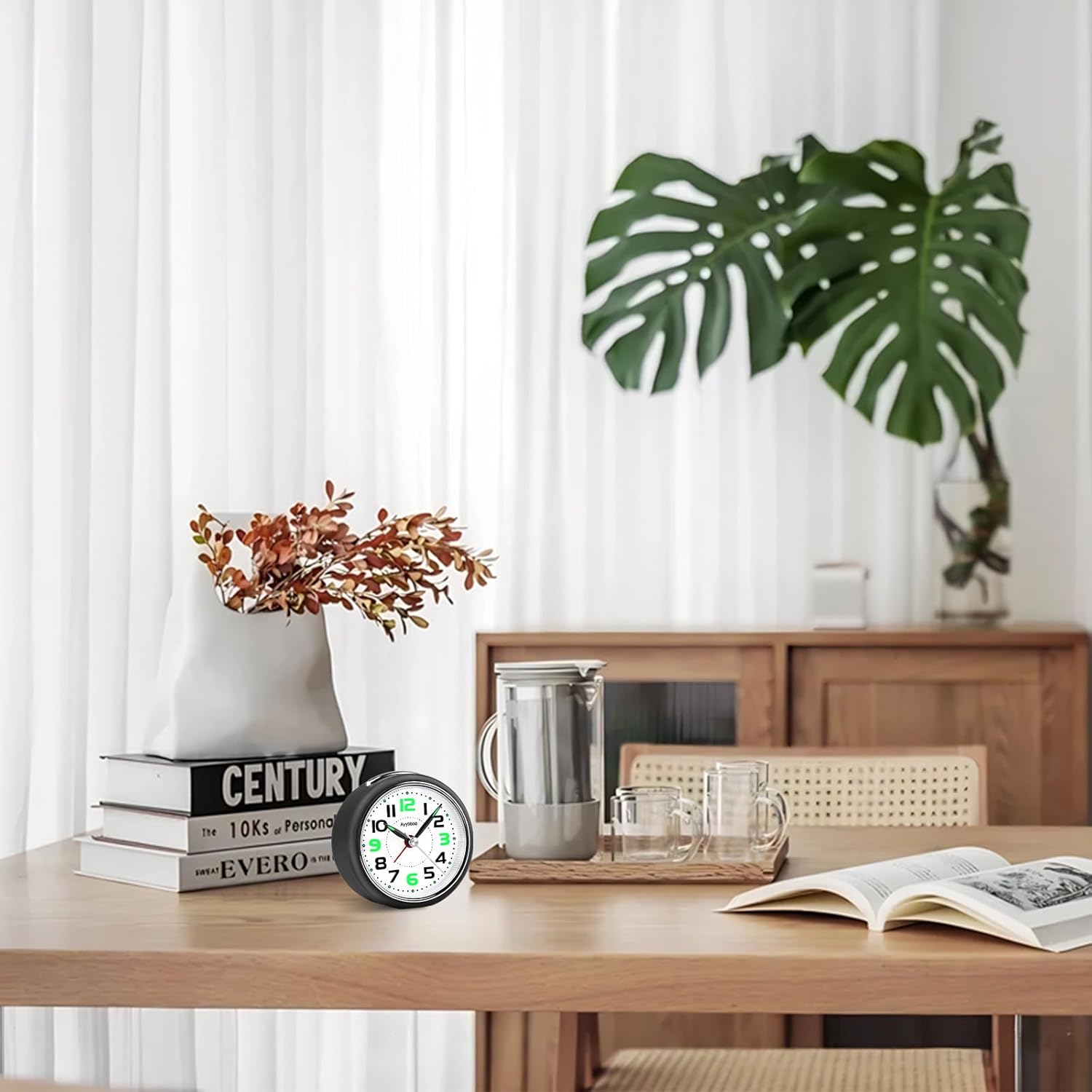
Image 5: The compact dimensions of the Ayybboo Model 575 alarm clock.
9. Warranty and Support
For warranty information and customer support, please refer to the documentation provided with your purchase or visit the official Ayybboo website. If you encounter any issues not covered in this manual, please contact our customer service for assistance.


