
1. Introduction
This instruction manual provides essential information for the safe and efficient installation, operation, and maintenance of the HCFA SV-X2MH075A series 750W high inertia servo motor. Please read this manual thoroughly before using the product to ensure correct handling and to prevent potential hazards or damage. Keep this manual in a safe place for future reference.
2. Product Overview
The HCFA SV-X2MH075A series servo motor is a high-performance, high-inertia actuating motor designed for industrial applications requiring precise control and dynamic response. This series includes various models, such as SV-X2MH075A-N2LN, SV-X2MH075A-N2LA, SV-X2MH075A-B2LA, and SV-X2MH075A-B2LN, each optimized for specific operational requirements.
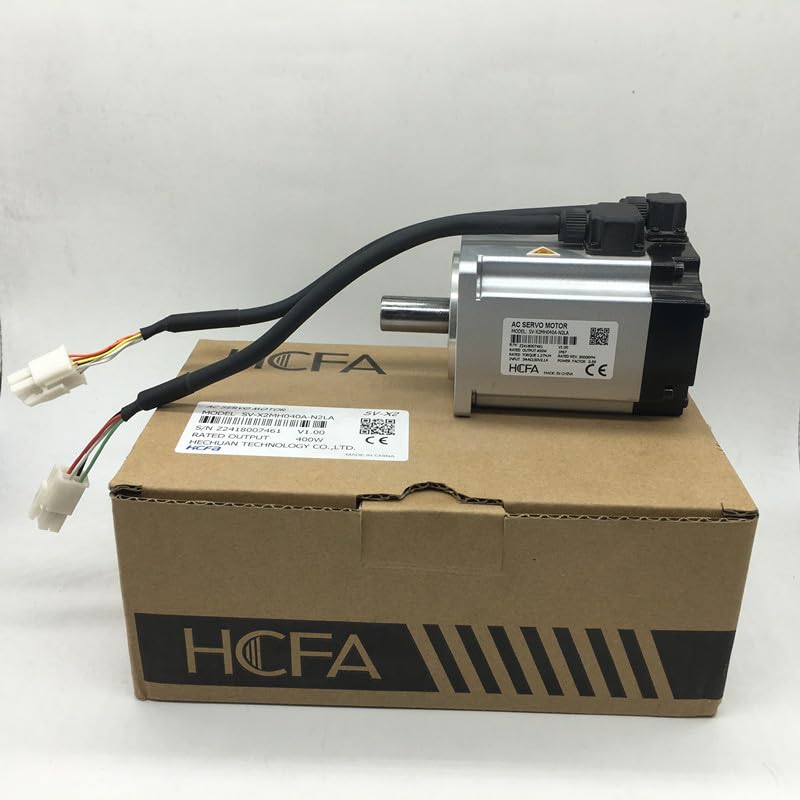
Figure 2.1: HCFA 750W High Inertia Servo Motor, shown with its original packaging and connecting cables.
Key Features:
- High Inertia Design: Suitable for applications requiring stable operation under varying loads.
- 750W Power Output: Provides robust performance for demanding tasks.
- Precision Control: Designed for accurate positioning and speed regulation.
- Durable Construction: Built for reliability in industrial environments.
3. Safety Instructions
Adherence to safety guidelines is crucial for preventing injury to personnel and damage to equipment. Always follow local and national electrical codes and safety regulations.
General Safety:
- Ensure that only qualified personnel perform installation, wiring, operation, and maintenance.
- Disconnect all power sources before performing any work on the motor or connected equipment.
- Do not operate the motor in environments with flammable gases, liquids, or explosive dust.
- Avoid touching rotating parts during operation.
- Wear appropriate personal protective equipment (PPE) such as safety glasses and gloves.
Electrical Safety:
- Verify that the power supply voltage matches the motor's specifications.
- Properly ground the motor and all associated equipment to prevent electric shock.
- Use insulated tools when working with electrical components.
- Ensure all wiring connections are secure and properly insulated.
4. Installation and Setup
Careful installation is vital for the motor's performance and longevity.
4.1 Mounting:
- Select a stable, vibration-free mounting surface capable of supporting the motor's weight.
- Ensure adequate ventilation around the motor to prevent overheating.
- Mount the motor securely using appropriate bolts and torque specifications.
- Verify proper alignment with the driven load to minimize stress on the shaft and bearings.
4.2 Electrical Connections:
Refer to the motor's nameplate and the specific wiring diagram provided with your servo drive for detailed connection instructions.
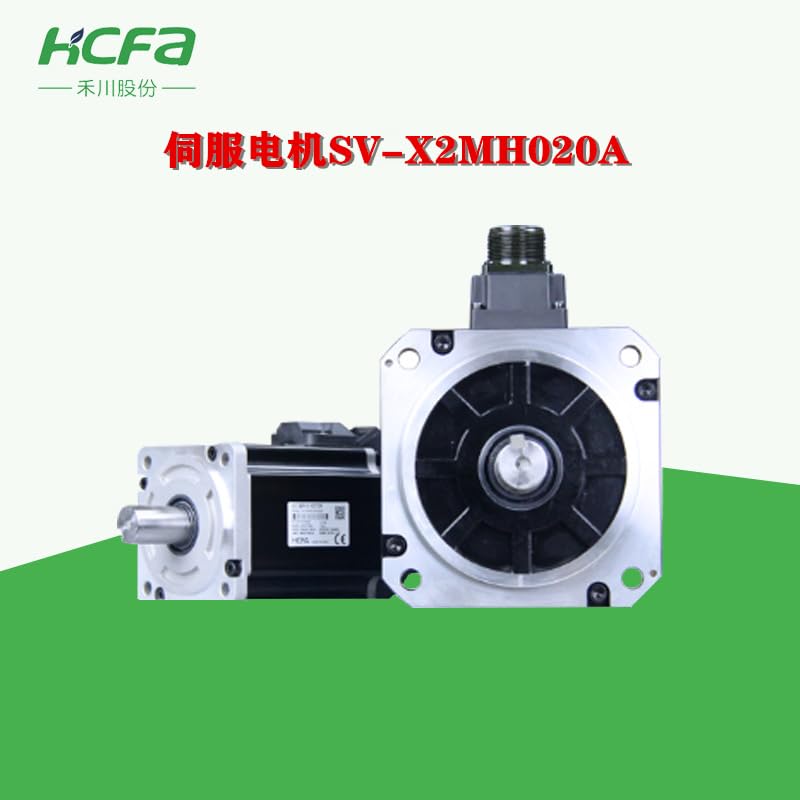
Figure 4.1: HCFA Servo Motor showing its power and encoder cables, ready for connection to a servo drive.
- Connect the motor's power cables to the servo drive's motor output terminals (U, V, W).
- Connect the encoder feedback cable to the designated encoder input on the servo drive.
- Ensure all connections are tight and free from loose strands.
- Connect the protective earth (ground) wire to the motor's grounding terminal and the system's main ground.
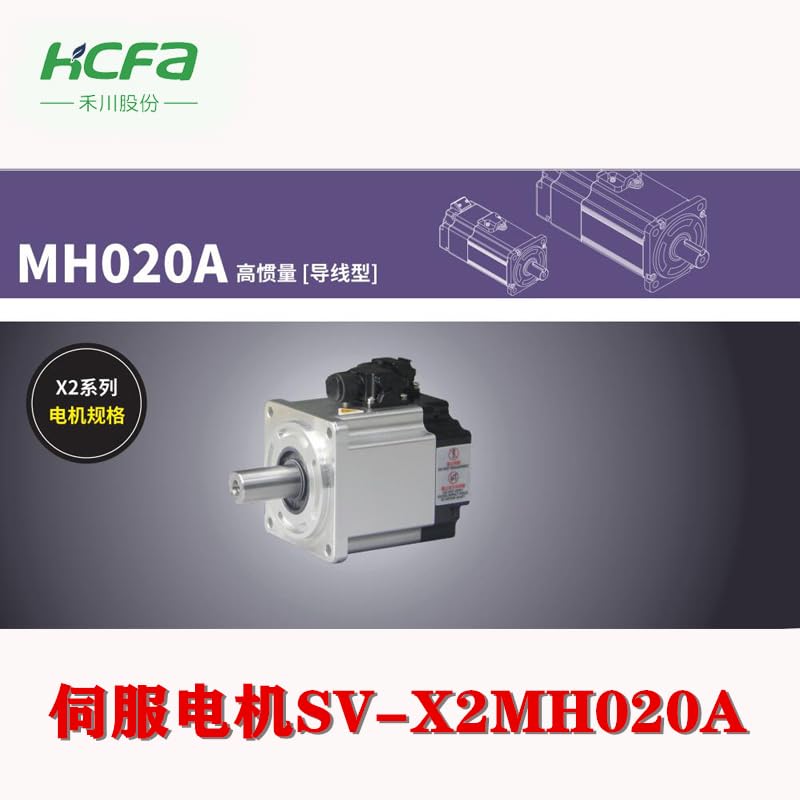
Figure 4.2: A closer view of the HCFA Servo Motor's cable connections, highlighting the robust design of the connectors.
5. Operation
Once installed and wired, the servo motor is controlled by a compatible servo drive. Refer to your servo drive's manual for specific programming and operational procedures.
Basic Operation Steps:
- Power On: Apply power to the servo drive and motor system.
- Parameter Configuration: Configure the servo drive parameters according to the motor's specifications (e.g., motor type, encoder resolution, inertia ratio).
- Test Run: Perform a low-speed test run to verify correct rotation direction and smooth operation.
- Tuning: Optimize the servo drive's gain parameters for desired performance (e.g., response speed, positioning accuracy, vibration suppression).
- Normal Operation: Integrate the motor into the machine's control system for automated operation.
6. Maintenance
Regular maintenance ensures optimal performance and extends the lifespan of your servo motor.
Maintenance Schedule:
- Daily/Weekly: Visually inspect the motor for any unusual noises, vibrations, or excessive heat. Check for loose connections or visible damage to cables.
- Monthly/Quarterly: Clean the motor's exterior to remove dust and debris. Verify mounting bolt tightness. Inspect cables for wear or damage.
- Annually: Perform a thorough inspection of bearings (if accessible and serviceable), shaft seals, and electrical connections. Consider professional inspection for critical applications.
Cleaning:
Use a soft, dry cloth to wipe down the motor's exterior. For stubborn dirt, a slightly damp cloth with a mild, non-abrasive cleaner can be used, ensuring no liquid enters the motor housing or connectors. Do not use solvents or harsh chemicals.
7. Troubleshooting
This section provides solutions to common issues. For complex problems, contact technical support.
| Problem | Possible Cause | Solution |
|---|---|---|
| Motor does not rotate | No power, incorrect wiring, servo drive fault, emergency stop active. | Check power supply, verify wiring, check servo drive status/error codes, release emergency stop. |
| Motor vibrates excessively | Improper tuning, mechanical imbalance, loose mounting, damaged bearings. | Adjust servo drive tuning parameters, check load balance, tighten mounting bolts, inspect bearings. |
| Motor overheats | Overload, insufficient ventilation, high ambient temperature, internal fault. | Reduce load, ensure proper ventilation, check ambient temperature, contact support if internal fault suspected. |
| Poor positioning accuracy | Encoder issue, improper tuning, mechanical backlash, external disturbance. | Check encoder connections, refine servo tuning, inspect mechanical system for backlash, eliminate external disturbances. |
8. Specifications
The following specifications apply to the HCFA SV-X2MH075A series 750W high inertia servo motor. Specific values may vary slightly between models (N2LN, N2LA, B2LA, B2LN).
| Parameter | Value/Description |
|---|---|
| Model Series | SV-X2MH075A |
| Rated Power | 750W |
| Type | High Inertia Servo Motor |
| Manufacturer | HCFA (Manufactured by ANETEE) |
| ASIN | B0DRTHJWN2 (for SV-X2MH075A-N2LA variant) |
| Date First Available | December 29, 2024 |
9. Warranty and Support
For warranty information, technical support, or service inquiries, please refer to the documentation provided with your purchase or contact your authorized HCFA distributor. Keep your purchase receipt for warranty claims.


