
Introduction
This manual provides comprehensive instructions for the setup, operation, and maintenance of your Alaga 3K Indoor Security Camera. Please read this manual carefully before using the product to ensure proper functionality and safety. This camera is designed to provide reliable indoor surveillance with advanced features such as 3K Ultra HD clarity, 360° pan and tilt, AI-powered motion detection, night vision, and two-way audio.
What's in the Box
Upon opening the package, please verify that all the following components are included:
- 1x Alaga 3K Indoor Security Camera
- 1x 64GB MicroSD Card (pre-installed or included separately)
- 1x Power Adapter
- 1x USB Power Cable
- 1x Mounting Bracket
- 1x Screw Kit (for mounting)
- 1x User Manual (this document)

Image: The Alaga 3K Indoor Security Camera, shown alongside a smartphone displaying its live feed and a 64GB SD card, illustrating the product and its key features.
Product Overview and Key Features
3K Ultra HD Clarity
The Alaga 3K Indoor Security Camera features a remarkable resolution of 2880×1620, delivering stunning visuals with exceptional detail for a realistic viewing experience. This high resolution ensures that you capture clear and sharp images and videos.

Image: A visual comparison demonstrating the superior clarity of 3K 5MP resolution (2880x1620) compared to 1080p Full HD, highlighting the enhanced detail in the 3K image of a dog and a girl.
360° Full View Pan & Tilt
Achieve comprehensive coverage with 345° horizontal and 62° vertical rotation. The camera's pan and tilt functions can be effortlessly controlled via the mobile application, allowing you to monitor every corner of your home without blind spots.

Image: The Alaga security camera positioned in a living room, illustrating its 360-degree pan (345°) and tilt (62°) capabilities, controlled remotely via a smartphone app.
AI-Powered Motion Detection & Smart Tracking
Equipped with advanced AI algorithms, the camera accurately detects movements, people, and pets. It instantly sends push notifications to your phone and can automatically track suspicious activity, ensuring you are always informed.

Image: The Alaga security camera demonstrating its motion detection and smart tracking feature, focusing on a child jumping, with a corresponding alert displayed on a smartphone.
Advanced Night Vision
With infrared LED lights and a range of up to 30 feet, this camera ensures clear footage even in complete darkness. This provides reliable 24/7 protection for your home, allowing you to monitor activities day and night.

Image: A demonstration of the Alaga security camera's superb night vision, capturing a clear black and white image of a child sleeping in a dark room, viewed through a smartphone interface.
Two-Way Audio with Real-Time Alerts
Instantly connect with family members or deter intruders using the built-in two-way intercom feature. You will receive real-time push notifications on your phone app whenever motion is detected, allowing for immediate interaction.
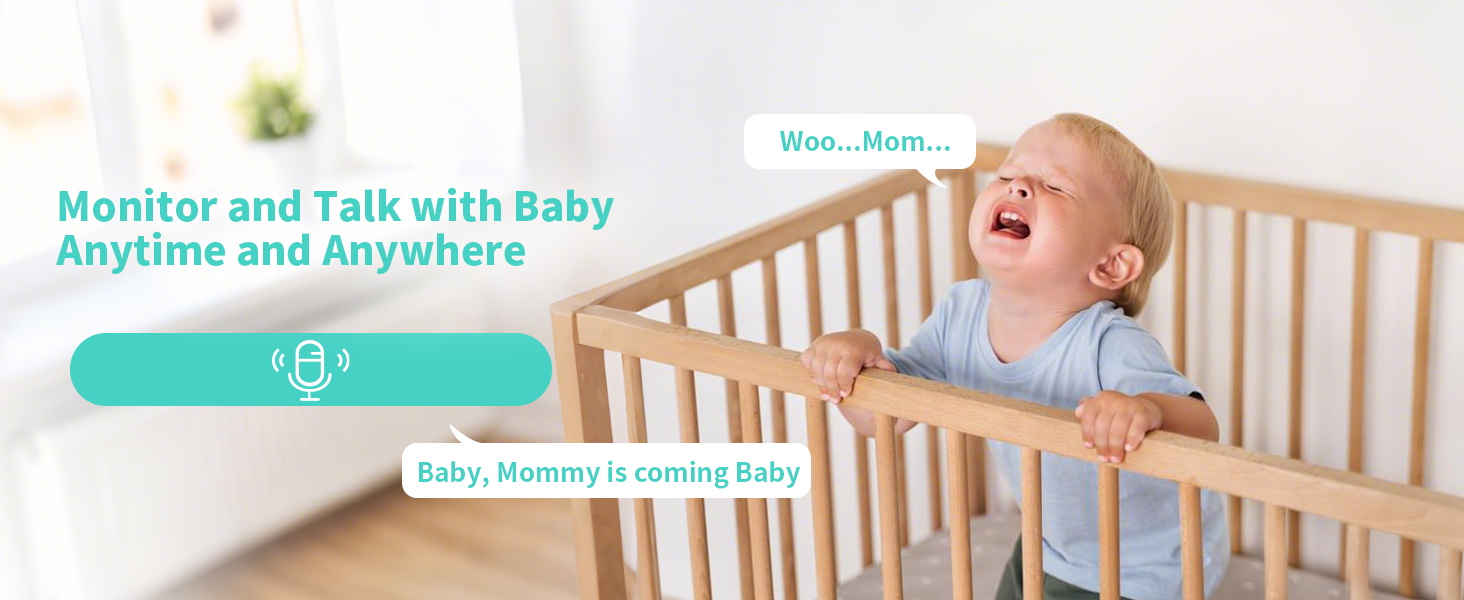
Image: A scene depicting the Alaga security camera's two-way audio capability, with a crying baby and text bubbles indicating communication between the baby and a parent.
Secure Local and Cloud Storage
The camera supports microSD card storage (up to 256GB, a 64GB memory card is included). Additionally, cloud storage options are available via subscription on the app, allowing you to record and review footage anytime.

Image: The Alaga security camera highlighting its storage capabilities, showing both local storage via an SD card slot and cloud storage options.
Dual-Band WiFi & Bluetooth Connectivity
The camera supports both 2.4G and 5G WiFi for seamless connectivity, ensuring a stable signal and uninterrupted monitoring. Bluetooth is also included for easy initial pairing and setup.
Compatibility with Alexa & Google Assistant
Easily view live footage on compatible smart displays like Echo Show or Google Chromecast using simple voice commands with Alexa or Google Assistant, integrating the camera into your smart home ecosystem.

Image: A woman in a kitchen interacting with an Echo Show, demonstrating the Alaga security camera's compatibility with Alexa and Google Assistant for voice-controlled live viewing.
Selectable Voice Alerts
The camera offers three distinct alert sounds: Alarm, Siren, and Warning. You can choose the most appropriate option to deter intruders or notify occupants based on the detected activity.

Image: An illustration of the Alaga security camera's smart siren feature, depicting a motion detection alert on a smartphone screen and a red siren icon, indicating its ability to deter intruders.
Privacy Protection
User privacy is a priority. The camera utilizes a secure 256-bit encrypted connection and high-level encryption technology to protect your data security, even if the camera is stolen or compromised.
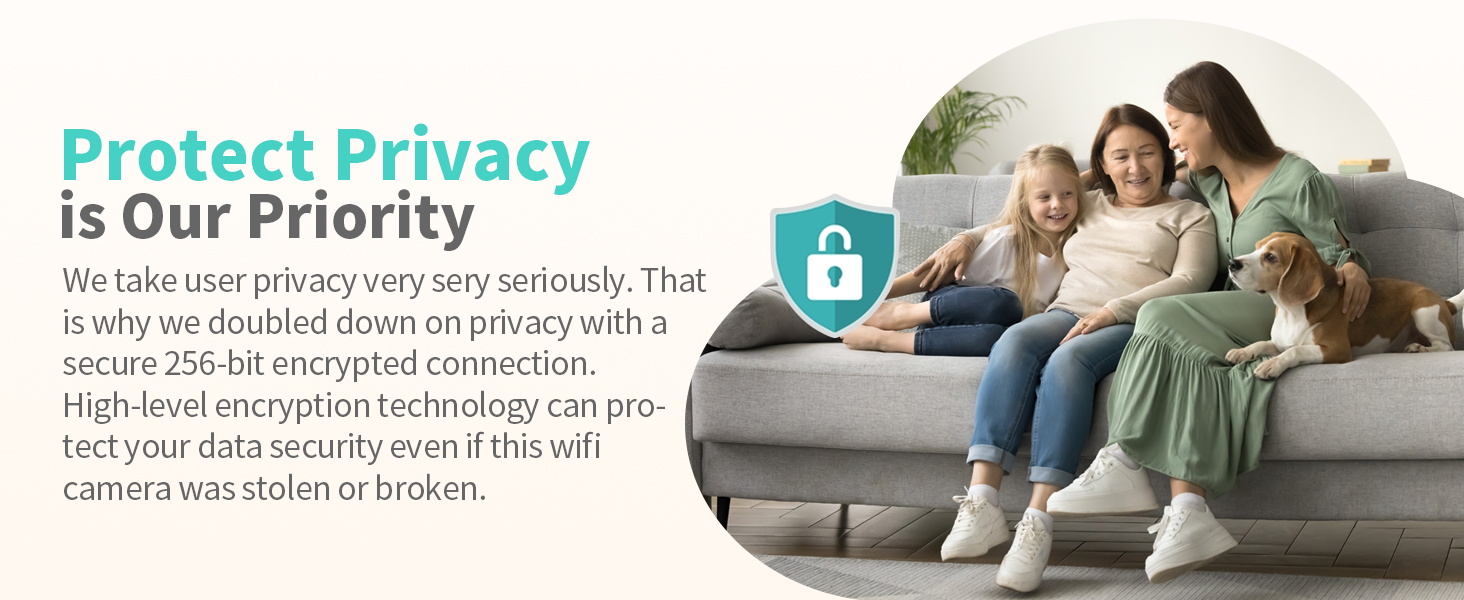
Image: A visual representation of the Alaga security camera's privacy protection, showing a family relaxing on a couch with a prominent lock icon, symbolizing data security and encryption.
Multiple Usage Scenarios
The Alaga 3K Indoor Security Camera is versatile and can be used for various purposes, including:
- Baby Monitor & Nanny Camera: Capture every movement of your baby and ensure their safety.
- Pet Camera: Keep an eye on your pets, dogs, and cats anywhere and anytime via your phone.
- Elderly Care: Monitor elderly family members and receive notifications for any incidents.
- Children Indoor Security: Track the movements of your children at home for peace of mind.
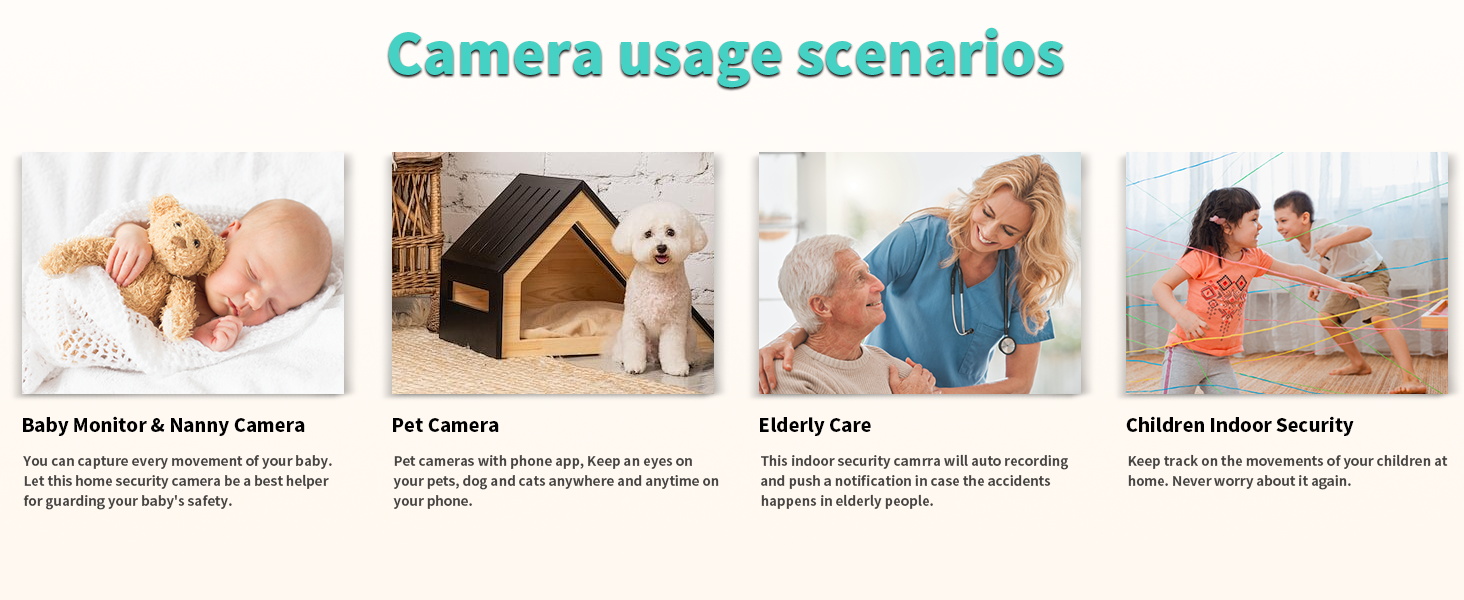
Image: A collage of four images illustrating diverse applications of the Alaga security camera, including monitoring babies, pets, elderly individuals, and children for indoor security.
Setup Guide
- Power On: Connect the camera to a power source using the provided USB cable and power adapter. The camera will power on and indicate readiness for setup (e.g., a blinking LED light).
- Download the App: Search for the "CareCam Pro" app (or the specified app in your camera's packaging) on your smartphone's app store (App Store for iOS or Google Play Store for Android) and install it.
- Create an Account: Open the app and register for a new account if you don't already have one.
- Add Device: Follow the in-app instructions to add your new camera. This typically involves scanning a QR code on the camera or using Bluetooth pairing. Ensure your phone is connected to a 2.4GHz or 5GHz Wi-Fi network during this process.
- Network Connection: Select your home Wi-Fi network and enter the password. The camera will connect to your network.
- Placement and Mounting: Choose a suitable location for your camera. It can be placed on a flat surface (table-top) or mounted on a wall or ceiling using the included mounting bracket and screws. Ensure the camera has a clear line of sight to the area you wish to monitor.
Operating Instructions
Live View and Pan/Tilt Control
Open the camera's live view in the app. Use the on-screen joystick or directional controls to pan (move horizontally) and tilt (move vertically) the camera lens to adjust the viewing angle.
Two-Way Audio
In the live view, tap the microphone icon to speak through the camera's speaker. Tap the speaker icon to listen to audio from the camera's environment.
Motion Detection and Alerts
Navigate to the camera settings in the app to enable and customize motion detection. You can set detection zones, adjust sensitivity levels, and configure push notifications to receive alerts on your phone when motion is detected.
Recording and Playback
Recordings are automatically saved to the installed 64GB MicroSD card or to your cloud storage (if subscribed). Access the playback feature in the app to review past footage by selecting the desired date and time.
Night Vision Mode
The camera automatically switches to night vision mode in low-light conditions. You can also manually toggle night vision settings within the app if needed.
Smart Home Integration (Alexa/Google Assistant)
To integrate with Alexa or Google Assistant, follow the instructions in your smart home app (Alexa app or Google Home app) to link your Alaga camera account. Once linked, you can use voice commands like "Alexa, show me the living room camera" to view the live feed on compatible devices.
Maintenance
- Cleaning: Gently wipe the camera lens and body with a soft, dry cloth to remove dust and smudges. Do not use liquid cleaners or abrasive materials, as they may damage the camera.
- Firmware Updates: Periodically check the camera settings in the app for available firmware updates. Keeping your camera's firmware up-to-date ensures optimal performance, security, and access to new features. Follow the in-app instructions for any updates.
- Storage Management: Regularly review your recorded footage. If using a MicroSD card, consider backing up important recordings and formatting the card periodically to maintain performance. Cloud storage typically manages space automatically.
Troubleshooting
| Problem | Possible Cause | Solution |
|---|---|---|
| Camera offline/Cannot connect to Wi-Fi | Incorrect Wi-Fi password; Camera too far from router; Router issues; Incorrect Wi-Fi band (e.g., trying to connect to 5GHz if only 2.4GHz is supported, though this camera supports both). | Verify Wi-Fi password. Move camera closer to router. Restart router and camera. Ensure your phone is on the same Wi-Fi network during setup. Try connecting to the other Wi-Fi band (2.4G or 5G). |
| Poor image quality | Dirty lens; Insufficient lighting; Network bandwidth issues. | Clean the camera lens. Ensure adequate lighting in the monitored area. Check your internet speed and reduce network congestion. |
| Motion detection not working | Motion detection disabled in app; Sensitivity too low; Detection zone not set correctly. | Enable motion detection in the app settings. Increase sensitivity. Adjust detection zones to cover the desired area. |
| Two-way audio not functioning | Microphone/speaker muted in app; Volume too low; App permissions. | Check if microphone and speaker icons are enabled in the live view. Adjust volume settings. Ensure the app has microphone permissions on your phone. |
| SD card not recording | SD card full; SD card corrupted; SD card not inserted correctly; Recording settings disabled. | Check SD card status in app. Format the SD card (this will erase data). Reinsert the SD card. Ensure continuous recording or motion-triggered recording is enabled in settings. |
If you encounter issues not listed here or if the suggested solutions do not resolve your problem, please contact Alaga customer support for further assistance.
Technical Specifications
| Feature | Detail |
|---|---|
| Model Name | Alaga Security Camera |
| Indoor/Outdoor Usage | Indoor |
| Video Capture Resolution | 5MP (2880 x 1620) |
| Viewing Angle | 360 Degrees (345° horizontal, 62° vertical pan/tilt) |
| Connectivity Protocol | Wi-Fi (2.4G & 5G), Bluetooth |
| Compatible Devices | Smartphone, Alexa, Google Assistant |
| Power Source | Corded Electric |
| Night Vision Range | 30 Feet |
| Storage | MicroSD card (up to 256GB), Cloud Storage |
| Audio Visual Recording Capabilities | Audio, Still Images, Video |
| Control Method | App |
| Dimensions (L x W x H) | 3.14 x 3.13 x 4.44 inches |
| Item Weight | 12.3 ounces |
| Material | Acrylonitrile Butadiene Styrene (ABS), Polycarbonate (PC) |
| UPC | 717097828867 |
Warranty and Support
Alaga products are designed for reliability and performance. For any technical assistance, troubleshooting, or warranty inquiries, please contact Alaga customer support. Refer to the contact information provided on the product packaging or the official Alaga website.
For additional protection, third-party protection plans may be available for purchase. Please refer to the retailer for details on these optional plans.

