1. Introduction
Thank you for purchasing the Fanvace P6 Android 13 MP3 Player. This device combines advanced audio and video playback capabilities with smart features, offering a versatile entertainment experience. This manual provides essential information for setting up, operating, maintaining, and troubleshooting your device. Please read it carefully before use.
2. Package Contents
Ensure all items listed below are present in your package. If any items are missing or damaged, please contact customer support.
- Fanvace P6 Music Player
- USB-C Charging Cable
- Wired Earphones
- Protective Film
- Instruction Manual
- 64GB TF Card (pre-installed or separate)

Figure 2.1: Package Contents. Includes the music player, USB-C cable, wired earphones, protective film, instruction manual, and a 64GB TF card.
3. Product Overview
Familiarize yourself with the physical layout and functions of your Fanvace P6 MP3 Player.

Figure 3.1: Product Layout and Ports. The device features Volume +/-, Reset, and Power buttons on the side, and a speaker, card slot, 3.5mm audio output, and USB-C port on the bottom.
Physical Features:
- 5-inch Touchscreen: High-definition display for intuitive navigation and media viewing.
- Volume Buttons: Adjust audio output level.
- Power Button: Turn the device on/off or put it to sleep.
- Reset Button: Use a pin to press for device reset if unresponsive.
- USB-C Port: For charging and data transfer.
- 3.5mm Audio Output: Connect wired headphones or external speakers.
- MicroSD Card Slot: Expand storage capacity.
- Built-in Speaker: For audio playback without external devices.
4. Setup
4.1. Charging the Device
Before first use, fully charge the device. Connect the USB-C cable to the player and the other end to a USB power adapter (not included) or a computer's USB port. The battery indicator will show charging status.
4.2. Inserting a MicroSD Card
The device comes with a 64GB TF card. If you wish to expand storage further (up to 1TB, sold separately), gently insert a microSD card into the card slot until it clicks into place. Ensure the card is inserted in the correct orientation.
4.3. Initial Power On and Language Setup
- Press and hold the Power Button until the screen lights up.
- Follow the on-screen prompts to select your preferred language and region.
- Complete any initial setup steps as guided by the Android 13 system.
4.4. Connecting to Wi-Fi
- Go to Settings > Network & internet > Wi-Fi.
- Toggle Wi-Fi On.
- Select your desired Wi-Fi network from the list.
- Enter the password if prompted and tap Connect. The device supports both 2.4GHz and 5GHz Wi-Fi bands for stable and fast connections.
5. Operating Instructions
5.1. Basic Navigation
The Fanvace P6 operates on Android 13 with a responsive touchscreen. Swipe to navigate between screens, tap to open apps, and use gestures as you would on an Android smartphone.
5.2. Music Playback
The device offers rich music features, including playlist support, gapless playback, an equalizer, and resume playback. It supports various music formats such as MP3, OGG, FLAC, AAC, WMA, WAV, and APE.

Figure 5.1: Rich Music Features. The player supports playlists, gapless playback, an equalizer, and resume playback for various audio formats.
5.3. Video Playback
Enjoy 1080P HD video playback on the 5-inch IPS HD screen with 1080x1920 pixel resolution and excellent color reproduction. The device supports video formats including RM, RMVB, FLV, MP4, DAT, MKV, MPG, MOV, and TS.

Figure 5.2: 1080P HD Video Playback. The 5-inch IPS screen provides clear visuals for various video formats.
5.4. Bluetooth Connectivity
The device features Bluetooth 5.0, allowing seamless connection to Bluetooth headsets, speakers, and even in-car Bluetooth systems.
- Go to Settings > Connected devices > Bluetooth.
- Toggle Bluetooth On.
- The device will scan for available Bluetooth devices.
- Select your desired device from the list to pair.

Figure 5.3: Bluetooth 5.0 Connectivity. Connect wirelessly to various audio devices and car systems.
5.5. App Installation
With the built-in Google Play Store, you can freely download and install your favorite applications, including streaming services like Spotify, Apple Music, Deezer, Amazon Music, and Audible.

Figure 5.4: App Download. The Android 13 system with Google Play Store allows for convenient installation of various applications.
5.6. Other Functions
The Fanvace P6 is a multi-functional device that also includes:
- FM Radio: Tune into your favorite radio stations.
- Voice Recorder: Record audio notes or lectures.
- Calendar: Keep track of your schedule.
- Image Viewer: Browse photos and set wallpapers.
6. Battery Management
The device is equipped with a 2500mAh built-in battery, providing extended usage times. A full charge takes approximately 3-4 hours.
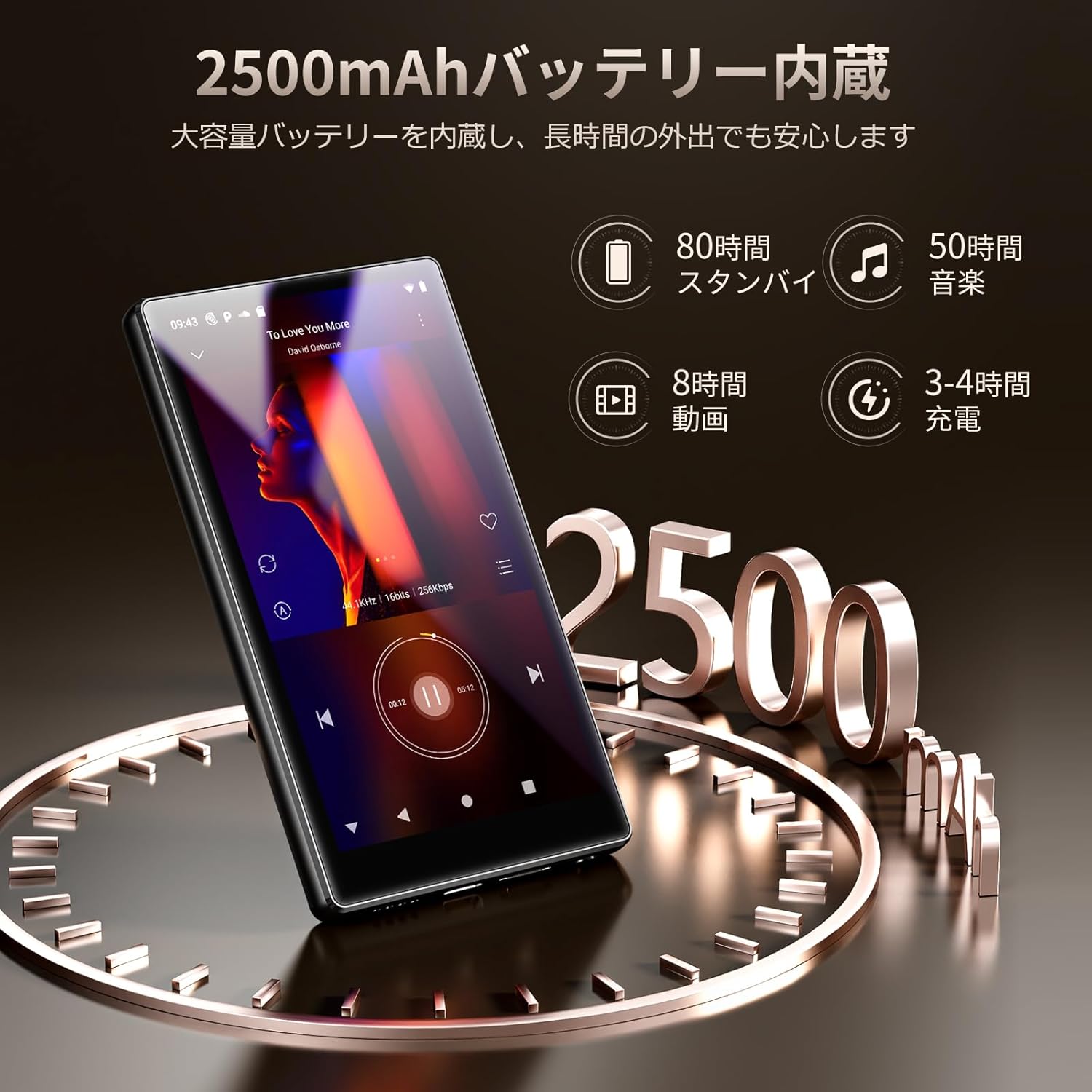
Figure 6.1: 2500mAh Battery Performance. Enjoy long hours of music and video playback.
Estimated Battery Life:
- Standby: Up to 80 hours
- Music Playback: Up to 50 hours
- Video Playback: Up to 8 hours
7. Storage Management
The Fanvace P6 comes with 4GB RAM and 32GB ROM, plus an included 64GB TF card, providing a total of 96GB storage. The storage can be expanded up to 1TB using a separate microSD card.

Figure 7.1: 96GB Large Capacity. The device offers ample storage for your media files.
8. Maintenance
- Keep the device dry. Moisture can damage electronic components.
- Avoid extreme temperatures. Do not expose to direct sunlight or very cold environments.
- Clean the screen and body with a soft, dry cloth. Do not use harsh chemicals.
- Handle with care to prevent drops or impacts.
- Regularly back up important data to prevent loss.
9. Troubleshooting
Device does not turn on:
- Ensure the battery is charged. Connect to a power source and try again.
- If unresponsive, use a pin to press the Reset Button.
Cannot connect to Wi-Fi:
- Check if Wi-Fi is enabled in settings.
- Verify the Wi-Fi password.
- Restart your Wi-Fi router.
- Ensure the device is within range of the Wi-Fi signal.
Bluetooth device not pairing:
- Ensure Bluetooth is enabled on both the player and the external device.
- Make sure the external device is in pairing mode.
- Move the devices closer to each other.
- Try restarting both devices.
Apps are slow or crashing:
- Close unnecessary background applications.
- Clear app cache from Settings > Apps.
- Ensure sufficient storage space is available.
- Update the app to its latest version.
10. Specifications
| Feature | Specification |
|---|---|
| Model Name | P6 |
| Brand | Fanvace |
| Operating System | Android 13 |
| Processor | Octa-Core |
| RAM | 4GB |
| Internal Storage (ROM) | 32GB |
| Included TF Card | 64GB |
| Expandable Storage | Up to 1TB (microSD, sold separately) |
| Screen Size | 5 inches |
| Screen Resolution | 1080x1920 pixels |
| Display Type | IPS Touchscreen |
| Wi-Fi Connectivity | 2.4 GHz, 5 GHz |
| Bluetooth Version | 5.0 |
| Battery Capacity | 2500mAh |
| Charging Time | 3-4 hours |
| Audio Formats | MP3, OGG, FLAC, AAC, WMA, WAV, APE |
| Video Formats | RM, RMVB, FLV, MP4, DAT, MKV, MPG, MOV, TS |
| Dimensions | 17 x 14.7 x 2.4 cm (Package) |
| Weight | 380 g (Package) |
11. Warranty and Support
Fanvace products are designed for reliability and performance. For warranty information and customer support, please refer to the warranty card included in your package or visit the official Fanvace website. Keep your purchase receipt as proof of purchase for warranty claims.
If you encounter any issues not covered in this manual, please contact Fanvace customer support for assistance.