1. Introduction
This manual provides essential information for the proper installation, operation, and maintenance of your AYWHP MG90S Micro Servo Motor Kit. Please read this manual thoroughly before using the product to ensure optimal performance and longevity.
2. Product Features
- High Torque & Speed: Achieves precise movements with 2.0kg torque and 0.11s response time at 4.8V, suitable for demanding RC models.
- Wide Rotation Range: Offers a maximum angle of 0°-180° for precision control in various applications.
- Versatile Compatibility: Designed for 450 helicopters, swashplate machines, and fixed-wing aircraft, with JR and FUTABA plug compatibility.
- Durable Metal Gear Construction: Features robust metal gears and a hollow cup motor, ensuring long-lasting performance and reliability.
- Complete Accessories Included: Comes with a servo arm, 30cm wire, mounting screws, vibration dampers, and aluminum sleeves for easy installation.
3. Package Contents
The AYWHP MG90S Micro Servo Motor Kit typically includes the following items:
- 6 x MG90S Micro Servos
- 6 x Servo Arms (various types)
- 6 x Mounting Screws Kit

Image: Package Contents of the MG90S Micro Servo Kit, showing multiple servos, various servo horns, and mounting screws.
4. Specifications
| Specification | Value |
|---|---|
| Product Dimensions | 0.4 x 0.4 x 0.4 inches |
| Item Weight | 3.52 ounces |
| Stall Torque (4.8V) | 2.0 kg/cm |
| Maximum Angle | 180° |
| Working Voltage | 4.8V |
| Operating Speed (4.8V) | 0.11 seconds / 60 degrees |
| Temperature Range | 0°C - 55°C |
| Manufacturer | AYWHP |
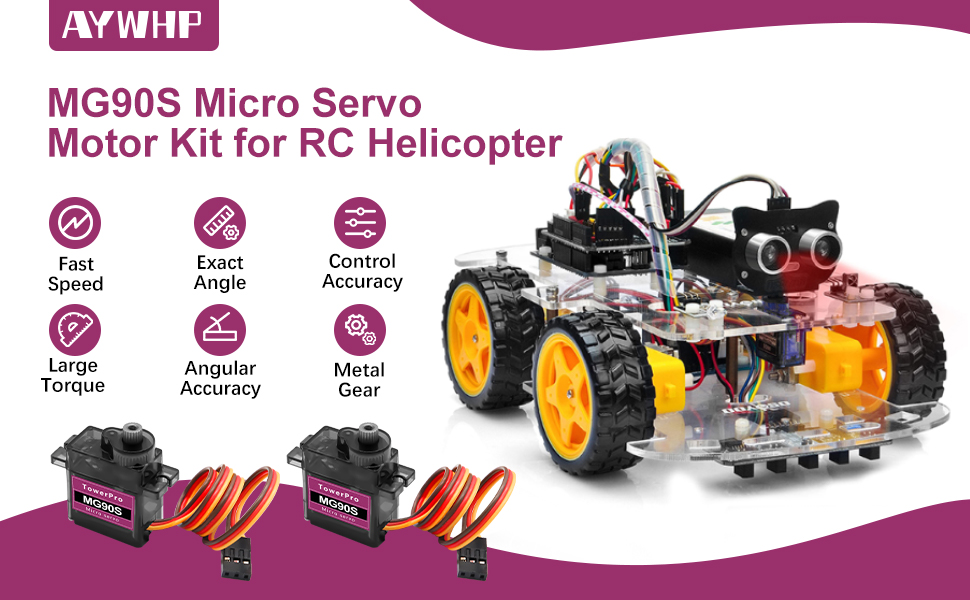
Image: MG90S Micro Servo Parametric Data and Rotation Example, showing key specifications and a visual representation of 180-degree rotation.
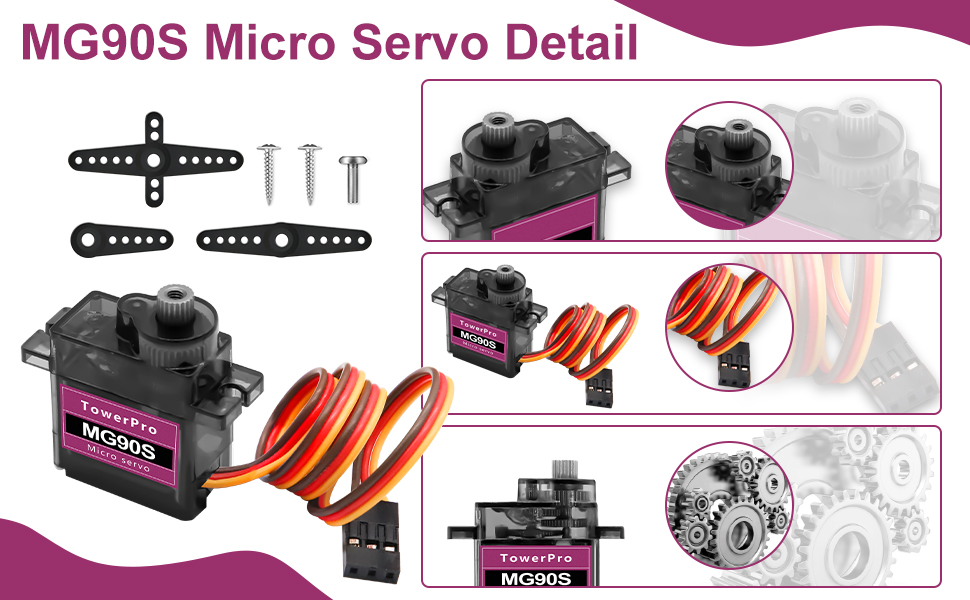
Image: MG90S Micro Servo Internal Structure with Metal Gears, highlighting metal gear, CNC process, stable chip, and reinforced bearing.
5. Setup
Follow these steps to set up your MG90S Micro Servo:
- Connect the Servo: The servo has three wires: brown (Ground), red (VCC/Power), and orange/yellow (Signal). Connect these to your control board (e.g., Arduino) according to its pinout.
- Attach Servo Arm: Select the appropriate servo arm for your application from the included accessories. Secure it to the servo's output shaft using the provided small screw.
- Mount the Servo: Use the mounting screws and any necessary brackets or vibration dampers to securely attach the servo to your project. Ensure it is firmly in place to prevent movement during operation.
- Power Supply: Ensure your power supply provides the correct voltage (4.8V) and sufficient current for the servo.

Image: MG90S Micro Servo connection diagram, illustrating the Negative (brown), Positive (red), and Signal (orange/yellow) wire connections.
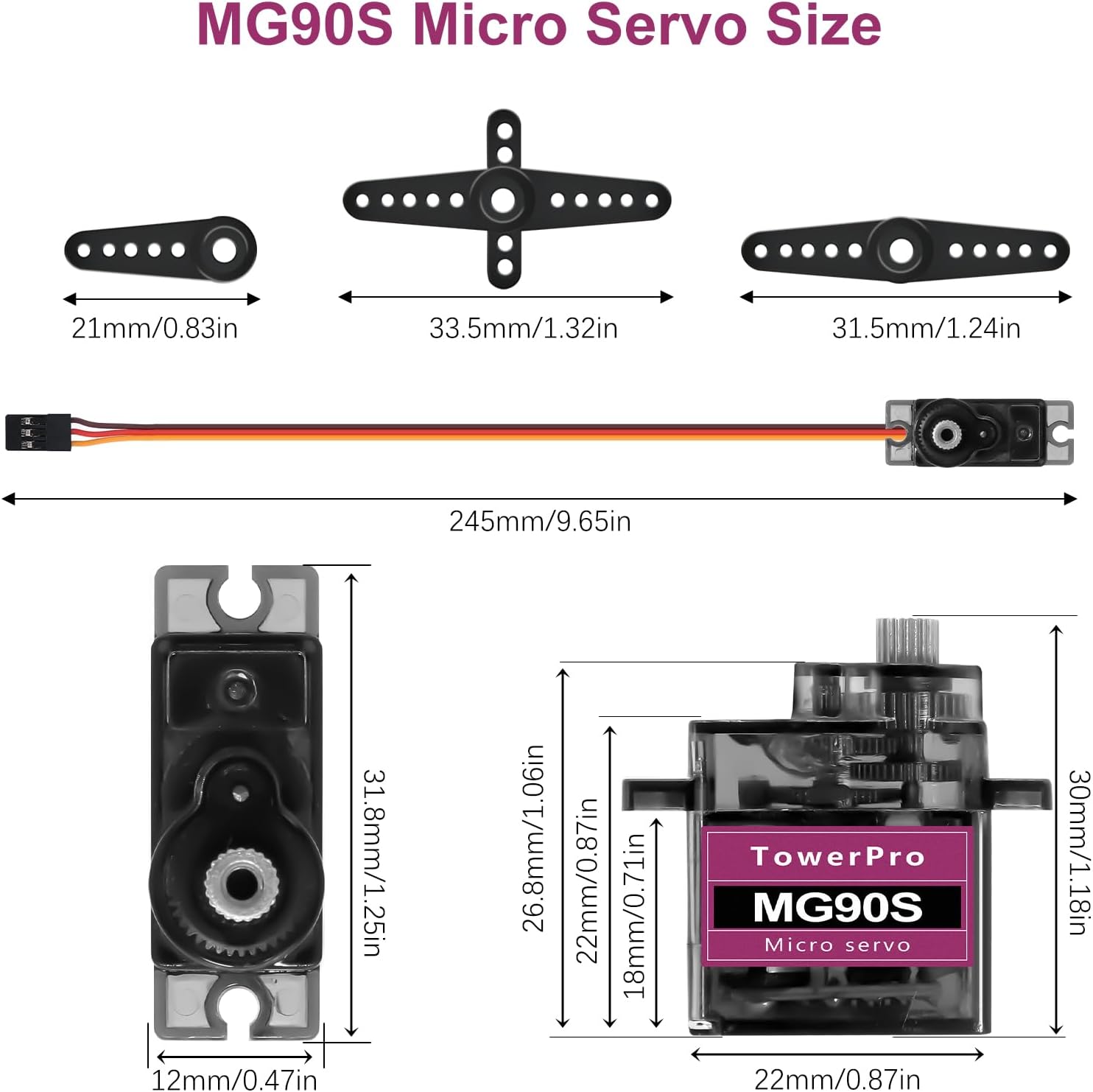
Image: MG90S Micro Servo with various servo horns, showing different types of arms for diverse applications.
6. Operating Instructions
The MG90S Micro Servo is controlled using Pulse Width Modulation (PWM) signals. The pulse width determines the angle of the servo arm.
- PWM Signal: A typical servo expects a pulse every 20ms (50Hz). The duration of this pulse dictates the servo's position.
- Angle Control:
- 0° Position: Achieved with a pulse width of approximately 0.5ms.
- 90° (Neutral) Position: Achieved with a pulse width of approximately 1.5ms.
- 180° Position: Achieved with a pulse width of approximately 2.5ms.
- Programming: For microcontrollers like Arduino, use the Servo library to easily control the servo's angle. For example, `servo.write(angle)` where 'angle' is between 0 and 180 degrees.
- Applications: These servos are commonly used in RC vehicles (helicopters, cars, boats), robotic arms, and various Arduino-based projects requiring precise angular movement.
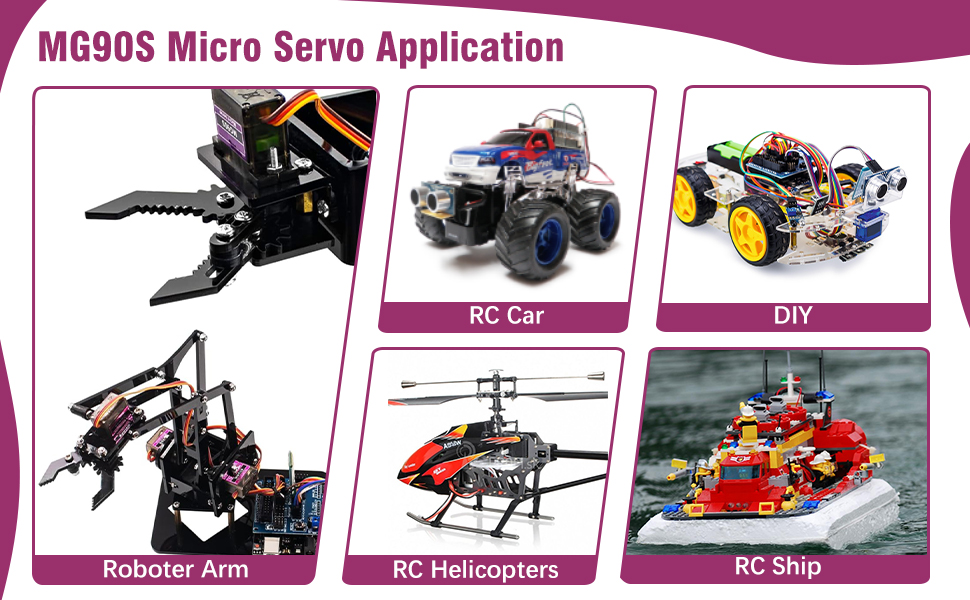
Image: MG90S Micro Servo Control Angle and Wiring Diagram, showing pulse width corresponding to servo angles (0°, 45°, 90°, 135°, 180°).
Video: Demonstrates the SG90 Servo Motor in various applications, including angle control, a light-sensory flag, and a robotic arm. This video is relevant for understanding servo operation in projects.
Video: Shows the 2 Pcs MG90S 9g Micro Servo Motor Metal Gear Micro Servos in action, demonstrating their movement and responsiveness.
Video: A short demonstration of the MG90S 9g Micro Servo Motor Kit, highlighting its functionality.
Video: Features the MG90S 9G Micro Servo Motor Metal Geared for Arduino, showcasing its use in a robotic arm application.
Video: Demonstrates the SG90 9g Micro Servo Motor Metal Gear for RC Car Robot, showing its application in a robotic arm and other projects.
7. Maintenance
To ensure the longevity and optimal performance of your MG90S Micro Servos, consider the following maintenance tips:
- Keep Clean: Regularly clean the servo's exterior to prevent dust and debris from entering the mechanism.
- Avoid Overloading: Do not apply excessive force or torque beyond the servo's rated specifications, as this can damage the gears or motor.
- Check Connections: Periodically inspect all wiring and connections for looseness or damage. Secure any loose connections.
- Storage: Store servos in a dry, cool environment away from direct sunlight and extreme temperatures.
8. Troubleshooting
If you encounter issues with your MG90S Micro Servo, refer to the following troubleshooting guide:
- Servo Not Moving:
- Check power supply: Ensure it provides adequate voltage and current.
- Verify wiring: Confirm that the Ground, VCC, and Signal wires are correctly connected.
- Check control signal: Ensure your microcontroller is sending the correct PWM signal.
- Inaccurate or Erratic Movement:
- Review code: Ensure your programming logic for angle control is correct.
- Check for mechanical obstruction: Ensure the servo arm or connected mechanism is not binding or obstructed.
- Power supply fluctuations: Unstable power can cause erratic behavior. Use a stable power source.
- Excessive Noise:
- Normal operation: Metal gear servos can be slightly noisier than plastic gear servos.
- Overload: If the servo is straining, it may produce excessive noise. Reduce the load or check for obstructions.
9. Safety Information
Please observe the following safety precautions when using the MG90S Micro Servo Motor Kit:
- Electrical Safety: Always ensure correct wiring and power supply voltage to prevent damage to the servo or control board.
- Moving Parts: Keep fingers and other objects clear of moving servo arms to avoid injury.
- Age Recommendation: This product is recommended for users aged 8 years and up. Adult supervision is advised for younger users.
- Environmental Conditions: Do not expose the servo to extreme temperatures, moisture, or corrosive environments.
10. Warranty and Support
For warranty information or technical support, please contact AYWHP customer service through the platform where you purchased the product. Provide your order details and a description of the issue for prompt assistance.


