1. Introduction and Overview
The SHIDU Portable Voice Amplifier S617 is designed to provide clear and amplified sound for various professional and personal uses. Its compact and lightweight design ensures portability, making it suitable for environments such as classrooms, meeting rooms, and outdoor events. This device helps project your voice effectively, reducing strain on your vocal cords.

Figure 1: SHIDU Portable Voice Amplifier S617 with included wired headset microphone and five microphone covers.
2. Package Contents
- 1 x SHIDU Portable Voice Amplifier S617
- 1 x Wired Headset Microphone
- 1 x Type-C Charging Cable
- 1 x Adjustable Strap
- 5 x Microphone Covers (Sponges)
- 1 x User Manual

Figure 2: The SHIDU Voice Amplifier is suitable for various settings, including classrooms, and is available in multiple colors.
3. Setup Instructions
- Initial Charge: Before first use, fully charge the voice amplifier using the provided Type-C charging cable. The device is equipped with an 1800mAh rechargeable Lithium-ion battery.
- Connect Microphone: Insert the wired headset microphone's 3.5mm jack into the "MIC" port on the amplifier.
- Wearing Options:
- Neck Strap: Attach the adjustable strap to the designated loops on the amplifier and wear it around your neck for hands-free operation.
- Belt Clip: Utilize the built-in clip on the back of the amplifier to secure it to your belt or waistband.
- Position Microphone: Adjust the headset microphone so that it is positioned close to your mouth for optimal voice pickup.

Figure 3: The amplifier can be worn with a neck strap, allowing the user to move freely while speaking.
4. Operating Instructions
- Power On/Off and Volume Control: Locate the ON/OFF/Volume dial. Rotate the dial clockwise to turn the amplifier ON and increase the volume. Rotate counter-clockwise to decrease the volume and turn the amplifier OFF.
- Mute Function: The microphone headset supports a manual mute function. Press the dedicated mute button to temporarily silence the microphone. Press it again to unmute.
- Audio Input (AUX): The amplifier supports 3.5mm AUX audio input. Connect your cell phone or computer using a 3.5mm AUX cable to use the amplifier as a wired speaker for music playback or other audio.

Figure 4: Detailed view of the amplifier's control panel, including power, volume, mute, and input ports.
5. Charging and Battery Life
- Battery Capacity: 1800mAh rechargeable Lithium-ion battery.
- Amplification Time: Up to 8-12 hours on a full charge.
- Music Playback Time: 6-10 hours on a full charge.
- Charging Time: Approximately 3-4 hours for a full charge using the included Type-C charging cable.

Figure 5: The amplifier's battery provides extended usage and charges quickly.
6. Maintenance
- Cleaning: Use a soft, dry cloth to clean the amplifier and microphone. Avoid using harsh chemicals or abrasive materials.
- Storage: Store the device in a cool, dry place away from direct sunlight and extreme temperatures.
- Microphone Covers: Replace microphone covers (sponges) regularly for hygiene and optimal sound quality. Five extra covers are included.
7. Troubleshooting
- Feedback/Squealing Noise:
- Ensure the speaker and microphone are kept at a sufficient distance from each other.
- Point the microphone away from the speaker.
- Reduce the volume if feedback persists.
- No Sound/Low Volume:
- Check if the amplifier is powered on and the volume is turned up.
- Ensure the microphone is securely plugged into the "MIC" port.
- Verify that the microphone is positioned correctly near your mouth.
- Check the battery level and recharge if necessary.
- Distorted Sound:
- Reduce the volume.
- Ensure the microphone is not too close to your mouth or being overdriven.
8. Specifications
| Brand | SHIDU |
| Model Number | S617 |
| Output Power | Max 16 Watts |
| Coverage Area | Up to 11,000 sq.ft (1100 ㎡) |
| Battery Capacity | 1800mAh Lithium-ion |
| Amplification Time | 8-12 hours |
| Music Playback Time | 6-10 hours |
| Charging Time | 3-4 hours (Type-C) |
| Dimensions | 3.98 x 3.44 x 1.9 inches |
| Item Weight | 0.45 pounds (15.8 ounces) |
| Material | Durable and wear-resistant ABS |
| Connectivity | 3.5mm AUX audio input |
| UPC | 860013203474 |
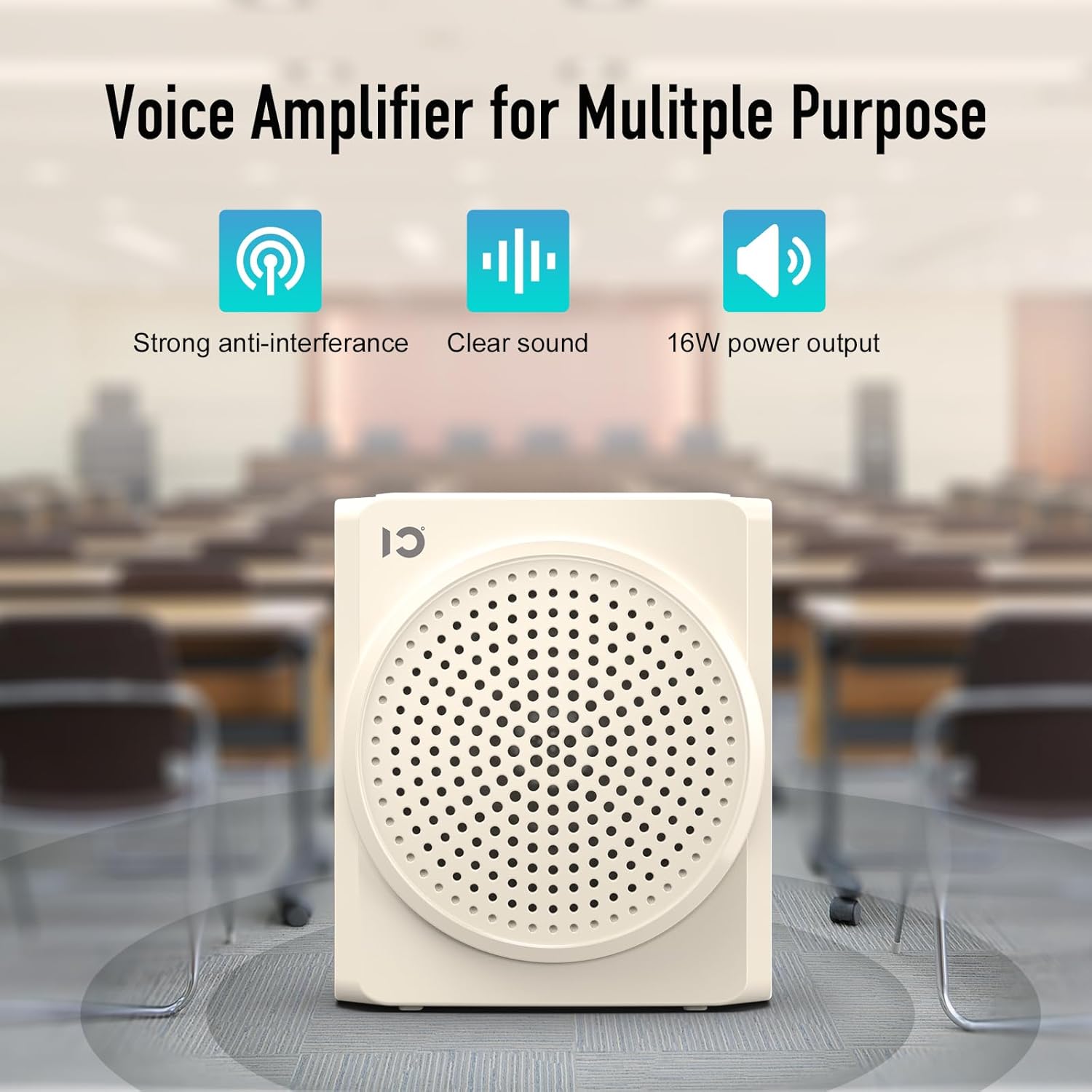
Figure 6: The amplifier delivers 16W clear sound, covering a wide area for effective communication.
9. Warranty and Support
SHIDU offers the following support for your Voice Amplifier S617:
- Return and Refund: 30-day return and refund policy without reason.
- Warranty: 36-month warranty from the date of purchase.
- Technical Support: Lifetime technical support is provided.
For any inquiries or support, please refer to the contact information provided in your product packaging or visit the official SHIDU website.


