1. Introduction
Thank you for choosing the YISSVIC LED Bug Zapper Indoor. This device is designed to effectively eliminate flying insects such as mosquitoes, flies, moths, and gnats using a 4000V high-voltage electric grid and attractant LED light. This manual provides essential information for the safe and efficient operation, setup, and maintenance of your bug zapper. Please read it thoroughly before first use and retain it for future reference.
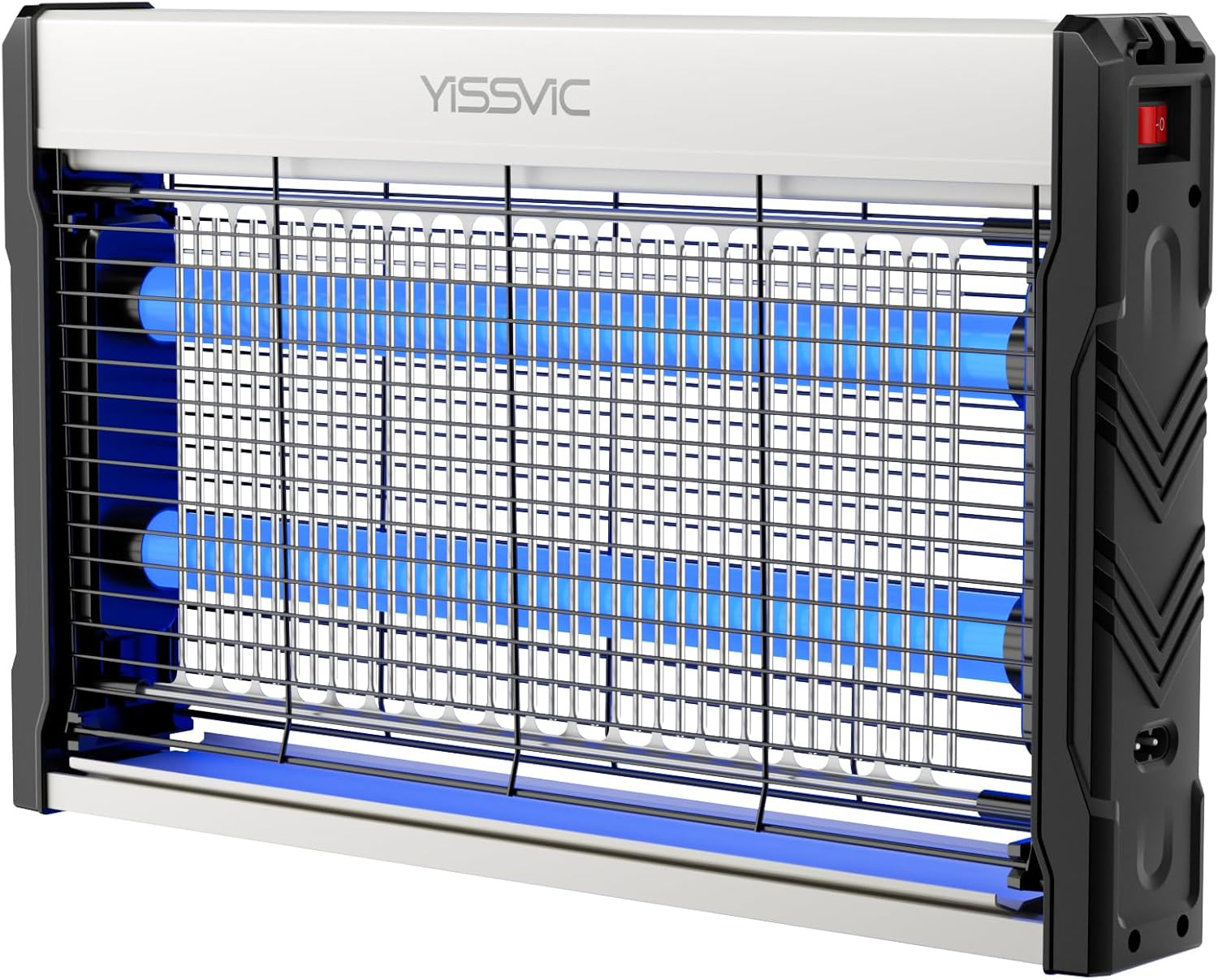
Image 1.1: Front view of the YISSVIC LED Bug Zapper, highlighting its blue LED lights and protective grid.
2. Safety Information
Your safety is paramount. Please observe the following precautions:
- Indoor Use Only: This bug zapper is not waterproof and is not recommended for outdoor use. Exposure to rain or moisture can cause electric shock or damage.
- Keep Out of Reach: Ensure the device is placed out of reach of children and pets to prevent accidental contact with the electric grid. The protective mesh is designed to prevent accidental contact, but caution is still advised.
- Power Source: Only connect the device to a power outlet that matches the voltage specified on the product label.
- Do Not Touch Grid: Never touch the internal high-voltage grid, even when the device is unplugged, as residual charge may remain.
- Unplug Before Maintenance: Always unplug the bug zapper from the power outlet before cleaning or performing any maintenance.
- Avoid Water: Do not immerse the device in water or any other liquid. Do not spray with water.
- Damaged Cord/Plug: Do not operate the device if the power cord or plug is damaged. Contact customer support for assistance.
- No Flammable Materials: Do not use near flammable liquids, gases, or materials.

Image 2.1: The bug zapper positioned safely in a home environment, emphasizing its child and pet-friendly design when hung.
3. Package Contents
Upon opening the package, please verify that all the following items are included:
- YISSVIC LED Bug Zapper (x1)
- Hanging Chain (x1)
- Extended 6.6ft Power Cord (x1)
- Cleaning Brush (x1)
- Stand Bases (x2)
- Instruction Manual (x1)
4. Product Features
- Long-Lasting LED Bulb: Utilizes 365nm attractant LED bulbs, designed for extended lifespan and no replacement needed, effectively attracting flying insects.
- Powerful 4000V Grid: Delivers high-voltage electric shocks to quickly eliminate mosquitoes, flies, moths, gnats, and other flying pests.
- Extended Power Cord: Features a 6.6ft (2m) power cord for flexible placement options within your home or office.
- Versatile Placement: Equipped with a hanging chain for suspension and two stand bases for desktop placement.
- Protective Mesh: Double-layered protective nets prevent accidental contact with the internal electric grid.
- Easy to Clean: Features a removable plastic tray at the bottom to collect dead insects, simplifying the cleaning process.
- Wide Application: Suitable for various indoor environments including homes, offices, restaurants, kitchens, and warehouses.
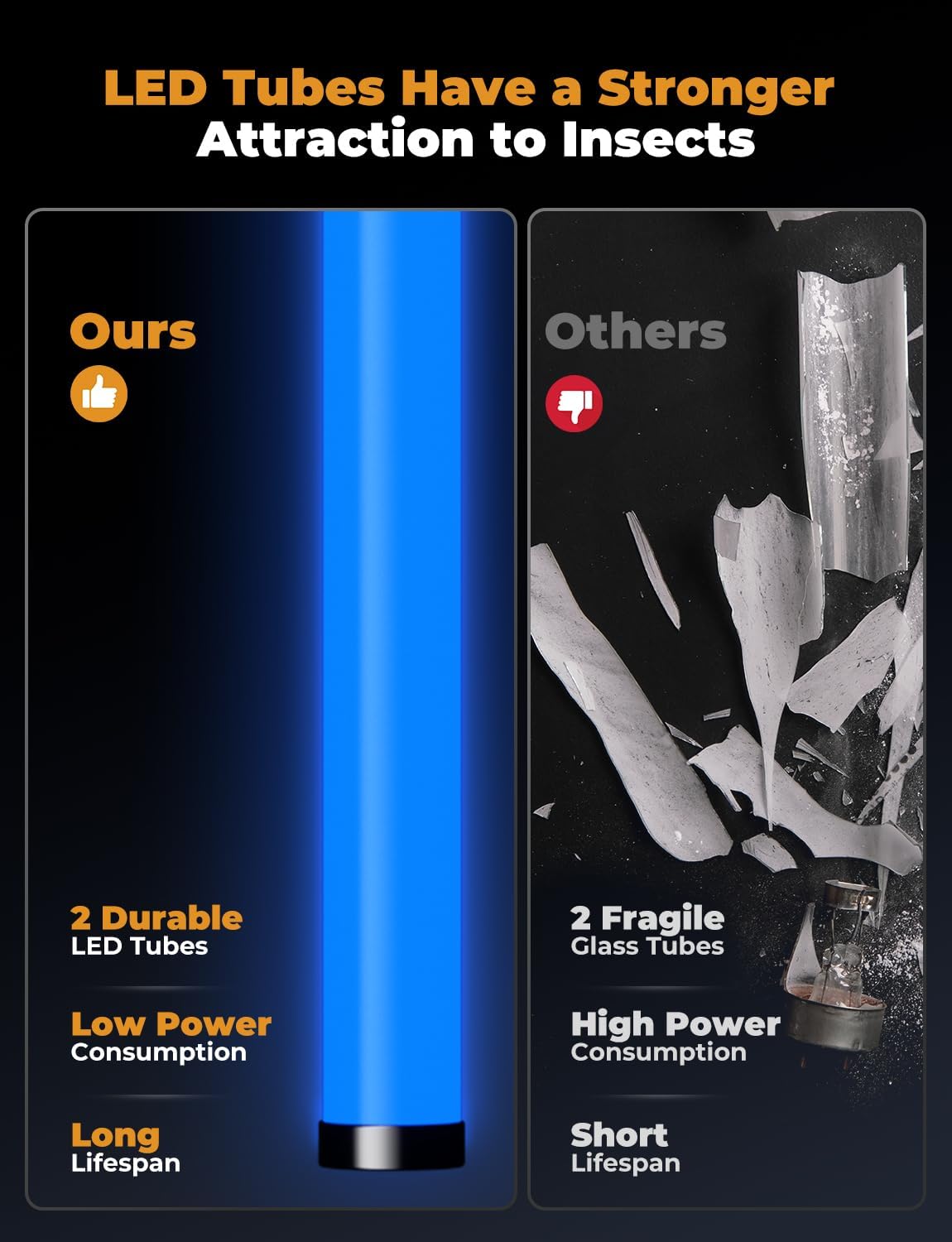
Image 4.1: LED tubes offer superior attraction and longevity compared to traditional bulbs.

Image 4.2: The powerful electric grid effectively eliminates various flying insects.
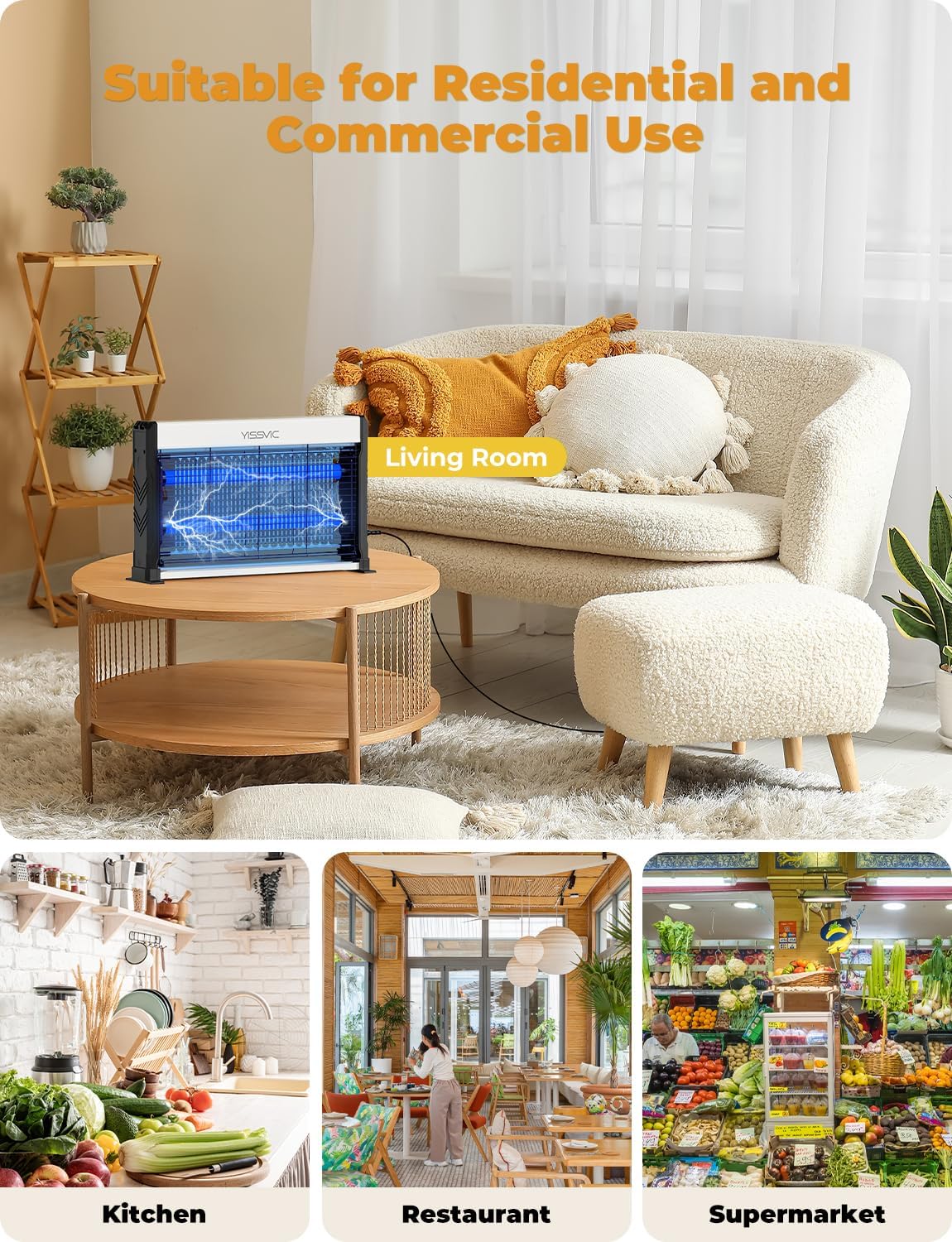
Image 4.3: The bug zapper is suitable for both residential and commercial indoor environments.
5. Setup
The YISSVIC LED Bug Zapper offers flexible installation options:
5.1. Standing Placement
- Ensure the device is unplugged.
- Attach the two provided stand bases to the bottom of the bug zapper. These bases slide into designated slots on each end of the unit.
- Place the bug zapper on a flat, stable surface, such as a table or countertop.
5.2. Hanging Placement
- Ensure the device is unplugged.
- Attach the hanging chain to the designated loops on the top of the bug zapper.
- Hang the bug zapper from a secure hook or fixture, ensuring it is stable and out of reach.
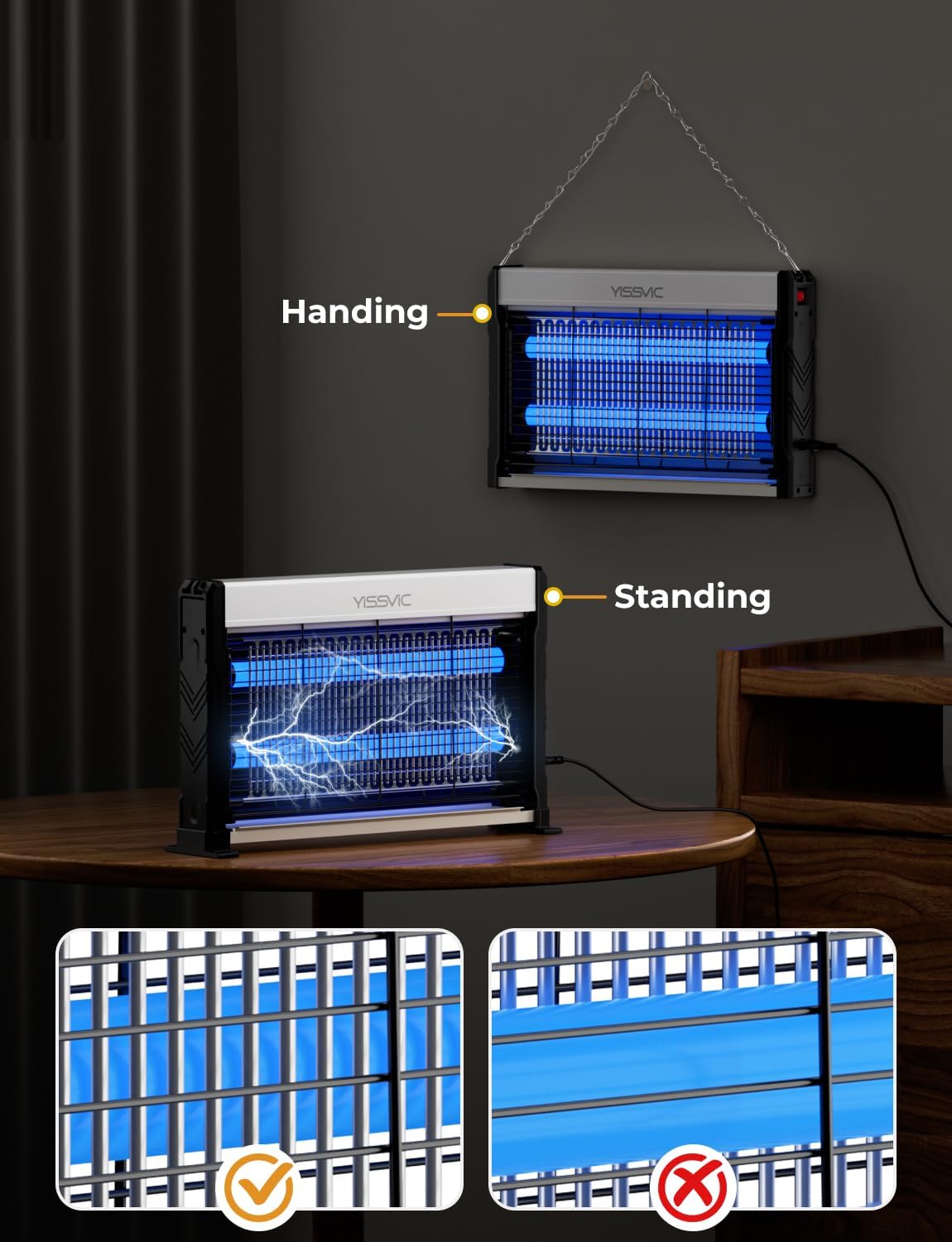
Image 5.1: The bug zapper can be used in both hanging and standing configurations.

Image 5.2: Detail of the fixed bases for improved stability when standing.
6. Operating Instructions
- After setting up the bug zapper in your desired location (standing or hanging), ensure it is securely placed.
- Plug the 6.6ft power cord into a standard electrical outlet.
- Locate the power switch, typically on the side of the unit. Flip the switch to the 'ON' position. The LED lights will illuminate.
- For optimal performance, place the bug zapper in a dimly lit area, as insects are more attracted to the light in darker conditions.
- Important Note: The side with the YISSVIC logo is near the power grid. For best zapping results, ensure this side with the logo is facing forward or towards the area where insects are most prevalent.
- To turn off the device, flip the power switch to the 'OFF' position and unplug it from the outlet.
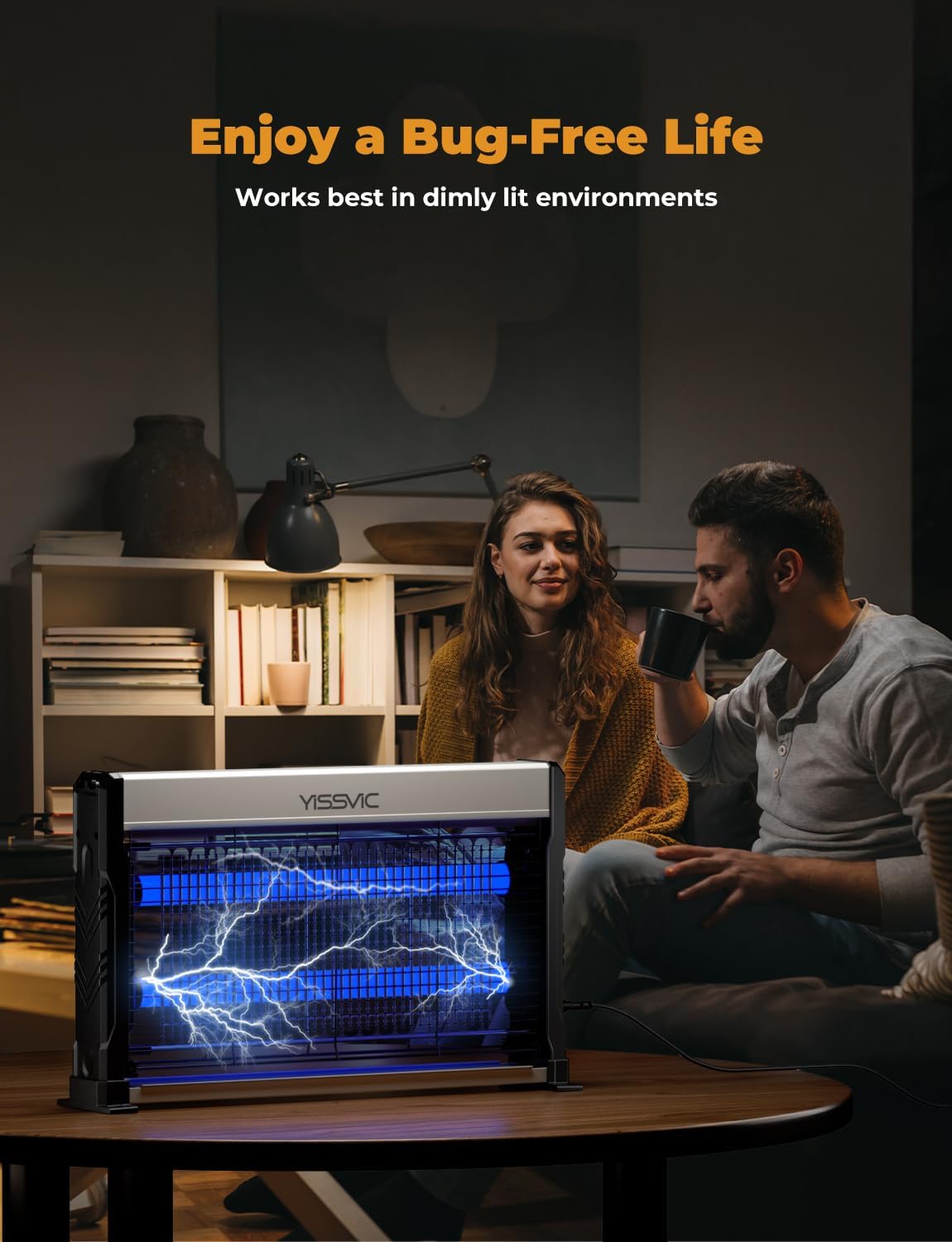
Image 6.1: The bug zapper works most effectively in dimly lit environments.
7. Maintenance
Regular cleaning ensures the longevity and effectiveness of your bug zapper.
7.1. Cleaning the Collection Tray
- Always unplug the bug zapper from the power outlet before cleaning.
- Locate the removable plastic collection tray at the bottom of the unit.
- Gently slide out the tray.
- Dispose of the collected dead insects.
- Clean the tray with water and mild soap if necessary, then dry thoroughly before reinserting.
7.2. Cleaning the Electric Grid
- Ensure the device is unplugged and has been off for at least 5 minutes to allow any residual charge to dissipate.
- Use the provided cleaning brush to gently brush away any insects or debris stuck to the electric grid. Do not use metal objects or water.
- The protective grid is detachable for easier access to the electric net for cleaning. Carefully remove it if needed, and reattach securely after cleaning.

Image 7.1: Components of the bug zapper, illustrating how to access the collection box and protective net for cleaning.
8. Troubleshooting
If you encounter issues with your YISSVIC LED Bug Zapper, please refer to the following common problems and solutions:
| Problem | Possible Cause | Solution |
|---|---|---|
| Device does not turn on. | No power supply; power switch is off; damaged cord/plug. | Check if the power cord is securely plugged into a working outlet. Ensure the power switch is in the 'ON' position. Inspect the power cord and plug for any damage; if damaged, do not use and contact customer support. |
| Insects are not being zapped or killed effectively. | Device placed in too bright an area; electric grid is dirty; incorrect orientation. | Move the zapper to a darker location. Unplug the device and clean the electric grid using the provided brush. Ensure the side with the YISSVIC logo is facing forward. |
| Device makes a buzzing noise. | Normal operation; large insect caught in grid. | A slight buzzing sound is normal during operation. If the sound is loud or continuous, unplug the device and clean the grid to remove any trapped insects. |
| Foul odor after zapping. | Normal result of insects being zapped. | This is a normal occurrence when insects are electrocuted. Ensure proper ventilation in the area. |
If the problem persists after attempting these solutions, please contact YISSVIC customer support for further assistance.
9. Specifications
| Feature | Detail |
|---|---|
| Brand | YISSVIC |
| Model Number | WD_253 |
| Color | White |
| Style | 6.6ft power cord |
| Material | Plastic, Polypropylene (PP), Stainless Steel |
| Product Dimensions (L x W x H) | 9" x 3" x 17" (approximately 22.86cm x 7.62cm x 43.18cm) |
| Item Weight | 2.42 pounds (approximately 1.1 kg) |
| Voltage | 4000V (Electric Grid) |
| Light Source | LED Bulb (365nm attractant light) |
| Intended Use | Indoor |
10. Warranty and Support
YISSVIC is committed to providing high-quality products and customer satisfaction. For any questions, concerns, or warranty inquiries regarding your LED Bug Zapper, please contact YISSVIC customer support through the retailer's platform or visit the official YISSVIC brand store for contact information.
Please retain your purchase receipt as proof of purchase for any warranty claims.
You can visit the YISSVIC Brand Store for more information: YISSVIC Store


