
Introduction
The XTOOL D6 OBD2 Scanner is a powerful and portable full system diagnostic tool designed for comprehensive vehicle maintenance and troubleshooting. This manual provides detailed instructions on setting up, operating, maintaining, and troubleshooting your D6 scanner to ensure optimal performance and longevity.

Figure 1: The XTOOL D6 OBD2 Scanner, showcasing its compact design and key features like All Systems, 15 Resets, FCA AutoAuth, CAN FD, and Voltage Display.
1. Setup Guide
1.1 Unboxing and Initial Inspection
Upon receiving your XTOOL D6, carefully open the packaging and inspect the contents. The box should include the D6 scanner unit, the OBD2 main cable, and a charging cable. Ensure all components are present and undamaged.
1.2 Powering On and Initial Configuration
The D6 scanner is powered by a 3150mAh 3.6V Lithium Ion battery. To power on, press and hold the power button located on the device. Upon first use, you may be prompted to configure initial settings such as language. The device supports 15 languages including English, Spanish, French, German, and Russian.
1.3 Connecting to Wi-Fi and Software Updates
For optimal performance and access to the latest vehicle data and functions, connect your D6 scanner to a Wi-Fi network. Navigate to the 'Updates' section on the main menu. The XTOOL D6 offers free lifetime software updates, ensuring compatibility with new vehicle models and continuous feature enhancements.
Video 1: Demonstrates the ease of use and portability of the XTOOL D6, highlighting its suitability for DIYers and initial setup processes.
2. Operating Instructions
2.1 Connecting to Vehicle
Locate your vehicle's OBD2 port (typically under the dashboard). Connect the OBD2 main cable from the D6 scanner to the vehicle's OBD2 port. The scanner will draw power directly from the vehicle.
2.2 Full System Diagnostics with AutoVIN
The XTOOL D6 features AutoVIN technology, which automatically identifies your vehicle upon connection. It can then perform a comprehensive scan of all available systems and modules, including Engine (AT/ENG), Anti-lock Braking System (ABS), Supplemental Restraint System (SRS), Heating, Ventilation, and Air Conditioning (HVAC), Powertrain Control Module (PCM), Body Control Module (BCM), airbags, lighting, and audio control systems.

Figure 2: Illustration of the XTOOL D6's OE-Level All Systems Diagnostic capability, showing various vehicle modules it can scan.
2.3 Reading and Clearing Diagnostic Trouble Codes (DTCs)
After a full system scan, the D6 will display any detected DTCs. You can read the detailed description of each code from the built-in DTC Library to understand the fault. Once repairs are made, you can clear the codes to turn off warning lights.
2.4 Live Data Stream and Graphing
Monitor real-time live data streams from various sensors and components. The D6 allows viewing up to 4 PIDs (Parameter IDs) in one graph, which is crucial for pinpointing intermittent faults or verifying repairs, such as tracing ABS failure or coolant temperature sensor issues.

Figure 3: Depicts the smart functions of the XTOOL D6, including the ability to graph up to 4 PIDs simultaneously for detailed diagnostics.
2.5 OBD2 Functions and I/M Readiness
The D6 supports all 10 OBD2 modes, allowing you to check I/M readiness status to ensure your vehicle is ready for emissions testing and to keep the engine light off.
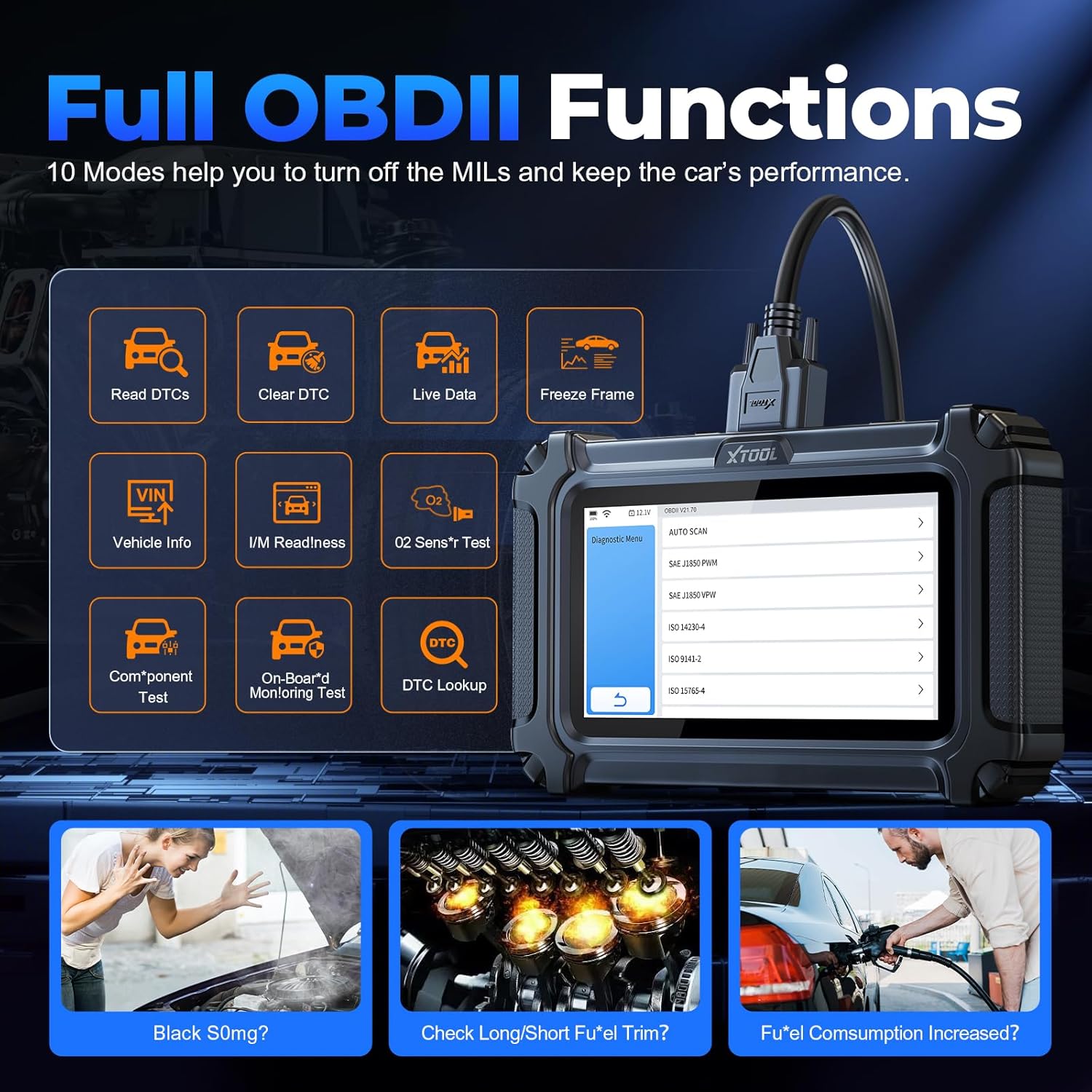
Figure 4: Overview of the 10 Full OBDII Functions supported by the XTOOL D6, aiding in comprehensive vehicle performance checks.
2.6 Special Functions (15 Resets)
The D6 offers 15 critical reset and relearn functions for common maintenance tasks:
- Oil Light Maintenance: Reset the oil life system after an oil change.
- Electronic Parking Brake Reset (EPB Service): Reset calipers, brake discs, or pads after brake system repair.
- TPMS Reset: Reset tire pressure monitoring system.
- ABS Bleeding: Perform ABS brake bleed function to cycle the ABS pump and bleed air.
- Steering Angle Sensor Reset (SAS Reset): Clear fault steering angle sensor memories and turn off warning light.
- Throttle Body Relearn (Throttle Position Relearn): Reset throttle actuators for accurate idle and smooth acceleration.
- Injector Coding: Code new injectors after replacement for accurate fuel injection control.
- Gearbox Adaptation: Complete self-learning and calibrate the gearbox.
- Suspension Adjustment: Adjust vehicle suspension settings.
- Headlight Adjustment: Initialize adaptive headlight system (after lifting car chassis).
- Battery Reset: Reset monitoring unit after battery replacement or sensor change.
- Window Calibration: Perform window initialization (during post-battery death).
- Crank Sensor Relearn (CPK Relearn): Perform relearn procedure when replacing crank sensor or flywheel.
- BMS Reset: Reset battery management system.
- DPF/GPF Regeneration: Perform regeneration for diesel/gasoline particulate filters.

Figure 5: Visual representation of the 15 Maintenance Functions available on the XTOOL D6, covering various vehicle systems.
Video 2: Showcases the XTOOL D6 OBD2 Scanner's 15 Reset functions, demonstrating their application for everyday vehicle repairs.
3. Maintenance
3.1 Software Updates
Regularly check for and install software updates via Wi-Fi to ensure your D6 scanner has the latest vehicle coverage and diagnostic capabilities. Updates are free for life.
3.2 Device Care
The D6 features a rugged, drop-resistant design, tested from 4ft, with textured silicone grips for durability. Keep the device clean and store it in a safe environment when not in use. Avoid exposing it to extreme temperatures or moisture.
Video 3: Illustrates the drop-tested durability of the XTOOL D6, emphasizing its robust construction for reliable diagnostics.
3.3 Diagnostic Report Management
The D6 can save over 1000 repair reports on its 32GB internal storage, which is expandable via microSD. You can generate and share these diagnostic reports in PDF format with mechanics or for your records.
4. Troubleshooting
4.1 Common Issues and Solutions
- Scanner not powering on: Ensure the device is charged or properly connected to the vehicle's OBD2 port. Check the OBD2 cable for damage.
- Communication error with vehicle: Verify the OBD2 cable connection is secure. Ensure the vehicle's ignition is on (engine off or running as required by the specific diagnostic function). Confirm vehicle compatibility with the D6 scanner.
- Inaccurate readings or functions not working: Ensure the software is up-to-date. Functions may vary across different vehicle models; check compatibility before performing specific relearns or diagnostics.
- Device freezing or slow performance: Restart the device. Ensure sufficient storage space is available.
4.2 Contacting Support
For any issues not resolved by the troubleshooting steps, XTOOL provides responsive professional support. You can contact them via email at Xtooldirect@outlook.com. When contacting support, provide your car's VIN for compatibility checks and detailed issue descriptions.
5. Product Specifications
| Model | D6 |
| Manufacturer | XTOOL |
| Operating System | Linux |
| Display | 5.45-inch HD Touchscreen (720x1440 resolution) |
| Storage | 32GB (expandable via microSD) |
| Battery | 3150mAh 3.6V Lithium Ion (included) |
| Item Weight | 1.74 pounds |
| Package Dimensions | 9.69 x 6.1 x 3.5 inches |
| Durability | Drop-tested from 4ft, rugged design with silicone grips |
| Vehicle Coverage | 1996+ US, 2003+ European, 2008+ Asian, Australia 12V OBD2 vehicles; supports CAN FD (GM 2020+), FCA AutoAuth (Chrysler, Jeep, Dodge 2018+, Fiat 2017+) |
| Languages | 15 languages including English, Spanish, French, German, Russian |
6. Warranty and Support
6.1 Warranty Information
The XTOOL D6 OBD2 Scanner comes with a 2-year warranty, providing peace of mind for your investment.
6.2 Lifetime Free Updates
Benefit from lifetime free software updates, ensuring your scanner remains current with the latest vehicle technologies and diagnostic functions without additional subscription fees.
6.3 Customer Support
XTOOL is a 13-year reliable brand committed to customer satisfaction. They offer 24/7 after-sale assistance and responsive technical support. For any inquiries or assistance, please reach out to Xtooldirect@outlook.com.
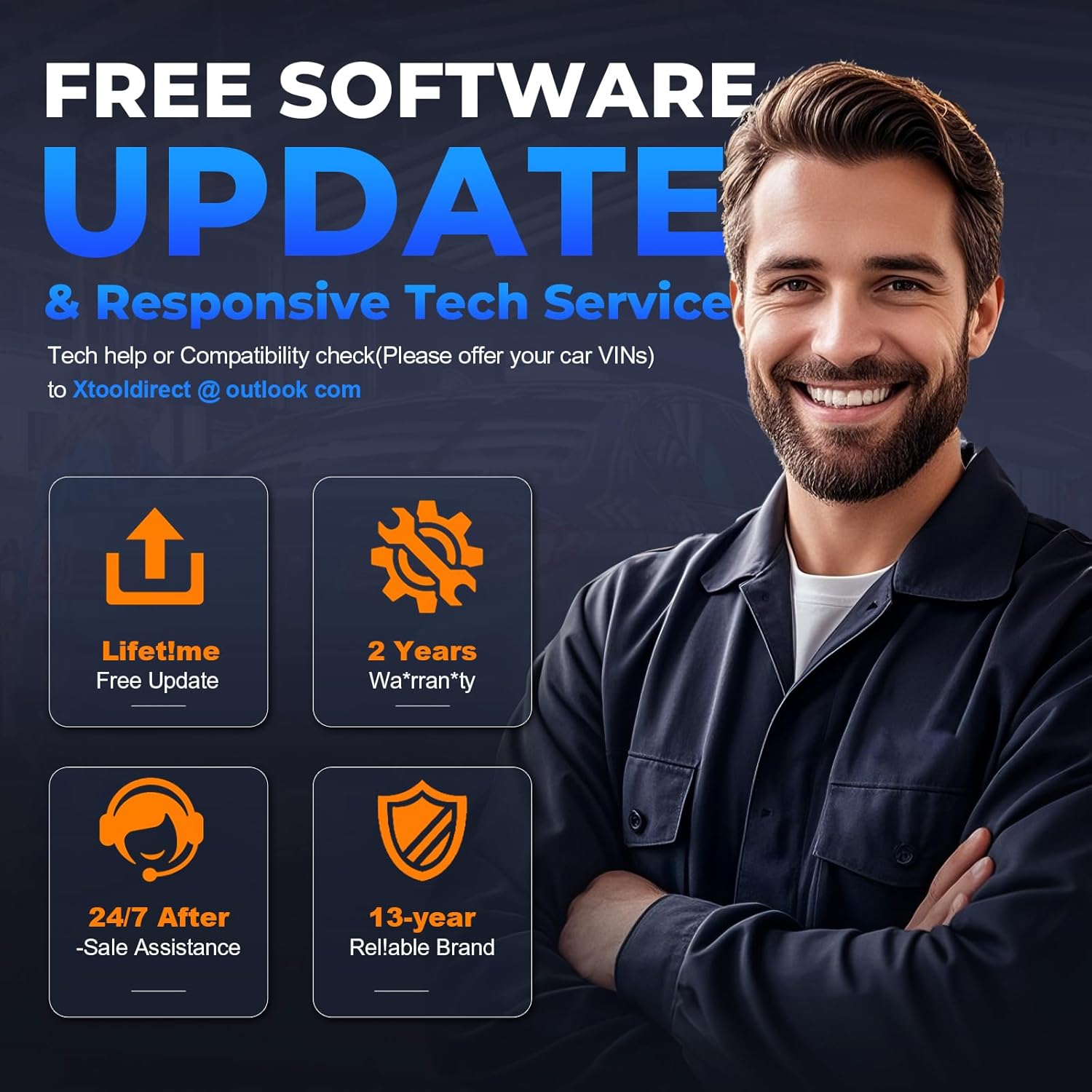
Figure 6: Highlights the benefits of owning the XTOOL D6, including lifetime free updates, 2-year warranty, and dedicated 24/7 after-sale assistance.


