
Introduction
The Muayb Mini Body Camera is a compact and versatile device designed for capturing high-quality 1080P video footage in various environments. Featuring IPX7 waterproofing, a 64GB built-in memory, and a 2500mAh charging case, it's ideal for outdoor activities, pet monitoring, travel, and work. Its magnetic lanyard and rotatable clip offer flexible mounting options for hands-free recording. Wi-Fi connectivity allows for easy management of footage via a companion app.
What's in the Box
Your Muayb Mini Body Camera package includes everything you need to get started:
- Mini body camera with 64GB SD Card x1
- Charging Case x1
- 180° Hat Clip x1
- BK05 Magnetic Lanyard x1
- Bicycle Mount x1
- Data Cable x1
- Reset Pin x1
- User Manual x1
- Black pet elastic strap x1

Image: All components included in the product packaging.
Video: Unboxing and display of all accessories for the Muayb Mini Body Camera.
Setup
Initial Charging
Before first use, ensure your camera and charging case are fully charged. The camera's 400mAh battery provides 100-120 minutes of recording, while the 2500mAh charging case extends usage significantly.

Image: The camera and charging case provide extended battery life for various activities.
Connecting to the App (Wi-Fi)
The camera features Wi-Fi connectivity for easy viewing and management of footage via a companion app. Follow these steps to connect:
- Long-press the button on the camera to turn it on. The Blue LED will be bright.
- Press the button twice to turn on Wi-Fi mode. The Red LED will flash.
- Go to your phone's Wi-Fi settings and connect to the camera's Wi-Fi network (e.g., 'WIFI_xxxx'). The password is typically 1 to 8.
- Once connected, the Red LED on the camera will be bright.
- Open the 'Sports DV' app on your phone. Click 'Play' to access the live preview and manage settings.
Video: Quick guide on connecting the Muayb Mini Body Camera to your phone via Wi-Fi.
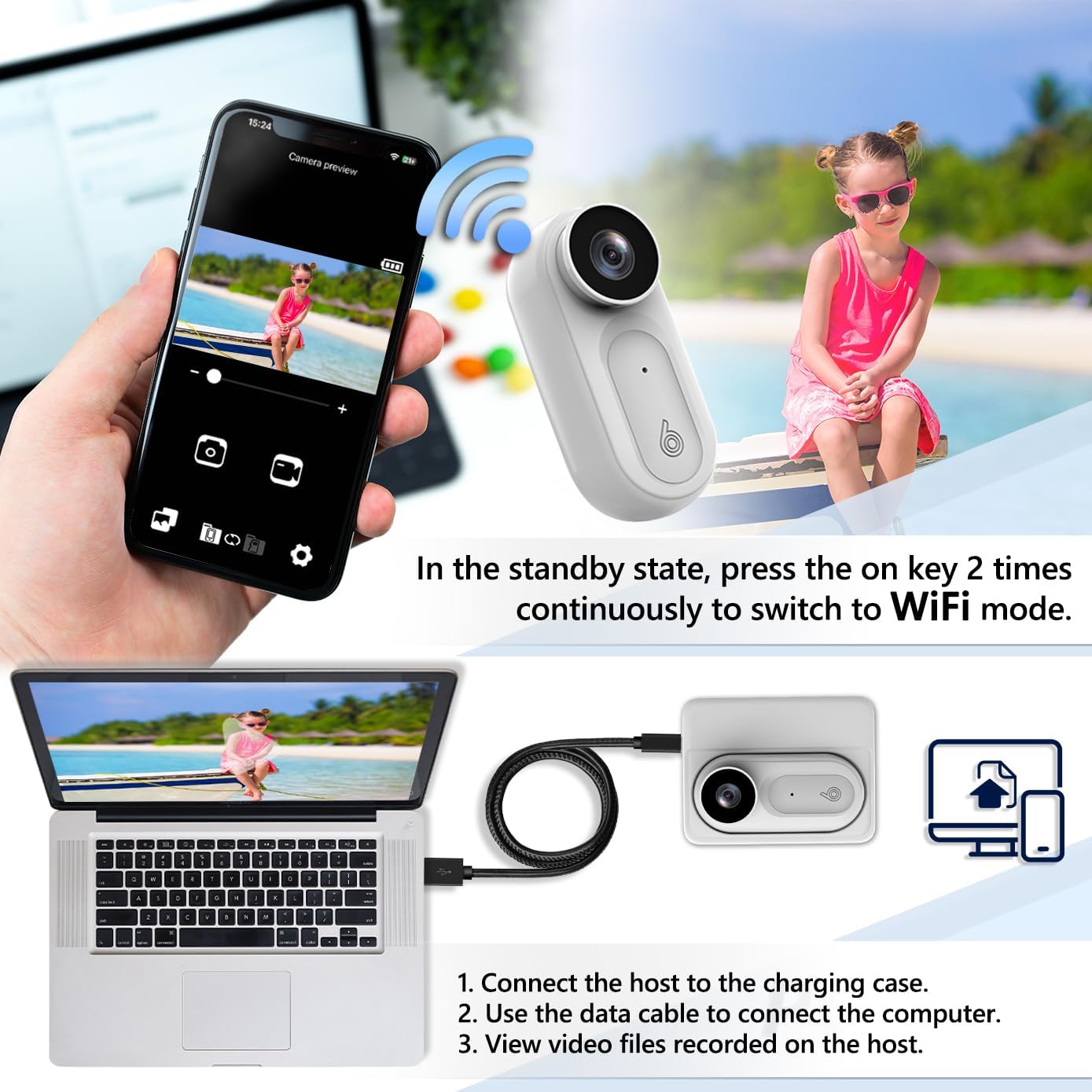
Image: Connect the camera to your phone via Wi-Fi for live preview and file management. You can also connect to a computer via data cable.
Operating Instructions
Recording Video
To start recording, press the power button once. The Blue LED will flash. To stop recording, press the power button once again. The Blue LED will remain bright.
Taking Photos
While in live preview mode via the app, you can take photos by tapping the camera icon on the screen.
No LED Recording Mode
For discreet recording, you can turn off the LED indicator lights through the app settings. This setting will be applied as the default even if you disconnect Wi-Fi or turn off the camera.
Video: Demonstrates how to activate the No Light Mode for discreet recording.
Auto Loop Recording
The camera supports automatic loop recording. When the 64GB built-in memory is full, older videos will be automatically overwritten to ensure continuous recording without interruption.
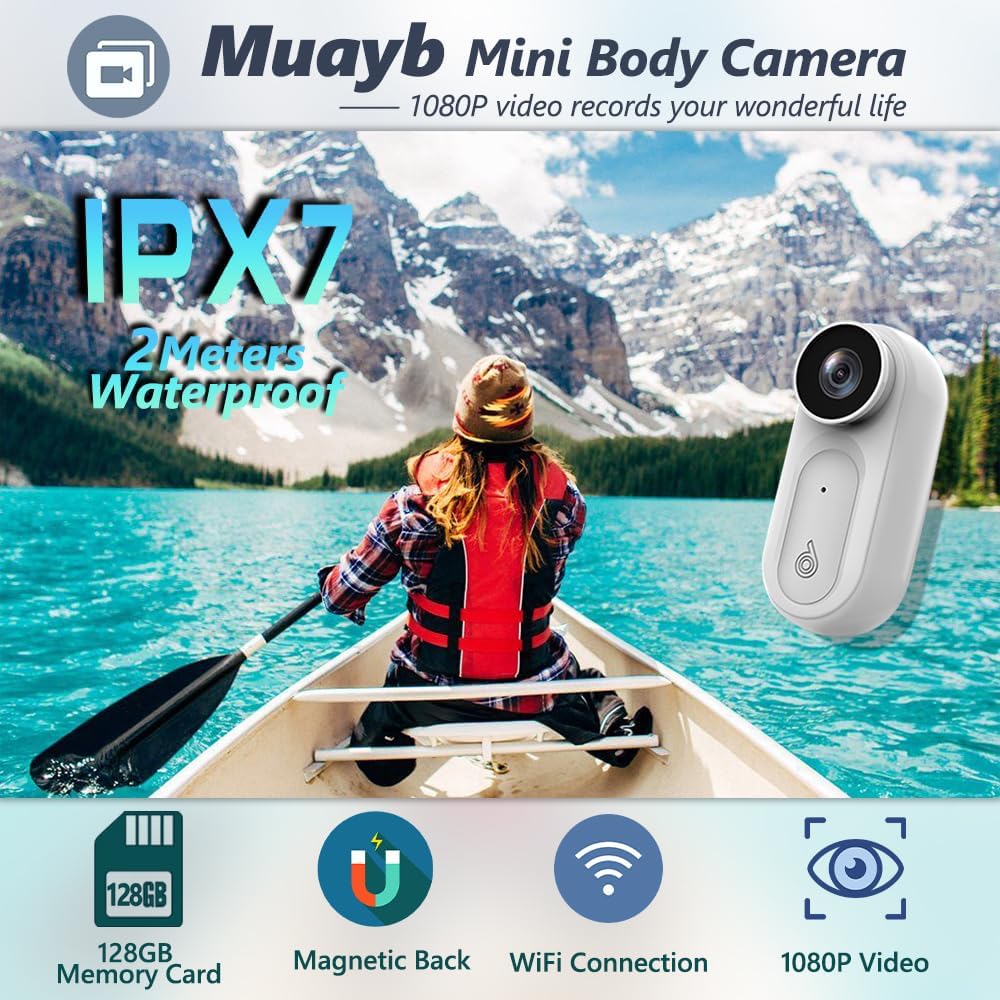
Image: Key features including IPX7 waterproof, 64GB built-in storage, magnetic attachment, Wi-Fi support, and 1080P video recording.
Mounting Options
The camera offers versatile mounting options for various uses:
- 180° Rotatable Clip: Attach to hats, collars, or other clothing for flexible recording angles.
- Magnetic Lanyard: Wear around your neck or attach to metal surfaces for hands-free recording.
- Bicycle Mount: Securely attach to bicycle handlebars for capturing rides.
- Pet Elastic Strap: Attach to your pet's harness for unique pet-POV footage.

Image: The 180° rotatable clip and pet elastic strap allow for diverse shooting scenarios, including pet monitoring.

Image: The 180° rotatable clip allows for versatile attachment to items like hats.

Image: The magnetic lanyard provides a convenient way to wear the camera hands-free.

Image: The bicycle mount allows for secure attachment to bike handlebars.

Image: The pet elastic strap allows for attaching the camera to pets for unique perspectives.
Maintenance
Waterproof Care
The camera has an IPX7 waterproof rating, allowing it to be submerged up to 2 meters. Ensure all ports are securely closed before exposing the camera to water. After use in water, wipe the camera dry with a soft cloth.
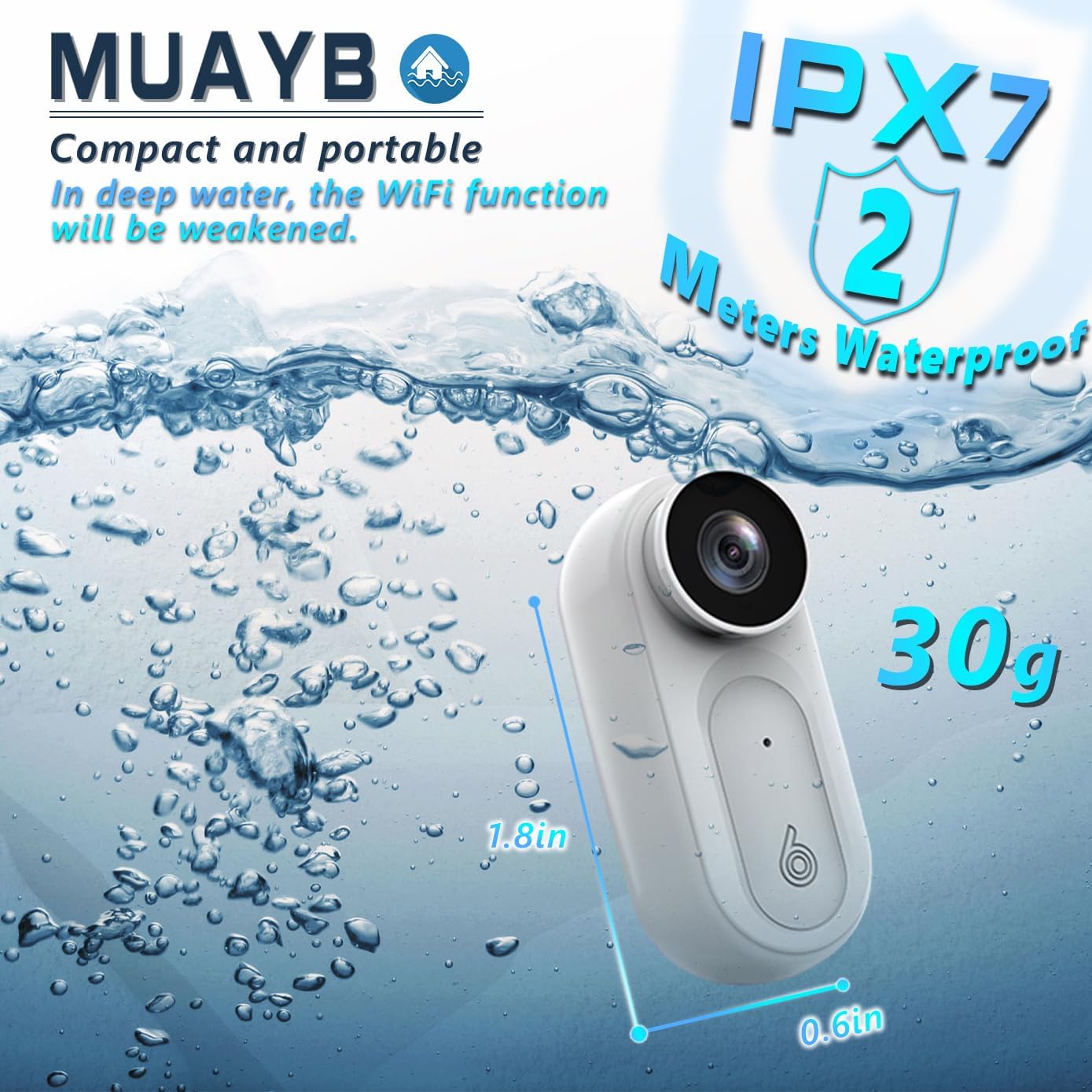
Image: The compact and portable camera is IPX7 waterproof, suitable for use up to 2 meters deep.
Video: Demonstration of the 1080P Portable Mini Body Camera's IPX7 waterproof feature.
Troubleshooting
Wi-Fi Connection Issues
If you experience issues connecting to the camera's Wi-Fi, ensure you have correctly followed the steps in the Setup section. If prompted to 'Keep Try WLAN', please click it to maintain the connection.
Video: Troubleshooting steps for Wi-Fi connection and LED indicators.
Camera Shuts Down When Removed from Case
This is normal behavior. If you take the camera out of its charging case, it will shut down immediately (Blue LED - OFF). To restart, long-press the power button.
Video: Demonstrates camera power-on/off behavior when in and out of the charging case.
Specifications
| Feature | Detail |
|---|---|
| Brand | Muayb |
| Model Number | Mini body camera VD02 |
| Item Weight | 9.1 ounces |
| Package Dimensions | 7.52 x 3.58 x 2.05 inches |
| Waterproof Rating | IPX7 (up to 2 meters deep) |
| Video Resolution | 1080p |
| Built-in Storage | 64GB |
| Camera Battery | 400mAh (100-120 min recording) |
| Charging Case Battery | 2500mAh |
| Special Features | Lightweight, Wi-Fi Connectivity, Magnetic Lanyard, 180° Rotatable Clip, Auto Loop Recording |
Warranty & Support
The Muayb Mini Body Camera comes with a 1-year warranty.
For any questions or support, please contact us via email: freya6jx@gmail.com
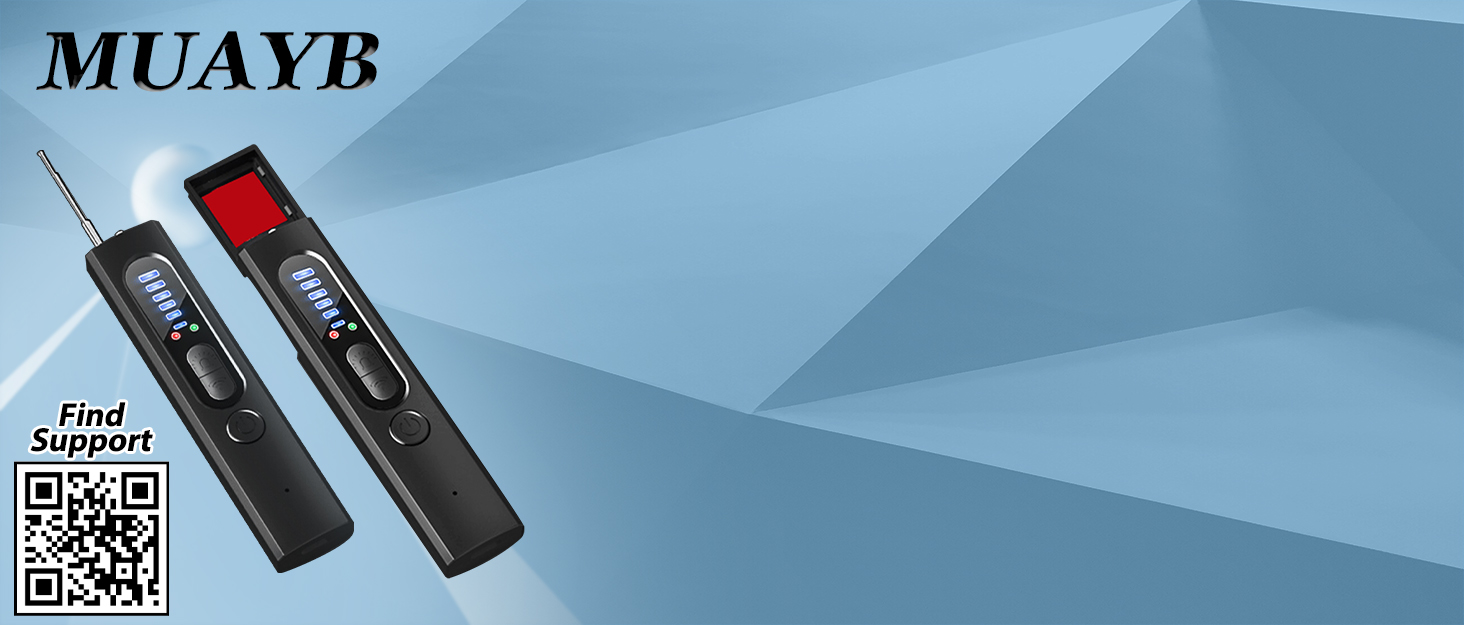
Image: Muayb is committed to providing excellent products and quality services.
