
1. Introduction
The ORICO 4TB Portable SSD (C10Max series) is a compact and high-performance external solid state drive designed for efficient data storage and transfer. Its durable construction and versatile connectivity make it an ideal solution for content creators, professionals, and everyday users who require reliable and fast external storage.

Figure 1: ORICO 4TB Portable SSD, showcasing its compact size and hanging hole design.
- Compact Design: Features a hanging hole design for easy portability and secure attachment to a belt loop or backpack.
- High-Speed Transfer: Achieves read and write speeds up to 800 MB/s, capable of transferring 1GB of data in approximately one second.
- Durable Construction: Made of aluminum alloy, providing efficient heat dissipation and ensuring data security with dustproof and drop-proof properties.
- Wide Compatibility: Includes a 2-in-1 USB-C & USB-A cable for seamless connection to various devices, including smartphones, PCs, laptops, and tablets, across Android, iOS, macOS, and Windows operating systems.
2. Setup
2.1. What's in the Box
The ORICO 4TB Portable SSD package includes:
- 1 x ORICO C10Max Portable SSD
- 1 x 2-in-1 USB-C & USB-A Cable
- 1 x User Manual
2.2. Connecting the SSD
The ORICO Portable SSD is designed for plug-and-play functionality, requiring no additional drivers for most operating systems. Use the provided 2-in-1 USB-C & USB-A cable to connect the SSD to your device.

Figure 2: The versatile 2-in-1 USB-C and USB-A cable for broad compatibility.
- Identify the correct connector: The cable features both a USB-C connector and a convertible USB-A connector. Select the appropriate end for your device.
- Connect to your device: Insert the USB-C end of the cable into the ORICO Portable SSD. Insert the other end (USB-C or USB-A) into the corresponding port on your smartphone, tablet, laptop, or PC.
- Device Recognition: Your device should automatically detect the SSD as an external storage drive. You may receive a notification indicating a new storage device has been connected.


Figure 3: Examples of the ORICO Portable SSD connected to a smartphone and a laptop, demonstrating its versatility.
3. Operating
3.1. Data Transfer
Once connected, the ORICO Portable SSD functions like any other external storage device. You can drag and drop files, copy and paste, or use your device's file management system to transfer data.
- High-Speed Performance: For optimal transfer speeds of up to 800 MB/s, ensure your device supports and is connected via a USB 3.2 Gen2 interface.
- Instant Backup: The high read/write speeds allow for rapid data transfer, enabling you to back up large files quickly, such as 1GB of data in approximately one second.
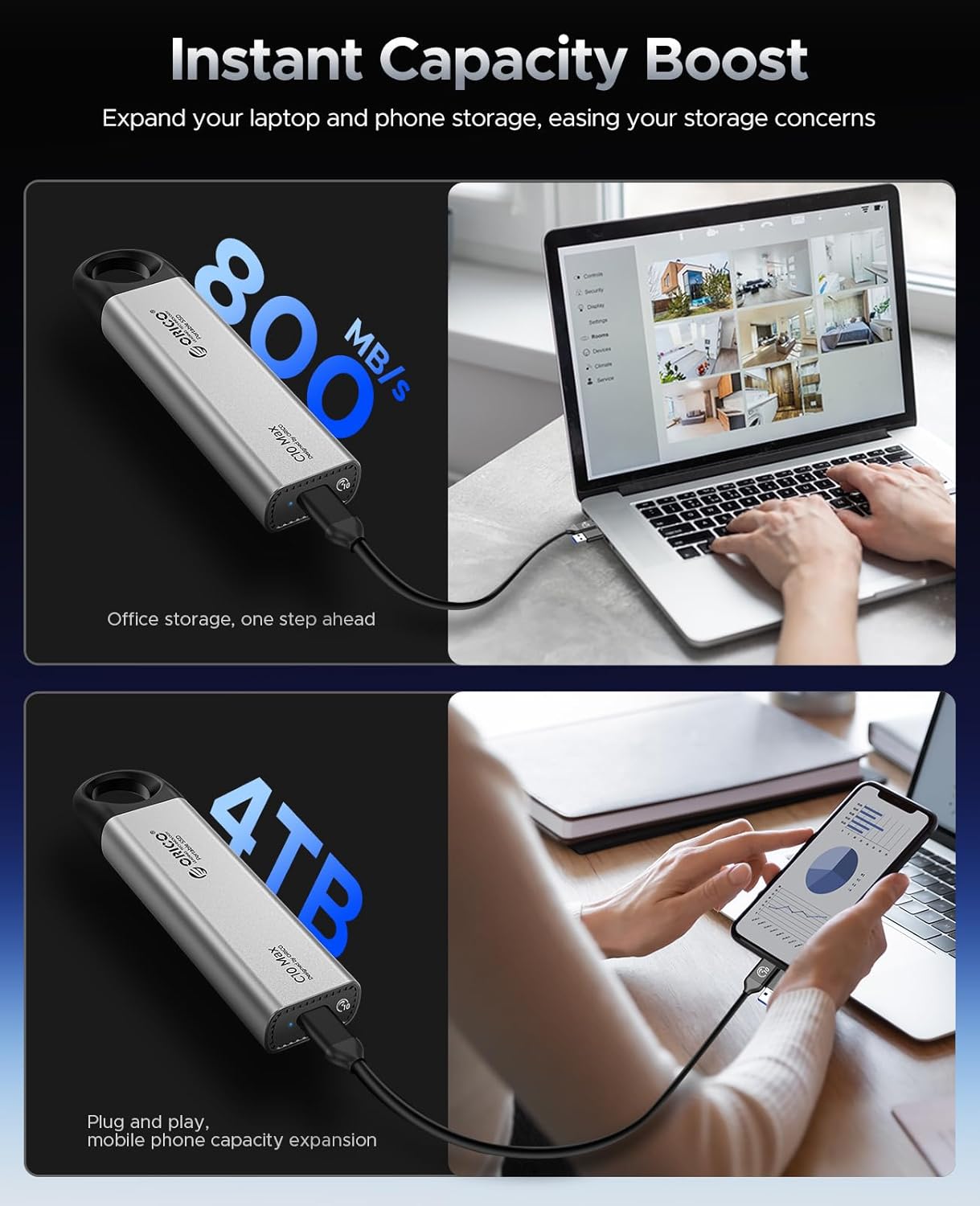
Figure 4: Visual representation of the SSD providing instant capacity boost and high-speed data transfer for various devices.
3.2. Capacity Management
The 4TB capacity provides ample space for large work files, daily data backups, and extensive media libraries. Note that due to algorithmic differences, a 1TB SSD typically displays around 931GB on Windows operating systems.
3.3. Usage Scenarios
The unique hanging hole design allows for convenient attachment to a belt loop or backpack, making it easy to carry your data wherever you go. This feature is particularly useful for content creators who need quick access to their storage while on the move, or for users who want to expand their smartphone's storage for photography and videography.

Figure 5: The ring hole design allows for comfortable handling and easier shooting when connected to a smartphone.
4. Maintenance
To ensure the longevity and optimal performance of your ORICO Portable SSD, consider the following:
- Physical Protection: The aluminum alloy casing provides inherent durability, making the SSD dustproof and drop-proof. While robust, avoid unnecessary impacts or exposure to extreme conditions to maintain data integrity.
- Heat Management: The metal body is designed to facilitate efficient heat dissipation, which is crucial for stable data transfer during prolonged use. Ensure adequate airflow around the device if used for extended periods.

Figure 6: The metal body of the SSD helps dissipate heat, ensuring stable performance.
5. Troubleshooting
If you encounter issues with your ORICO Portable SSD, try the following steps:
- Not Detected:
- Ensure the cable is securely connected to both the SSD and your device.
- Try connecting to a different USB port on your computer or a different device.
- Verify that your device's operating system is up-to-date.
- For smartphones, ensure OTG (On-The-Go) functionality is enabled in settings if required.
- Slow Transfer Speeds:
- Confirm that your device's USB port supports USB 3.2 Gen2 (10Gbps) or at least USB 3.0/3.1 Gen1 (5Gbps) for optimal performance. Older USB 2.0 ports will result in significantly slower speeds.
- Ensure no other high-bandwidth operations are running in the background on your device.
- The ORICO Smart Chip ensures stable data transmission, minimizing stuttering and promoting stable storage.
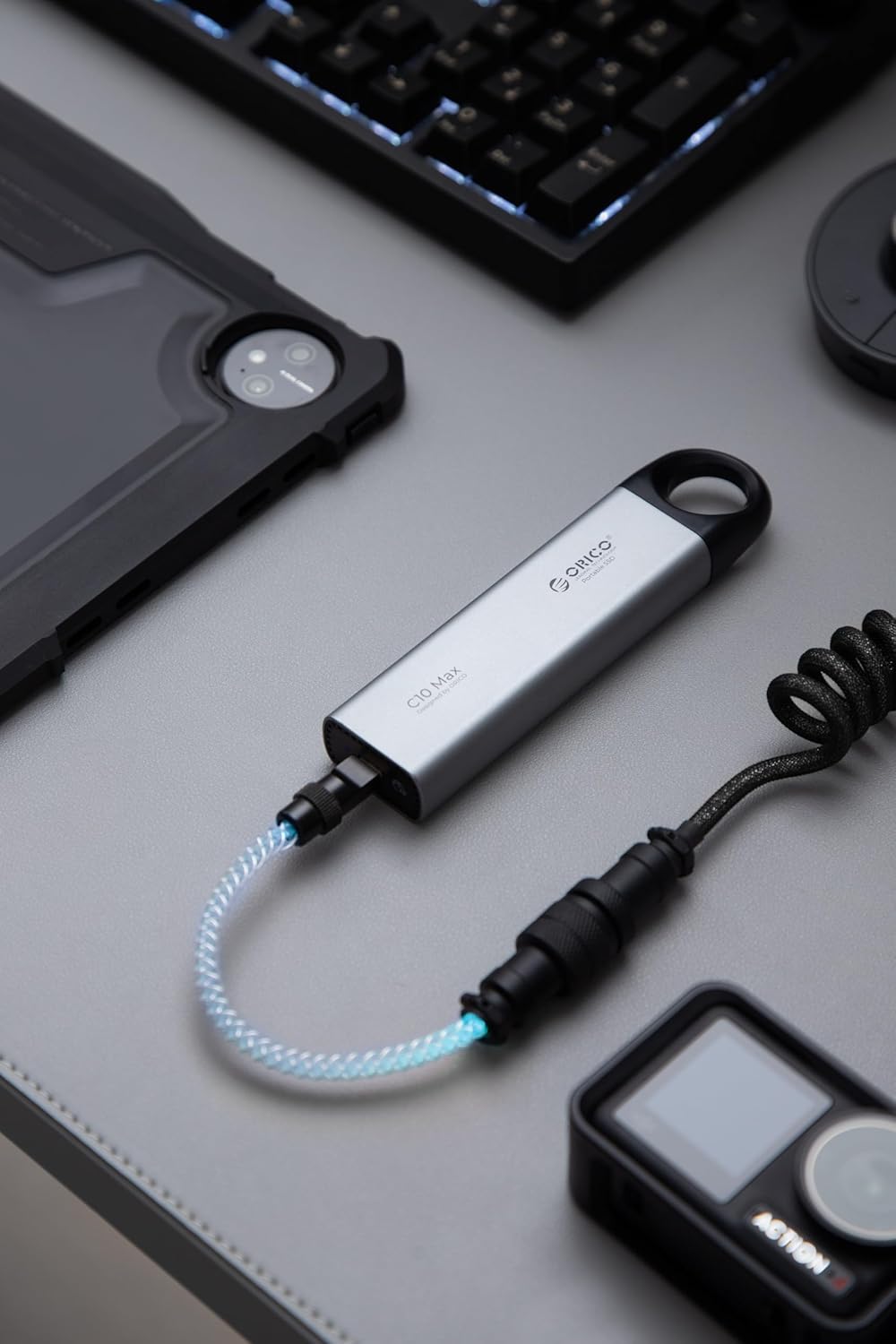
Figure 7: The integrated ORICO Smart Chip helps ensure stable and reliable data transmission.
- Data Corruption:
- Always safely eject the SSD before disconnecting.
- Avoid physical shocks or drops, although the device is designed to be durable.
6. Specifications
| Feature | Description |
|---|---|
| Brand | ORICO |
| Series | C10Max |
| Model Number | C10Max-4T |
| Digital Storage Capacity | 4 TB |
| Hard Disk Interface | USB 3.0 (Note: Supports USB 3.2 Gen2 for optimal speeds) |
| Connectivity Technology | USB |
| Special Feature | Portable, Hanging Hole Design |
| Hard Disk Form Factor | 2.5 Inches |
| Hard Disk Description | Solid State Drive |
| Compatible Devices | Smartphones, PCs, Laptops, Tablets (Android, iOS, macOS, Windows) |
| Installation Type | External Hard Drive |
| Item Weight | 5.6 ounces |
| Package Dimensions | 7.36 x 4.29 x 1.26 inches |
| Manufacturer | SHENZHEN ORICO TECHNOLOGIES CO.,LTD |
7. Warranty and Support
For warranty information and technical support, please refer to the documentation included with your product or visit the official ORICO website. You may also contact the seller directly for assistance.


