
1. Introduction
Thank you for choosing the TCL 52-Inch Low Profile Ceiling Fan with Light and Remote Control. This manual provides essential information for the safe installation, operation, and maintenance of your new ceiling fan. Please read it thoroughly before installation and keep it for future reference.
This ceiling fan features a quiet, reversible DC motor, a 24W dimmable LED light panel with three color temperatures (3000K warm, 4500K natural, 6500K cool white), and 6-speed settings controlled by a remote. Its flush mount design is ideal for rooms with lower ceilings, and the dual-sided blades offer versatile aesthetic options.
2. Safety Information
WARNING: To reduce the risk of fire, electric shock, or personal injury, always turn off the power at the main circuit breaker or fuse box before beginning installation or maintenance.
- All wiring must be in accordance with national and local electrical codes. Consult a qualified electrician if you are unfamiliar with wiring.
- The fan must be mounted to a ceiling outlet box marked "Acceptable for Fan Support of 35 lbs (15.9 kg) or less" and use the mounting screws provided with the outlet box.
- Do not operate the fan if any part is damaged. Contact customer service for replacement parts.
- Ensure the installation location allows the fan blades to rotate without obstruction.
- This fan is designed for indoor use only.
3. Package Contents
Verify that all components are present before beginning installation:
- 1 Ceiling Fan with 5 Blades
- 1 LED Integrated Light Kit
- 1 Remote and Holder (Equipped with battery)
- 1 User Manual
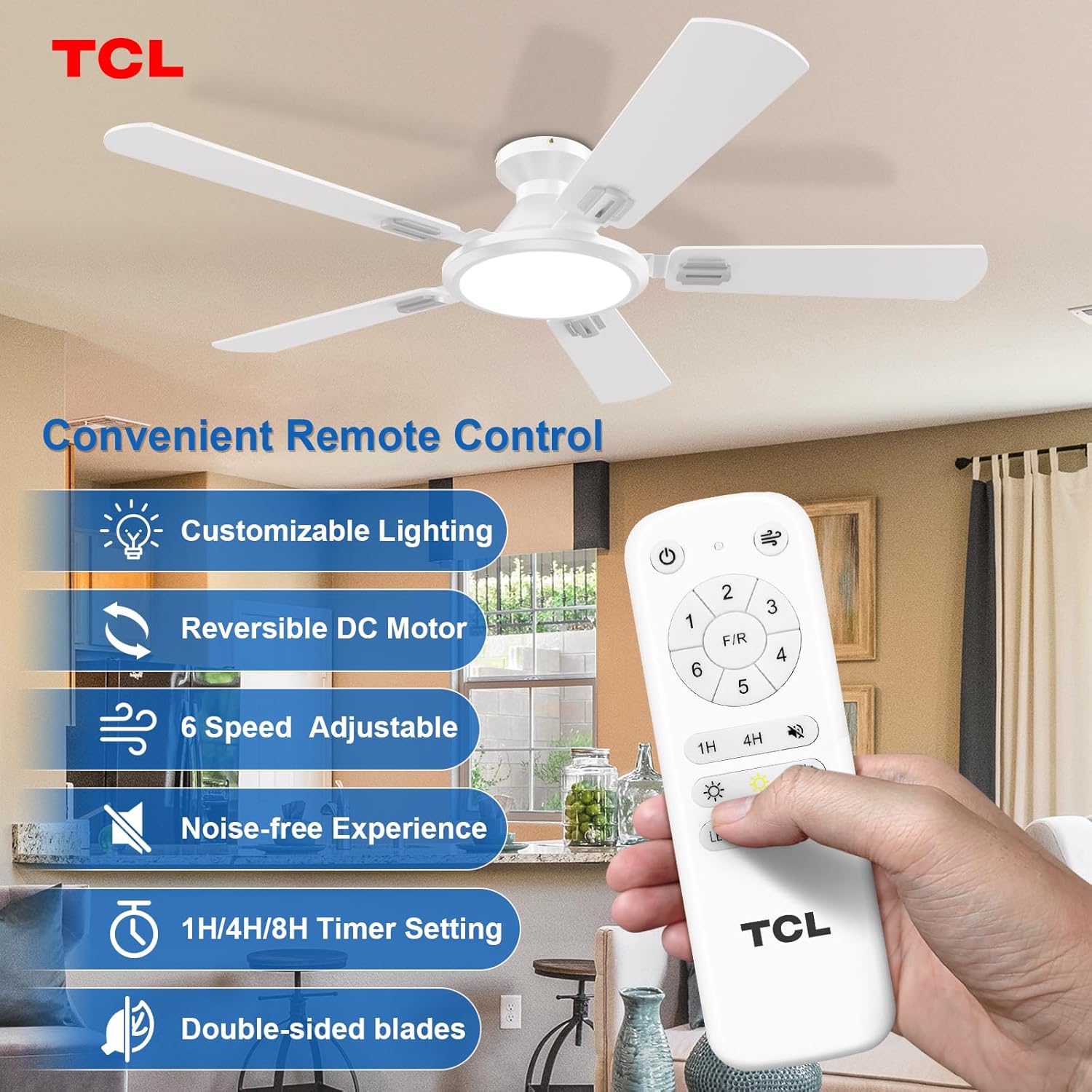
Image: The TCL 52-inch white ceiling fan, its remote control, and the dual-sided blades (white and wood grain) are displayed, highlighting the product's main components.
4. Setup and Installation
This flush mount ceiling fan is designed for easy installation. Please follow the instructions carefully. Note: It cannot be installed on a sloping ceiling.
4.1 Pre-Installation Steps
- Turn off power at the circuit breaker.
- Ensure the ceiling outlet box is securely mounted and rated for fan support.
4.2 Assembling the Fan
Attach the fan blades to the motor housing. The blades are dual-sided (white and walnut) allowing you to choose the desired finish.

Image: A diagram illustrating the dimensions of the 52-inch ceiling fan and showing the reversible dual-finish blades (white and wood grain).
4.3 Mounting the Fan
Secure the ceiling mount bracket to the outlet box. Carefully lift the fan assembly and connect the wiring as per the electrical code. Then, attach the fan body to the mounting bracket.

Image: An illustration showing the easy installation process for the TCL 52-inch ceiling fan, emphasizing a 30-minute setup time and reduced electrician fees.
4.4 Remote Control Pairing
If the remote control is not responding, it may need to be paired with the fan. Follow these steps:
- Ensure the remote's batteries are correctly installed and have sufficient power.
- Turn off the fan light's power at the wall switch for over 5 seconds to clear its memory.
- Turn on the fan light's power. Within 10 seconds, immediately press and hold the remote's "On/Off" button until a 'Bee' confirmation tone is heard. This indicates successful pairing.
Video: This video demonstrates how to initialize and match the code of the remote control (emitter) with the fan (receiver) for proper functionality. It shows checking battery installation, power cycling the fan, and pressing the remote's power button to pair.
5. Operating Instructions
Your TCL ceiling fan is operated using the included remote control.

Image: A close-up of the TCL remote control for the 52-inch ceiling fan, showing buttons for power, fan speeds (1-6), fan direction (F/R), light on/off, light dimming, color temperature adjustment, mute, and timer settings (1H, 4H, 8H).
5.1 Fan Operation
- Power On/Off: Press the power button on the remote.
- Speed Control: Select from 6 speeds using the numbered buttons (1-6).
- Fan Direction (Forward/Reverse): Press the F/R button to change the blade rotation direction. Use forward mode for cooling in summer and reverse mode to circulate warm air in winter.
- Timer: Set the fan to turn off automatically after 1, 4, or 8 hours using the dedicated timer buttons.

Image: A visual representation of the TCL 52-inch ceiling fan operating in both summer mode (downward airflow for cooling) and winter mode (upward airflow for heat circulation).
5.2 Light Operation
- Light On/Off: Press the light bulb button to turn the LED light on or off.
- Brightness Adjustment: Use the '+' and '-' buttons to dim the light from 10% to 100%.
- Color Temperature: Cycle through 3000K (warm), 4500K (natural), and 6500K (cool white) by pressing the color temperature button.
- Memory Function: The fan light will maintain previous settings when turned on again, provided it was off for at least 20 seconds.

Image: A display showing the TCL 52-inch ceiling fan's dimmable LED light feature, offering 3 color temperatures (3000K Warm Light, 4500K Natural Light, 6500K Cold Light) and 10-100% brightness adjustment.
6. Maintenance
Regular maintenance ensures optimal performance and longevity of your fan.
- Cleaning: Clean the fan and blades periodically with a soft, damp cloth. Do not use abrasive cleaners or solvents.
- Blade Balance: Check for any wobbling. If the fan wobbles, ensure all blade screws are tight.
- Light Module: The 24W dimmable LED light module is replaceable if needed, ensuring convenience in maintenance.
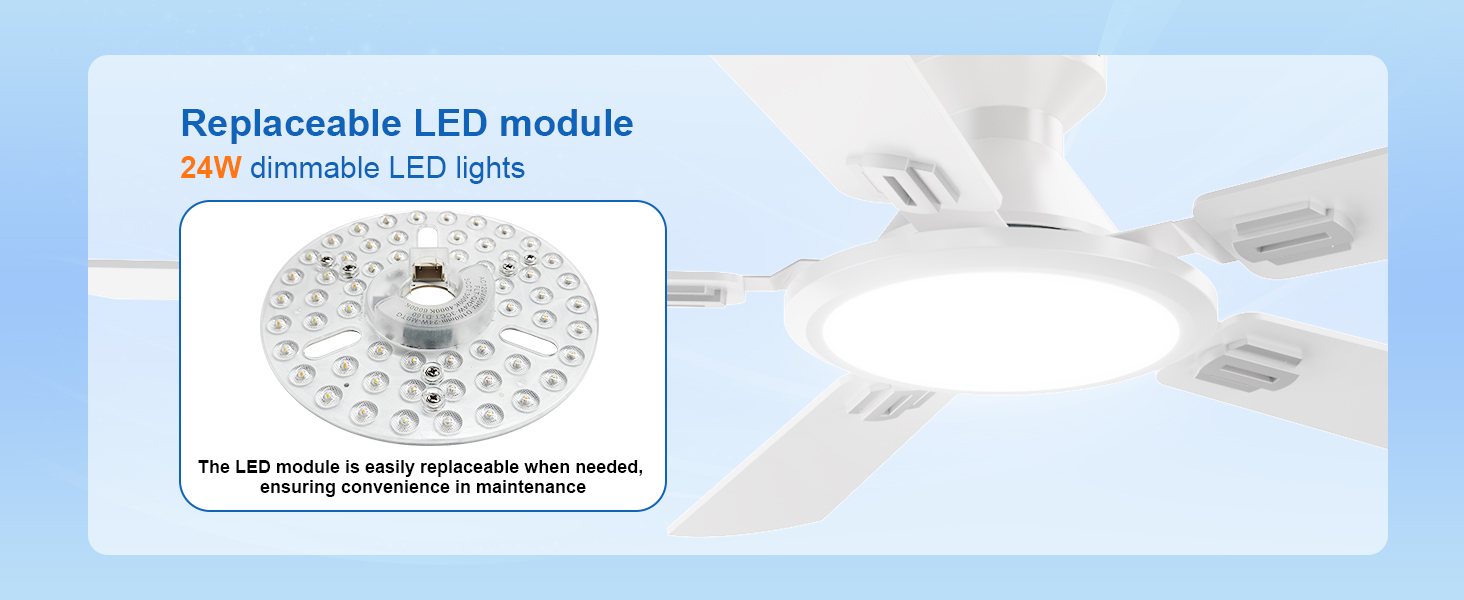
Image: A close-up of the replaceable 24W dimmable LED light module within the TCL ceiling fan, indicating ease of maintenance.
7. Troubleshooting
If you experience issues with your fan, refer to the following common problems and solutions:
- Fan does not start: Check power supply, circuit breaker, and ensure all wiring connections are secure. Verify remote control batteries and pairing.
- Fan is noisy: Ensure all screws are tightened, especially on the blades and mounting bracket. Check for any obstructions. The DC motor operates quietly (less than 35dB).
- Light does not work: Check power supply, remote control pairing, and ensure the LED light module is properly connected.
- Remote control not working: Replace batteries. Re-pair the remote control with the fan (refer to Section 4.4).
8. Specifications
| Feature | Specification |
|---|---|
| Brand | TCL |
| Model Number | HFSB-60000AD |
| Product Dimensions | 52"D x 52"W x 8.26"H |
| Color | White |
| Power Source | DC |
| Number of Blades | 5 |
| Blade Material | Engineered Wood |
| Number of Speeds | 6 |
| Noise Level | 30 Decibels |
| Wattage | 54 watts |
| Voltage | 120 Volts |
| Light Type | LED |
| Control Method | Remote |
| Indoor Outdoor Usage | Indoor |
| Certification | ETL, FCC |
9. Warranty and Support
TCL is committed to providing high-quality products and exceptional customer service.
- Whole Fan Warranty: 2 years.
- Motor Warranty: 10 years.
If you have any questions or concerns, our dedicated support team is available 24/7 to assist you. Please refer to the contact information provided in your product packaging or visit the official TCL website for support.
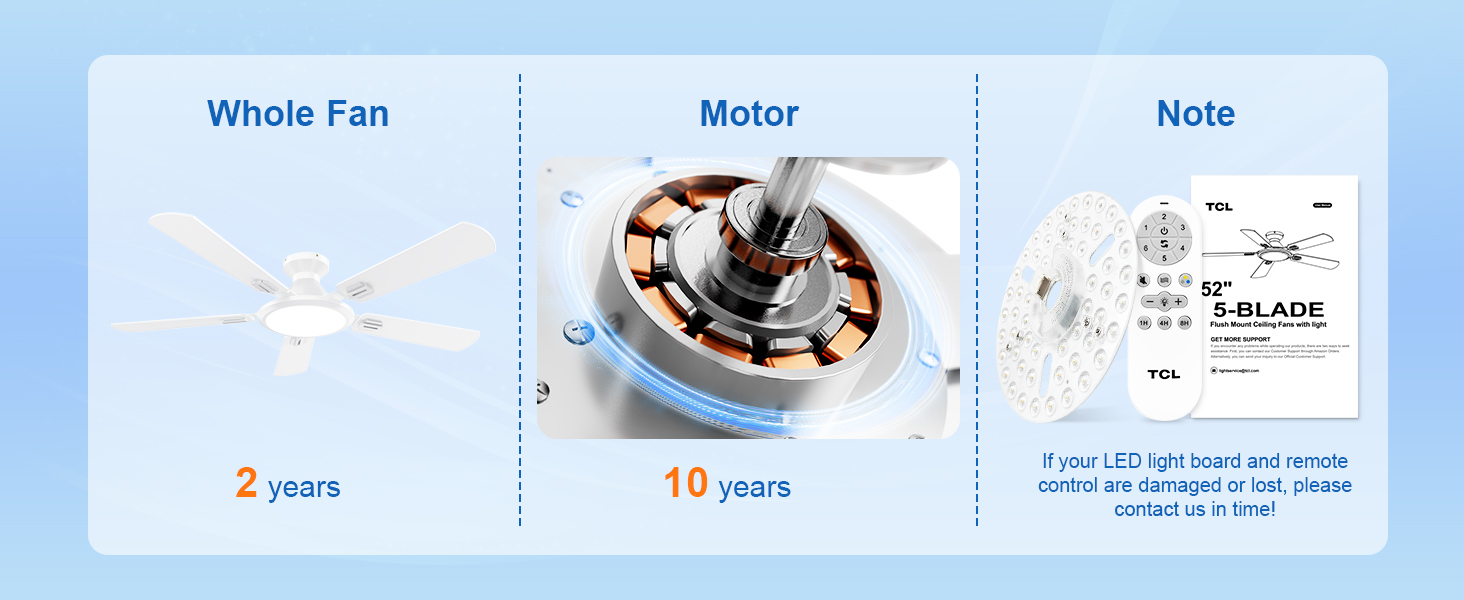
Image: An image detailing the warranty for the TCL ceiling fan, showing a 2-year warranty for the whole fan and a 10-year warranty for the motor.


