
1. Introduction
Thank you for choosing the Kuulaa KL-YD71 Ultra Slim MagSafe Power Bank. This device provides convenient and efficient portable charging for your compatible mobile devices. Please read this manual carefully before use to ensure proper operation and to maximize the lifespan of your power bank.
2. Product Features
- Ultra-Slim and Lightweight Design: Weighing just 110 grams and only 6.9mm thick, this 5,000mAh power bank is designed for portability, easily fitting into pockets or purses.
- Dual Charging Capabilities: Offers 7.5W wireless charging for compatible devices and 20W USB-C fast charging, capable of charging an iPhone to 55% in 30 minutes.
- Strong Magnetic Attachment: Features a powerful 10N magnet for secure and automatic alignment with MagSafe-compatible devices.
- Comprehensive Safety Protections: Equipped with multiple safety mechanisms including overcharging, over-discharging, and overheating protection.
- Elegant Design: Crafted with an aluminum band and tempered glass finish, providing a sleek and premium aesthetic.

Figure 2.1: The ultra-slim design of the Kuulaa KL-YD71 Power Bank, comparable to credit cards.

Figure 2.2: Demonstrating the 6.9mm ultra-slim profile and 110g weight.
3. Setup and Initial Use
3.1 Charging the Power Bank
Before first use, fully charge your Kuulaa KL-YD71 Power Bank. Connect a USB-C cable (not included) to the USB-C port on the power bank and to a compatible power adapter. The LED indicators will illuminate to show the charging status.
3.2 LED Indicator Status
The power bank features LED indicators to display the remaining battery level:
- 1 LED: 0-25% battery
- 2 LEDs: 26-50% battery
- 3 LEDs: 51-75% battery
- 4 LEDs: 76-100% battery

Figure 3.1: LED indicators showing battery charge levels.
4. Operating Instructions
4.1 Magnetic Wireless Charging
For MagSafe-compatible devices (iPhone 12 series and newer), simply align the power bank with the back of your phone. The strong magnets will automatically snap it into place, initiating wireless charging. Ensure your phone is either without a case or uses a MagSafe-compatible magnetic case for optimal attachment and charging efficiency. Non-magnetic phone cases are not supported for magnetic attachment.

Figure 4.1: Magnetic attachment for wireless charging.

Figure 4.2: Compatibility with iPhone 12-16 series and MagSafe cases.
4.2 Wired Charging (USB-C)
To use wired charging, connect your device to the power bank's USB-C port using a compatible USB-C to USB-C cable. This port supports 20W Power Delivery (PD) for fast charging.

Figure 4.3: Both wireless and wired charging options are available.
4.3 Charging Multiple Devices
The power bank can charge two devices simultaneously: one wirelessly and one via the USB-C port.

Figure 4.4: Charging two devices at once.
5. Safety Information
The Kuulaa KL-YD71 Power Bank incorporates multiple protection mechanisms to ensure safe operation:
- Overcurrent Protection: Prevents damage from excessive current flow.
- Overvoltage Protection: Safeguards against voltage surges.
- Overheating Protection: Monitors and regulates internal temperature to prevent overheating.
- Short Circuit Protection: Automatically cuts off power in case of a short circuit.
- Overcharge Protection: Prevents battery damage from excessive charging.
- Over-Discharge Protection: Protects the battery from being fully depleted, extending its lifespan.
Always use the power bank in a well-ventilated area and avoid exposing it to extreme temperatures, direct sunlight, or moisture. Do not disassemble, puncture, or modify the device.
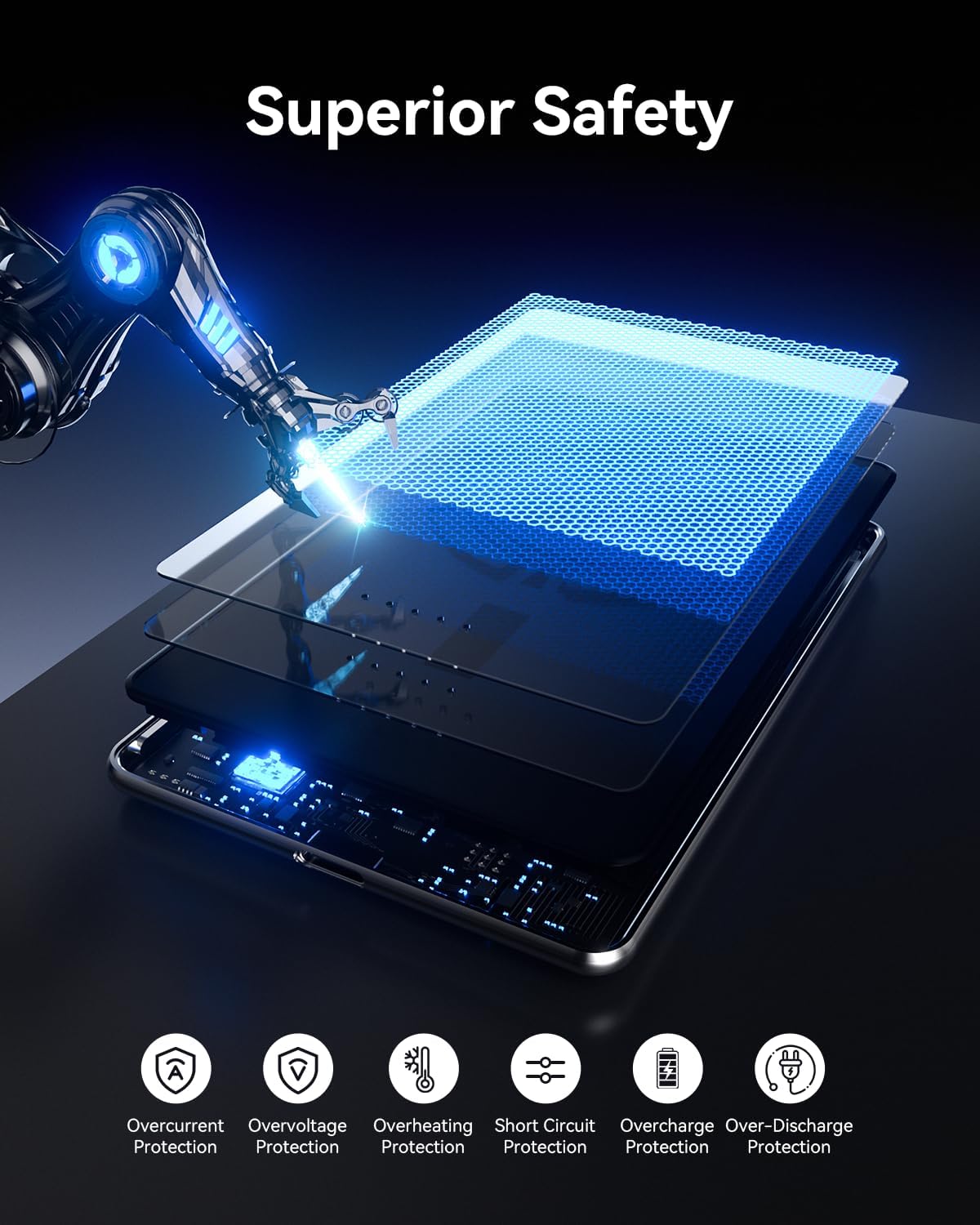
Figure 5.1: Internal safety mechanisms for superior protection.
6. Maintenance
- Keep the power bank clean and dry. Use a soft, dry cloth to wipe the surface.
- Avoid dropping or subjecting the power bank to strong impacts.
- Store the power bank in a cool, dry place when not in use.
- If the power bank will not be used for an extended period, charge it to approximately 50% every three months to maintain battery health.
7. Troubleshooting
- Device not charging: Ensure the power bank is sufficiently charged. Check all cable connections for wired charging. For wireless charging, ensure your device is MagSafe compatible and properly aligned, and that no non-magnetic case is interfering.
- Slow charging: Verify that your device supports fast charging and that you are using a compatible cable and power adapter for the power bank itself. Wireless charging speeds may vary based on device and environmental factors.
- Power bank not charging: Ensure the USB-C cable and power adapter are functioning correctly. Try a different cable or adapter.
- Overheating: If the power bank or your device becomes excessively hot during charging, disconnect it immediately. Ensure proper ventilation and avoid charging in direct sunlight or confined spaces.
8. Specifications
| Feature | Detail |
|---|---|
| Model Number | KL-YD71 |
| Battery Capacity | 5000 Milliamp Hours |
| Connector Type | USB Type C |
| Wireless Charging Output | 7.5W (iPhone), 15W (Android) |
| Wired Charging Output (USB-C) | 20W Power Delivery (PD) |
| Voltage | 9 Volts |
| Output Current | 3 Amps |
| Item Weight | 110 Grams |
| Item Dimensions (L x W x Thickness) | 4.05"L x 2.67"W x 0.28"Th (10.29 x 6.78 x 0.71 cm) |
| Compatible Devices | iPhone (12/13/14/15/16 Series) |
| Battery Cell Type | Lithium Ion |
9. Warranty and Support
The Kuulaa KL-YD71 Power Bank comes with a 1-Year Warranty from the date of purchase. For warranty claims, technical support, or any product-related inquiries, please contact Kuulaa customer service through the retailer where the product was purchased.
Please retain your proof of purchase for warranty validation.


