
Kuulaa KL-YD71
Kuulaa Magsafe Battery Pack User Manual
Model: KL-YD71 | Brand: Kuulaa
1. Introduction
This manual provides essential information for the safe and efficient operation of your Kuulaa Magsafe Battery Pack. Please read it thoroughly before use and retain it for future reference.
The Kuulaa Magsafe Battery Pack is an ultra-slim, magnetic portable charger designed for convenience and fast charging. With a 5000mAh capacity, it supports both magnetic wireless charging and USB-C PD 20W fast charging.
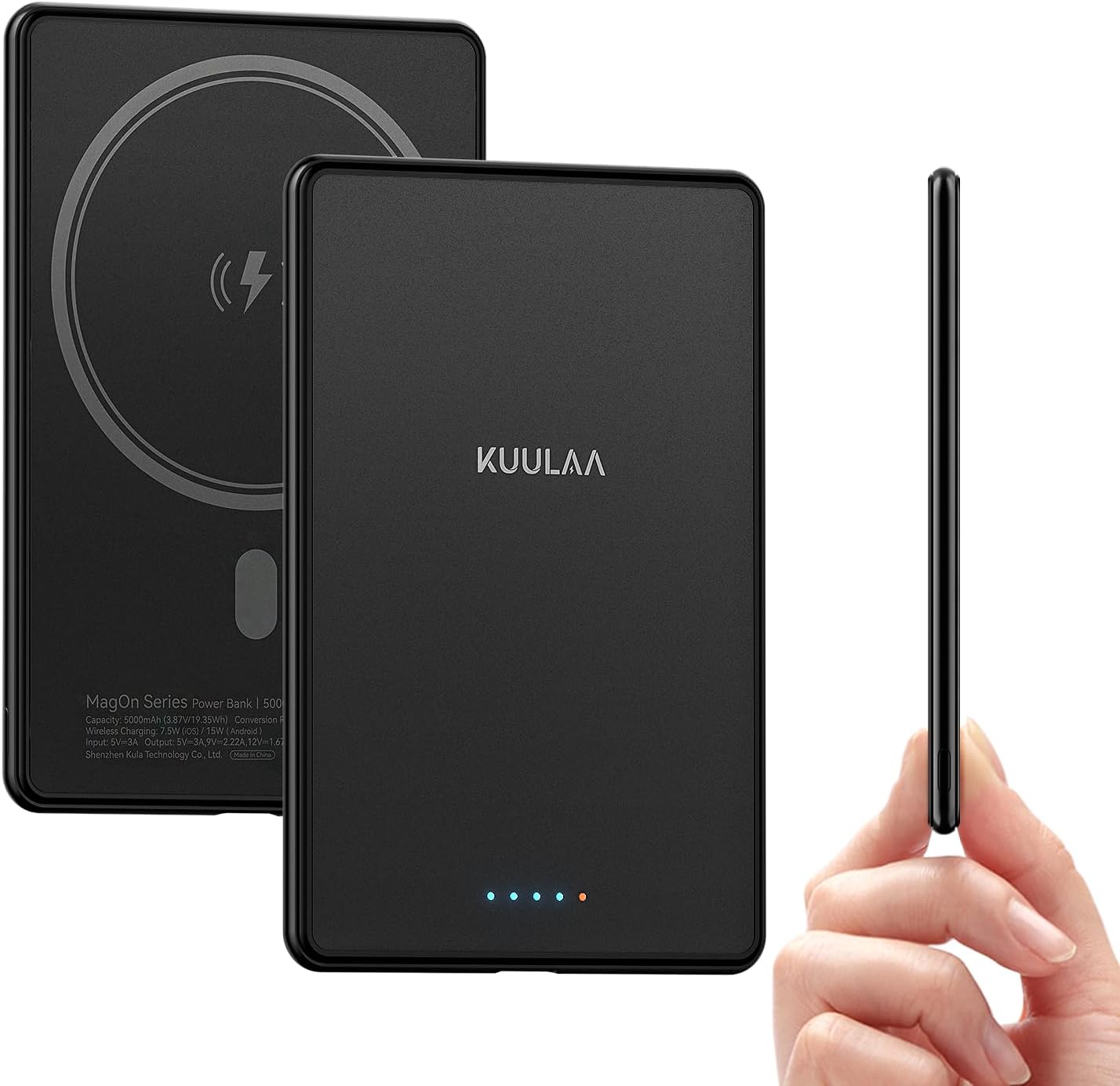
Figure 1: Kuulaa Magsafe Battery Pack, showcasing its ultra-slim design and compact size.
2. Package Contents
- 5000mAh MagSafe Power Bank
- USB-C Charging Cable
- User Manual
3. Setup
3.1 Initial Charging of the Power Bank
Before first use, fully charge your Kuulaa Magsafe Battery Pack. Use the provided USB-C cable to connect the power bank to a compatible USB power adapter (not included). The LED indicators on the power bank will illuminate to show charging progress.

Figure 2: LED indicators on the power bank. Each light represents approximately 25% of the battery capacity.
- 1 LED: 0-25% charged
- 2 LEDs: 26-50% charged
- 3 LEDs: 51-75% charged
- 4 LEDs: 76-100% charged
4. Operating Instructions
4.1 Magnetic Wireless Charging (MagSafe Compatible)
Align the power bank with the back of your iPhone 12, 13, 14, 15, or 16 series device. The strong built-in magnets will snap the power bank securely into place, and charging will begin automatically. For optimal magnetic connection and charging efficiency, use without a case or with a MagSafe-compatible case.

Figure 3: Magnetic attachment of the power bank to an iPhone for wireless charging.
Note: Magnetic charging function is ONLY compatible with iPhone 12/13/14/15/16 series and magnetic cases. Not recommended for iPhone 12 mini and iPhone 13 mini due to size.

Figure 4: Compatibility guidelines for magnetic charging with iPhone models and case types.
4.2 USB-C Wired Fast Charging
For devices that are not MagSafe compatible or for faster charging, use the USB-C port. Connect your device to the power bank using a USB-C to USB-C cable (included). The USB-C port supports PD 20W fast charging, allowing you to charge your iPhone up to 3.5 times faster than standard chargers and power two devices simultaneously (one wirelessly, one wired).

Figure 5: The power bank offers both 15W/7.5W Max magnetic charging and 20W PD Max wired fast charging via USB-C.
5. Maintenance
5.1 Cleaning
Wipe the power bank with a soft, dry cloth. Do not use harsh chemicals or abrasive materials. Ensure the ports are free of dust and debris.
5.2 Storage
Store the power bank in a cool, dry place away from direct sunlight and extreme temperatures. If storing for extended periods, charge the device to approximately 50% every three months to maintain battery health.
5.3 Safety Precautions
- Do not expose to water or moisture.
- Avoid dropping or subjecting to strong impacts.
- Do not disassemble, puncture, or modify the device.
- Keep away from heat sources and open flames.
- Keep out of reach of children.
- This product features multiple safety protections including overcurrent, overvoltage, overheating, short circuit, overcharge, and over-discharge protection.
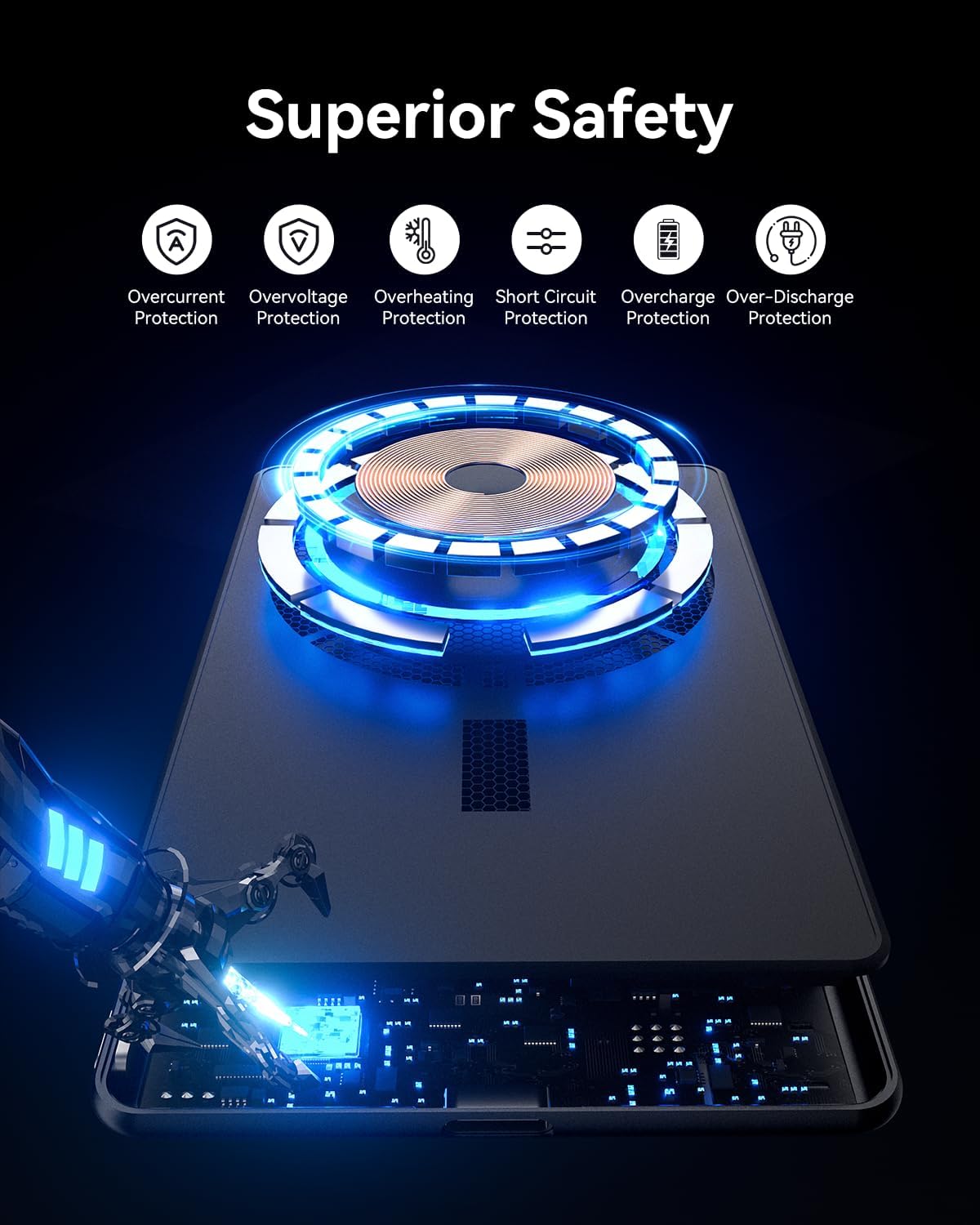
Figure 6: The power bank incorporates multiple safety mechanisms for reliable operation.
6. Troubleshooting
6.1 Power Bank Not Charging
- Ensure the USB-C cable is securely connected to both the power bank and the power adapter.
- Verify that the power adapter is functioning correctly and connected to a live power outlet.
- Try using a different USB-C cable or power adapter.
6.2 Device Not Charging from Power Bank
- For Magnetic Charging: Ensure your device is an iPhone 12-16 series and is either without a case or using a MagSafe-compatible case. Reposition the power bank to ensure proper alignment.
- For Wired Charging: Check that the USB-C cable is firmly connected to both the power bank and your device. Ensure the power bank has sufficient charge.
- Press the power button on the power bank to activate charging if it does not start automatically.
6.3 Slow Charging
- Ensure you are using a PD 20W compatible power adapter for optimal wired charging speed.
- For wireless charging, ensure there are no obstructions between the power bank and your device (e.g., thick non-MagSafe cases).
- Close unnecessary apps on your device to reduce power consumption during charging.
7. Specifications
| Brand | Kuulaa |
| Model Number | KL-YD71 |
| Battery Type | Li-polymer battery |
| Battery Capacity | 5000mAh |
| Product Dimensions | 4.1 x 2.7 x 0.4 inches |
| Item Weight | 5.6 ounces |
| Input | USB Type C (PD 20W Max) |
| Output | USB Type C (PD 20W Max), Wireless (15W/7.5W Max) |
| Special Features | Slim, Magnetic, Wireless Charging |
8. Warranty and Support
The Kuulaa Magsafe Battery Pack comes with a 24-month warranty, ensuring a hassle-free and reliable charging experience.
For product support, warranty claims, or further inquiries, please visit the official Kuulaa Store or contact customer service:
Ask a question about this manual
Ask about setup, troubleshooting, compatibility, parts, safety, or missing instructions. Manuals+ will review the question and use this page’s manual context to help answer it.