
Inwa MZ633
Inwa Bluetooth Audio Stereo Amplifier User Manual
Model: MZ633
Introduction
This user manual provides detailed instructions for the Inwa Bluetooth Audio Stereo Amplifier, Model MZ633. It covers setup, operation, maintenance, and troubleshooting to ensure optimal performance and longevity of your device. Please read this manual thoroughly before using the amplifier.
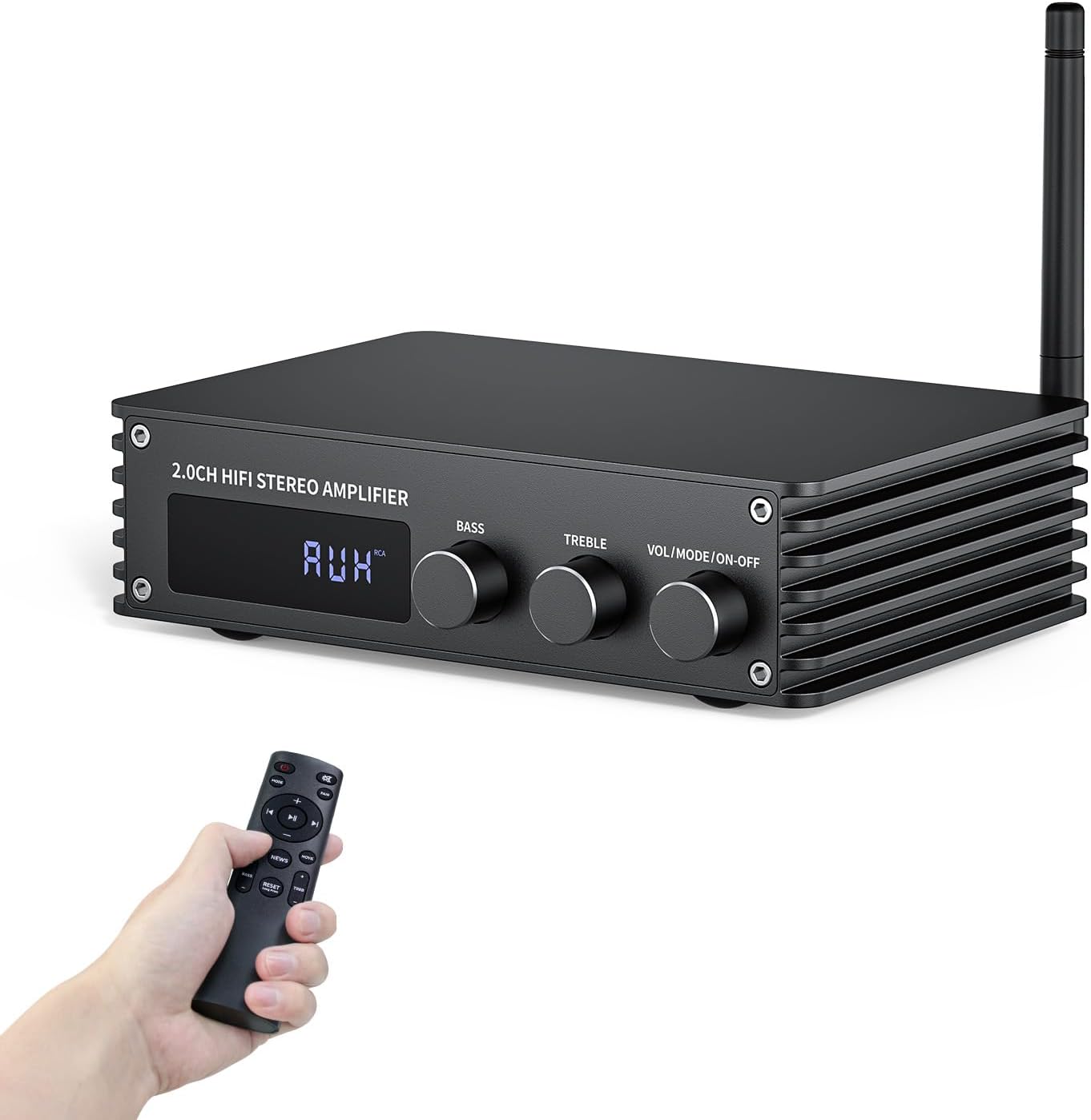
The Inwa Bluetooth Audio Stereo Amplifier, a compact and powerful device for home audio systems.
What's in the Box
- 1 * Bluetooth 2-channel Audio Amplifier
- 1 * 2.4G Bluetooth Antenna
- 1 * Power Supply
- 1 * Remote Control
- 1 * User Manual
Product Overview
The Inwa Bluetooth Audio Stereo Amplifier is designed to deliver high-quality audio with versatile connectivity options. Its compact size makes it suitable for various home audio setups.
Key Features:
- Small but Powerful HiFi Amplifier: Dual-channel stereo amplifier provides impressive 100W RMS per channel at 4 ohms, paired with the TPA3221 professional chip, allowing you to enjoy high-quality amplified audio.
- Simplified Theater System - 6 Inputs: Supports various external signal sources, including USB, AUX, Optical, Coaxial, BT5.3, and HDMI (ARC). Elevate your entertainment experience effortlessly with the Inwa power AMP's HDMI(ARC) port.
- Bluetooth 5.3 Amplifier: Equipped with a Bluetooth antenna that ensures minimal interference and provides a robust connectivity range of up to 50ft/15m. Compatible with the latest devices such as phones, computers, tablets, TVs, projectors etc., enabling you to build a high-quality 2.0CH audio system.
- Enhanced Audio Control: Features a large digital LED display and a multi-knob control center, along with a remote control for various modes and volume adjustments. Recommended for home TV audio, computer audio systems, gaming, and passive speakers.
- Compact Design: The Audio Amp is specially designed for customers who pursue excellent HiFi sound quality. All-black premium metal chassis shell achieves a robust yet refined unibody design. Compact size takes up minimal space and easily transforms your passive speakers into smart audio power sources.
Component Identification:

Detailed view of the amplifier's front and rear panels, highlighting all input and output ports and controls.
The front panel features a digital display, Bass control knob, Treble control knob, and a combined Volume/Mode/On-Off knob. The rear panel includes the Bluetooth antenna port, HDMI (ARC) input, USB input, Optical input, RCA (AUX) input, Coaxial input, DC power input, and speaker output terminals.

The amplifier utilizes TPA3221 and DSP Bluetooth chips for clear, high-quality sound with low distortion.
Setup Guide
Follow these steps to set up your Inwa Bluetooth Audio Stereo Amplifier.
1. Connecting Inputs:
The amplifier supports multiple input sources. Choose the appropriate cable for your device and connect it to the corresponding port on the rear panel.
- HDMI (ARC) Input: Connect an HDMI cable from your TV's HDMI ARC port to the amplifier's HDMI (ARC) input.
- USB Input: Insert a USB drive into the USB port for media playback.
- Optical Input: Use an optical cable to connect to devices like TVs or game consoles.
- RCA (AUX) Input: Connect devices with RCA outputs using an RCA cable.
- Coaxial Input: Connect devices with coaxial digital audio outputs.
- Bluetooth Antenna: Screw in the provided Bluetooth antenna for optimal wireless connectivity.
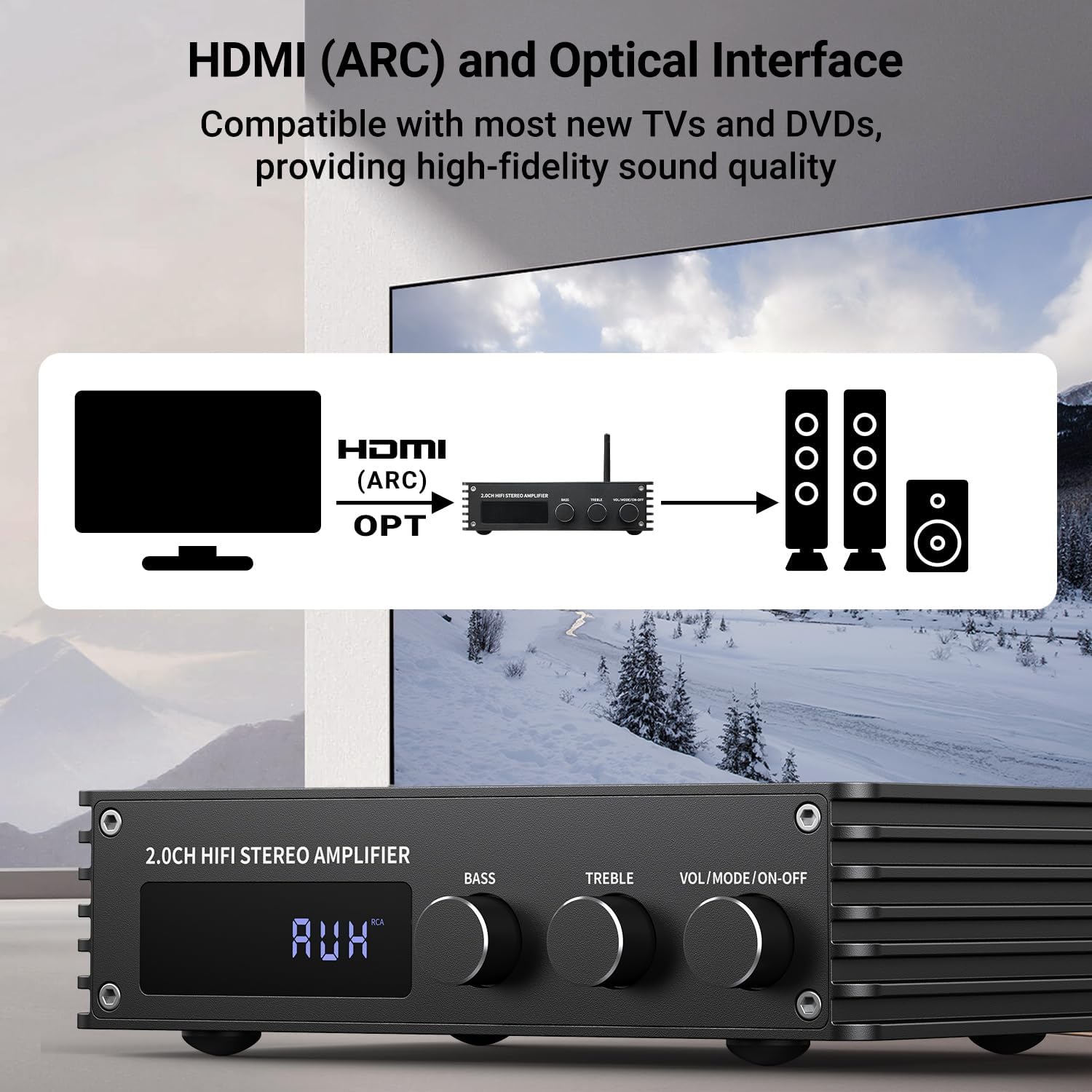
Example of connecting a TV via HDMI (ARC) or Optical to the amplifier.
2. Connecting Speakers:
Connect your passive speakers to the speaker output terminals on the rear of the amplifier. Ensure correct polarity (positive to positive, negative to negative) for optimal sound quality.
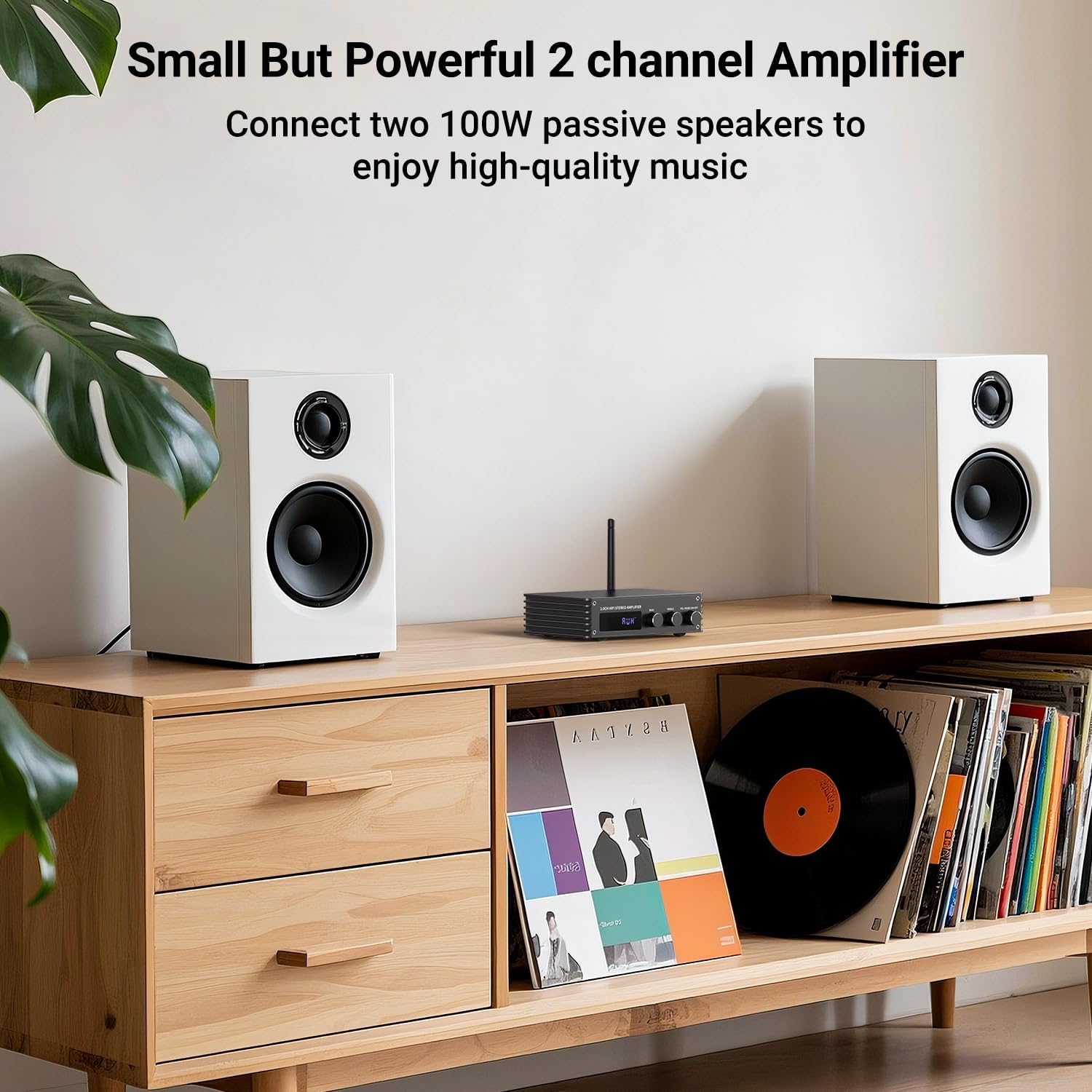
The amplifier connected to two passive speakers, ready for high-quality audio playback.
3. Powering On:
Connect the power supply to the DC IN port on the amplifier and then to a power outlet. Turn on the main power switch located on the rear panel. The amplifier will enter standby mode. Short press the remote or the front panel knob to display the current mode and activate the amplifier.
This video demonstrates the connection of various inputs (HDMI, USB, Optical, RCA), power, and speaker outputs, followed by a demonstration of switching between different audio modes.
Operating Instructions
Mode Selection:
The amplifier supports multiple audio input modes. You can switch between modes using the remote control or by short pressing the "Mode" button on the front panel.
- Bluetooth Mode: For wireless audio streaming from Bluetooth-enabled devices.
- USB Mode: For playing audio files directly from a USB drive.
- AUX Mode (RCA Input): For connecting devices via RCA cables.
- OPT Mode (Optical Input): For digital audio input from optical sources.
- COAX Mode (Coaxial Input): For digital audio input from coaxial sources.
- ARC Mode (HDMI/ARC Input): For audio return channel from compatible TVs.
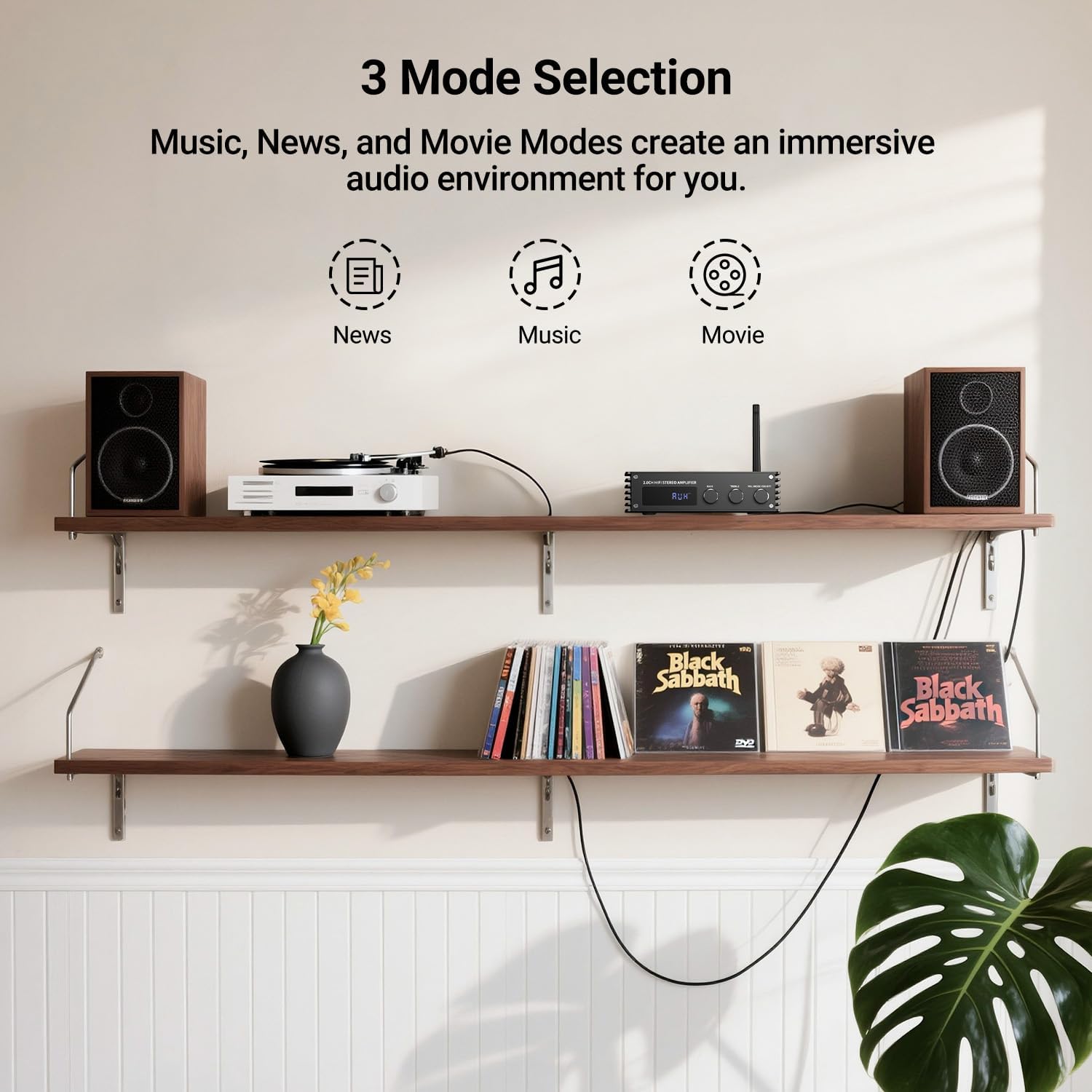
The amplifier offers three sound modes: Music, News, and Movie, allowing you to tailor the audio experience to your content.
Volume and Tone Control:
Adjust the master volume using the large knob on the front panel or the volume buttons on the remote control. Separate knobs are provided for Bass and Treble adjustments, allowing you to fine-tune the audio to your preference.
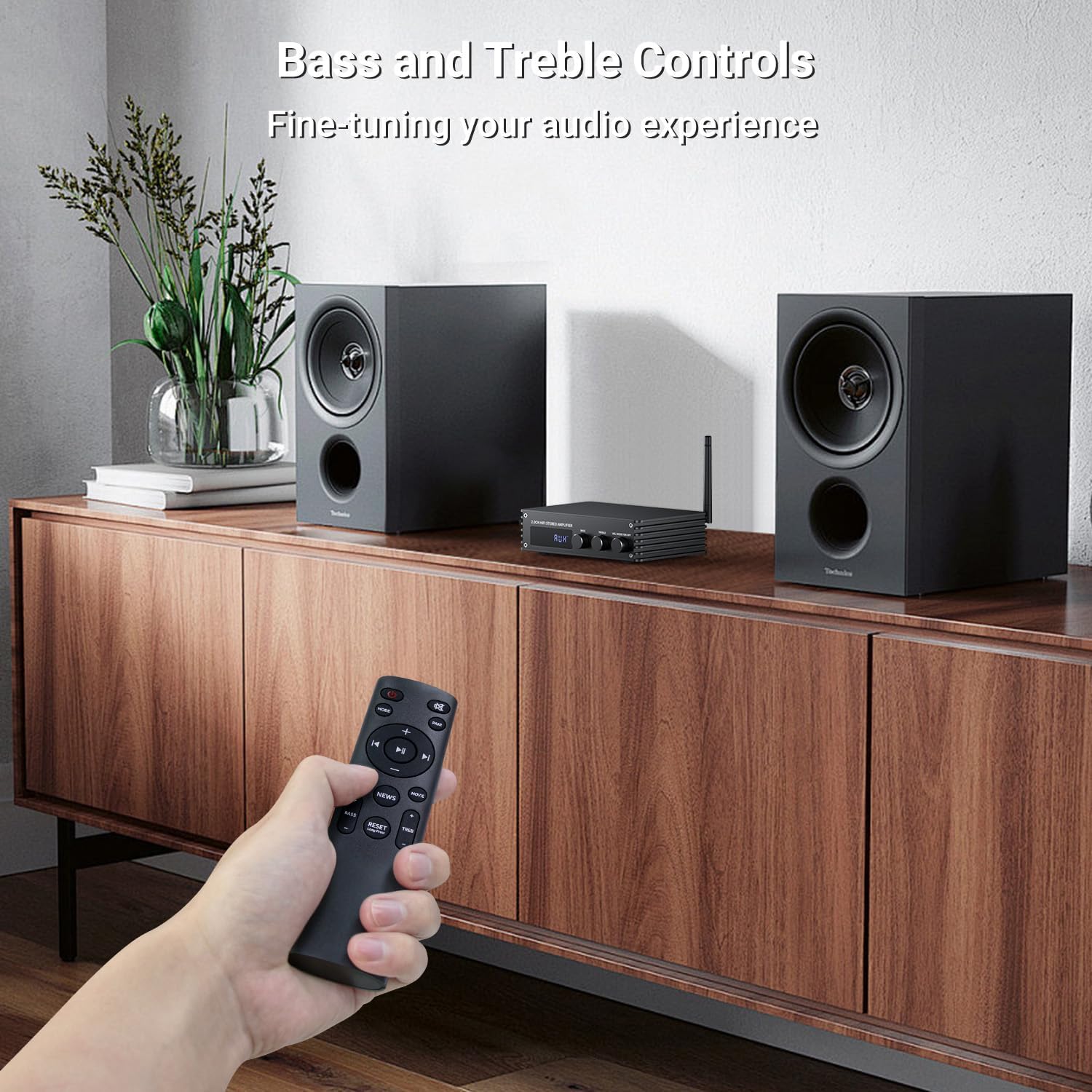
Fine-tune your audio experience using the dedicated Bass and Treble control knobs.
Specifications
| Feature | Detail |
|---|---|
| Product Dimensions | 4.8 x 7.08 x 1.85 inches |
| Item Weight | 2.2 pounds |
| Item Model Number | MZ633 |
| Brand | Inwa |
| Connectivity Technology | Bluetooth, HDMI(ARC), OPT, COAX, USB, Aux(RCA) |
| Controller Type | Button, Remote Control |
| Special Feature | HDMI(ARC), BT, OPT, COAX, AUX(RCA), USB |
| Compatible Devices | Television, Smartphone, Speaker |
| Total HDMI Ports | 1 |
| Connector Type | HDMI(ARC), BT, Optical, Coaxial, AUX(RCA), USB |
| Audio Output Mode | Stereo |
| Surround Sound Channel Configuration | 2 Channel |
| Color | Black |
Maintenance
- Keep the amplifier in a dry, well-ventilated area, away from direct sunlight and heat sources.
- Clean the exterior with a soft, dry cloth. Do not use liquid cleaners or aerosols.
- Ensure all connections are secure and free from dust.
- Avoid blocking ventilation openings to prevent overheating.
Troubleshooting
If you encounter issues with your Inwa amplifier, please refer to the following common troubleshooting steps:
- No Power: Ensure the power cable is securely connected to both the amplifier and the power outlet. Check if the rear power switch is in the "ON" position.
- No Sound:
- Verify that the correct input mode is selected on the amplifier.
- Check all audio cable connections between the source device and the amplifier, and between the amplifier and speakers.
- Ensure speaker wires are correctly connected to the terminals with proper polarity.
- Adjust the volume on both the amplifier and the source device.
- Bluetooth Connection Issues:
- Ensure the Bluetooth antenna is properly attached.
- Make sure the amplifier is in Bluetooth mode.
- Disable and re-enable Bluetooth on your source device.
- Move the source device closer to the amplifier to reduce interference.
- Distorted Sound:
- Check if the input source volume is too high, causing clipping.
- Ensure speaker impedance matches the amplifier's specifications.
- Verify that all cables are securely connected and not damaged.
If the issue persists after trying these steps, please contact Inwa customer support for further assistance.
Warranty and Support
Inwa products are designed for reliability and performance. For warranty information and technical support, please refer to the warranty card included with your product or visit the official Inwa website. You can also contact our customer service team for assistance with any questions or concerns.
For more information, visit the Inwa Store on Amazon.
Related Documents - MZ633
 |
Inwa MZ-320B Garden Light Wireless Speaker User Manual User manual for the Inwa MZ-320B Garden Light Wireless Speaker, covering quick start guide, product parameters, operation instructions, safety notices, and technical requirements. Features include wireless connectivity and beat-driven light show. |
 |
Inwa MZ-360 Wireless Speaker Installation Guide and User Manual Get detailed instructions on how to set up, connect, and use your Inwa MZ-360 wireless Bluetooth speaker. This guide covers product features, safety, installation, and support information. |
 |
Inwa MZ-511 Wireless Networking Speaker: User Manual and Setup Guide Comprehensive guide to the Inwa MZ-511 Wireless Networking Speaker, covering setup, operation, installation, and specifications. Learn how to pair multiple speakers and mount your device. |
 |
Inwa MZ-511C Bluetooth Speaker Product Manual This product manual provides essential safety information, operation instructions, package contents, specifications, and installation diagrams for the Inwa MZ-511C Bluetooth speaker. |
 |
Inwa MZ-610 Garden Light Wireless Speaker User Manual User manual for the Inwa MZ-610 Garden Light Wireless Speaker, detailing setup, features, Bluetooth pairing, TWS synchronization, charging, and light modes. |
 |
MZ-621 Wireless Networking Speaker User Manual Comprehensive user manual for the MZ-621 Wireless Networking Speaker, covering safety instructions, operation, installation, and technical specifications. Learn how to connect, pair, and network multiple speakers for an enhanced audio experience. |
Ask a question about this manual
Ask about setup, troubleshooting, compatibility, parts, safety, or missing instructions. Manuals+ will review the question and use this page’s manual context to help answer it.