1. Introduction
Thank you for purchasing the MOREKA Bocina Bluetooth 385. This portable Bluetooth speaker features FM radio, water resistance, and hands-free calling capabilities, designed for versatile audio enjoyment. This manual provides essential information for safe operation, setup, and maintenance of your device. Please read it thoroughly before use.

Image 1: MOREKA Bocina Bluetooth 385 speaker.
2. Safety Information
- Do not expose the device to extreme temperatures, direct sunlight, or high humidity.
- Avoid dropping or subjecting the speaker to strong impacts.
- Do not attempt to disassemble, repair, or modify the device yourself. Contact qualified service personnel for assistance.
- Keep the speaker away from medical devices, as it may interfere with their operation.
- Ensure charging ports are dry before connecting the charging cable to prevent damage.
- Dispose of batteries and electronic components responsibly according to local regulations.
3. Package Contents
Verify that all items listed below are present in your package:
- MOREKA Bocina Bluetooth 385 Speaker
- USB Type-C Charging Cable
- Auxiliary Audio Cable
- Carrying Strap
- User Manual (this document)

Image 2: Speaker and included accessories.
4. Product Overview
Familiarize yourself with the speaker's components and controls:

Image 3: Detailed view of speaker ports and controls.
- Auxiliary Input: 3.5mm jack for wired audio connection.
- USB Type-C Charging Port: For charging the speaker's internal battery.
- Charging Indicator: LED light indicating charging status.
- Micro SD Card Slot: For playing audio files directly from a Micro SD card.
- FM Button: Press to switch to FM radio mode.
- Play/Pause / RGB Mode Button: Short press to play/pause audio. Long press to cycle through RGB light modes.
- Power Button: Long press to power on/off. Short press to answer/end calls.
- Volume Down / Previous Track Button (-): Short press for volume down. Long press for previous track.
- Volume Up / Next Track Button (+): Short press for volume up. Long press for next track.
5. Setup
5.1. Charging the Speaker
Before first use, fully charge the speaker. Connect the provided USB Type-C cable to the speaker's charging port and the other end to a USB power adapter (not included) or a computer's USB port. The charging indicator will illuminate during charging and turn off when fully charged. A full charge takes approximately 3-4 hours and provides up to 5 hours of playback time.
5.2. Power On/Off
- To Power On: Long press the Power Button until you hear an audible prompt.
- To Power Off: Long press the Power Button again until you hear an audible prompt.
6. Operating Instructions
6.1. Bluetooth Pairing
- Ensure the speaker is powered on and in Bluetooth mode (indicated by a flashing blue LED). If not, press the Mode Button to switch to Bluetooth mode.
- Enable Bluetooth on your smartphone or other device.
- Search for available Bluetooth devices and select "MOREKA 385" from the list.
- Once paired, the speaker will emit an audible confirmation, and the LED will stop flashing.
- You can now play audio from your device through the speaker.
6.2. FM Radio Operation
- Press the FM Button to switch to FM radio mode.
- Long press the Play/Pause Button to automatically scan and save available FM stations. The speaker will cycle through frequencies and store stations with strong signals.
- Short press the Volume Up (+) or Volume Down (-) buttons to navigate between saved stations.
6.3. Auxiliary Input (AUX)
- Connect one end of the 3.5mm auxiliary audio cable to the speaker's Auxiliary Input port.
- Connect the other end of the cable to the audio output jack of your external device (e.g., MP3 player, computer).
- The speaker will automatically switch to AUX mode.
- Control playback and volume from your connected device.
6.4. Micro SD Playback
- Insert a Micro SD card (with supported audio files) into the Micro SD Card Slot.
- The speaker will automatically detect the card and begin playing audio files.
- Use the Volume Up (+) and Volume Down (-) buttons (long press) to skip tracks.
6.5. Hands-free Calling
When connected via Bluetooth to a smartphone, the speaker can be used for hands-free calls.
- Answer Call: Short press the Power Button when an incoming call rings.
- End Call: Short press the Power Button during a call.
- Reject Call: Long press the Power Button when an incoming call rings.
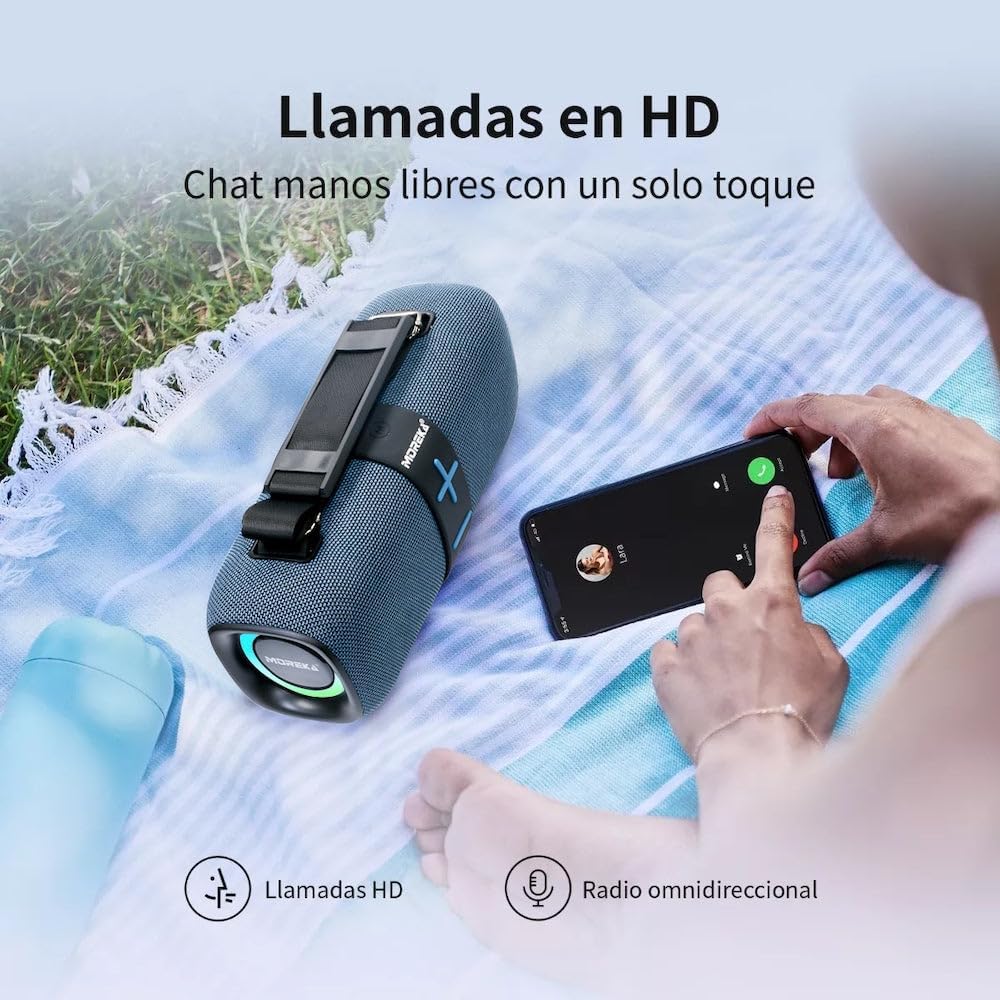
Image 4: Hands-free calling feature in use.
6.6. RGB Light Modes
The speaker features integrated RGB lighting. Long press the Play/Pause / RGB Mode Button to cycle through different light modes or turn the lights off.
6.7. Water Resistance (IPX6)
The MOREKA Bocina Bluetooth 385 is rated IPX6 water-resistant, meaning it can withstand powerful water jets. It is suitable for outdoor use and can resist splashes and rain. However, it is not designed for submersion in water. Ensure all port covers are securely closed before exposing the speaker to water.
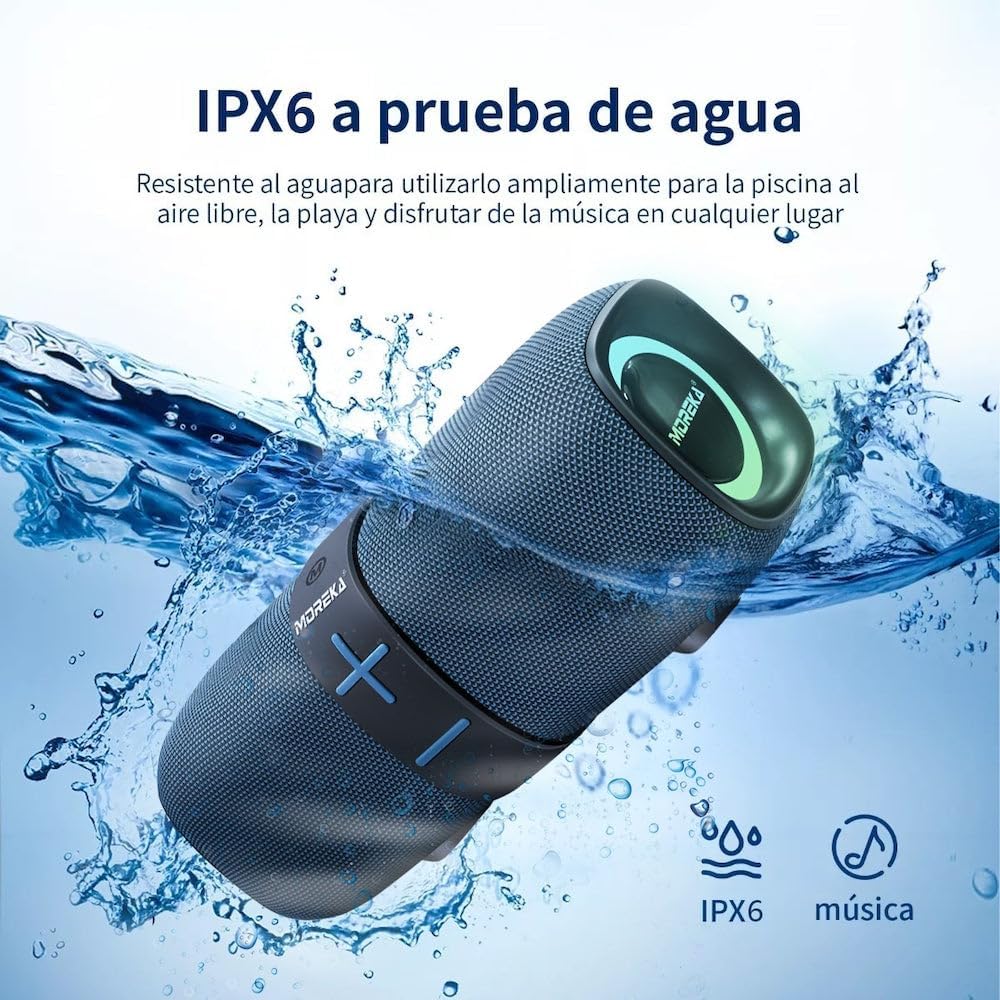
Image 5: IPX6 water resistance demonstration.
7. Maintenance
- Clean the speaker with a soft, dry cloth. Do not use abrasive cleaners or solvents.
- If the speaker gets wet, wipe it dry thoroughly before charging or opening any port covers.
- Store the speaker in a cool, dry place when not in use.
- Charge the battery at least once every three months to maintain battery health if stored for extended periods.
8. Troubleshooting
| Problem | Possible Solution |
|---|---|
| Speaker does not power on. | Ensure the battery is charged. Connect to a power source and try again. |
| No sound. | Check the volume level on both the speaker and the connected device. Ensure the correct input mode (Bluetooth, AUX, SD) is selected. |
| Bluetooth pairing fails. | Ensure the speaker is in Bluetooth pairing mode. Turn off and on Bluetooth on your device. Move the speaker closer to your device. Clear previous Bluetooth connections on your device. |
| FM radio reception is poor. | Move the speaker to an open area away from obstructions or electronic interference. |
| Speaker not charging. | Check the USB Type-C cable and power adapter. Ensure the charging port is clean and dry. |
9. Specifications
- Brand: MOREKA
- Model: 385
- Connectivity: Bluetooth, Auxiliary Input, Micro SD Card
- Audio Output: 20W (estimated from product title)
- Battery Life: Up to 5 hours (average)
- Charging Port: USB Type-C
- Water Resistance: IPX6
- Additional Features: FM Radio, Hands-free Calling, RGB Lighting
10. Warranty and Support
This product is covered by a standard manufacturer's warranty. For specific warranty terms and conditions, please refer to the documentation provided at the time of purchase or contact your retailer. For technical support or service inquiries, please contact MOREKA customer service through their official website or the contact information provided with your product.
Please retain your proof of purchase for warranty claims.


