1. Introduction
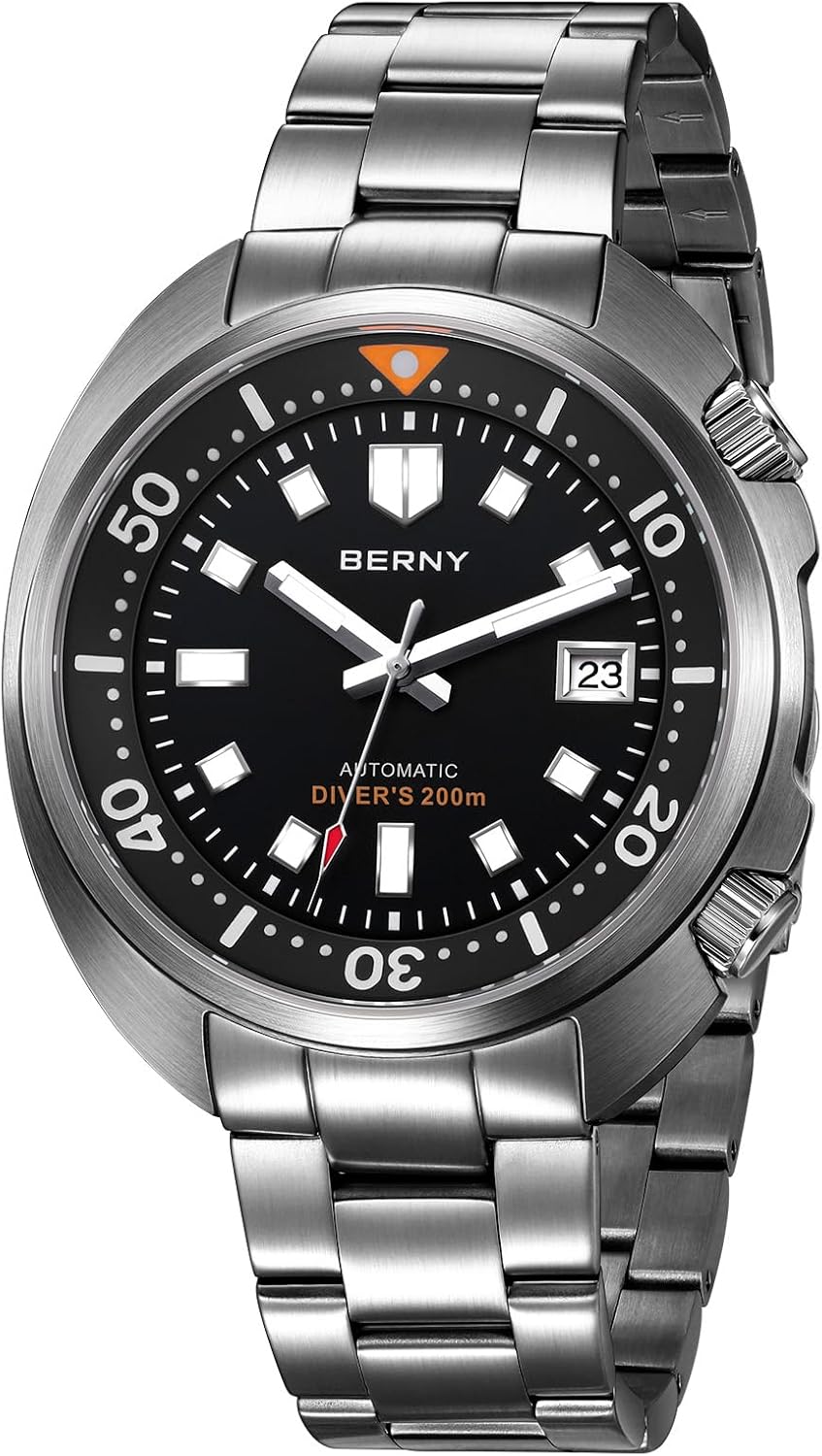
Thank you for choosing the BERNY AM1970MS Automatic Dive Watch. This timepiece combines robust construction with precise automatic movement, designed for reliability and functionality. This manual provides essential information for the proper setup, operation, and maintenance of your watch.
2. Setup and Initial Operation
2.1 Initial Winding
Your BERNY automatic watch is powered by the motion of your wrist. For the first use, or if the watch has stopped due to inactivity, it requires manual winding. To wind the watch, ensure the crown is in the fully pushed-in position (Position 0, locked). Rotate the crown clockwise approximately 30-40 times. This will provide sufficient power reserve to start the movement. After initial winding, wearing the watch for at least 10 hours daily will keep it accurately charged.
2.2 Setting the Time and Date
The watch features two screw-down crowns for enhanced water resistance. Always ensure crowns are securely screwed down after adjustments.
- Unlock the Crown: To access the crown functions, turn the crown counter-clockwise to unscrew it from the case. Once unscrewed, the crown is in Position 0 (unlocked).
- Set the Date: Gently pull the crown out to Position 1. Rotate the crown clockwise or counter-clockwise to adjust the date. Avoid setting the date between 9 PM and 3 AM, as this can damage the movement. If the date changes at noon instead of midnight, advance the time by 12 hours.
- Set the Time: Pull the crown out further to Position 2. Rotate the crown to set the hour and minute hands. To ensure accuracy, synchronize with a reliable time source.
- Lock the Crown: Once time and date are set, push the crown back into Position 0. While gently pressing it inward, turn the crown clockwise until it is securely screwed down against the watch case. This maintains the watch's water resistance.

3. Operating Features
3.1 Water Resistance (20ATM / 200M)
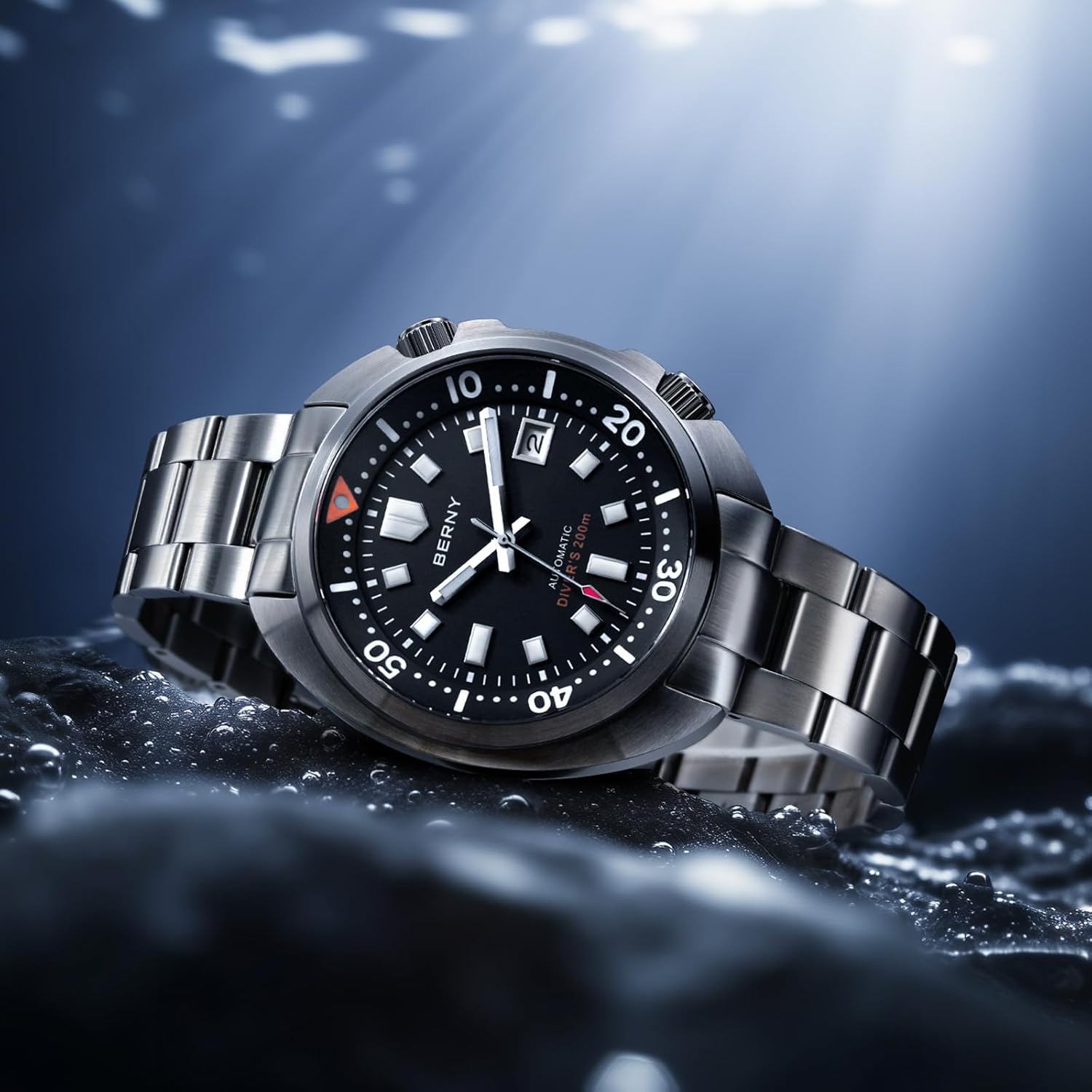
Your BERNY AM1970MS watch is rated for 20ATM (200 meters) water resistance. This makes it suitable for professional marine activity, serious surface water sports, and skin diving. It is not suitable for saturation diving. Always ensure both crowns are fully screwed down before any contact with water.

3.2 Inner Rotating Bezel
The watch features an inner rotating bezel, controlled by the second crown (typically at the 2 o'clock position). This bezel is used to measure elapsed time, particularly useful for dive timing.
- Unlock the Bezel Crown: Unscrew the bezel crown counter-clockwise to unlock it.
- Set the Bezel: Rotate the bezel crown to align the triangle marker on the inner bezel with the current minute hand.
- Read Elapsed Time: As time passes, the minute hand will move, and the number it points to on the inner bezel indicates the elapsed time in minutes.
- Lock the Bezel Crown: After setting, push the bezel crown back in and screw it clockwise until it is securely tightened.

3.3 Super Luminous Display
The watch hands, hour markers, and bezel markers are coated with super luminous material. This material absorbs light and glows in low-light conditions, ensuring readability in darkness or underwater environments.

4. Maintenance
4.1 Cleaning
To maintain the appearance of your watch, regularly wipe the case and bracelet with a soft, dry cloth. For stainless steel, a slightly damp cloth can be used, followed by a dry one. Avoid using harsh chemicals or abrasive materials, which can damage the finish or sapphire crystal.
4.2 Water Resistance Care
Always ensure both crowns are fully screwed down before exposing the watch to water. After exposure to saltwater, rinse the watch with fresh water and dry it thoroughly to prevent corrosion.
4.3 Storage
When not wearing your watch, store it in a cool, dry place away from direct sunlight and strong magnetic fields. For prolonged storage, consider placing it on a watch winder to keep the automatic movement running and lubricated.
5. Troubleshooting
- Watch has stopped or is inaccurate: Ensure the watch is sufficiently wound. If it has been inactive, manually wind it as described in Section 2.1. Consistent daily wear (10+ hours) is recommended for optimal performance.
- Date changes at noon: This indicates the AM/PM setting is incorrect. Advance the time by 12 hours using the time-setting procedure (Section 2.2).
- Condensation under the crystal: This may indicate a breach in water resistance. Immediately contact customer support for assistance. Do not attempt to open the watch yourself.
6. Specifications
| Model Number | AM1970MS |
| Movement | Japanese Automatic (NH35) |
| Water Resistance | 20 ATM (200 meters) |
| Crystal | AR Coated Sapphire Glass |
| Case Material | Stainless Steel |
| Band Material | Stainless Steel |
| Clasp Type | Fold-over-clasp-with-safety |
| Luminescence | Super Luminous on hands, markers, and bezel |
| Functions | Time (hours, minutes, seconds), Date, Inner Rotating Bezel |

7. Warranty and Support
For warranty information or technical support, please refer to the warranty card included with your purchase or contact BERNY customer service directly. Keep your purchase receipt as proof of purchase for any warranty claims.


