Introduction to Your Nikon D7500
This guide is designed to help you understand and utilize the full capabilities of your Nikon D7500 DSLR camera. It covers essential functions, advanced photographic techniques, and video recording features. By following the instructions and tips provided, you will be able to capture high-quality images and videos in various shooting conditions.
The Nikon D7500 is a versatile camera, offering a range of settings for both novice and experienced photographers. This manual will walk you through each aspect, from initial setup to advanced creative controls.
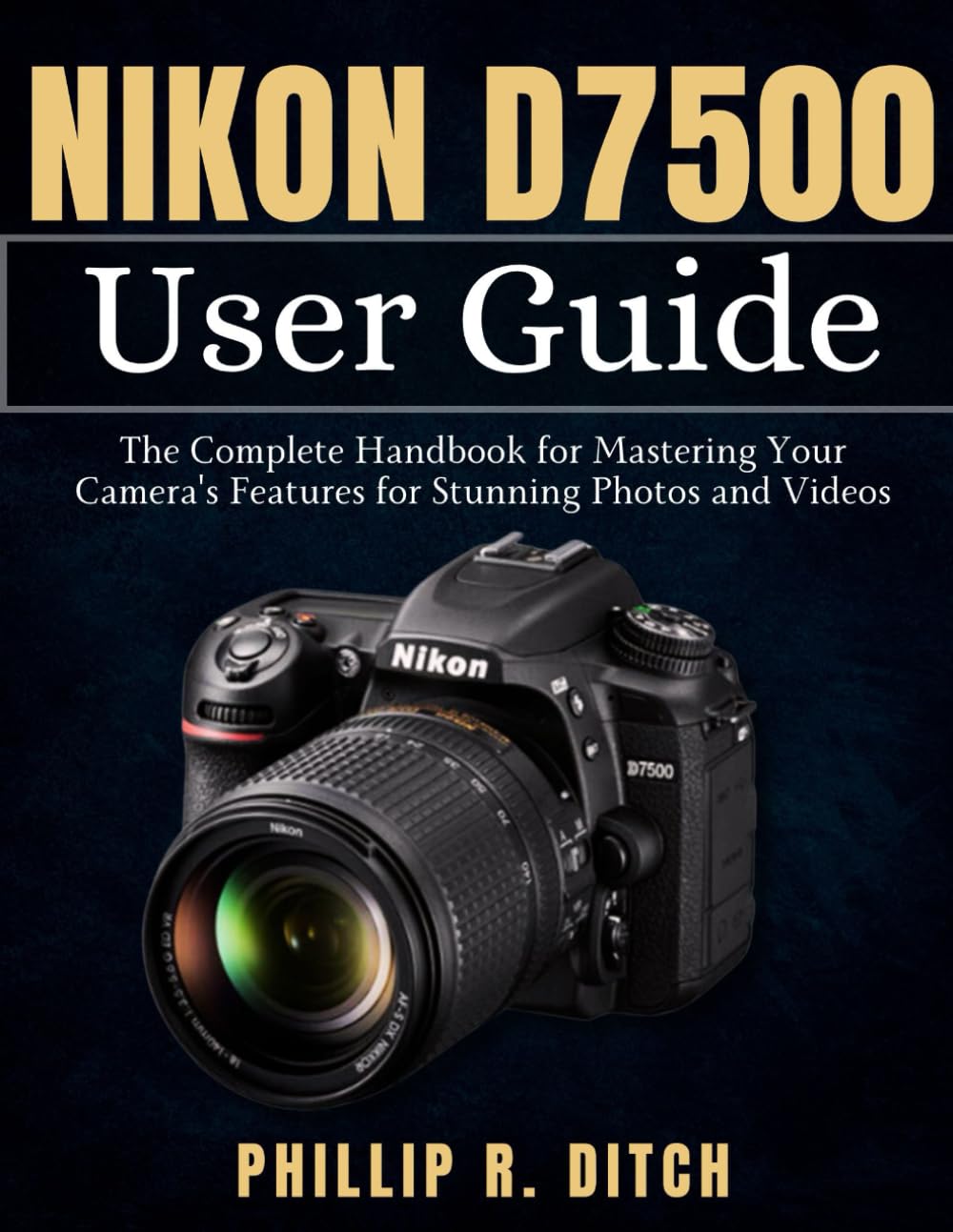
Image: Front cover of the Nikon D7500 User Guide book, showing the title and a camera graphic.
1. Initial Setup
Before using your Nikon D7500, perform the following initial setup steps to ensure optimal performance.
1.1. Battery Installation and Charging
- Open the battery chamber cover located at the bottom of the camera.
- Insert the EN-EL15a or EN-EL15b battery with the arrow pointing towards the camera, ensuring it clicks into place.
- Close the battery chamber cover.
- Attach the battery to the supplied MH-25a battery charger and plug it into a power outlet. The charge lamp will flash while charging and turn off when complete.
1.2. Memory Card Insertion
- Open the memory card slot cover on the side of the camera.
- Insert an SD, SDHC, or SDXC memory card into the slot with the label facing the front of the camera until it clicks.
- Close the memory card slot cover.
- Note: Ensure the card's write-protect switch is not in the locked position.
1.3. Attaching a Lens
- Remove the body cap from the camera and the rear lens cap from the lens.
- Align the mounting mark on the lens with the mounting mark on the camera body.
- Rotate the lens counter-clockwise until it clicks into place.
1.4. Initial Settings (Date, Time, Language)
Upon first power-on, the camera will prompt you to set the date, time, and language. Follow the on-screen instructions using the multi-selector and OK button.
2. Operating Your Nikon D7500
This section details the various modes and functions for capturing photos and videos.
2.1. Basic Photography Modes
The mode dial on the top of your camera allows you to select different shooting modes:
- P (Programmed Auto): Camera sets shutter speed and aperture for optimal exposure.
- S (Shutter-Priority Auto): You set shutter speed, camera sets aperture. Ideal for controlling motion blur.
- A (Aperture-Priority Auto): You set aperture, camera sets shutter speed. Ideal for controlling depth of field.
- M (Manual): You control both shutter speed and aperture.
- Scene Modes: Pre-set modes for specific situations (e.g., Portrait, Landscape, Sports).
- Effects Modes: Apply creative effects directly in-camera.
2.2. Focusing Techniques
The D7500 offers various autofocus modes:
- AF-S (Single-servo AF): For stationary subjects. Focus locks when shutter button is pressed halfway.
- AF-C (Continuous-servo AF): For moving subjects. Camera continuously adjusts focus while shutter button is pressed halfway.
- AF-A (Auto-servo AF): Camera automatically selects AF-S or AF-C based on subject movement.
- Manual Focus (M): Rotate the focus ring on the lens to adjust focus manually.
You can also select AF-area modes to control how the camera selects focus points, such as Single-point AF, Dynamic-area AF, Group-area AF, and Auto-area AF.
2.3. Exposure Control
Understanding the exposure triangle (aperture, shutter speed, ISO) is crucial for well-exposed images.
- Aperture: Controls the amount of light entering the lens and the depth of field. Set using the command dial in A or M mode.
- Shutter Speed: Controls the duration the sensor is exposed to light and affects motion blur. Set using the command dial in S or M mode.
- ISO Sensitivity: Controls the sensor's sensitivity to light. Higher ISO allows shooting in darker conditions but can introduce noise. Adjust via the ISO button and command dial.
Use exposure compensation (+/- button) to intentionally make images brighter or darker than the camera's recommended exposure.
2.4. Video Recording
The D7500 supports 4K UHD video recording. To start recording:
- Rotate the live view selector to the movie live view position.
- Press the Lv button to start live view.
- Press the movie-record button to start recording. Press it again to stop.
Adjust video settings such as frame rate, movie quality, and microphone sensitivity via the movie shooting menu.
3. Maintenance and Care
Proper maintenance ensures the longevity and optimal performance of your Nikon D7500.
3.1. Cleaning the Camera Body and Lens
- Use a soft, lint-free cloth to wipe the camera body. For stubborn dirt, slightly dampen the cloth with distilled water.
- For lenses, use a lens blower to remove dust, then a lens brush. For smudges, use a specialized lens cleaning solution and a microfiber cloth.
- Caution: Never use organic solvents like alcohol or paint thinner.
3.2. Sensor Cleaning
The D7500 features an image sensor cleaning function. Access it via the setup menu. For persistent dust, professional cleaning is recommended.
3.3. Storage
When not in use, store the camera in a dry, well-ventilated area, away from direct sunlight and extreme temperatures. Remove the battery if storing for extended periods.
4. Troubleshooting Common Issues
This section addresses common problems you might encounter with your D7500.
| Problem | Solution |
|---|---|
| Camera does not turn on. | Ensure the battery is charged and correctly inserted. Check if the battery is depleted. |
| Images are blurry. | Check focus mode (AF-S for stationary, AF-C for moving). Ensure shutter speed is fast enough for the subject. Use a tripod in low light. |
| Memory card error. | Ensure the card is inserted correctly. Try formatting the card (this will erase all data). Use a different card. |
| Flash does not fire. | Check flash mode settings. Ensure the flash is raised. The flash may not fire in certain scene modes or if ambient light is sufficient. |
For more detailed troubleshooting, refer to the camera's in-camera help system or Nikon's official support resources.
5. Technical Specifications (Nikon D7500)
Below are key technical specifications for the Nikon D7500 camera, as referenced in this guide.
- Image Sensor: DX-format CMOS sensor
- Effective Pixels: Approximately 20.9 million
- ISO Sensitivity: ISO 100 to 51200 (expandable to ISO 50 to 1,640,000)
- Autofocus System: Multi-CAM 3500FX II 51-point AF system
- Video Recording: 4K UHD (3840 x 2160) at 30p/25p/24p, Full HD (1920 x 1080) at up to 60p
- Monitor: 8 cm (3.2-in.) diagonal tilting TFT touch-sensitive LCD
- Storage Media: SD, SDHC (UHS-I compliant), SDXC (UHS-I compliant)
- Connectivity: Wi-Fi, Bluetooth, USB, HDMI
- Dimensions (W x H x D): Approx. 135.5 x 104 x 72.5 mm (5.3 x 4.1 x 2.9 in.)
- Weight: Approx. 720 g (1 lb. 9.4 oz.) with battery and memory card but without body cap
Note: These specifications are for the Nikon D7500 camera itself, which is the subject of this user guide. The guide itself is a paperback book with dimensions 8.5 x 0.3 x 11 inches and weighs 11.5 ounces.

Image: Back cover of the Nikon D7500 User Guide book, showing ISBN and barcode details.
6. Warranty Information
This user guide is a publication about the Nikon D7500 camera. Warranty information for the Nikon D7500 camera is provided by Nikon Inc. and is typically included with the camera purchase. Please refer to the official documentation that came with your Nikon D7500 camera for specific warranty terms, conditions, and registration details.
For any issues related to the physical book itself (e.g., printing errors, damaged pages), please contact the retailer or publisher directly.
7. Customer Support
For technical support regarding your Nikon D7500 camera, please visit the official Nikon support website or contact Nikon customer service. They can provide assistance with camera operation, firmware updates, and service inquiries.
- Nikon Official Website: www.nikonusa.com/en/service-and-support/index.page (Example link, actual link may vary by region)
- Product Registration: Register your camera on the Nikon website to receive updates and support.
This user guide is an independent publication and does not provide direct technical support for the Nikon D7500 camera hardware or software.


