Introduction
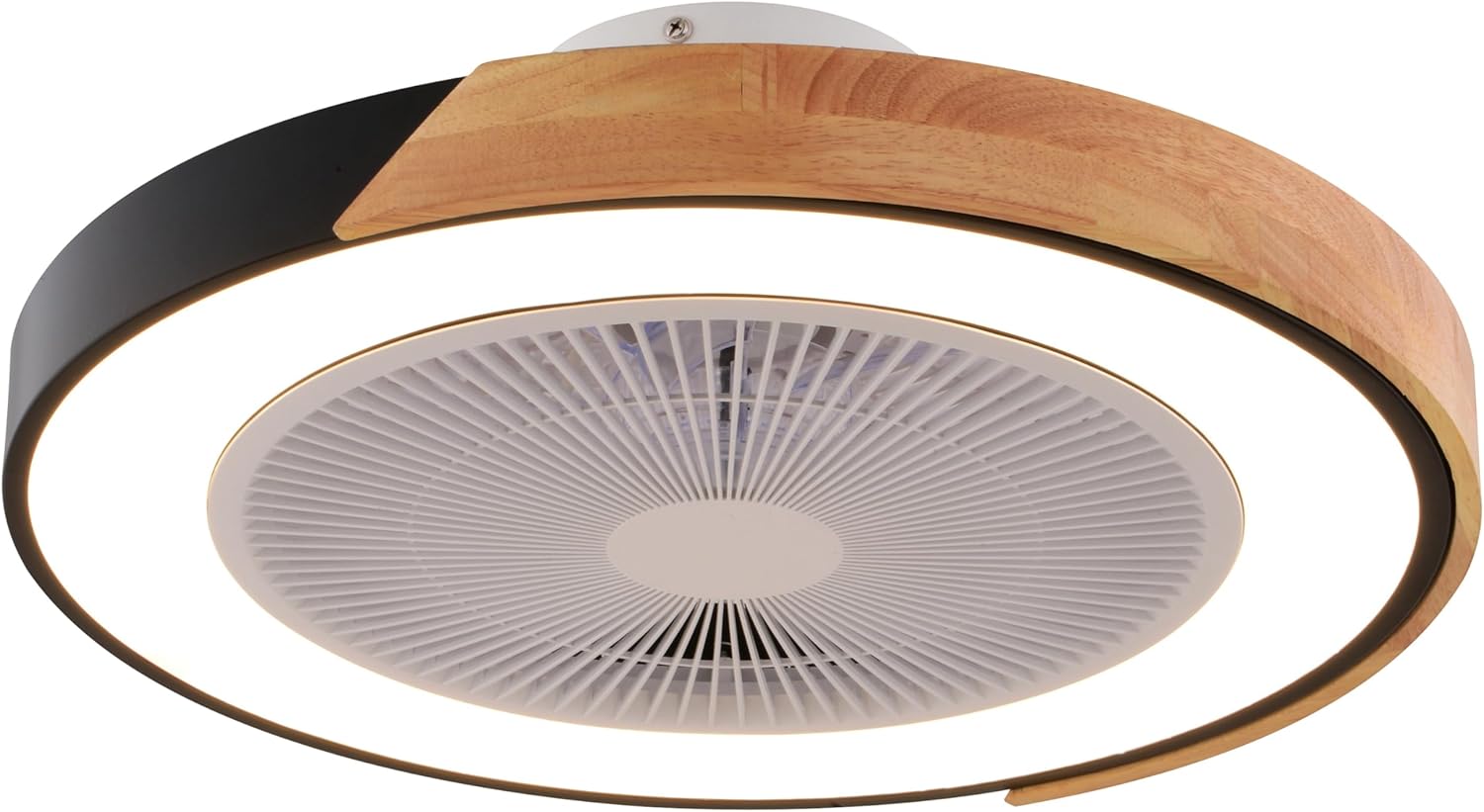
This manual provides detailed instructions for the installation, operation, and maintenance of your VAXCEL Everette F0131 20-inch Matte Black Indoor Low Profile Ceiling Fan. This fan features clear blades, an integrated dimmable LED light kit with RGBIC color-changing capabilities, and a 6-speed energy-efficient DC motor. It is designed for indoor use and is operated via a remote control, offering customizable airflow and lighting for various indoor spaces. Please read this manual thoroughly before installation and retain it for future reference.
Safety Information
WARNING: To reduce the risk of fire, electric shock, or personal injury, always follow these basic precautions:
- Read all instructions carefully before beginning installation.
- Ensure the power is turned OFF at the circuit breaker or fuse box before wiring.
- All wiring must be in accordance with national and local electrical codes. If you are unfamiliar with wiring, consult a qualified electrician.
- The fan must be mounted with a minimum of 7 feet (2.1 meters) clearance from the trailing edge of the blades to the floor.
- Do not operate the fan with damaged wiring or if the motor is not functioning correctly.
- Do not insert objects into the fan blades while the fan is operating.
- This product is intended for indoor use only.
Package Contents
Verify that all components listed below are included in your package:
- Ceiling Fan Assembly (Motor, Housing, Blades)
- Integrated LED Light Kit
- Remote Control
- Battery (1 AAA battery included for remote)
- Mounting Hardware (screws, wire nuts, etc.)
- Shade
- Instruction Manual
Setup and Installation
1. Pre-Installation
- Turn off power at the circuit breaker.
- Ensure the mounting location can support the fan's weight (7.05 lbs).
- Gather necessary tools: screwdriver, wire strippers, electrical tape, ladder.
2. Mounting the Fan
This fan is designed for flush mount installation, ideal for low ceilings or standard height rooms.
- Attach the mounting bracket to the ceiling junction box using the provided hardware. Ensure it is securely fastened.
- Carefully lift the fan assembly and connect the electrical wires (live, neutral, ground) from the ceiling to the fan's wiring, using wire nuts.
- Secure the fan housing to the mounting bracket.


3. Light Kit and Shade Installation
- Connect the integrated LED light kit's wiring to the fan's light wiring.
- Secure the light kit to the fan housing.
- Attach the shade to the light kit, ensuring it is firmly in place.
4. Remote Control Setup
- Install the included AAA battery into the remote control.
- Pairing: Turn on the power to the fan at the circuit breaker. Within 30 seconds, press and hold the "PAIR" button on the remote control for 3-5 seconds. The fan light will blink to indicate successful pairing.
Operating Instructions
The VAXCEL Everette fan is controlled entirely by the included remote control.
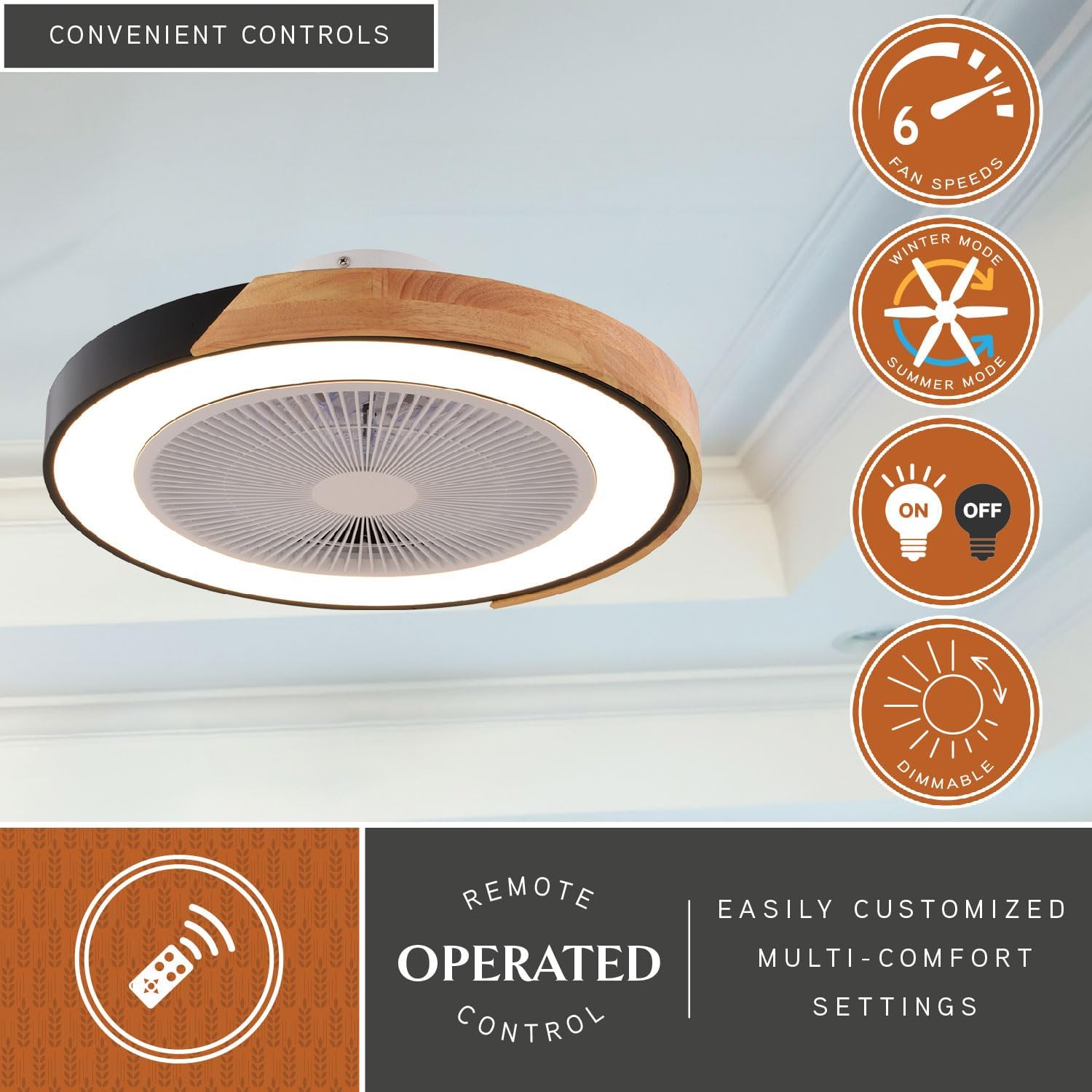
- Fan Speed Control: Use the fan speed buttons (1-6) to adjust airflow. There are 6 speed settings available.
- Light On/Off: Press the light button to turn the integrated LED light on or off.
- Dimmer Function: Hold the light button to dim or brighten the LED light.
- RGBIC Color-Changing: The fan features RGBIC color-changing capabilities. Refer to the remote for specific buttons to cycle through colors or modes.
- Breeze Function: Activates a natural breeze simulation mode.
- Timer: Set the fan to turn off automatically after a specified duration.
- Reverse Fan Direction (Winter/Summer Mode): Use the reverse button to change the direction of the fan blades.
- Summer Mode (Counter-clockwise): Pushes cool air down, creating a cooling effect.
- Winter Mode (Clockwise): Draws warm air up, distributing it evenly throughout the room.
- Color Temperature Selection: The integrated LED light offers selectable color temperatures from 2700K (Warm White) to 5000K (Cool White). Use the dedicated buttons on the remote to cycle through 2700K, 3000K, 3500K, 4000K, and 5000K.

Maintenance
Cleaning
- Always turn off the power at the circuit breaker before cleaning.
- Use a soft, damp cloth to clean the fan housing and blades. Do not use abrasive cleaners or solvents.
- Do not immerse the fan in water.
Light Source
The VAXCEL Everette fan features an integrated LED light kit. The LEDs are designed for long life and are not user-replaceable. If the light kit malfunctions, contact customer support.
Troubleshooting
| Problem | Possible Cause | Solution |
|---|---|---|
| Fan does not operate. | No power to the fan; Remote control battery is dead; Remote not paired. | Check circuit breaker; Replace remote battery; Re-pair remote control (see Setup section). |
| Light does not turn on. | No power to the light; Wiring issue; Integrated LED malfunction. | Check power supply; Verify wiring connections; Contact customer support if LED is faulty. |
| Fan makes excessive noise. | Loose mounting screws; Blades unbalanced; Obstruction. | Tighten all mounting screws; Ensure blades are securely attached and balanced; Check for any obstructions. |
| Remote control not responding. | Battery low or dead; Remote not paired; Interference. | Replace battery; Re-pair remote; Ensure no strong interference sources nearby. |
Specifications
| Brand | VAXCEL |
| Model Name | F0131 |
| Color | Matte Black |
| Product Dimensions | 20"D x 20"W x 6.75"H |
| Item Weight | 7.05 Pounds |
| Power Source | Corded Electric |
| Voltage | 120 Volts |
| Wattage | 26 watts |
| Motor Type | DC Motor |
| Number of Blades | 7 |
| Number of Power Levels | 6 (Fan Speeds) |
| Air Flow Capacity | 781 Cubic Feet Per Minute |
| Light Kit | Integrated Dimmable LED (1858 lumens, RGBIC color-changing, 2700K-5000K CCT) |
| Control Type | Remote Control |
| Installation Type | Flush Mount |
| Recommended Room Size | Up to 100 sq ft (e.g., Small Bedroom, Home Office, Laundry Room) |
| Indoor/Outdoor Usage | Indoor |
| UPC | 884656756135 |

Warranty
VAXCEL products are manufactured to the highest quality standards. This product is covered by a limited warranty against defects in materials and workmanship. Please retain your proof of purchase for warranty claims. For specific warranty details and duration, refer to the warranty card included in your product packaging or visit the official VAXCEL website.
Support
For technical assistance, troubleshooting, or to inquire about replacement parts, please contact VAXCEL Customer Support.
- Website: Visit the VAXCEL Store on Amazon (for general product information)
- Email: Refer to your product packaging or VAXCEL website for direct support contact.
- Phone: Refer to your product packaging or VAXCEL website for direct support contact.


