
1. Important Safety Instructions
READ ALL CAUTIONARY MARKINGS ON THE APPLIANCE AND SAFETY INSTRUCTIONS IN THE USER MANUAL BEFORE USE.
General Safety
- Children should not play with the appliance. Cleaning and maintenance should not be performed by children without supervision.
- Use the appliance as described in this user manual only. Any other use not recommended in this user manual may cause fire, electrical shock, or personal injury.
- The appliance can be used by children aged above 8 years and persons with reduced physical, sensory or mental capabilities or lack of experience and knowledge if they have been given supervision or instruction concerning use of the appliance in a safe way and understand the hazards involved.
Operation Safety
- Place the appliance on a flat, dry surface before use.
- Do not immerse in water and any other liquids.
- Do not use the appliance until the base is installed.
- Do not insert your fingers, pencil and any other objects into the grilles under any circumstances.
- Do not dismantle, repair, or modify. All servicing should be performed by qualified personnel.
Electricity Safety
- Make sure that the voltage of your electricity supply is the same as that indicated on the appliance.
- Always unplug before cleaning or leaving the appliance unused for a long period of time. Keep your hands dry when plugging/unplugging.
Warnings
- Do not cover the air inlet and outlet while in operation.
- Do not use the air circulator near flammables and combustibles.
2. Package Contents
- Air Circulator Fan DR-HAF007 x 1
- User Manual x 1
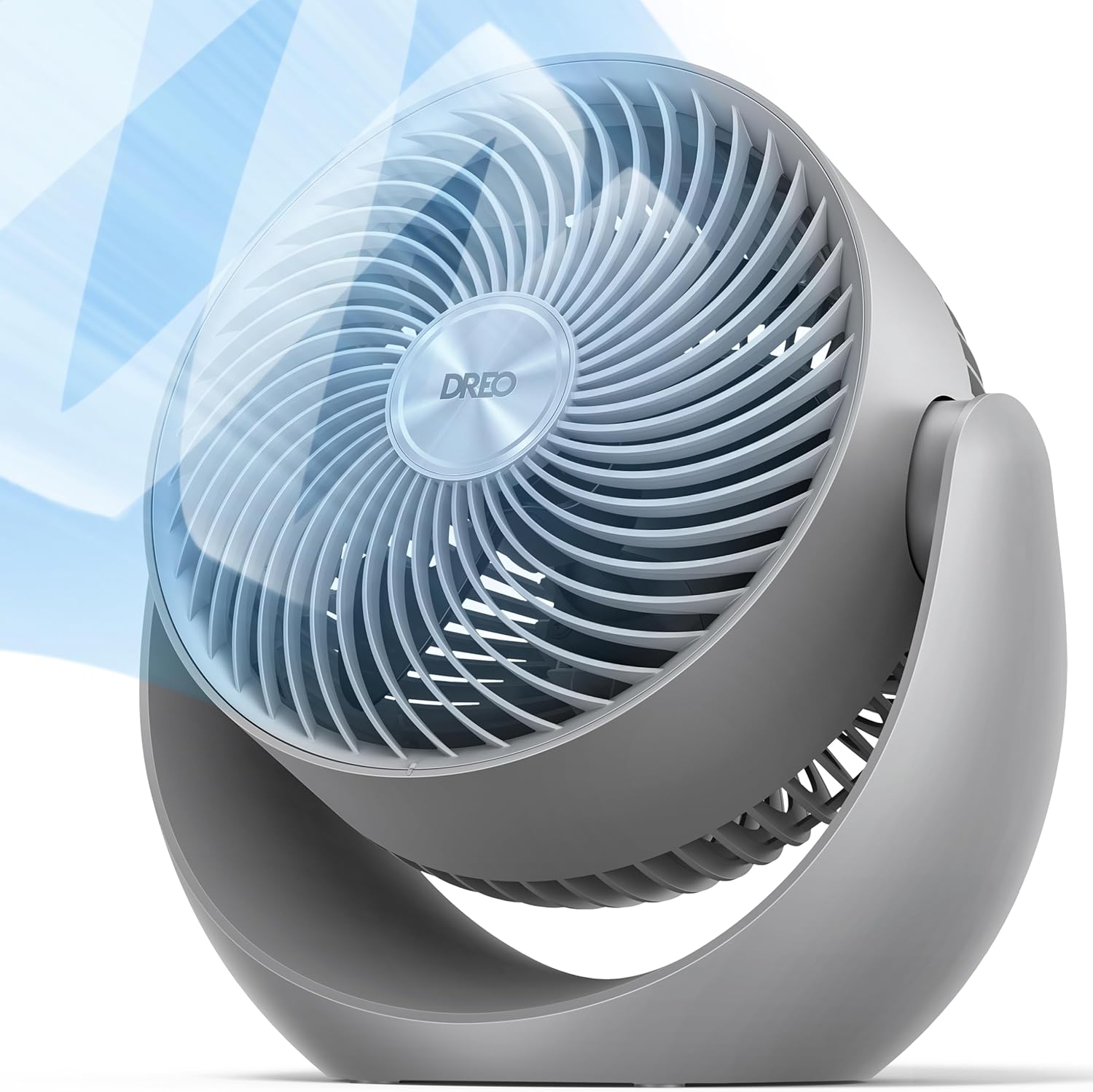
Image: The Dreo Table Air Circulator Fan (Model DR-HAF007) shown alongside its user manual, illustrating the complete package contents.
3. Knowing Your Air Circulator Fan
Familiarize yourself with the main components of your Dreo Air Circulator Fan:
- Air Outlet: Front grille where air is expelled.
- Base: Stable support for the fan.
- Carry Handle: Integrated handle on the back for easy portability.
- Air Inlet: Rear section where air is drawn in.
- Control Knob: Located at the back for power and speed adjustments.
- Power & Plug: Standard power cord for electrical connection.

Image: Rear view of the Dreo fan, highlighting the control knob, carry handle, and air inlet for user reference.
4. Setup and Placement
For optimal performance and safety, place your air circulator fan on a flat, dry, and stable surface.
Wall Mounting (Optional)
The fan can be optionally mounted on a wall. Use the provided mounting card as a guide for perfectly spaced holes. Ensure the mounting surface is suitable and secure.

Image: The Dreo fan shown mounted on a wall, demonstrating its versatile placement options.
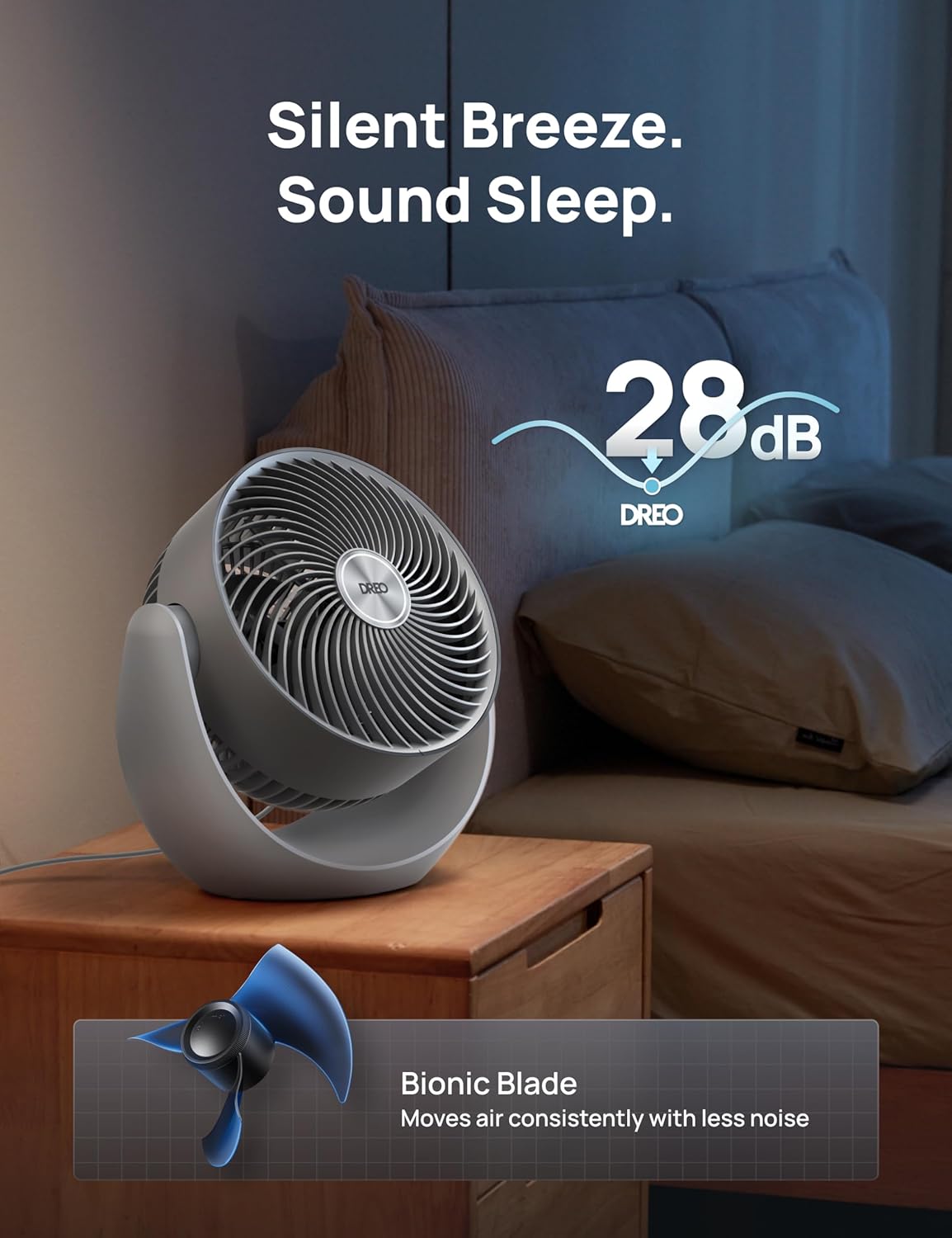
Image: The Dreo fan positioned on a desk, illustrating a common placement for personal cooling and air circulation.
5. Operating Instructions
Power On/Off and Speed Settings
To power on the fan and adjust its speed, simply twist the control knob located at the back. The fan offers 3 distinct speed settings, allowing you to tailor the airflow to your preference, from a gentle breeze to a powerful gust.
Vertical Tilt Adjustment
The fan features a manual tilt range from -30° (downward) to 90° (upward), providing 120° of vertical adjustability. This allows you to direct airflow precisely where needed, whether for personal cooling or whole-room circulation.

Image: Side view of the Dreo fan demonstrating its adjustable vertical tilt feature.
Air Circulation and Noise Level
Utilizing advanced airflow dynamics and TurboSilent Technology, the Dreo fan provides 800 CFM powerful airflow, capable of achieving full-room circulation in approximately 3 minutes. Despite its power, the fan operates at a whisper-quiet 28dB on its lowest setting, ensuring minimal disturbance.

Image: The Dreo fan effectively circulating air throughout a room, demonstrating its whole-room coverage.

Image: The Dreo fan placed in a bedroom, emphasizing its quiet operation for undisturbed rest.
Usage Scenarios
The Dreo Air Circulator Fan is versatile and can be used in various settings:
- With Air Conditioner: Position the fan in front of your AC to provide better cooling and circulate conditioned air more effectively.
- With Heater: Send warm air around the room during winter by directing the fan towards the ceiling.
- Spring & Fall: Circulate fresh air throughout your home.
- Drying: Accelerate the drying of laundry or damp areas.
Video: Official Dreo product video demonstrating the TurboPoly Table Fan 307's features and performance in various home settings.
Video: A short official video showcasing the Dreo table fan's compact design and effective airflow.
6. Maintenance
Regular cleaning ensures optimal performance and longevity of your fan.
Cleaning the Front Grille and Blades
The front grille of the fan is detachable for easy cleaning. Turn off and unplug the appliance before any cleaning or maintenance. Remove the grille and blades, rinse them with water, and ensure all parts are completely dry before reassembling.

Image: The detachable front grille of the Dreo fan being removed for cleaning, illustrating ease of maintenance.
7. Troubleshooting
| Problem | Possible Cause | Solution |
|---|---|---|
| My air circulator won't turn on! | Cord is not connected to a powered outlet, or voltage mismatch. | Make sure that the cord is connected to a powered outlet and the mains voltage corresponds with the voltage indicated on the air circulator. |
| My air circulator is shaky and wobbling! | Uneven surface. | Place the air circulator on a flat, level surface. |
| My air circulator is making vibration and noise! | Obstruction in air inlet/outlet, or normal noise during adjustment. | 1. Be sure not to insert anything into the air inlet and outlet. 2. It is normal that the fan makes a little noise when manually adjusting the fan head. |
If your problem is not listed or still persists, please contact our Customer Support. You can also download or print the most current version of these instructions at support.dreo.com/en/support/product.
8. Specifications
| Feature | Detail |
|---|---|
| Brand | Dreo |
| Model Name | DR-HAF007 Grey |
| Color | Grey |
| Electric Fan Design | Table Fan |
| Power Source | AC |
| Product Dimensions | 10.94"D x 7.17"W x 11.1"H |
| Room Type | Kitchen, Bedroom, Living Room, Home Office, Indoor, Study Room |
| Special Feature | Adjustable Tilt |
| Recommended Uses | Ventilating, Air Circulation, Drying |
| Noise Level | 28 dB |
| Number of Blades | 3 |
| Air Flow Capacity | 800 Cubic Feet Per Minute |
| Blade Length | 7 Inches |
| Included Components | User Manual x 1, Air Circulator Fan DR-HAF007 x 1 |
| Indoor/Outdoor Usage | Indoor |
| Blade Material | Plastic |
| Is Cordless? | No |
| Number of Power Levels | 1 (with 3 speeds) |
| Item Weight | 4.69 pounds |
| Country of Origin | China |
| Assembly Required | No |
| Batteries Required | No |
9. Warranty and Support
Default 12-Month Warranty
Your appliance is covered by DREO warranty for 12 months from the date of its original purchase.
Extend Your Warranty
Extend your warranty by registering your new appliance on our website: https://dreo.com/en/support/product
The warranty will not apply in cases of:
- Accident, misuse, or repairs performed by unauthorized personnel.
- Any unit that has been tampered with or used for commercial purposes.
- Normal wear and tear of wearable parts.
- Use of the appliance caused by external influences.
- Damage caused by non-observance of the User Manual, e.g. connection to an unsuitable mains supply or noncompliance with the instructions.
- Partially or completely dismantled appliances.
- Defects caused by or resulting from damages from shipping or from repairs, service, or alteration to the product or any of its parts that have been performed by a repair person not authorized by DREO.
DREO Support Center
- Phone: (888) 290-1688 (Mon-Fri, 9:00 am - 5:00 pm PST/PDT)
- Email: support@dreo.com
- Website: www.dreo.com