1. Introduction
This manual provides essential instructions for the safe and efficient operation of your Bitmini Lucky Miner LV08. The LV08 is a compact, low-noise cryptocurrency mining device designed for home use, supporting the SHA-256 algorithm for various cryptocurrencies including Bitcoin (BTC), Bitcoin Cash (BCH), Bitcoin SV (BSV), and DigiByte (DGB).
2. Safety Information
- Ensure the device is placed on a stable, flat surface with adequate ventilation to prevent overheating.
- Use only the provided power supply or a compatible power supply that meets the specified voltage and current requirements (100-240V AC).
- Do not expose the device to moisture, extreme temperatures, or direct sunlight.
- Avoid blocking ventilation openings.
- Do not attempt to open or repair the device yourself. Refer to qualified service personnel for any maintenance or repair needs.
- Keep the device away from flammable materials.
3. Package Contents
Verify that all items are present in the package:
- Bitmini Lucky Miner LV08 Unit
- Power Supply
4. Product Overview
The Bitmini Lucky Miner LV08 is equipped with an advanced BM1366 ASIC mining chip, offering a hash rate between 3600 GH/s and 4200 GH/s. It is designed for high efficiency and stable operation, utilizing a 5nm ASIC chip technology.

Figure 4.1: The Bitmini Lucky Miner LV08 unit, power cable, and power supply, presented alongside its branded packaging.
Key Features:
- Advanced ASIC Chip: Features the BM1366 ASIC mining chip, similar to those used in Antminer S19 series.
- Multi-Cryptocurrency Support: Supports SHA-256 algorithm for mining BTC, BCH, BSV, DGB, and other compatible cryptocurrencies.
- High Hash Rate: Capable of up to 4 TH/s (4000 GH/s) for solo mining.
- Low Noise Operation: Designed for quiet home use.
- Easy Connectivity: Supports Wi-Fi and USB connectivity.
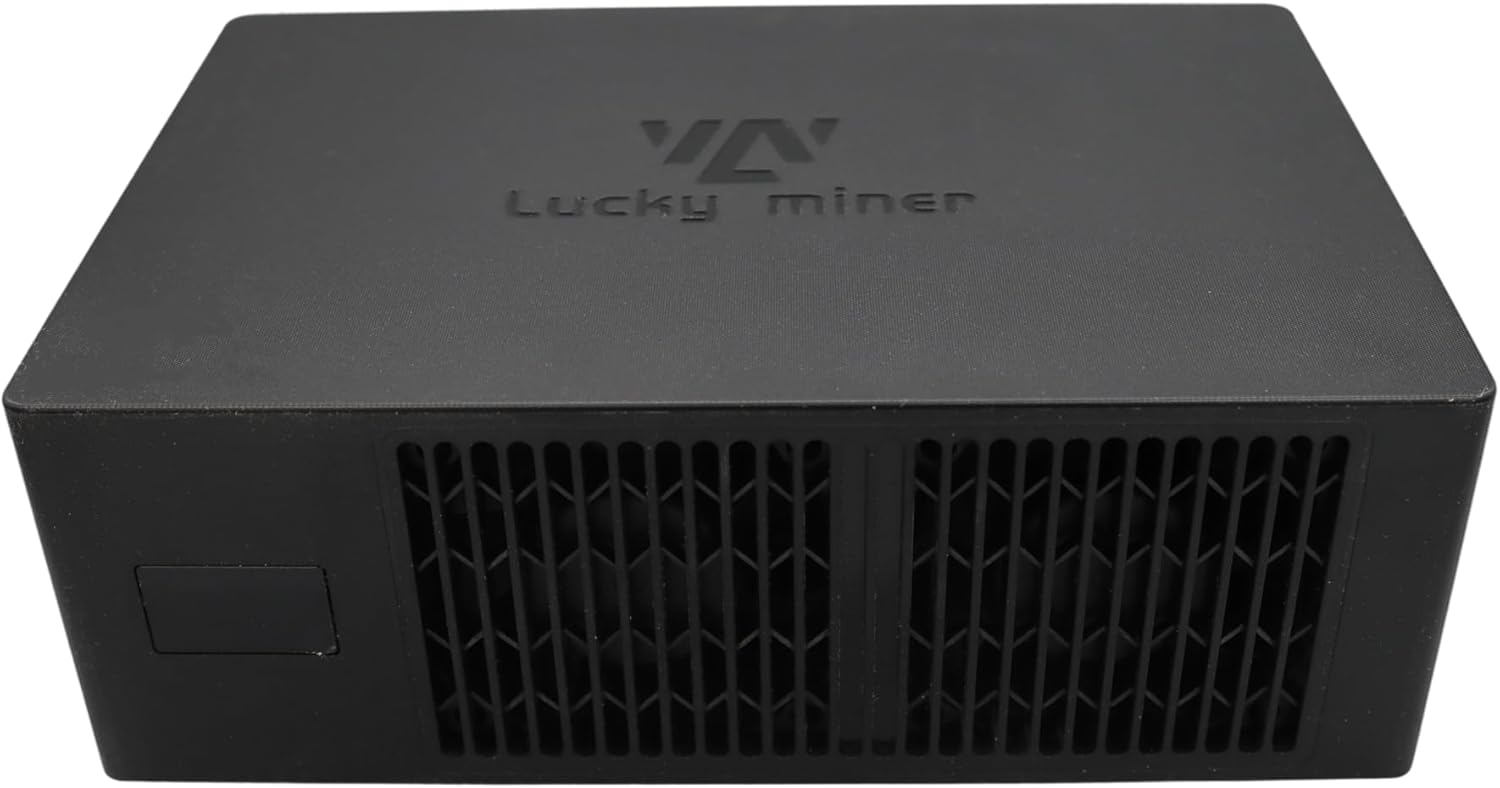
Figure 4.2: Top view of the Bitmini Lucky Miner LV08, highlighting the branding.
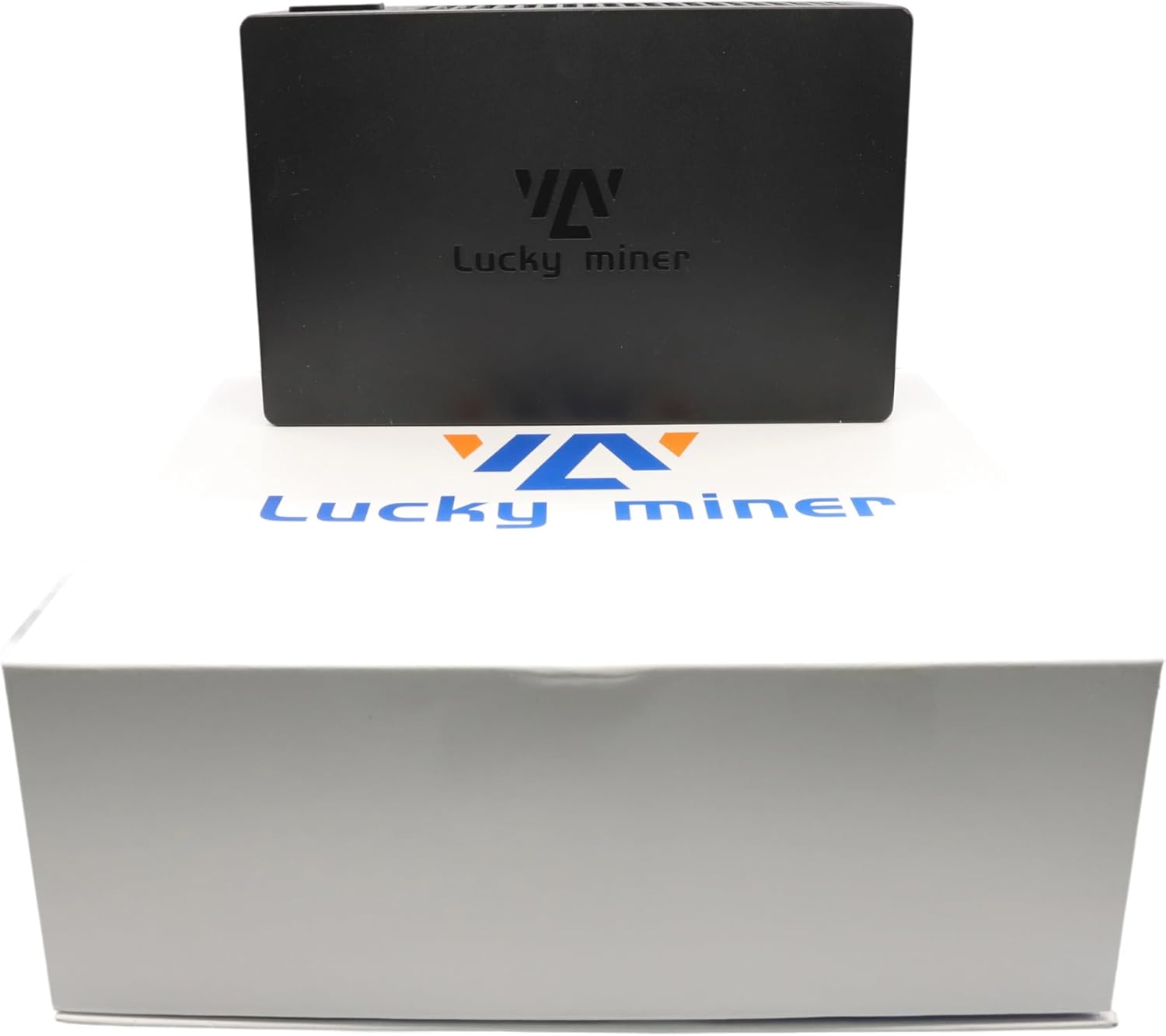
Figure 4.3: The Bitmini Lucky Miner LV08 unit displayed with its packaging.

Figure 4.4: Bottom view of the Bitmini Lucky Miner LV08, illustrating its ventilation design and compliance labels.
5. Setup Instructions
- Placement: Choose a location with good airflow and a stable surface. Ensure sufficient space around the device for heat dissipation.
- Power Connection: Connect the provided power supply to the LV08 unit and then plug the power supply into a standard AC outlet (100-240V).
- Network Connection: The LV08 supports Wi-Fi connectivity. Upon initial power-up, the device will typically broadcast a Wi-Fi hotspot or attempt to connect to a pre-configured network. Refer to the device's display or accompanying software for Wi-Fi setup instructions. Alternatively, a USB port is available for potential wired network adapters or configuration.
- Initial Boot: Once powered on, the device will initiate its boot sequence. Allow a few minutes for the system to start up.
6. Operating Instructions
The Bitmini Lucky Miner LV08 is designed for continuous operation. Once configured, it will automatically begin mining.
- Configuration: Access the miner's web interface or dedicated application (if provided) via your network to configure mining pools, wallet addresses, and other settings. Detailed instructions for accessing the interface are typically provided on the device's display or in supplementary documentation.
- Monitoring: Regularly monitor the miner's performance, temperature, and hash rate through its web interface or monitoring software.
- Supported Cryptocurrencies: The LV08 mines cryptocurrencies that use the SHA-256 algorithm, including but not limited to BTC, BCH, BSV, and DGB. Ensure your mining pool and wallet are set up for the desired cryptocurrency.
7. Maintenance
- Cleaning: Periodically clean the exterior of the device with a soft, dry cloth. Use compressed air to gently clear dust from ventilation openings, ensuring the device is powered off before cleaning.
- Ventilation: Ensure that the area around the miner remains clear of obstructions to maintain optimal airflow and prevent overheating.
- Firmware Updates: Check the manufacturer's website periodically for firmware updates. Applying updates can improve performance, stability, and security. Follow the provided instructions carefully when updating firmware.
8. Troubleshooting
- Device Not Powering On:
- Verify that the power cable is securely connected to both the miner and the power outlet.
- Ensure the power outlet is functional.
- No Network Connection:
- Check Wi-Fi settings and ensure the device is within range of your wireless router.
- Restart your router and the miner.
- Low Hash Rate or Instability:
- Ensure adequate ventilation to prevent thermal throttling.
- Verify that your mining pool settings are correct and the pool is operational.
- Consider if the environment is too hot.
- Excessive Noise:
- While the LV08 is designed for low noise, ensure it is not placed on a resonant surface.
- High fan speeds can indicate overheating; check ventilation.
- Note: Overclocking the device can significantly increase noise levels and heat output. Exercise caution if attempting to modify operational parameters.
9. Specifications
| Feature | Detail |
|---|---|
| Model Name | LV08 |
| Brand | Bitmini |
| Processor Brand | Bitmain (BM1366 ASIC chip) |
| Hash Rate | 3600 GH/s - 4200 GH/s (4 TH/s) |
| Algorithm | SHA-256 |
| Supported Cryptocurrencies | BTC, BCH, BSV, DGB, and others using SHA-256 |
| Power Input | 100-240V AC |
| Connectivity | Wi-Fi, USB |
| Item Weight | 4.4 pounds (approx. 2 kg) |
| Product Dimensions (LxWxH) | 7.87 x 4.72 x 7.87 inches (approx. 20 x 12 x 20 cm) |
| Included Components | Power Supply |
10. Warranty and Support
Specific warranty details for the Bitmini Lucky Miner LV08 are not provided within the product information. For warranty claims or technical support, please contact the retailer or manufacturer directly. Third-party protection plans may be available for purchase separately, offering extended coverage.
For further assistance, refer to the official Bitmini website or contact their customer service.